

v1.0.3
flutter_flip_view
A new Flutter plugin.
28Likes 4230-day downloads30Pub points
Platforms unavailable
WosLovesLife/flutter_flip_view open-source repository details.

English project snapshot. Visit GitHub for the latest content.
This is a flutter Widget base on pure Dart code that provides 3D flip card visuals.
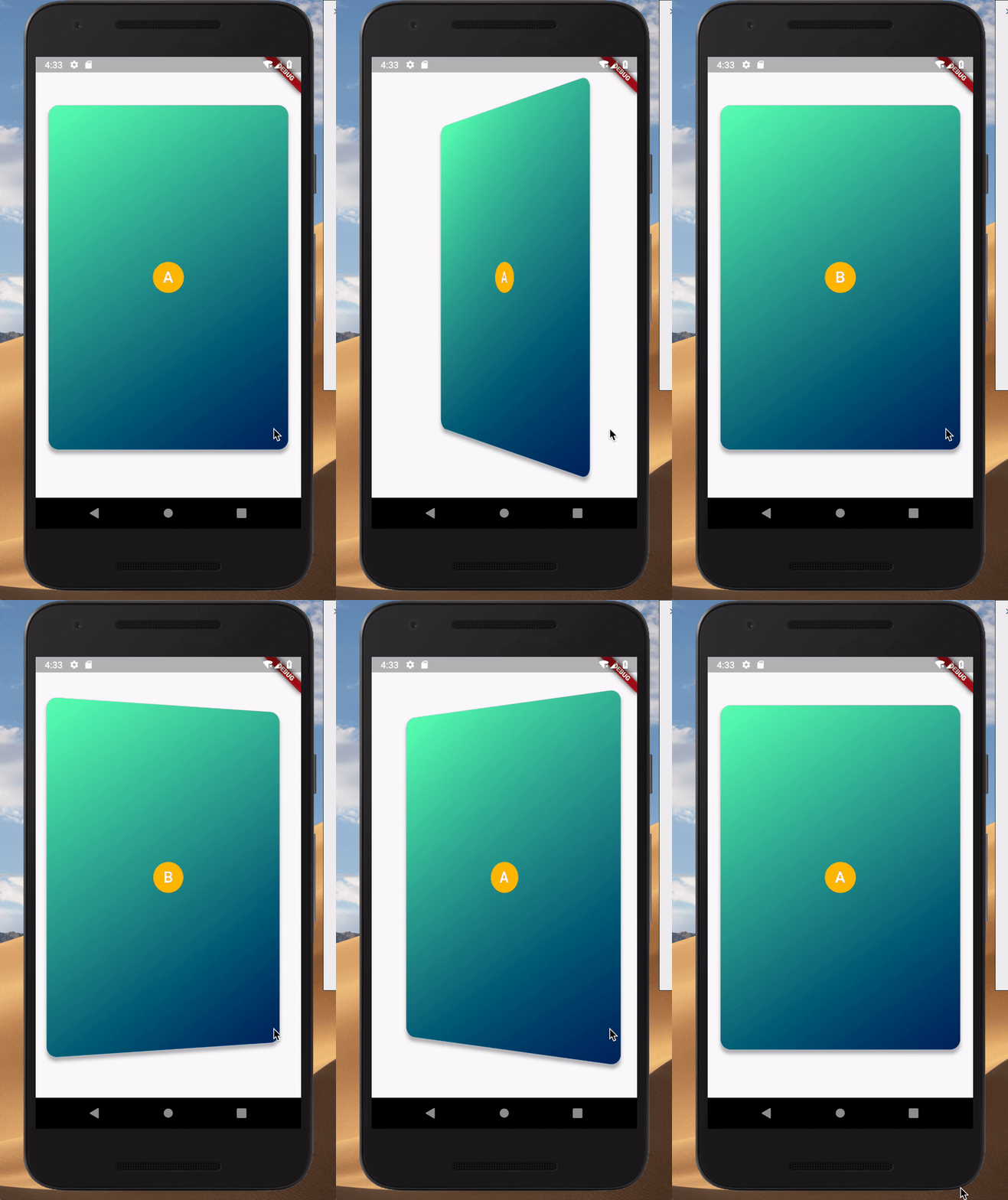
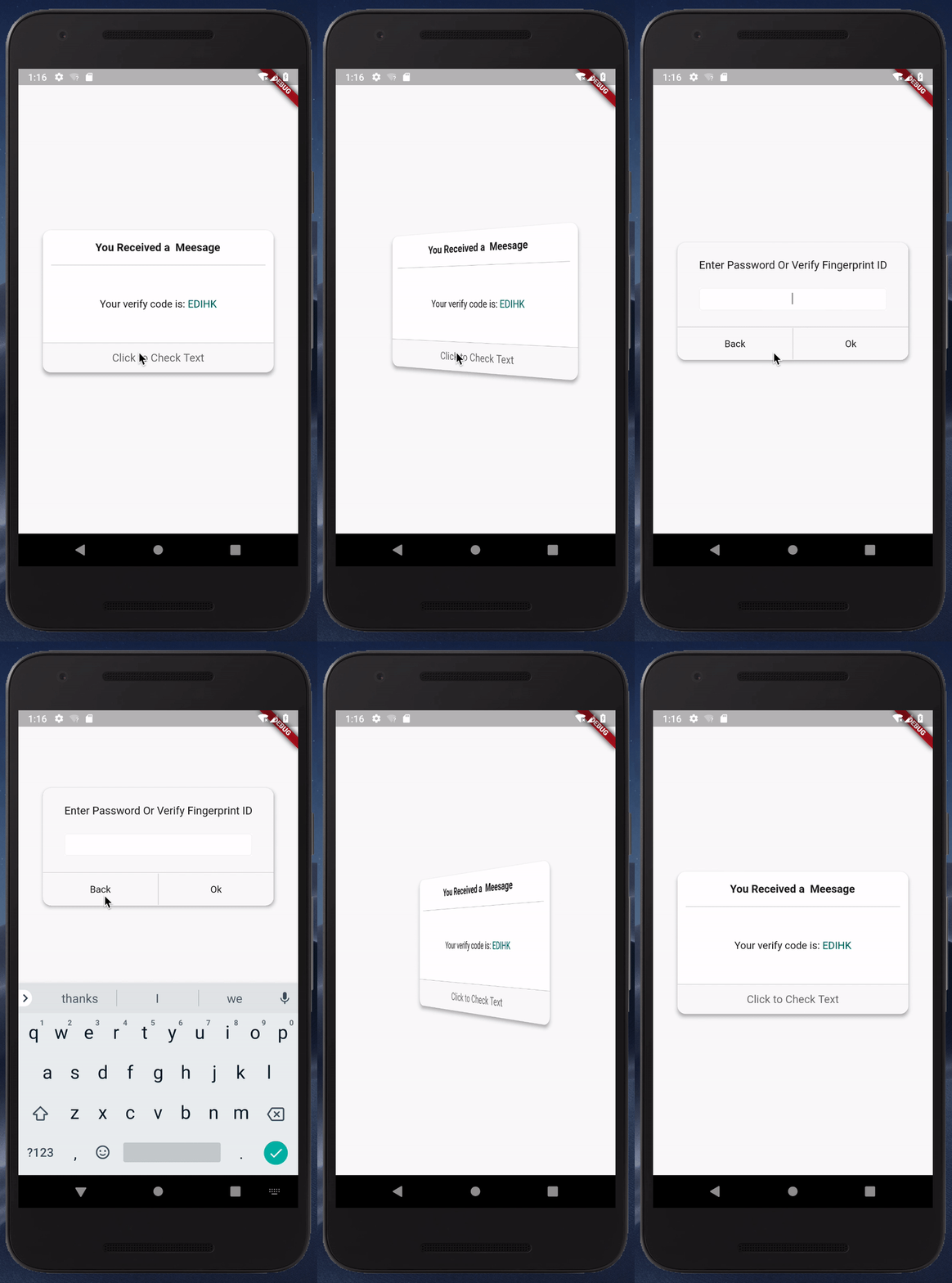
add package in your pubspec.yaml
dependencies:
   flutter_flip_view: ^latest_version
This is a simple usage
import 'package:flutter_flip_view/flutter_flip_view.dart';

FlipView(
  animationController: _curvedAnimation,
  front: Container(
    width: 300,
    height: 500,
    color: Colors.amber,
    alignment: Alignment.center,
    child: Text('Front'),
  ),
  back: Container(
    width: 300,
    height: 500,
    color: Colors.blueGrey,
    alignment: Alignment.center,
    child: Text('Back'),
  ),
)
You can get more usage case in main.dart and custom_layout_example.dart
If the widgets you are using within the flip_view are wrapped in a Card widget or a Material widget, you should set the Card (or Material) property clipBehavior to Clip.hardEdge or something other than Clip.none.
This project is a starting point for a Flutter plug-in package, a specialized package that includes platform-specific implementation code for Android and/or iOS.
For help getting started with Flutter, view our online documentation, which offers tutorials, samples, guidance on mobile development, and a full API reference.
Dependency list 1 items
{"sdk":"flutter"}Start with your use case, compare repository activity, and check the original project before adopting it.
“A repository is the most basic element of GitHub.”
GitHub Docs — About repositories ↗