Search packages, repositories and app categories

GitHub repositoryZEGOCLOUD/zego_uikit_prebuilt_live_streaming_flutter

zego_uikit_prebuilt_live_streaming_flutter

ZEGOCLOUD/zego_uikit_prebuilt_live_streaming_flutter open-source repository details.

zego_uikit_prebuilt_live_streaming_flutter project cover
Stars
8
Forks
11
Last push (UTC)
May 9, 2026
Project status
Active

Original README

English project snapshot. Visit GitHub for the latest content.

If you find this package helpful, please help by giving it a 👍 on pub.dev! ↗️

Your support and encouragement motivate us to continue improving and maintaining this package.

Thank you for recognizing our work! 👏👏


Live Streaming Kit

Live Streaming Kit is a feature-rich livestream component, which enables you to build custom live streaming into your apps with only a few lines of code.

And you can also customize various live streaming features by configuring parameters.

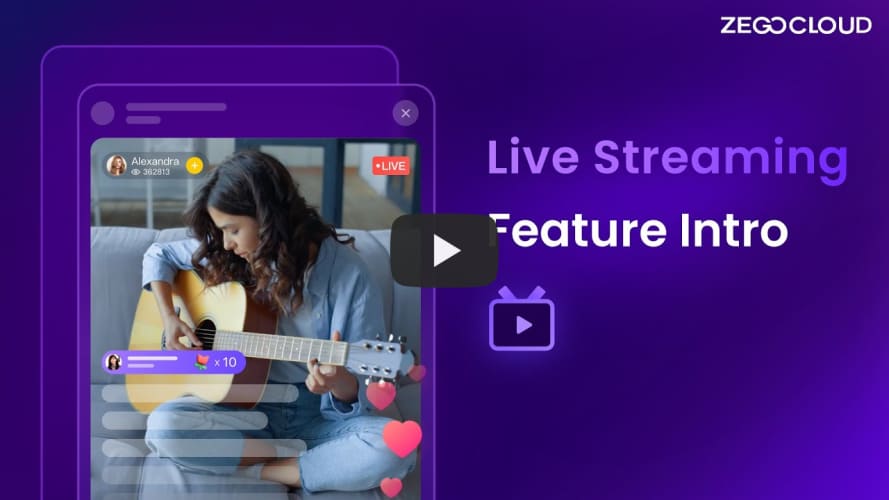
ZEGOCLOUD Live Streaming Feature Intro

Demo

Demo Sample Code

When do you need the Live Streaming Kit

  • Build apps faster and easier
    • When you want to prototype live streaming ASAP
    • Consider speed or efficiency as the first priority
  • Customize UI as needed
    • When you want to customize the UI based on your actual business needs
    • Don't want to waste time developing basic features

Features

  • Ready-to-use live streaming
  • Co-hosting (make co-host & apply co-host)
  • PK
  • Voice changing & Reverb
  • Basic face beautification
  • Screen sharing
  • Customizable UI style
  • Real-time interactive text chat
  • Real-time audience capacity display
  • Device management
  • Extendable menu bar

Documentation

Migration Guides

More

Please visit our official website for more details.

Previews

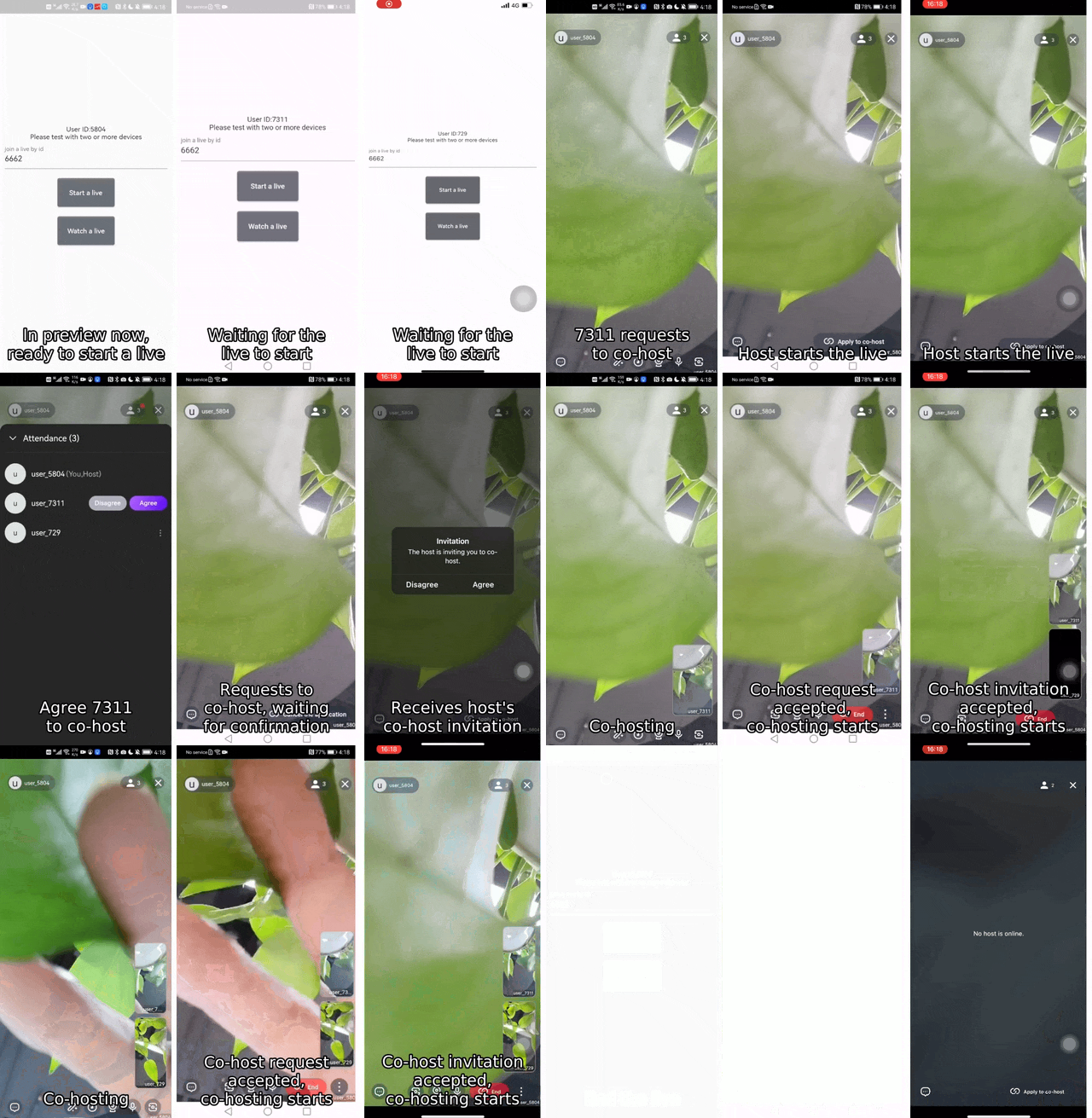
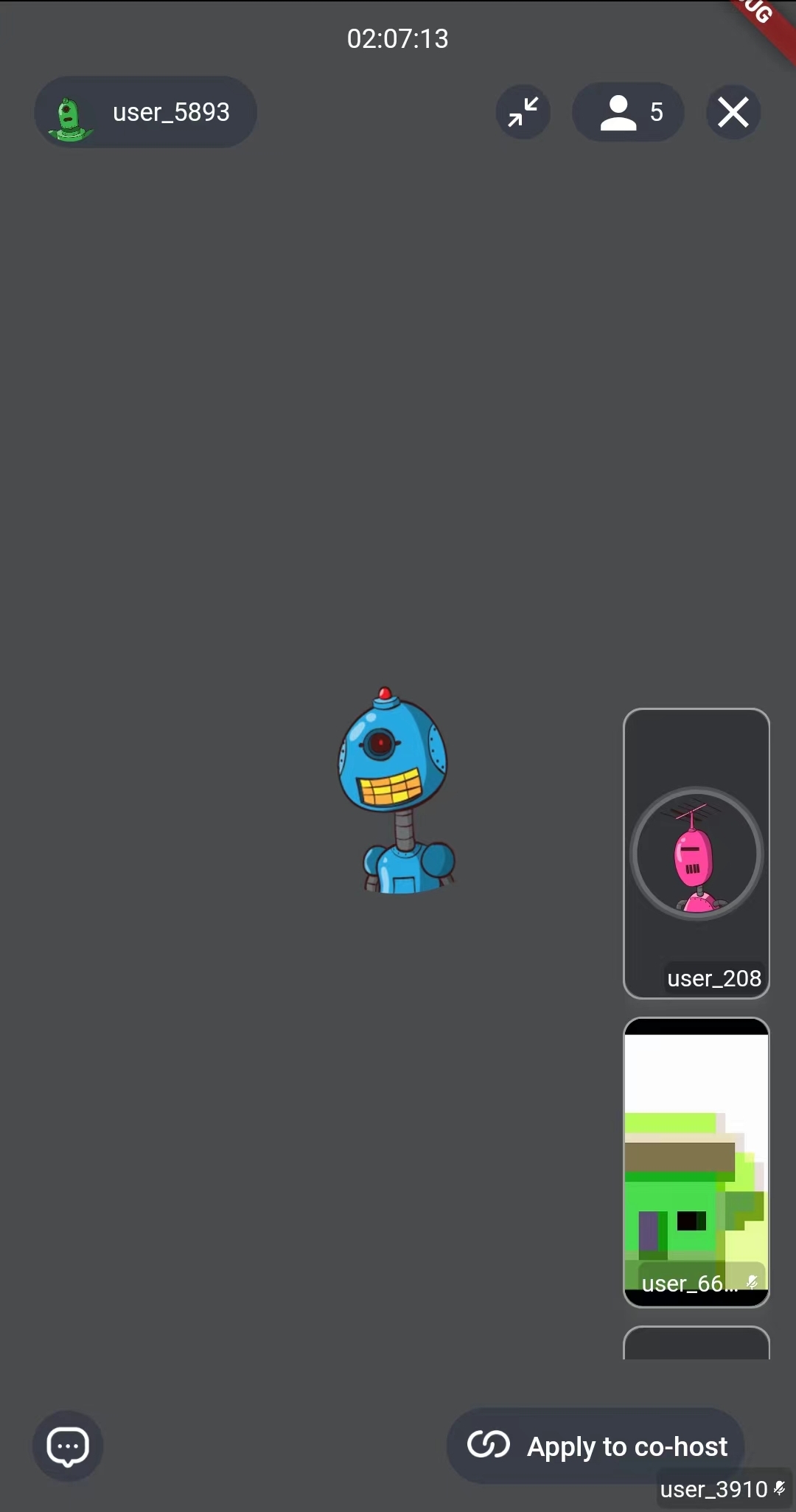
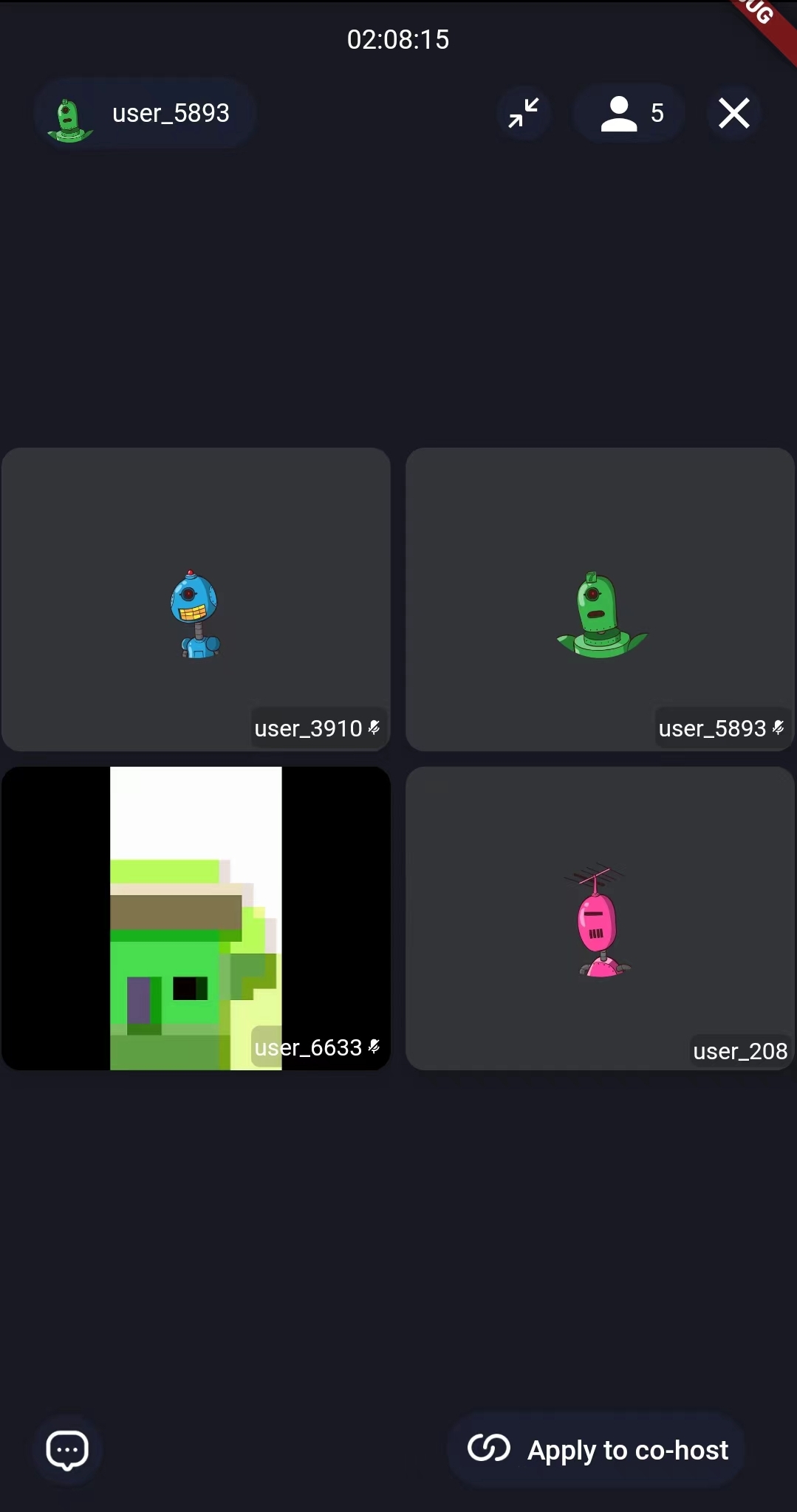
  • cohost

    cohosting
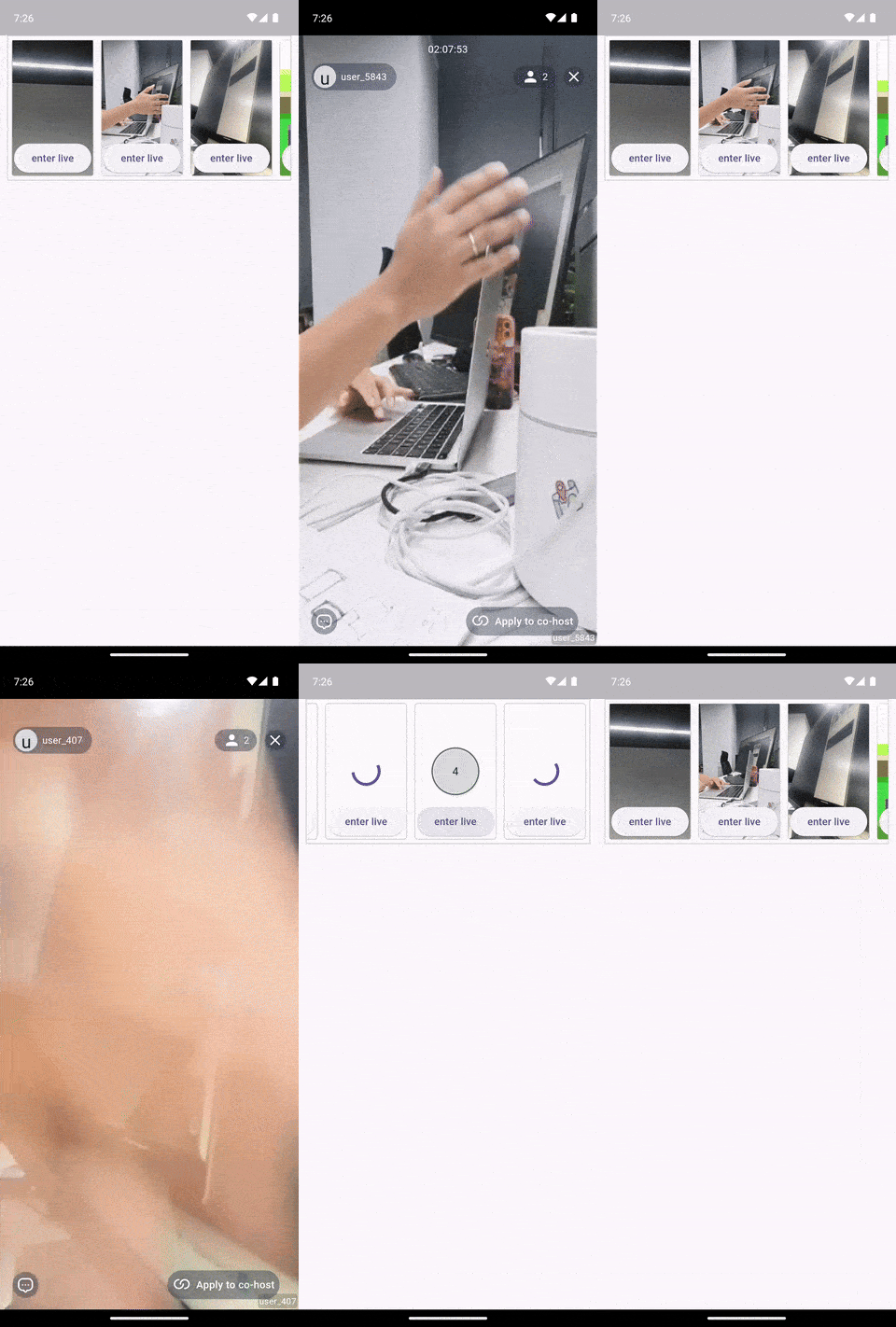
  • Live list

    Live list
  • virtual gifts

    Send virtual gifts
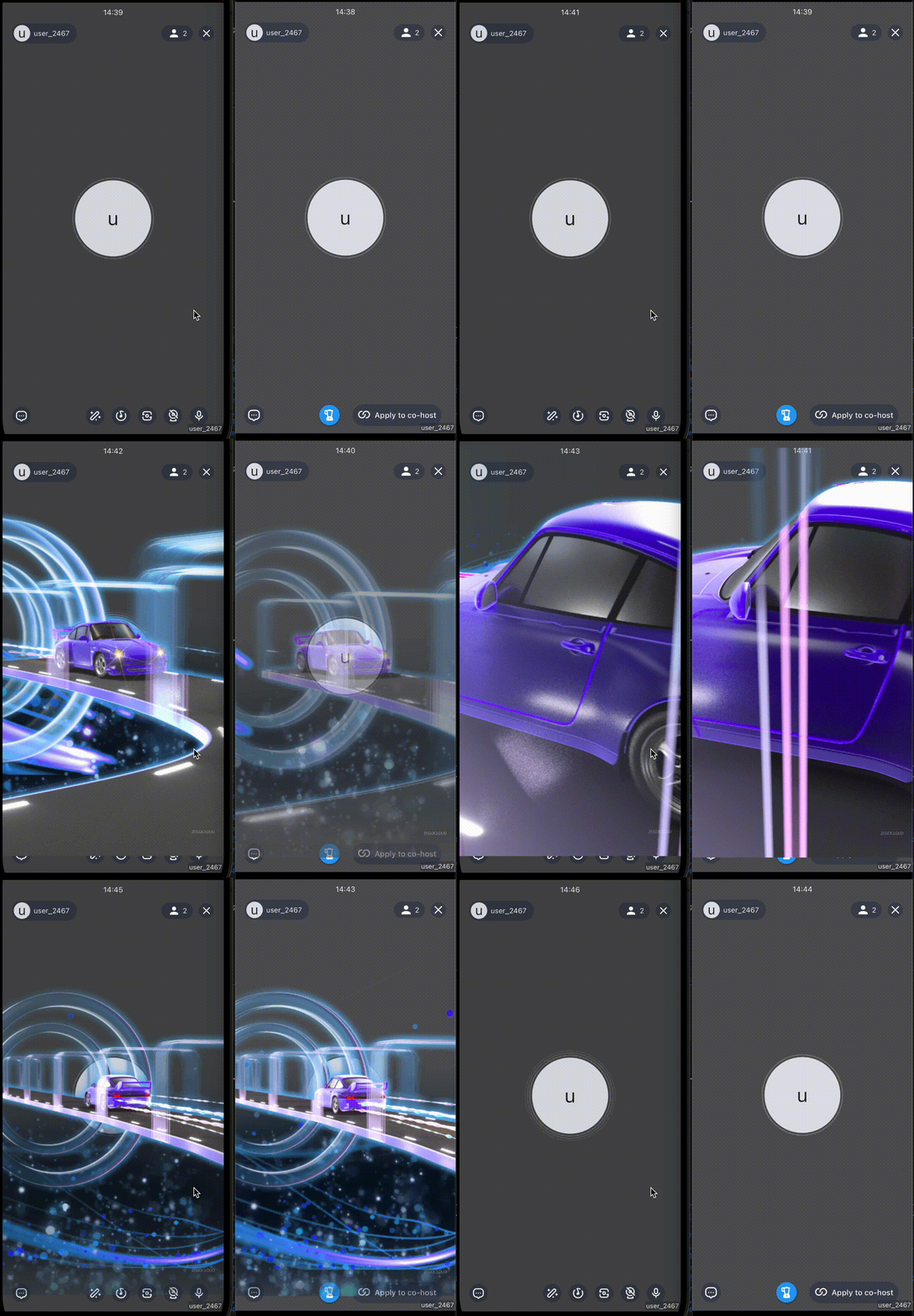
  • Minigame

    Integrate Minigame
  • Screen sharing

    Screen shared by mobile apps Screen shared by mobile apps Screen shared by web apps Screen shared by web apps
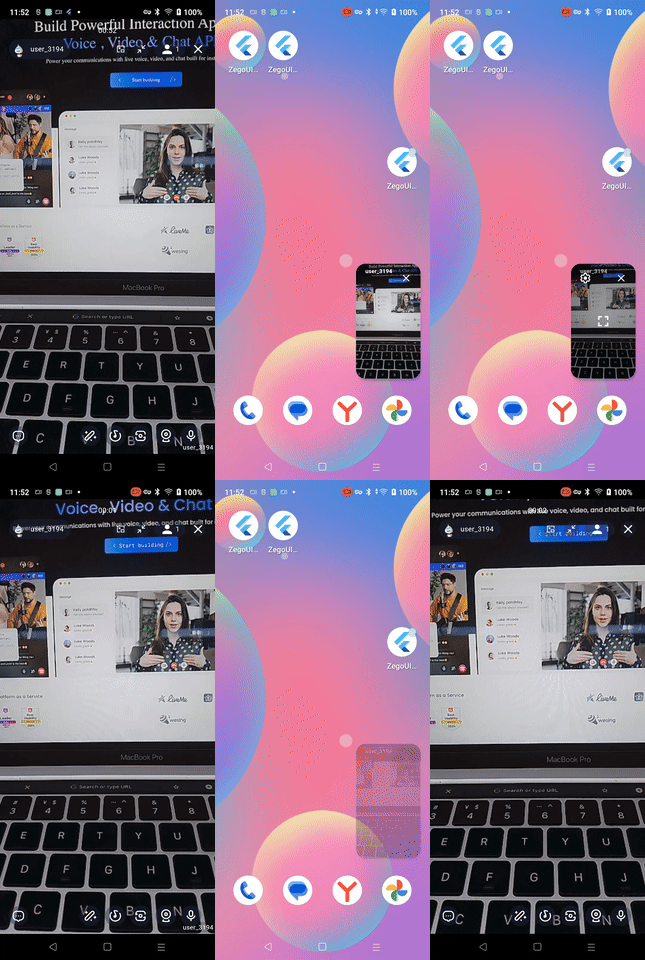
  • overlay(minimized)

    • live

      overlay
    • PK

      overlay
  • PIP

    pip
  • Custom Layout

    pip pip pip pip pip
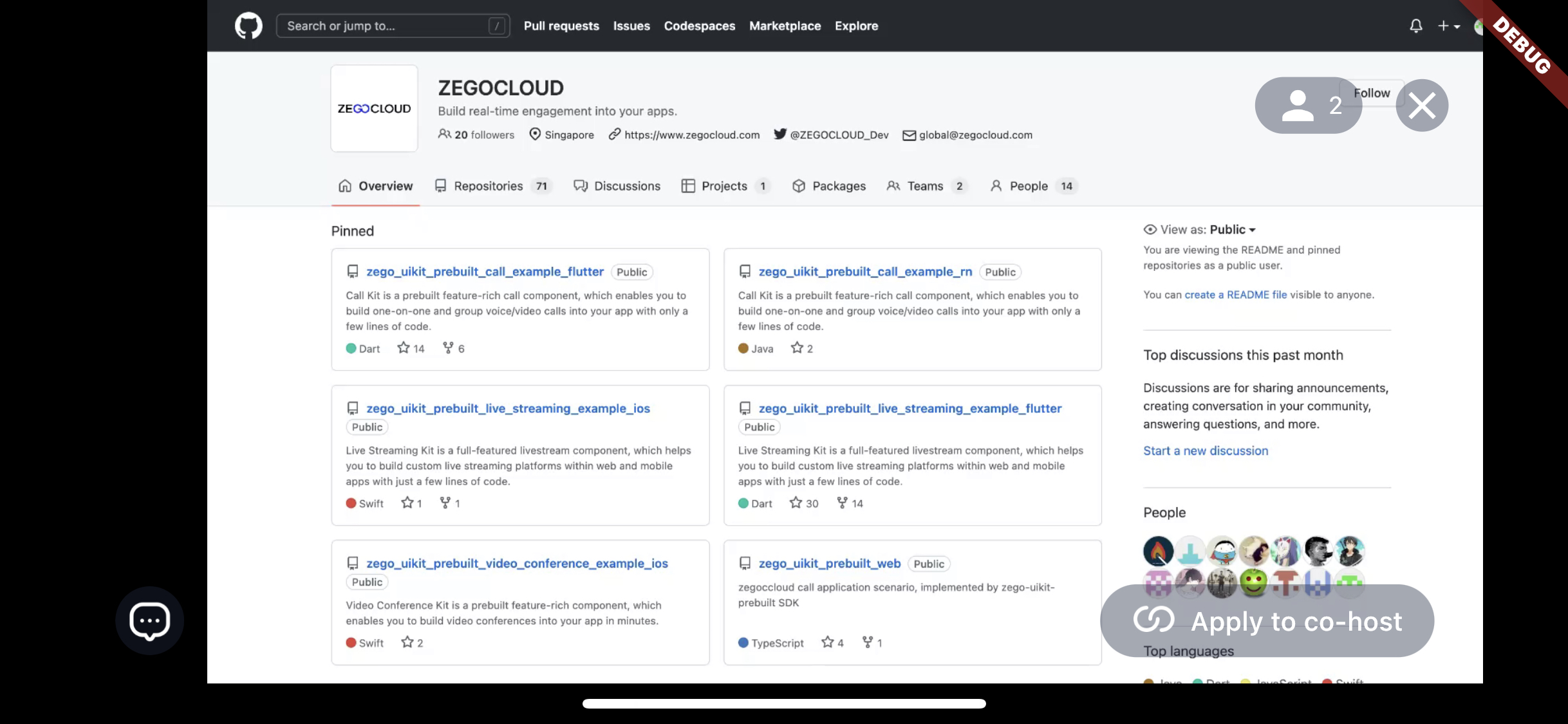
ZEGOCLOUD GitHub avatar
GitHub author

ZEGOCLOUD ↗

Virtual Interaction Made Real.

LanguagesDartHTMLRubyJavaObjective-CSwiftKotlin

Packages published by this repository

Dependencies used

Dependency list 12 items

How do I choose a repository?

Start with your use case, compare repository activity, and check the original project before adopting it.

  1. Search by repository name, owner or description, then narrow the results by topic.
  2. Compare stars, forks and recent pushes. Stars show community interest, not a guarantee of quality.
  3. Read the README, license and issues on GitHub before using a project.

Sources and maintenance

“A repository is the most basic element of GitHub.”

GitHub Docs — About repositories ↗