
 v0.3.0
activity_ring
Flutter Library to create Progress bars in Apple Watch style rings.
31Likes 1.8K30-day downloads140Pub points
AndroidiOSWebmacOSWindowsLinux
Library to create Progress bars in Apple Watch style rings.
English project snapshot. Visit GitHub for the latest content.

Library to create Progress bars in Apple Watch style rings - Apple Watch Rings
To use, import package:activity_ring/activity_ring.dart.
This library is built with to be extremely customizable with low effort. Please check the API documentation if you get stuck anywhere.
Note: Do not let the auto brighten colors to exceed 3 rings as this will cause a runtime exception.
There are several ways to create rings.
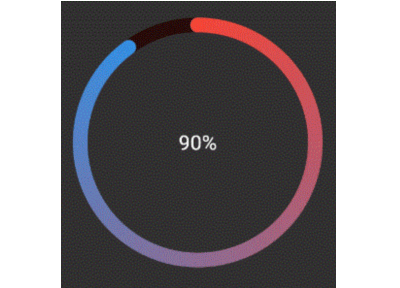
Ring(
  percent: 90,
  color: RingColorScheme(ringColor: Colors.red),
  radius: 80,
  width: 10,
  child: Center(child: Text('90%')),
)
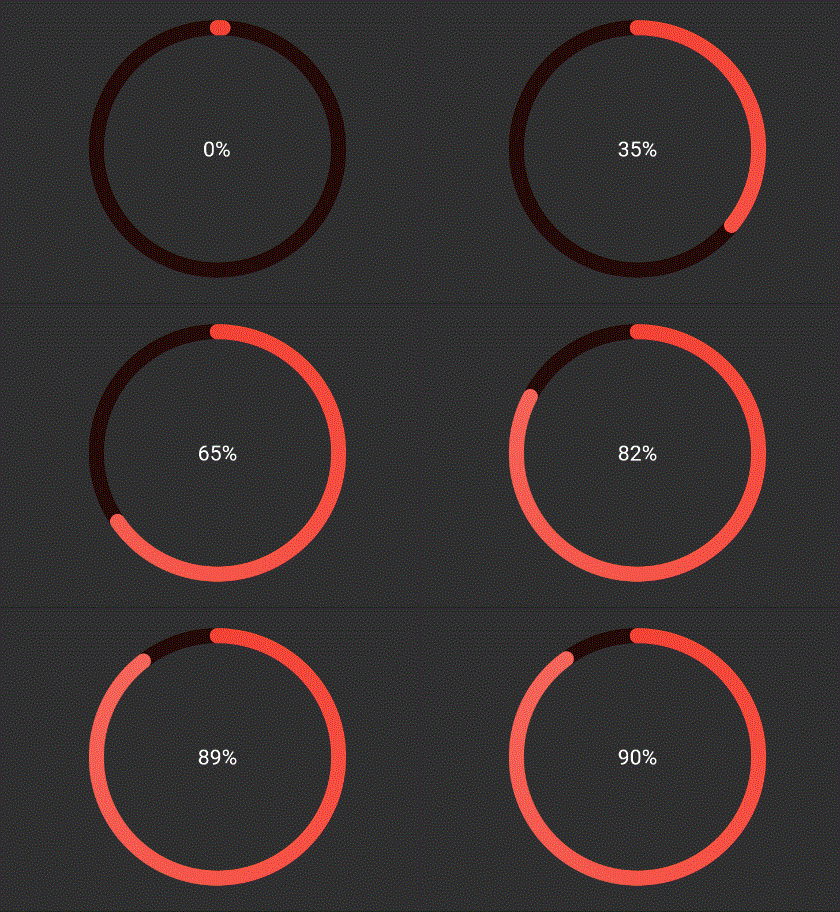
The above ring is automatically painted with gradients. To have a
constant color just pass gradient: false to RingColorScheme.
Ring(
  percent: 90,
  color: RingColorScheme(ringGradient: [Colors.red, Colors.blue]),
  radius: 80,
  width: 10,
  child: Center(child: Text('90%')),
),
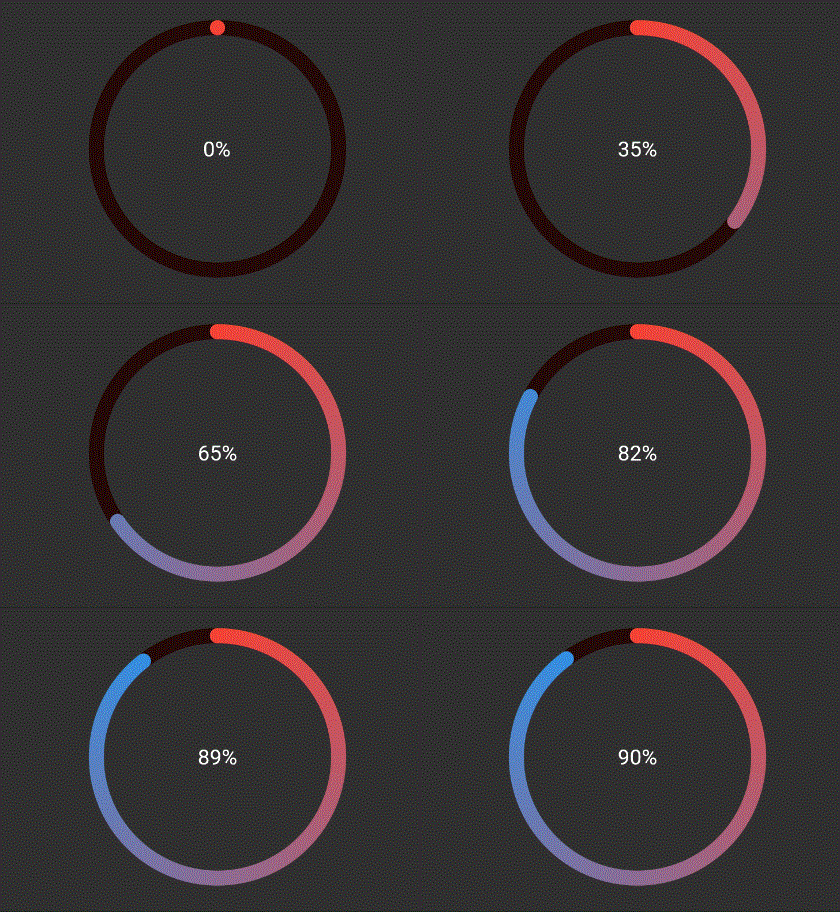
The above ring is automatically painted with gradient from colors given.
Ring(
  percent: 190,
  color: RingColorScheme(ringColors: [Colors.red, Colors.blue]),
  radius: 80,
  width: 10,
  child: Center(child: Text('190%')),
),
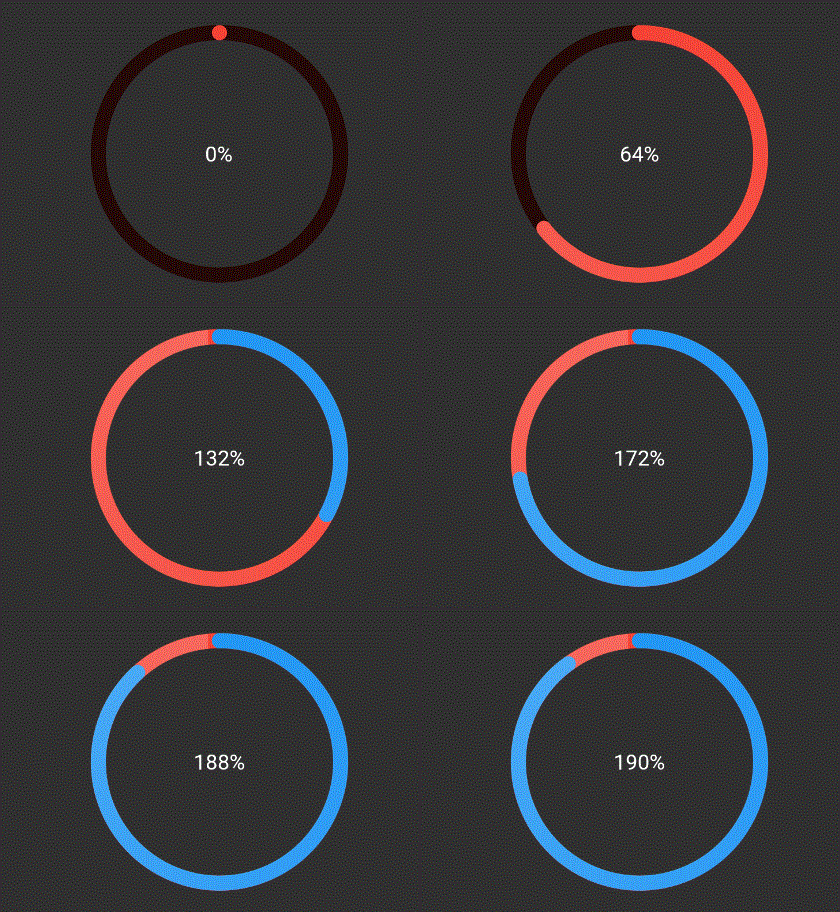
The above ring is automatically painted with gradient from colors given,
where each color in list represents that ring's color. To have a
constant color just pass gradient: false to RingColorScheme.
Ring(
  percent: 190,
  color: RingColorScheme(ringGradients: [[Colors.red, Colors.yellow], [Colors.yellow, Colors.green]]),
  radius: 80,
  width: 10,
  child: Center(child: Text('190%')),
),
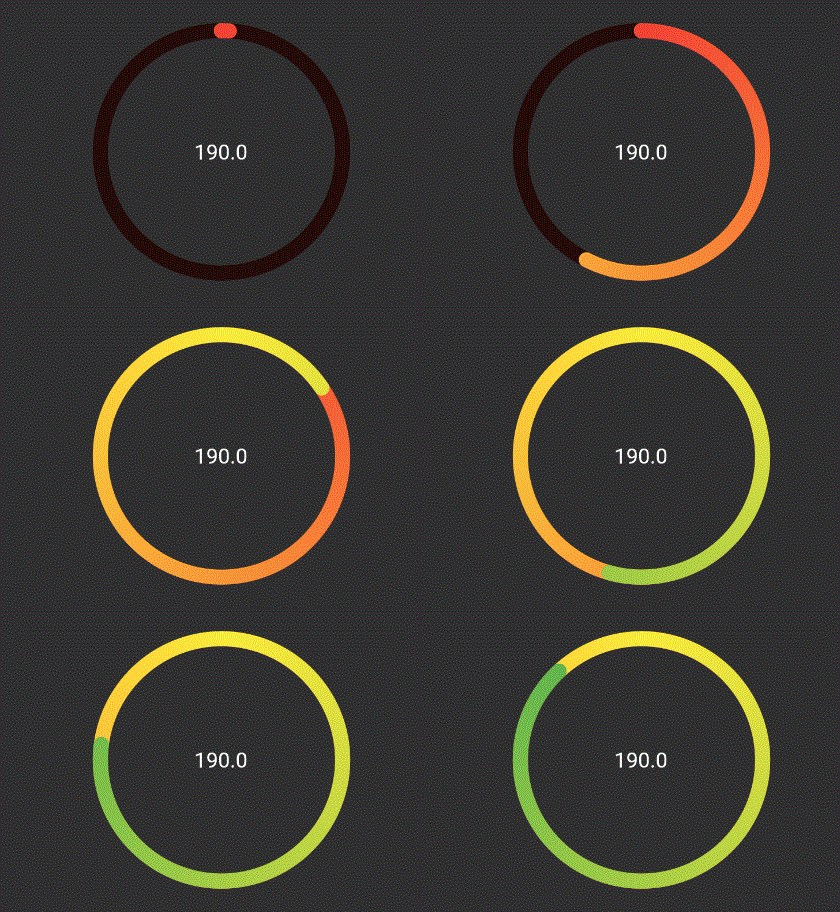
The above ring is automatically painted with gradient from colors given,
where each color in list represents that ring's color. To have a
constant color just pass gradient: false to RingColorScheme.

Dependency list 2 items
{"sdk":"flutter"}{"sdk":"flutter"}Start with your use case, compare repository activity, and check the original project before adopting it.
“A repository is the most basic element of GitHub.”
GitHub Docs — About repositories ↗