Search categories, packages and repositories

activity_ring cover
Package detailsv0.3.0

activity_ring

Flutter Library to create Progress bars in Apple Watch style rings.

AndroidiOSWebmacOSWindowsLinux
30-day downloads
1.8K
Likes
31
Pub points
140

Install package

flutter pub add activity_ring

Package Overview

Package selection guidance compiled from public package information, community data, and project usage.

A Flutter library that enables developers to create Apple Watch-style circular progress rings. These visually appealing, animated rings display progress in a compact and intuitive way, ideal for tracking goals, time, or completion percentages. The package supports multiple platforms including Android, iOS, Web, macOS, Windows, and Linux, ensuring consistent UI across devices. It offers customizable colors, stroke widths, and animation effects to match app themes. Perfect for fitness apps, dashboards, or any application requiring elegant progress visualization.

Use cases

  • Fitness tracking apps
  • Dashboard widgets
  • Goal completion indicators
  • Time-based progress displays
  • Interactive UI elements

Key features

  • Apple Watch-style circular progress rings
  • Customizable colors and stroke width
  • Smooth animations
  • Cross-platform support
  • Simple API integration
  • Responsive design

Suitable for

  • Developers building fitness or wellness apps
  • Designers seeking modern UI components
  • Apps needing visual progress feedback
  • Cross-platform applications
  • Projects with goal-oriented interfaces

Considerations

  • Requires understanding of Flutter's painting and animation system
  • May need performance tuning on low-end devices
  • Limited to circular progress visualization only
  • Not suitable for complex data visualization

Original README

Original README snapshot from the linked source repository. Visit the repository for the latest content.

Activity Rings

pub package

Library to create Progress bars in Apple Watch style rings - Apple Watch Rings

To use, import package:activity_ring/activity_ring.dart.

This library is built with to be extremely customizable with low effort. Please check the API documentation if you get stuck anywhere.

Note: Do not let the auto brighten colors to exceed 3 rings as this will cause a runtime exception.

Example

There are several ways to create rings.

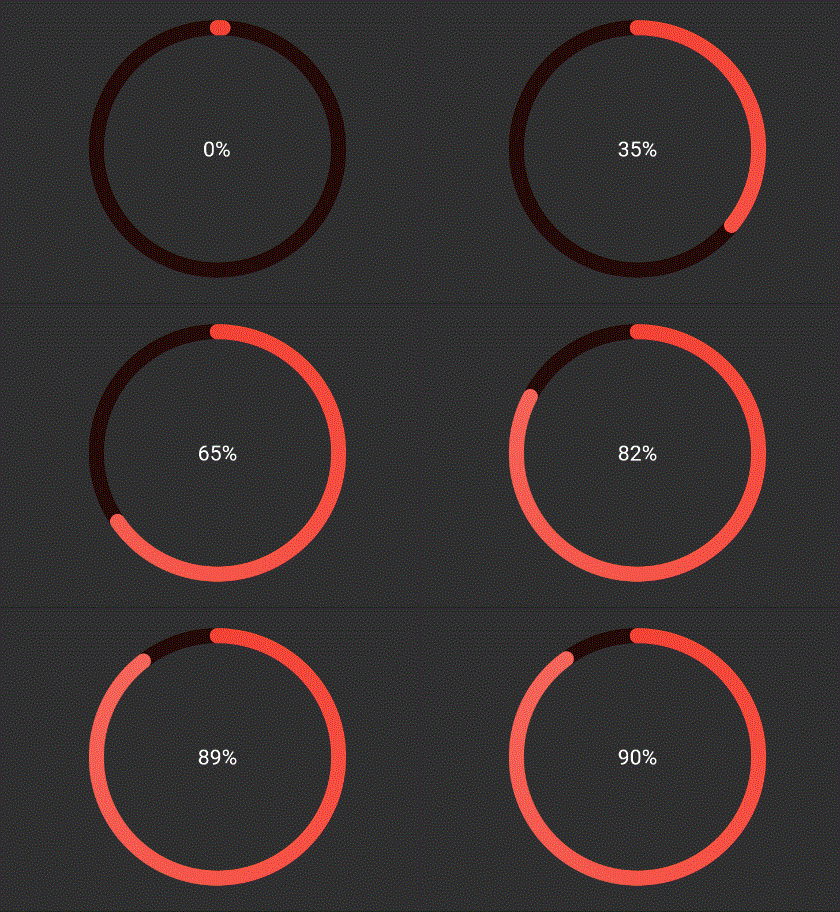
Using a single color
Ring(
  percent: 90,
  color: RingColorScheme(ringColor: Colors.red),
  radius: 80,
  width: 10,
  child: Center(child: Text('90%')),
)

RingColor

The above ring is automatically painted with gradients. To have a constant color just pass gradient: false to RingColorScheme.

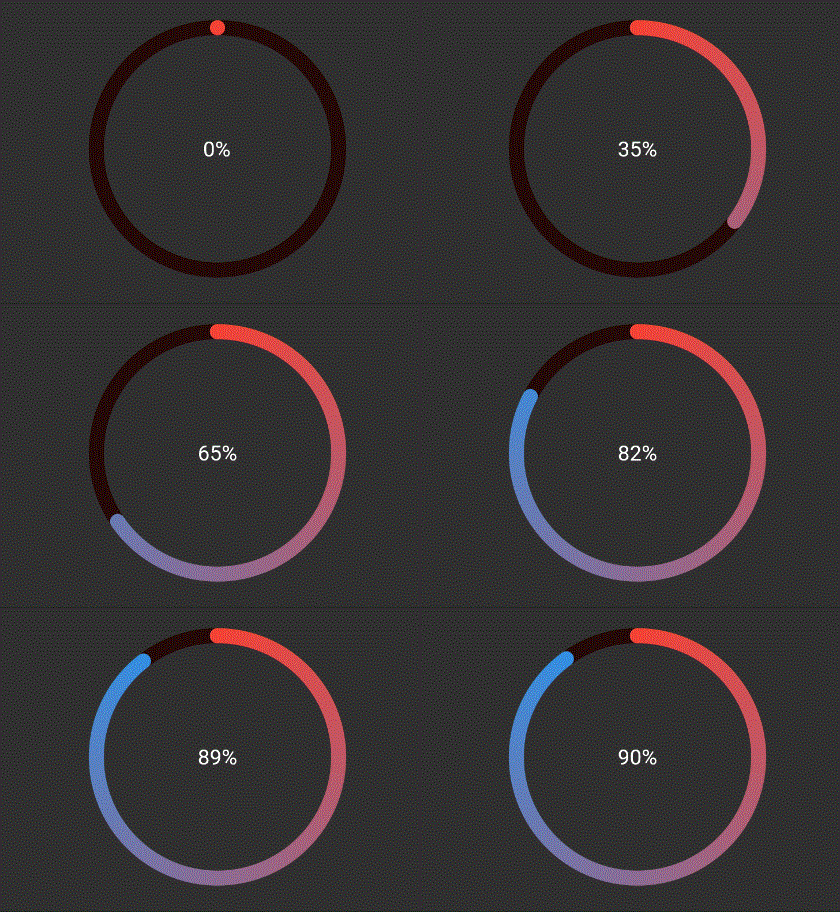
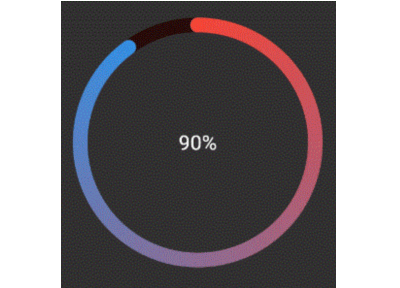
Using a single gradient
Ring(
  percent: 90,
  color: RingColorScheme(ringGradient: [Colors.red, Colors.blue]),
  radius: 80,
  width: 10,
  child: Center(child: Text('90%')),
),

RingGradient

The above ring is automatically painted with gradient from colors given.

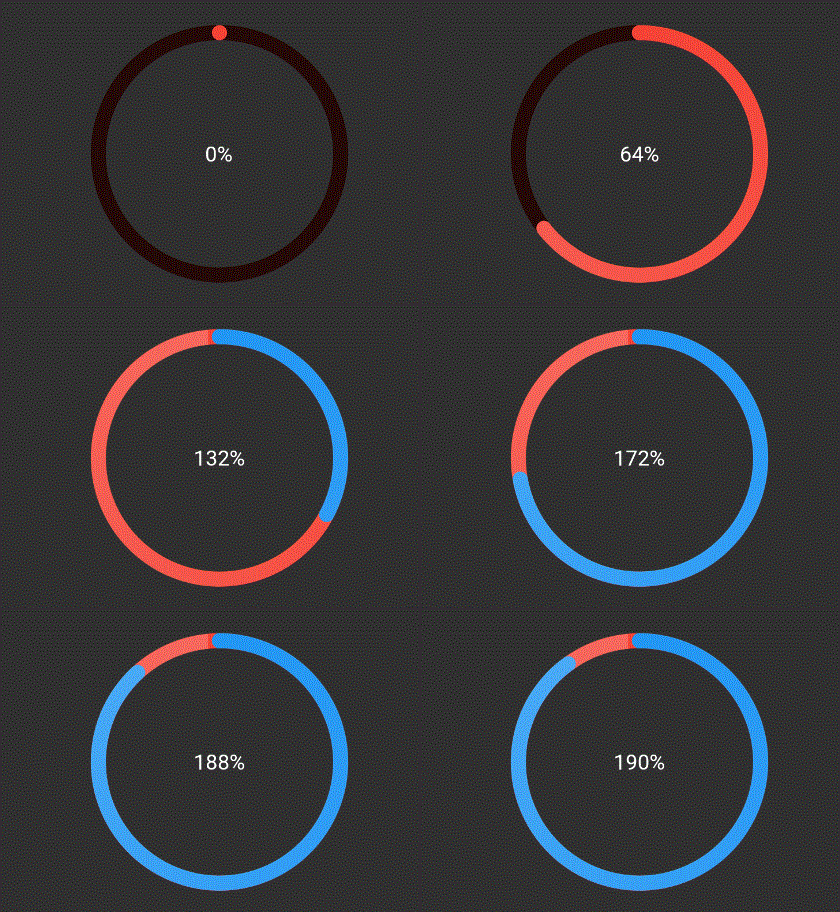
Using same color for a ring with different color for each ring
Ring(
  percent: 190,
  color: RingColorScheme(ringColors: [Colors.red, Colors.blue]),
  radius: 80,
  width: 10,
  child: Center(child: Text('190%')),
),

RingColors

The above ring is automatically painted with gradient from colors given, where each color in list represents that ring's color. To have a constant color just pass gradient: false to RingColorScheme.

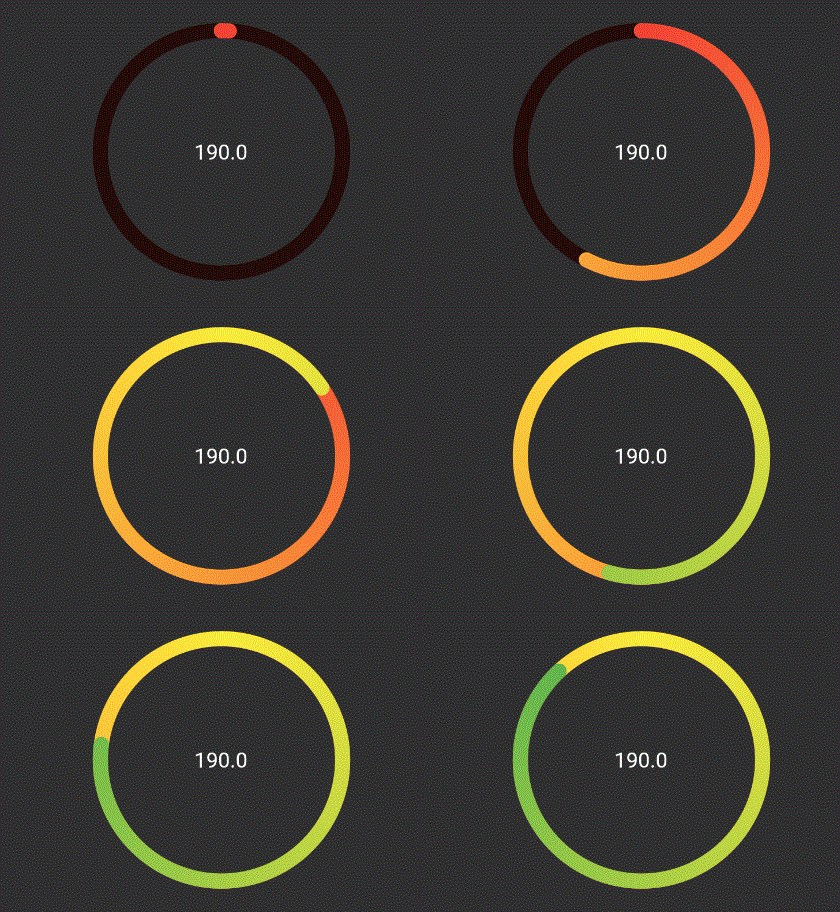
Explicitly mentioning gradinet for each ring
Ring(
  percent: 190,
  color: RingColorScheme(ringGradients: [[Colors.red, Colors.yellow], [Colors.yellow, Colors.green]]),
  radius: 80,
  width: 10,
  child: Center(child: Text('190%')),
),

RingGradients

The above ring is automatically painted with gradient from colors given, where each color in list represents that ring's color. To have a constant color just pass gradient: false to RingColorScheme.

TODO

  • [ ] Create templates for apple colors
  • [ ] Add tests and coverage

Categories

Source repository

Projects using this package

No data available yet.