

v1.1.3
floatingpanel
Floating panel helps you create easy floating menu which you can drag and drop to any edge of the screen (horizontally).
130Likes 4430-day downloads30Pub points
Platforms unavailable
Floating panel let's you create quick Floating menu for the screen.

English project snapshot. Visit GitHub for the latest content.
Float Box - v1.0
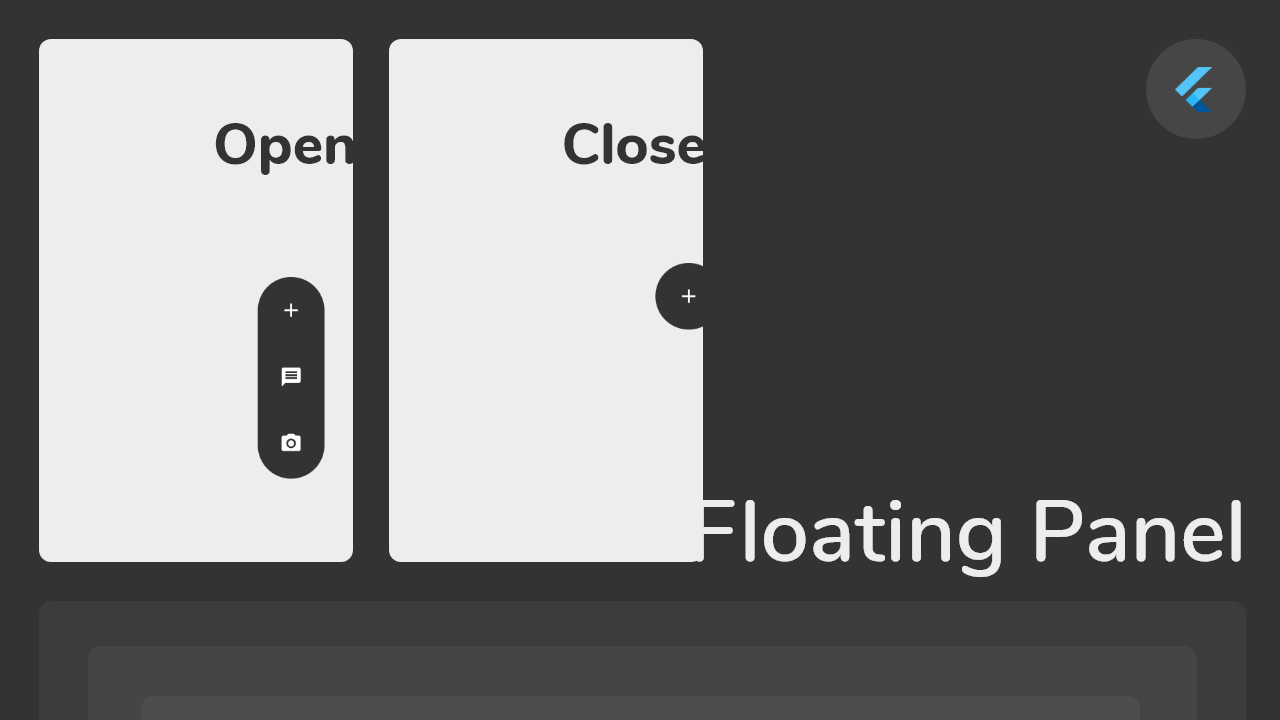
Float box is a true floating panel for your app, which can be docked to either edges of the screen (horizontally).
This is what you needs to get the widget working. Import Widget -> Add 'FloatBoxPanel' at the bottom of your stack widget. Add icons inside the "buttons" list.
import 'package:widgets/float_box.dart'; // Import Float Box Widget

Stack(
    children: [
        ...

        // Add Float Box Panel at the bottom of the 'stack' widget.
        FloatBoxPanel(
            buttons: [
                // Add Icons to the buttons list.
                Icons.message,
                Icons.photo_camera,
                Icons.video_library
            ]
        );
    ]
);
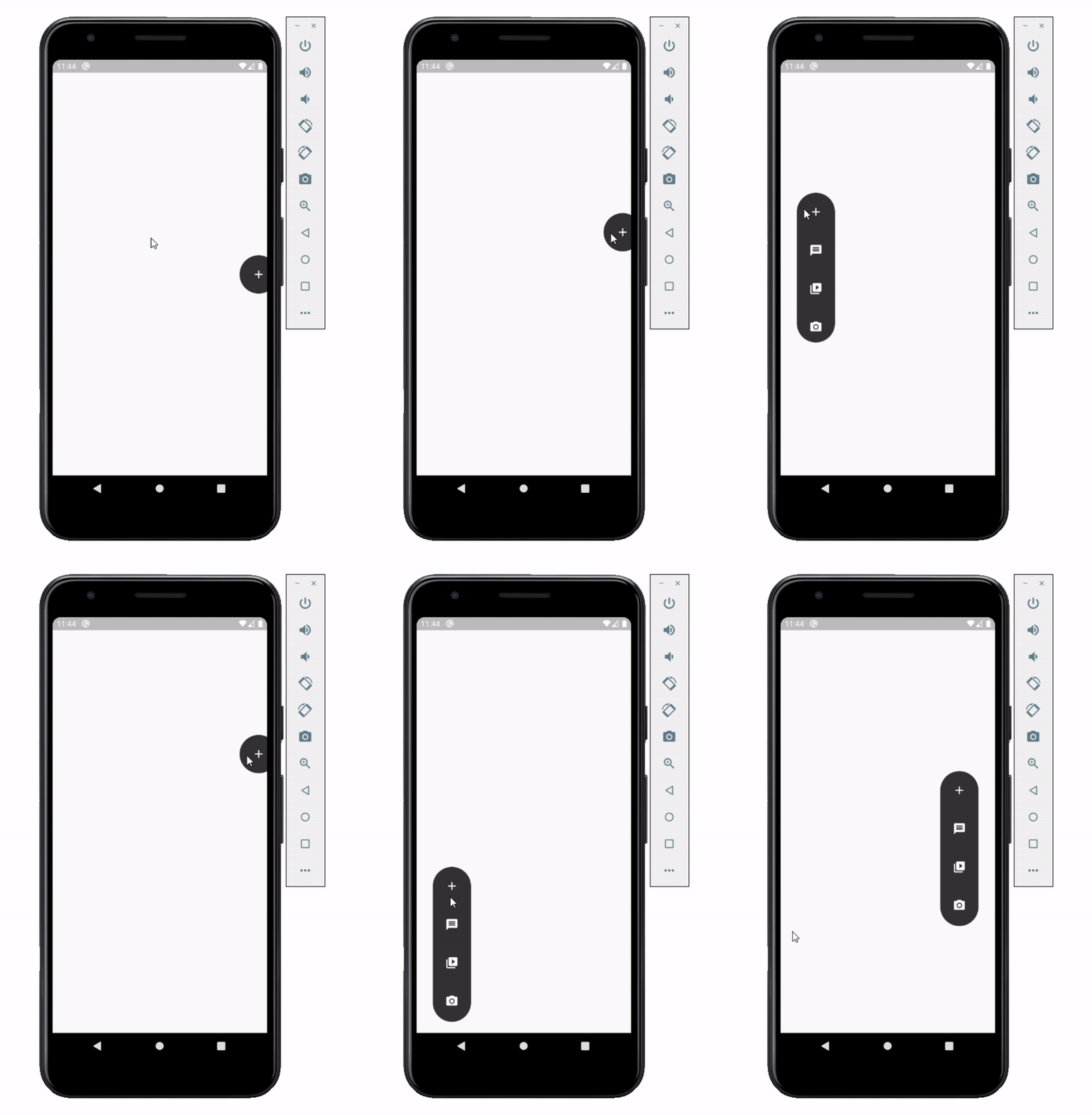
These are all the properties you can customize of the floating panel.
    import 'package:widgets/float_box.dart'; // Import Float Box Widget

    Stack(
        children: [
            ...

            // Add Float Box Panel at the bottom of the 'stack' widget.
            FloatBoxPanel(
                positionTop: 0.0, // Initial Top Position
                positionLeft: 0.0, // Initial Left Position
                backgroundColor: Color(0xFFEDEDED), // Color of the panel
                contentColor: Colors.black, // Color of the icons
                panelShape: PanelShape.rectangle, // 'PanelShape.rectangle' or 'PanelShape.rounded', border radius property doesn't work in the rounded shape
                borderRadius: BorderRadius.circular(8.0), // Border radius of the panel
                dockType: DockType.inside, // 'DockType.inside' or 'DockType.outside', weather to dock the panel outside or inside the edge of the screen
                dockOffset: 5.0, // Offset the dock from the edge depending on the 'dockType' property
                panelAnimDuration: 300, // Duration for panel open and close animation
                panelAnimCurve: Curves.easeOut, // Curve for panel open and close animation
                dockAnimDuration: 300, // Auto dock to the edge of screen - animation duration
                dockAnimCurve: Curves.easeOut, // Auto dock animation curve
                panelOpenOffset: 20.0, // Offset from the edge of screen when panel is open
                panelIcon: Icons.menu, // Panel open/close icon
                size: 70.0, // Size of single button in the panel
                iconSize: 24.0, // Size of icons
                borderWidth: 1.0, // Width of panel border
                borderColor: Colors.black, // Color of panel border
                onPressed: (index) {
                    print("Clicked on item: $index");
                }
                buttons: [
                    // Add Icons to the buttons list.
                    Icons.message,
                    Icons.photo_camera,
                    Icons.video_library
                ]
            );
        ]
    );
Dependency list 2 items
{"sdk":"flutter"}{"sdk":"flutter"}Start with your use case, compare repository activity, and check the original project before adopting it.
“A repository is the most basic element of GitHub.”
GitHub Docs — About repositories ↗