

 v1.5.0
flutter_advanced_drawer
An advanced drawer widget, that can be fully customized with size, text, color, radius of corners.
440Likes 10.2K30-day downloads160Pub points
AndroidiOSWebmacOSWindowsLinux
https://pub.dev/packages/flutter_advanced_drawer

English project snapshot. Visit GitHub for the latest content.
An advanced drawer widget, that can be fully customized with size, text, color, radius of corners.
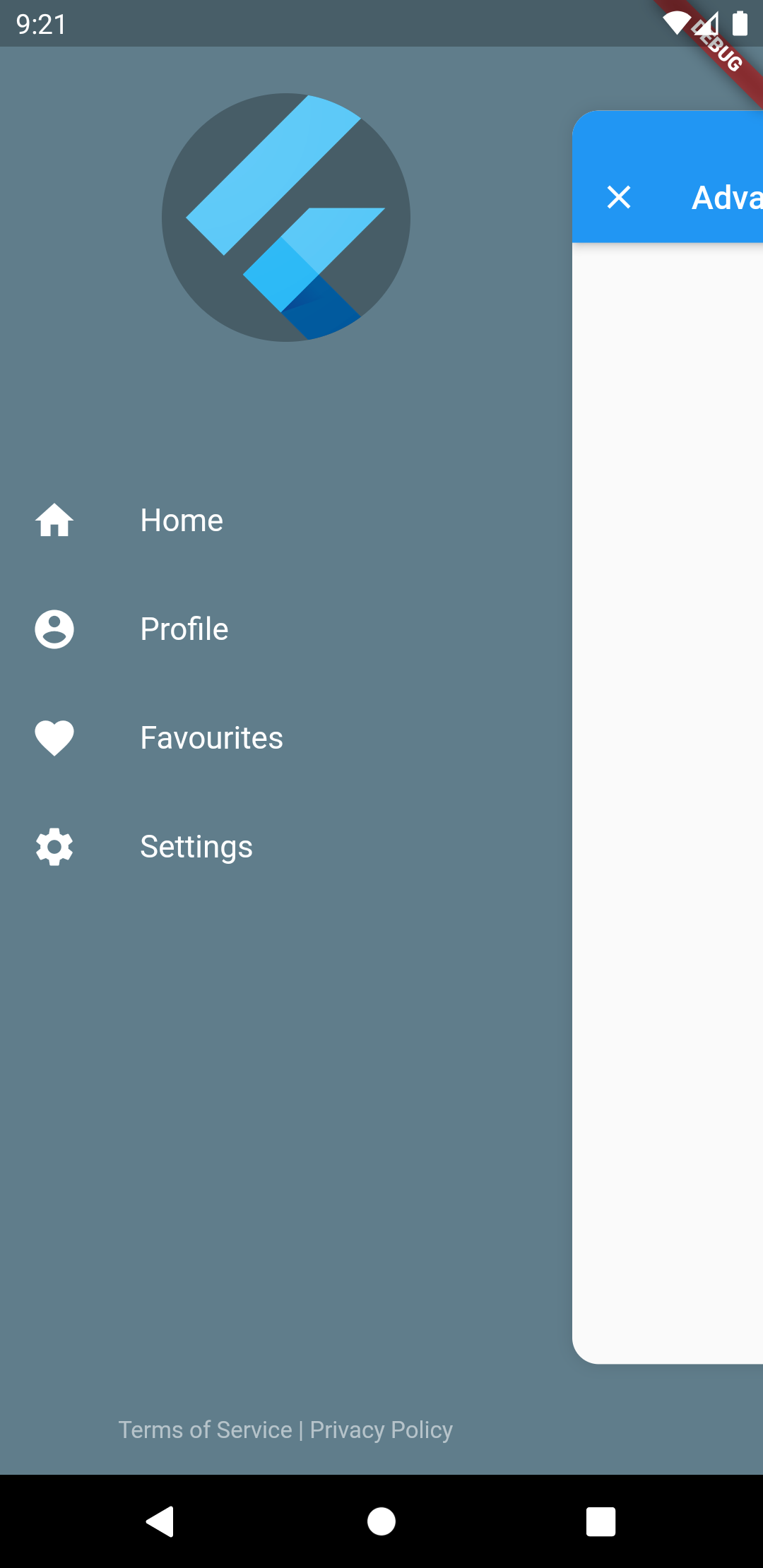
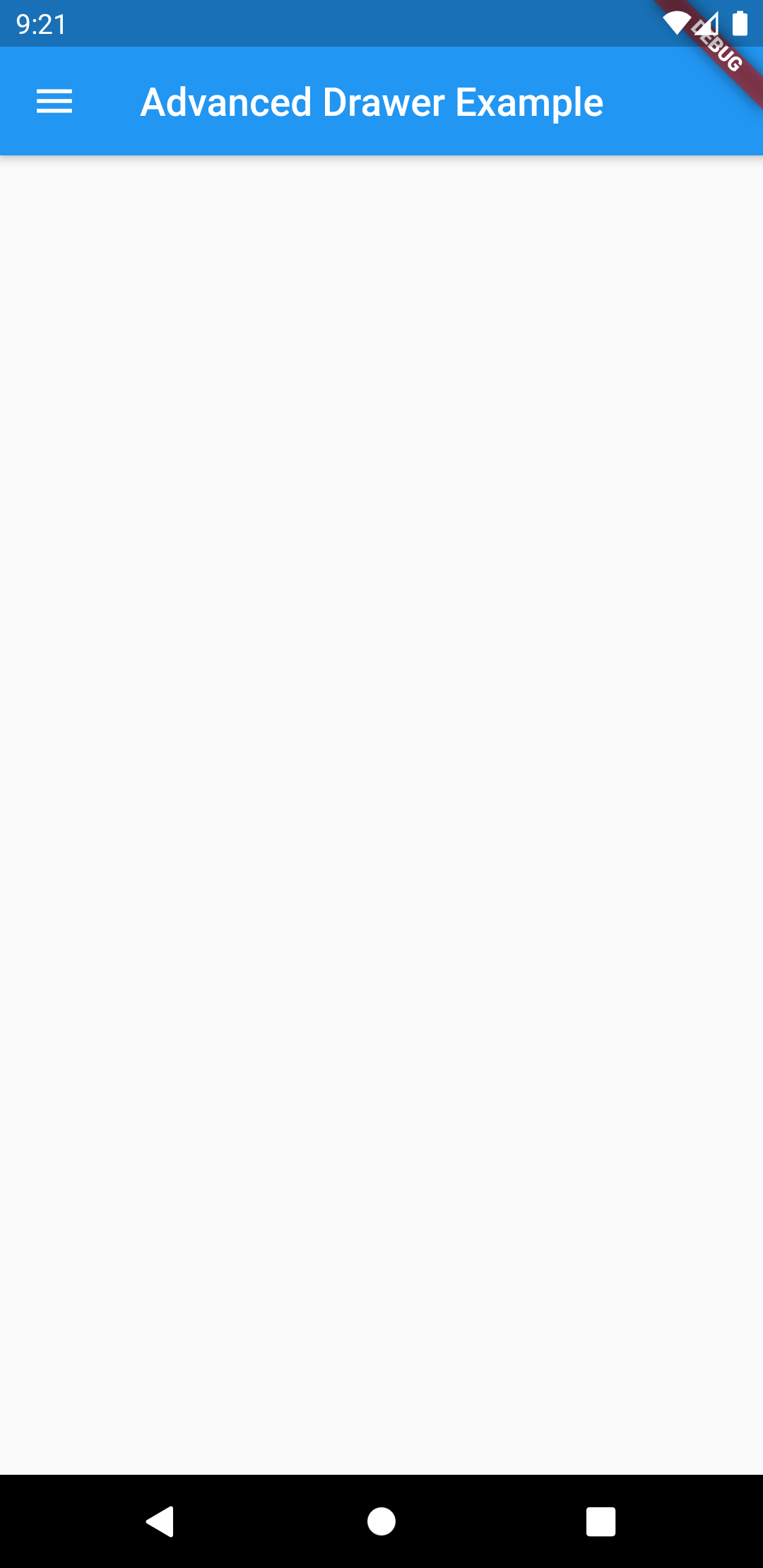
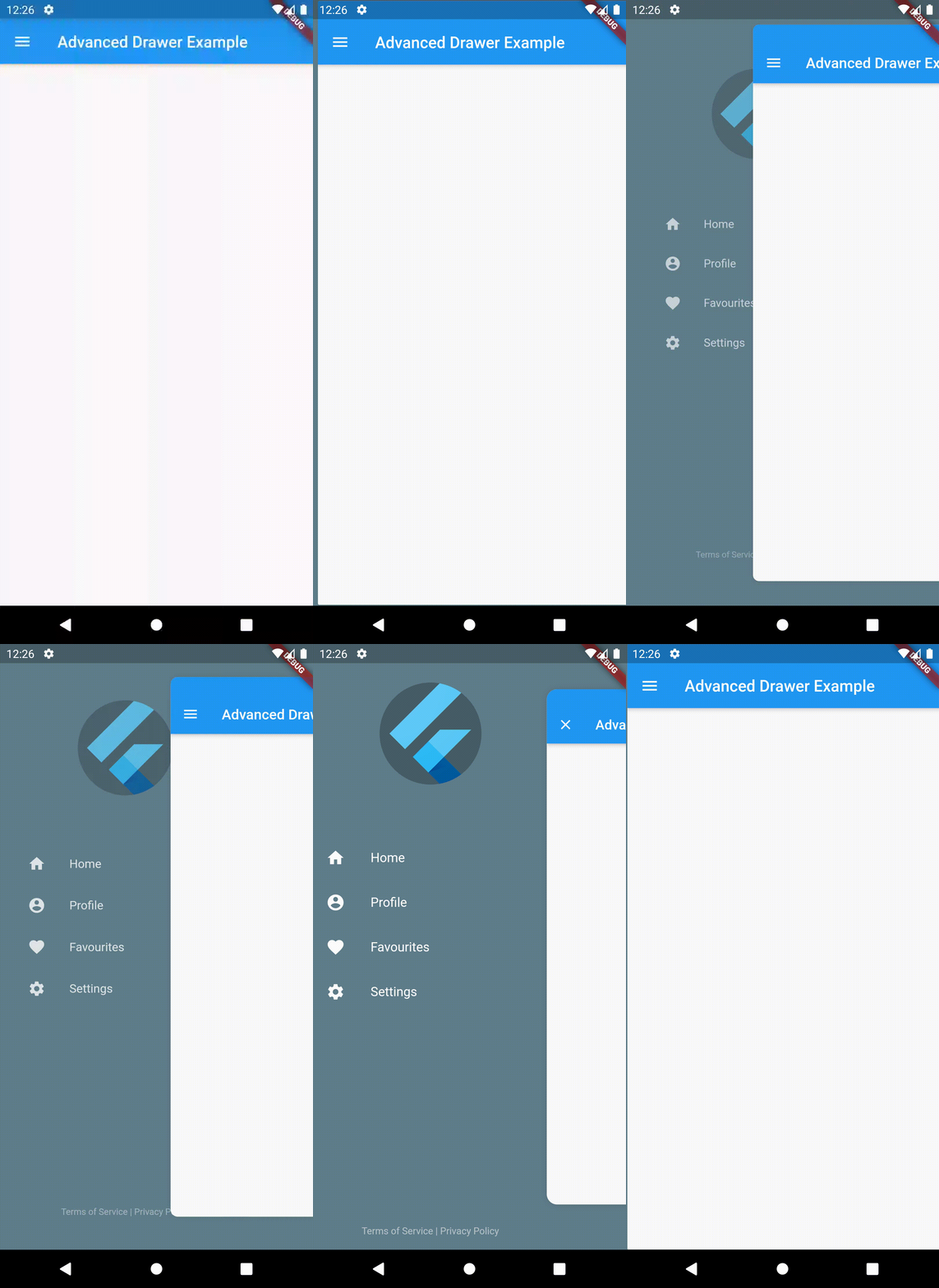
| Drawer Open State | Drawer Closed State |
|---|---|
 |
 |
| Parameter | Description | Type | Default |
|---|---|---|---|
child |
Screen widget | Widget | required |
drawer |
Drawer widget | Widget | required |
controller |
Widget controller | AdvancedDrawerController | |
backdropColor |
Backdrop color | Color | |
backdrop |
Backdrop widget for custom background | Widget | |
openRatio |
Opening ratio | double | 0.75 |
openScale |
Opening child scale factor | double | 0.85 |
animationDuration |
Animation duration | Duration | 300ms |
animationCurve |
Animation curve | Curve | Curves.easeInOut |
childDecoration |
Child container decoration | BoxDecoration | Shadow, BorderRadius |
animateChildDecoration |
Indicates that [childDecoration] might be animated or not. | bool | true |
rtlOpening |
Opening from Right-to-left. | bool | false |
disabledGestures |
Disable gestures. | bool | false |
initialDrawerScale |
How large the drawer segment should scale from. | double | 0.75 |
drawerSlideRatio |
How far the drawer segment should slide with the content. | double | 0 |
drawerCloseSemanticLabel |
Semantic label for the close drawer button. | String | 'Close drawer' |
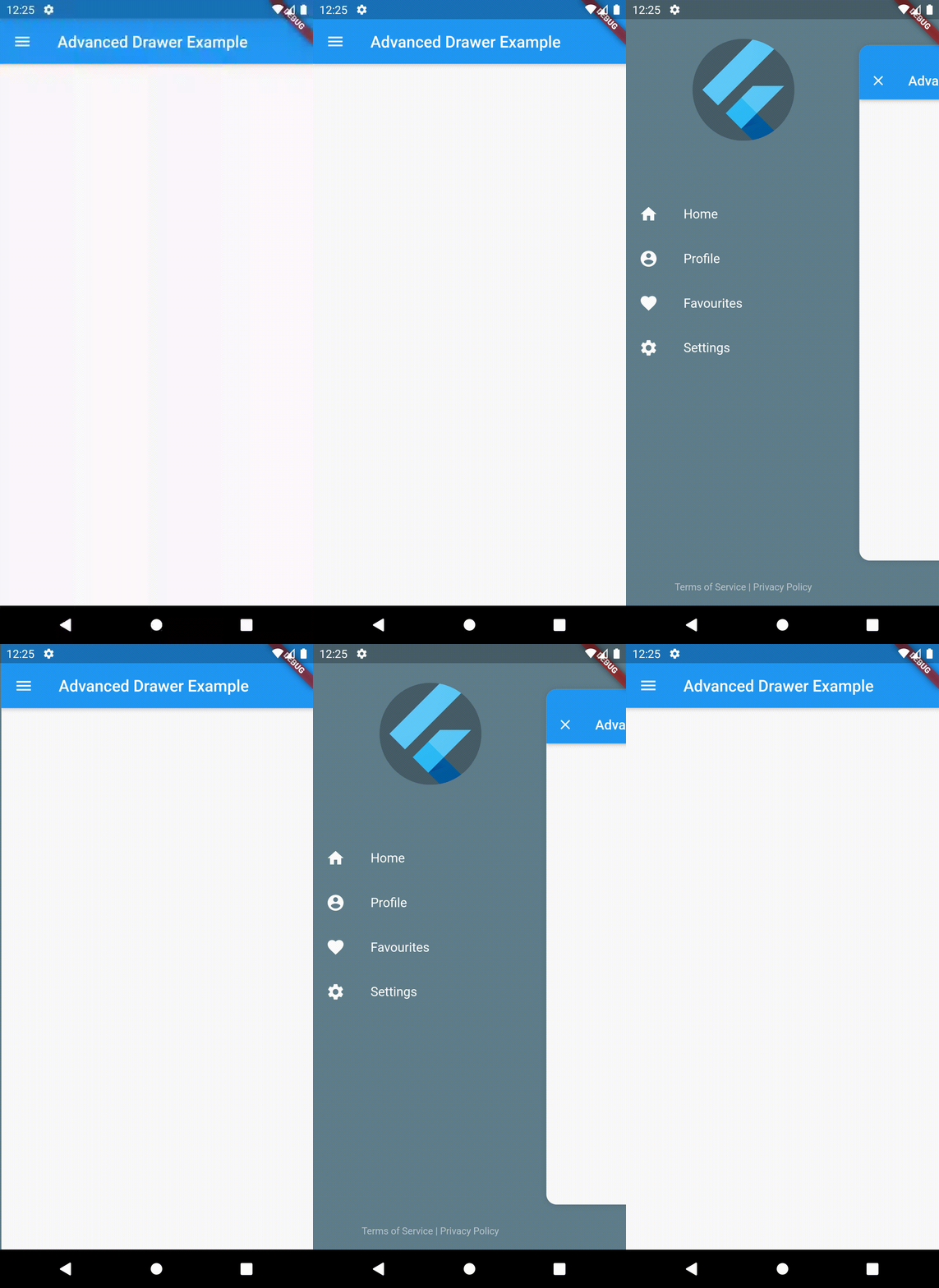
| Preview Tap | Preview Gesture |
|---|---|
 |
 |
Dependency list 2 items
{"sdk":"flutter"}1.0.4Start with your use case, compare repository activity, and check the original project before adopting it.
“A repository is the most basic element of GitHub.”
GitHub Docs — About repositories ↗