

 v2.1.1
magnifying_glass
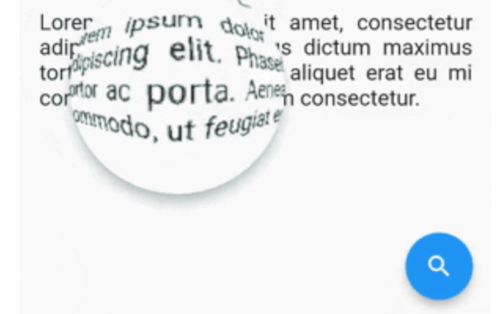
Flutter real-time magnifying glass lens widget with Barrel/Pincushion distortion.
52Likes 7930-day downloads150Pub points
AndroidiOSWebmacOSWindowsLinux
Flutter real-time magnifying glass lens widget with Barrel/Pincushion distortion

English project snapshot. Visit GitHub for the latest content.
Flutter real-time magnifying glass lens widget with Barrel/Pincushion distortion.
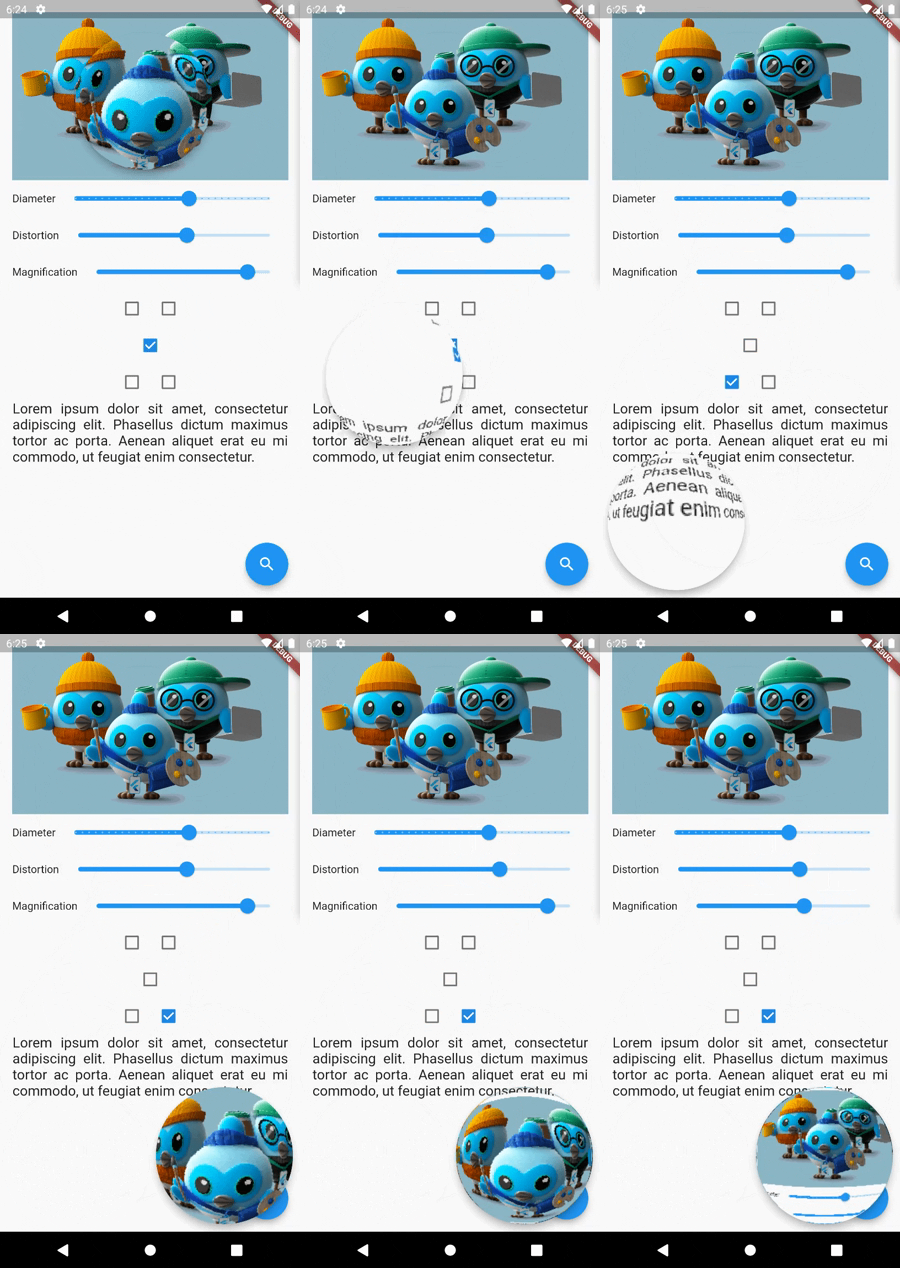

Make [MagnifyingGlass] widget as the parent of the widget you wish to be used (usually MyHomePage).
    @override
    Widget build(BuildContext context) {
    MagnifyingGlassController magnifyingGlassController = MagnifyingGlassController();
    return MagnifyingGlass(
      controller: magnifyingGlassController,
      glassPosition: GlassPosition.touchPosition,
      borderThickness: 8.0,
      borderColor: Colors.grey,
      glassParams: GlassParams(
        startingPosition: Offset(150, 150),
        diameter: 150,
        distortion: 1.0,
        magnification: 1.2,
        padding: EdgeInsets.all(10),
      ),
      child: Scaffold(
        body: ...,

        floatingActionButton: FloatingActionButton(
          onPressed: () => magnifyingGlassController.openGlass(),
          child: const Icon(Icons.search),
        ),
      )
    );
| Name | Type | Description |
|---|---|---|
| controller | MagnifyingGlassController | Let you control the glass state and parameters: openGlass() closeGlass() setDistortion( double distortion, double magnification ) setDiameter( int diameter ) refresh() |
| glassPosition | enum | enum to set the touch behavior or sticky position |
| glassParams | GlassParams | class to set lens parameters |
| borderColor | Color | border color |
| borderThickness | double | border thickness |
| elevation | double | shadow elevation |
| shadowOffset | Offset | shadow offset |
GlassPosition class
| Name | Description |
|---|---|
| touchPosition | move the glass with finger touch |
| topLeft | sticky position to top left corner of the screen |
| topRight | sticky position to top rigth corner of the screen |
| bottomLeft | sticky position to bottom left corner of the screen |
| bottomRight | sticky position to bottom right corner of the screen |
GlassParams class
| Name | Description |
|---|---|
| startingPosition | the startin glass position. If not given the lens will be placed at the center of the screen. |
| diameter | the diameter of the glass |
| magnification | the magnification of the lens 1 means no magnification >1 means magnification <1 means shrinking |
| distortion | Barrel/Pincushion distortion power 0 means no distortion |
| padding | the padding surrounding the glass to enlarge touching area |
 |
 |
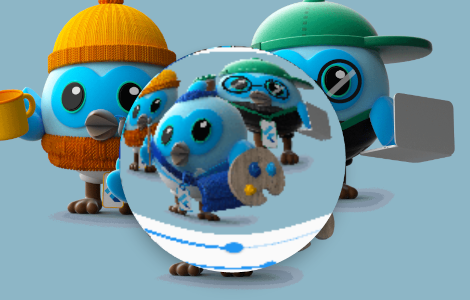 |
|---|---|---|
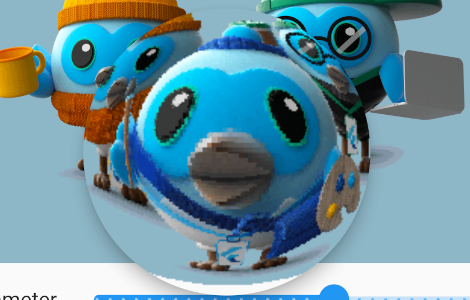
| distorsion 0.5 mag 1.0 |
distorsion 0.5 mag 1.4 |
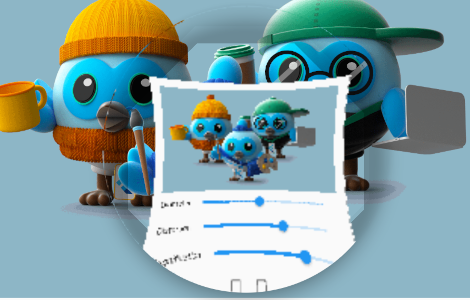
distorsion 2.0 mag 1.7 |
Dependency list 3 items
{"sdk":"flutter"}{"sdk":"flutter"}^5.0.0Start with your use case, compare repository activity, and check the original project before adopting it.
“A repository is the most basic element of GitHub.”
GitHub Docs — About repositories ↗