


v0.5.0
aptabase_flutter
Flutter SDK for Aptabase: Open Source Privacy-First and Simple Analytics for Mobile, Desktop and Web Apps
18Likes 8.3K30-day downloads150Pub points
AndroidiOSmacOSWindowsLinux
Flutter SDK for Aptabase: Open Source Privacy-First and Simple Analytics for Mobile, Desktop and Web Apps

English project snapshot. Visit GitHub for the latest content.
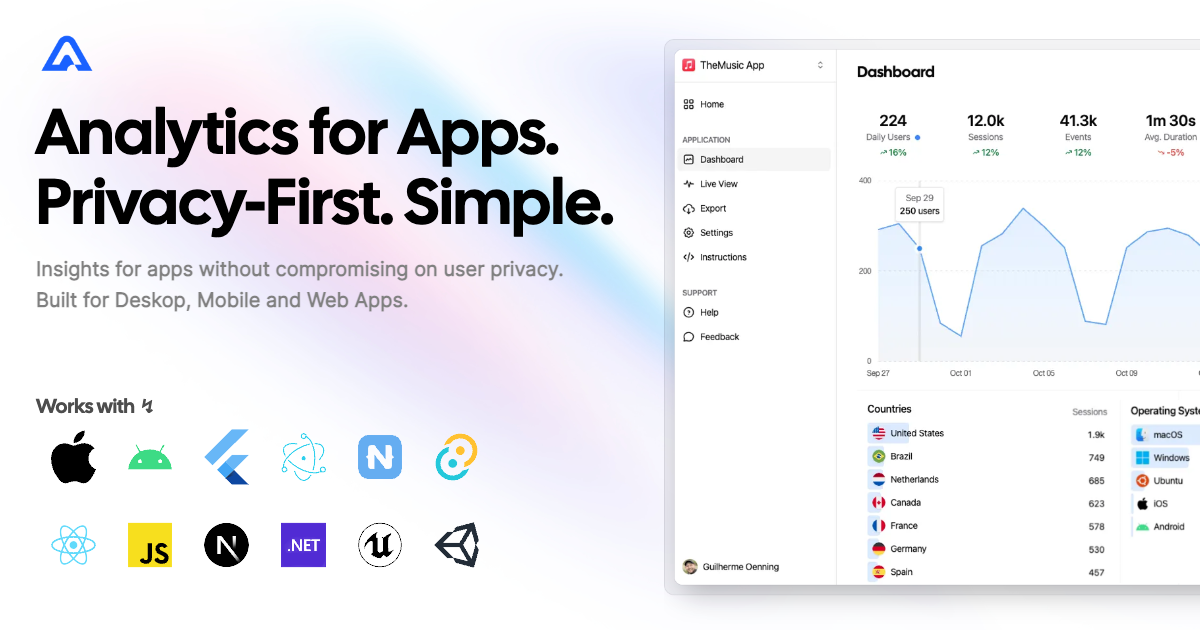

Instrument your app with Aptabase, an Open Source, Privacy-First, and Simple Analytics for Mobile, Desktop, and Web Apps.
| Android | iOS | MacOS | Web | Linux | Windows |
|---|---|---|---|---|---|
| ✔️ | ✔️ | ✔️ | ✔️ | ✔️ | ✔️ |
You can install the SDK by running the following command:
flutter pub add aptabase_flutter
If you're targeting Android, you'll need to add the following permissions to your AndroidManifest.xml:
<uses-permission android:name="android.permission.INTERNET" />
First, you need to get your App Key from Aptabase, you can find it in the Instructions menu on the left side menu.
On your main.dart, import package:aptabase_flutter/aptabase_flutter.dart and initialized the SDK.
void main() async {
+ WidgetsFlutterBinding.ensureInitialized();
+ await Aptabase.init("<YOUR_APP_KEY>"); // 👈 this is where you enter your App Key

  runApp(const MyApp());
}
Note: You need to change your main function to be async and call WidgetsFlutterBinding.ensureInitialized(); before initializing the SDK.
Afterward, you can start tracking events with Aptabase.instance anywhere in your Dart. Here's an example:
import 'package:aptabase_flutter/aptabase_flutter.dart';

class _CounterState extends State<Counter> {
  int _counter = 0;

  // Tracking how many times the user has clicked the button, alongside the current counter value
  void _incrementCounter() {
    Aptabase.instance.trackEvent("increment", { "counter": _counter });

    setState(() {
      _counter++;
    });
  }
}
A few important notes:
trackEvent manually.
trackEvent function, it'll run in the background.When submitting your app to the Apple App Store, you'll need to fill out the App Privacy form. You can find all the answers on our How to fill out the Apple App Privacy when using Aptabase guide.
For AI/LLM integration instructions, see llms.txt
Dependency list 7 items
{"sdk":"flutter"}>=8.3.1 <11.0.0>=11.1.1 <14.0.0^2.2.2^2.3.3{"sdk":"flutter"}>=4.0.0 <7.0.0Start with your use case, compare repository activity, and check the original project before adopting it.
“A repository is the most basic element of GitHub.”
GitHub Docs — About repositories ↗