Package selection guidance compiled from public package information, community data, and project usage.
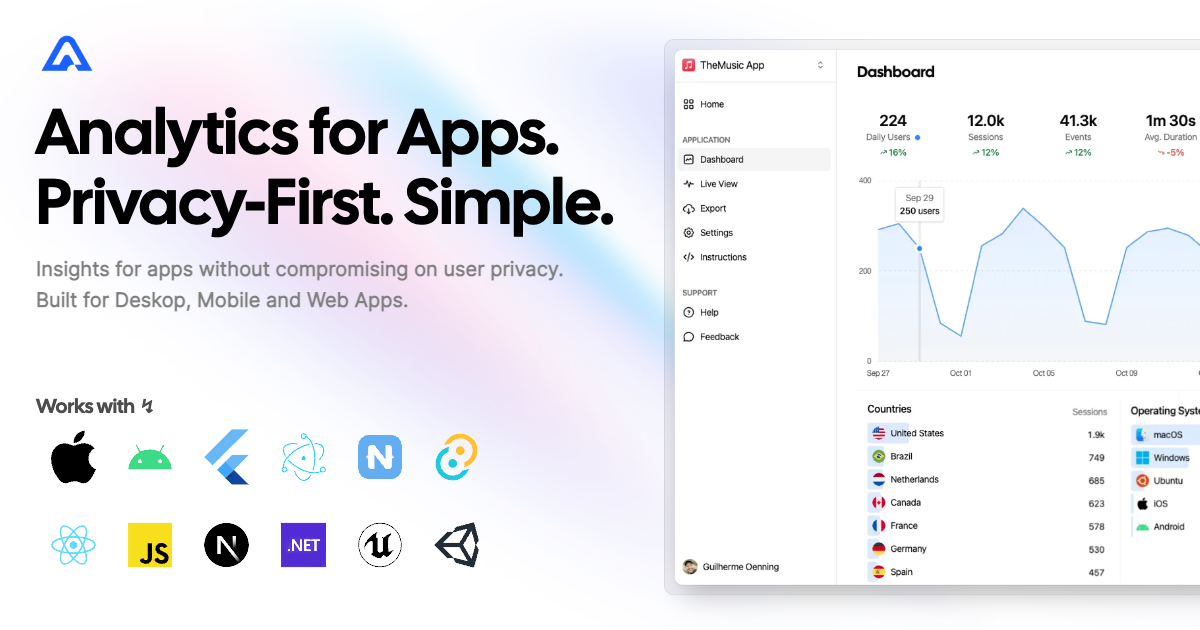
Aptabase Flutter SDK enables developers to integrate lightweight, privacy-first analytics into mobile, desktop, and web applications. Built with transparency and user privacy in mind, it collects minimal data without tracking personal identifiers. The SDK is open source, easy to set up, and designed for simplicity, making it ideal for apps that prioritize ethical data collection. It supports real-time event tracking across Android, iOS, macOS, Windows, and Linux platforms.
Use cases
Tracking user engagement
Monitoring app performance
Analyzing feature usage
Gathering crash reports
Measuring session duration
Key features
Privacy-first data collection
Open source and transparent
Real-time analytics
Cross-platform support
Minimal data footprint
Suitable for
Startups prioritizing privacy
Apps targeting regulated markets
Developers seeking simple analytics
Open source projects
Small to medium-sized applications
Considerations
Limited advanced segmentation
No built-in user identification
Requires manual setup for custom events
Not suitable for enterprise-scale analytics
Dependent on external backend service
Original README
Original README snapshot from the linked source repository. Visit the repository for the latest content.
aptabase_flutter
Instrument your app with Aptabase, an Open Source, Privacy-First, and Simple Analytics for Mobile, Desktop, and Web Apps.
Platform Support
Android
iOS
MacOS
Web
Linux
Windows
✔️
✔️
✔️
✔️
✔️
✔️
Install
You can install the SDK by running the following command:
flutter pub add aptabase_flutter
Android Requirements
If you're targeting Android, you'll need to add the following permissions to your AndroidManifest.xml:
First, you need to get your App Key from Aptabase, you can find it in the Instructions menu on the left side menu.
On your main.dart, import package:aptabase_flutter/aptabase_flutter.dart and initialized the SDK.
void main() async {
+ WidgetsFlutterBinding.ensureInitialized();+ await Aptabase.init("<YOUR_APP_KEY>"); // 👈 this is where you enter your App Key
runApp(const MyApp());
}
Note: You need to change your main function to be async and call WidgetsFlutterBinding.ensureInitialized(); before initializing the SDK.
Afterward, you can start tracking events with Aptabase.instance anywhere in your Dart. Here's an example:
import'package:aptabase_flutter/aptabase_flutter.dart';
class_CounterStateextendsState<Counter> {
int _counter = 0;
// Tracking how many times the user has clicked the button, alongside the current counter valuevoid_incrementCounter() {
Aptabase.instance.trackEvent("increment", { "counter": _counter });
setState(() {
_counter++;
});
}
}
A few important notes:
The SDK will automatically enhance the event with some useful information, like the OS, the app version, and other things.
You're in control of what gets sent to Aptabase. This SDK does not automatically track any events, you need to call trackEvent manually.
Because of this, it's generally recommended to at least track an event at startup
You do not need to await for the trackEvent function, it'll run in the background.
Only strings and numbers values are allowed on custom properties