

 v1.1.2
chart_sparkline
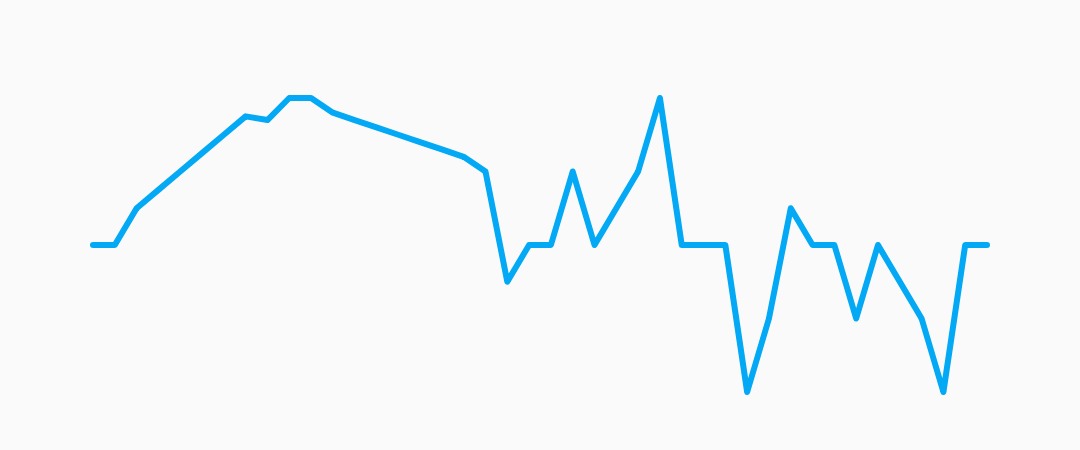
Beautiful sparkline charts for Flutter.Average line, highest and lowest value.
135Likes 7.5K30-day downloads150Pub points
AndroidiOSWebmacOSWindowsLinux
Beautiful sparkline charts for Flutter

English project snapshot. Visit GitHub for the latest content.

Beautiful sparkline charts for Flutter.

Install the latest version from pub.
Import the package, create a Sparkline , and pass it your data.
import 'package:flutter/material.dart';
import 'package:chart_sparkline/chart_sparkline.dart';

void main() {
  var data = [0.0, 1.0, 1.5, 2.0, 0.0, 0.0, -0.5, -1.0, -0.5, 0.0, 0.0];
  runApp(
    MaterialApp(
      home: Scaffold(
        body: Center(
          child: Container(
            width: 300.0,
            height: 100.0,
            child: Sparkline(
              data: data,
            ),
          ),
        ),
      ),
    ),
  );
}

| Property | Default |
|---|---|
| lineWidth | 2.0 |
| lineColor | Colors.lightBlue |
| lineGradient | null |
Example:
Sparkline(
  data: data,
  lineWidth: 5.0,
  lineColor: Colors.purple,
);

Sparkline(
  data: data,
  lineWidth: 10.0,
  lineGradient: LinearGradient(
    begin: Alignment.topCenter,
    end: Alignment.bottomCenter,
    colors: [Colors.purple[800], Colors.purple[200]],
  ),
);

| Property | Default |
|---|---|
| pointsMode | PointsMode.none |
| pointSize | 4.0 |
| pointColor | Colors.lightBlue[800] |
| pointIndex | null |
| PointsMode | Description |
|---|---|
| none (default) | Do not draw individual points. |
| all | Draw all the points in the data set. |
| last | Draw only the last point in the data set. |
| atIndex | Draw one point at the index specified by pointIndex. |
Example:
Sparkline(
  data: data,
  pointsMode: PointsMode.all,
  pointSize: 8.0,
  pointColor: Colors.amber,
);

Sparkline(
  data: data,
  pointsMode: PointsMode.last,
  pointSize: 8.0,
  pointColor: Colors.amber,
);

Sparkline(
  data: data,
  pointsMode: PointsMode.atIndex,
  pointIndex: 7,
  pointSize: 8.0,
  pointColor: Colors.amber,
);
| Property | Default |
|---|---|
| fillMode | FillMode.none |
| fillColor | Colors.lightBlue[200] |
| fillGradient | null |
| FillMode | Description |
|---|---|
| none (default) | Do not fill, draw only the sparkline. |
| above | Fill the area above the sparkline. |
| below | Fill the area below the sparkline. |
Example:
Sparkline(
  data: data,
  fillMode: FillMode.below,
  fillColor: Colors.red[200],
);

Sparkline(
  data: data,
  fillMode: FillMode.above,
  fillColor: Colors.red[200],
);

Sparkline(
  data: data,
  fillMode: FillMode.below,
  fillGradient: LinearGradient(
    begin: Alignment.topCenter,
    end: Alignment.bottomCenter,
    colors: [Colors.red[800], Colors.red[200]],
  ),
);

Sparkline(
  data: data,
  useCubicSmoothing: true,
  cubicSmoothingFactor: 0.2,
),

Sparkline(
  data: data,
  averageLine: true,
  averageLabel: true,
),

Sparkline(
  data: data,
  kLine: ['max', 'min', 'first', 'last'],
),

Sparkline(
  gridLinelabelPrefix: '\$',
  gridLineLabelPrecision: 3,
  enableGridLines: true,
),

AnimatedBuilder(
  animation: AnimationController(duration: const Duration(seconds: 1), vsync: this),
  builder: (context, child) => Sparkline(
    data: [0.0, 1.0, 1.5, 2.0, 0.0, 0.0, -0.5, -1.0, -0.5, 0.0, 0.0],
    animationController: _controller,
    pointsMode: PointsMode.all,
    pointSize: 8.0,
  ),
),
Dependency list 3 items
{"sdk":"flutter"}{"sdk":"flutter"}^3.0.0Start with your use case, compare repository activity, and check the original project before adopting it.
“A repository is the most basic element of GitHub.”
GitHub Docs — About repositories ↗