
Block Drop
Cross-platform falling-block puzzle game with responsive controls, multiple themes, score tracking, hold, and piece previews. Built with Flutter.

- Stars
- 88
- Forks
- 12
- Last push (UTC)
- Nov 7, 2026
- Project status
- Active
Original README
English project snapshot. Visit GitHub for the latest content.
Block Drop
A modern Tetris clone built with Flutter. Drop, rotate, and clear lines in this classic puzzle game.


Features
- Classic Tetris gameplay with all 7 tetromino pieces
- Smooth piece rotation and movement
- Line clearing with score tracking
- Hold piece functionality
- Next piece preview
- Responsive controls for mobile and desktop
- Cross-platform support (iOS, Android, Web, Windows, macOS, Linux)
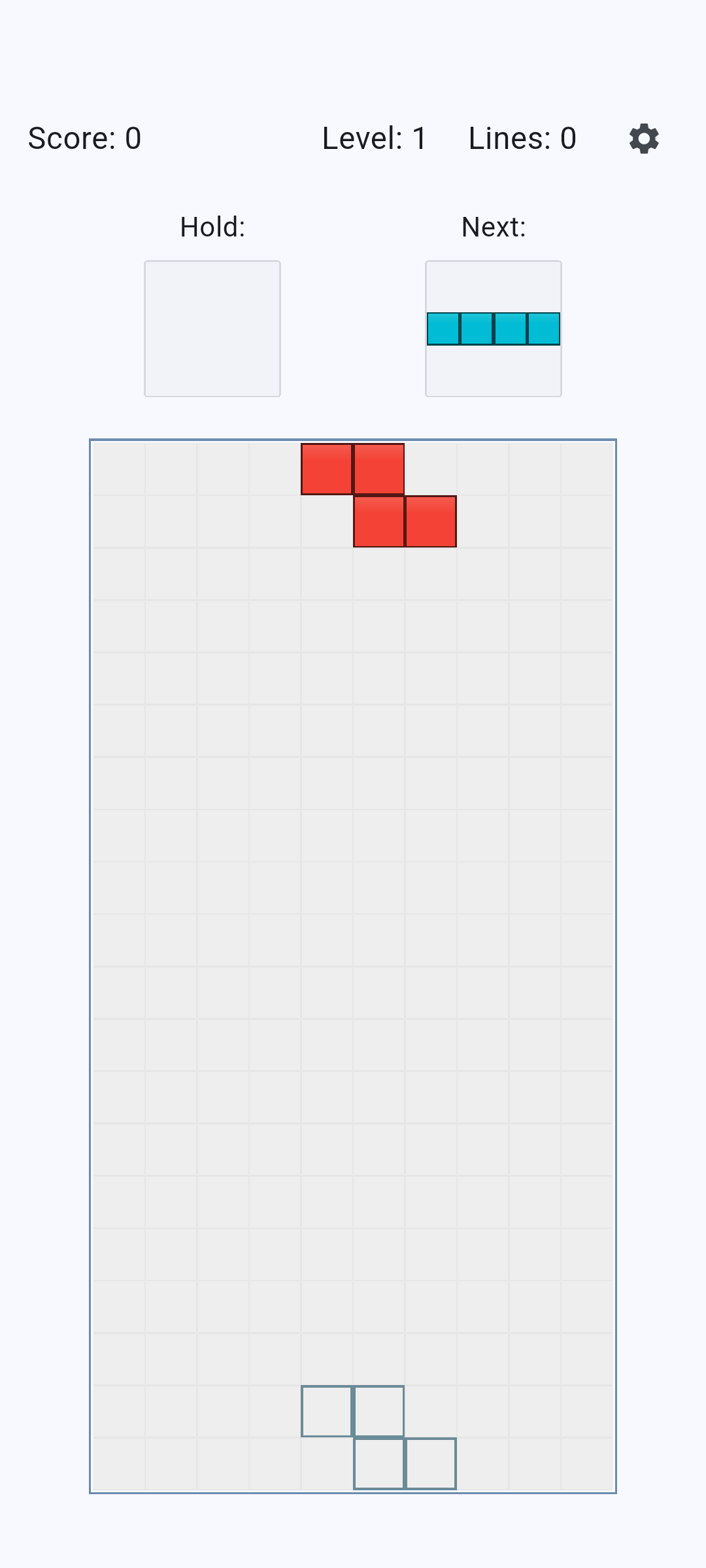
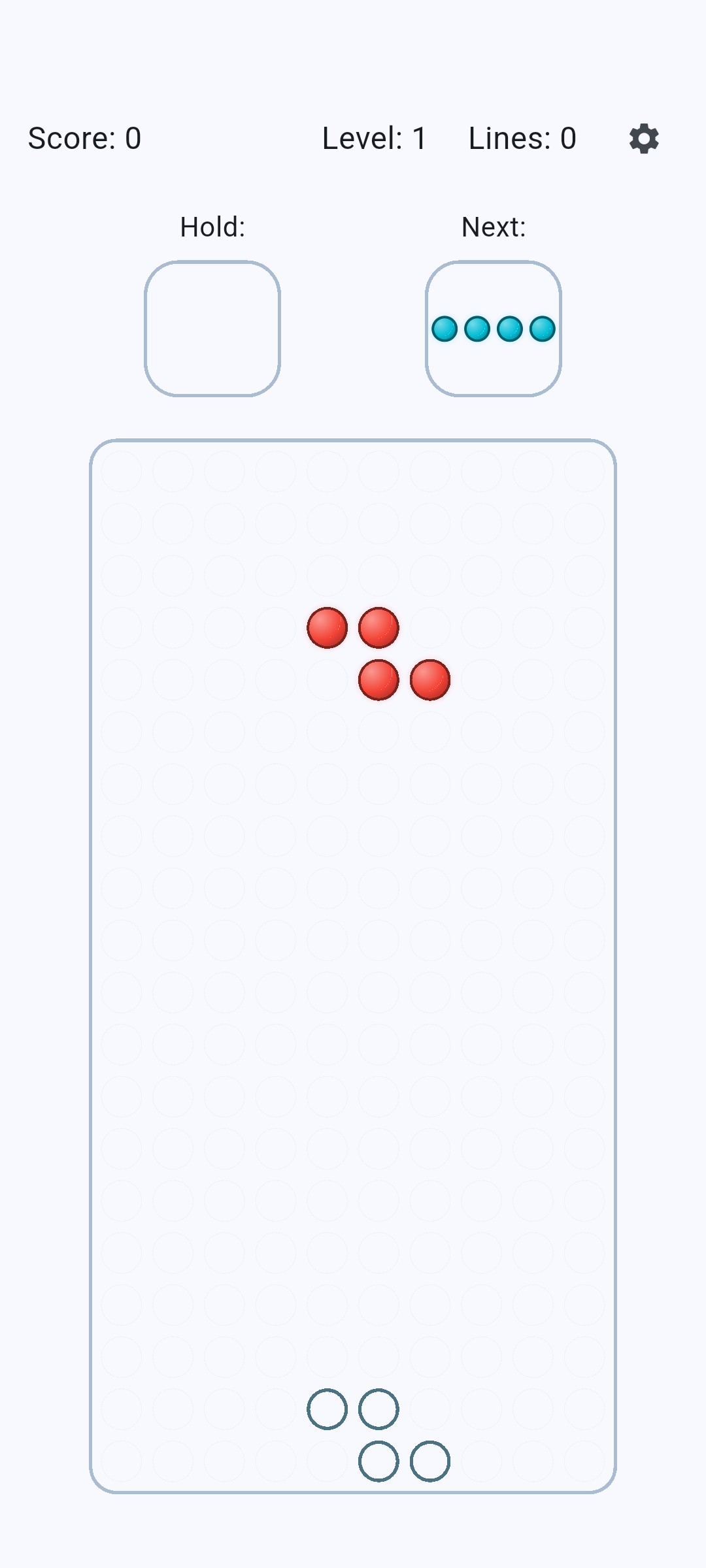
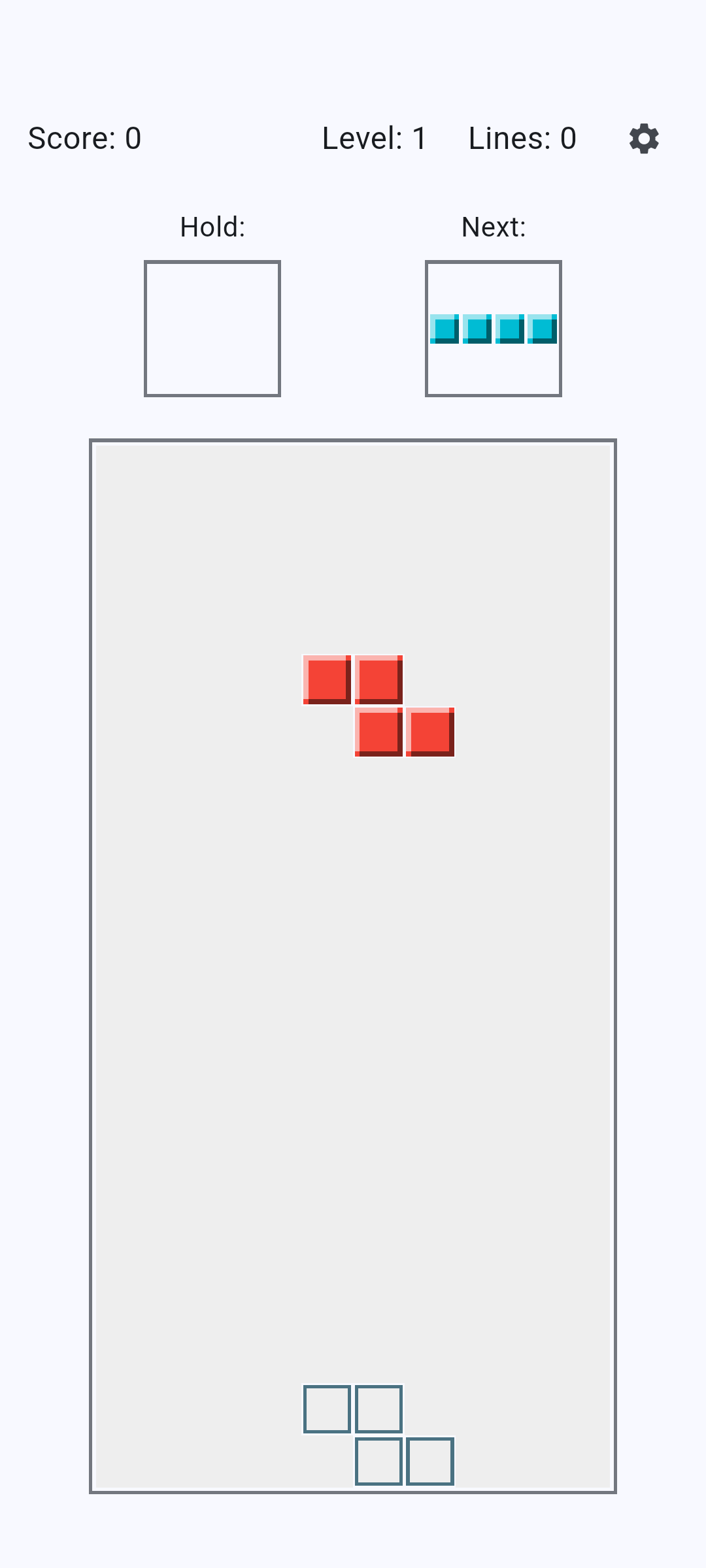
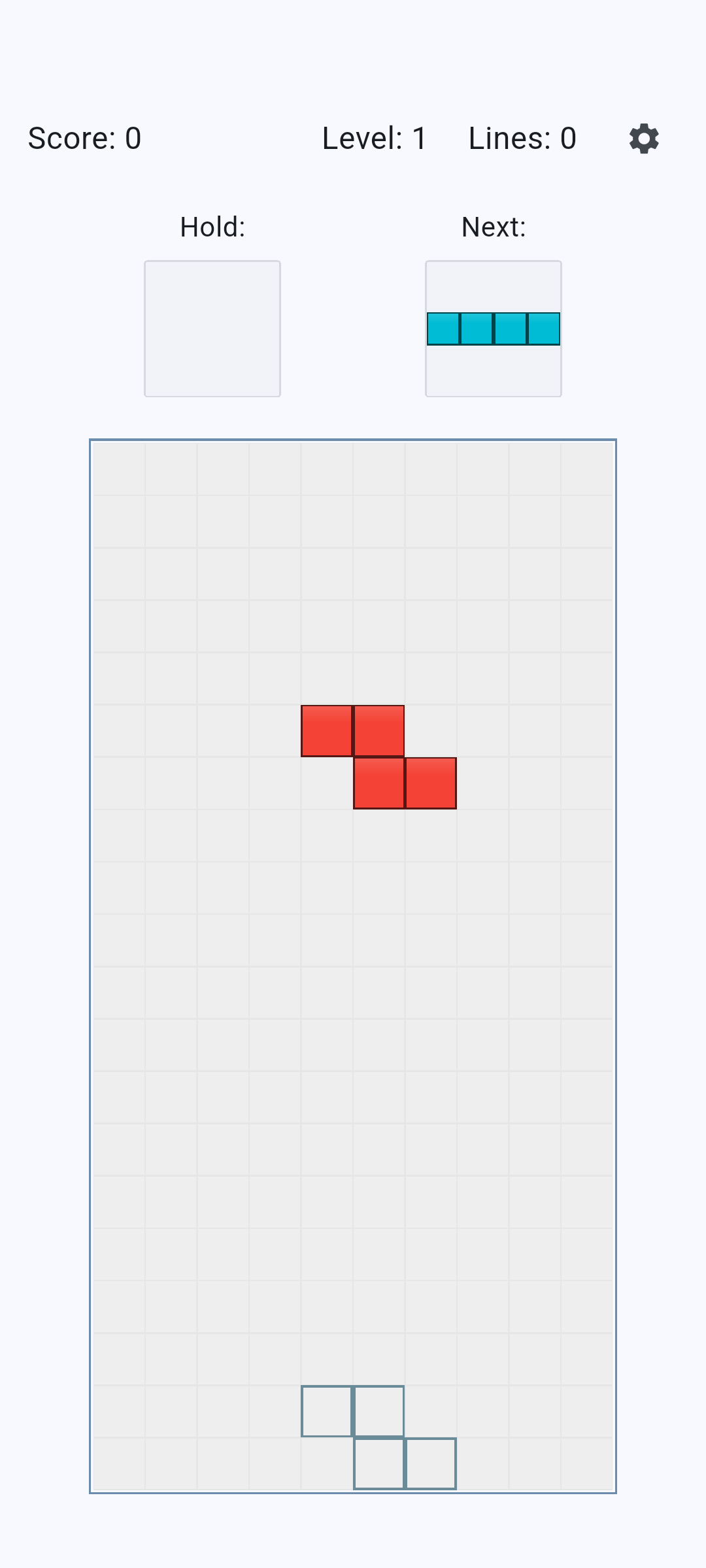
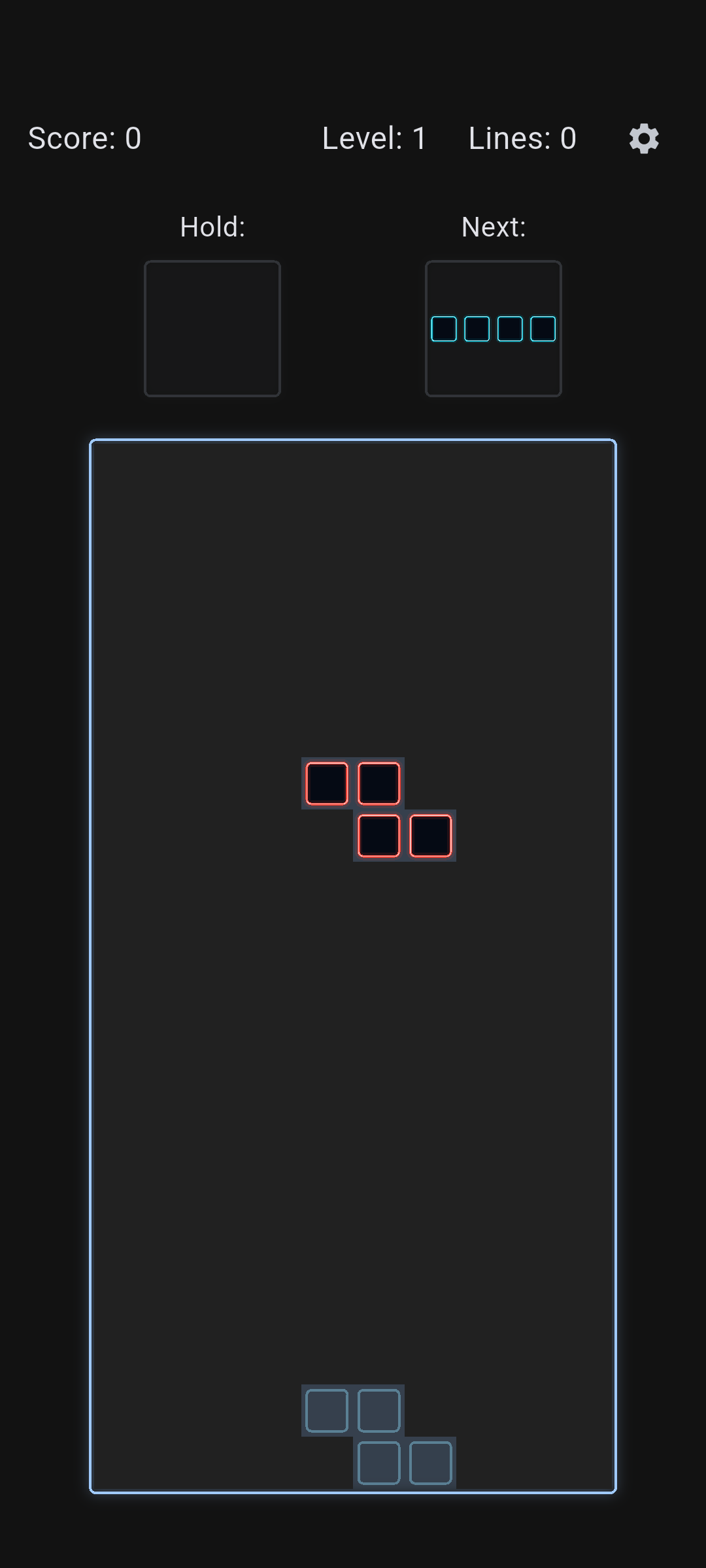
Screenshots
Light theme
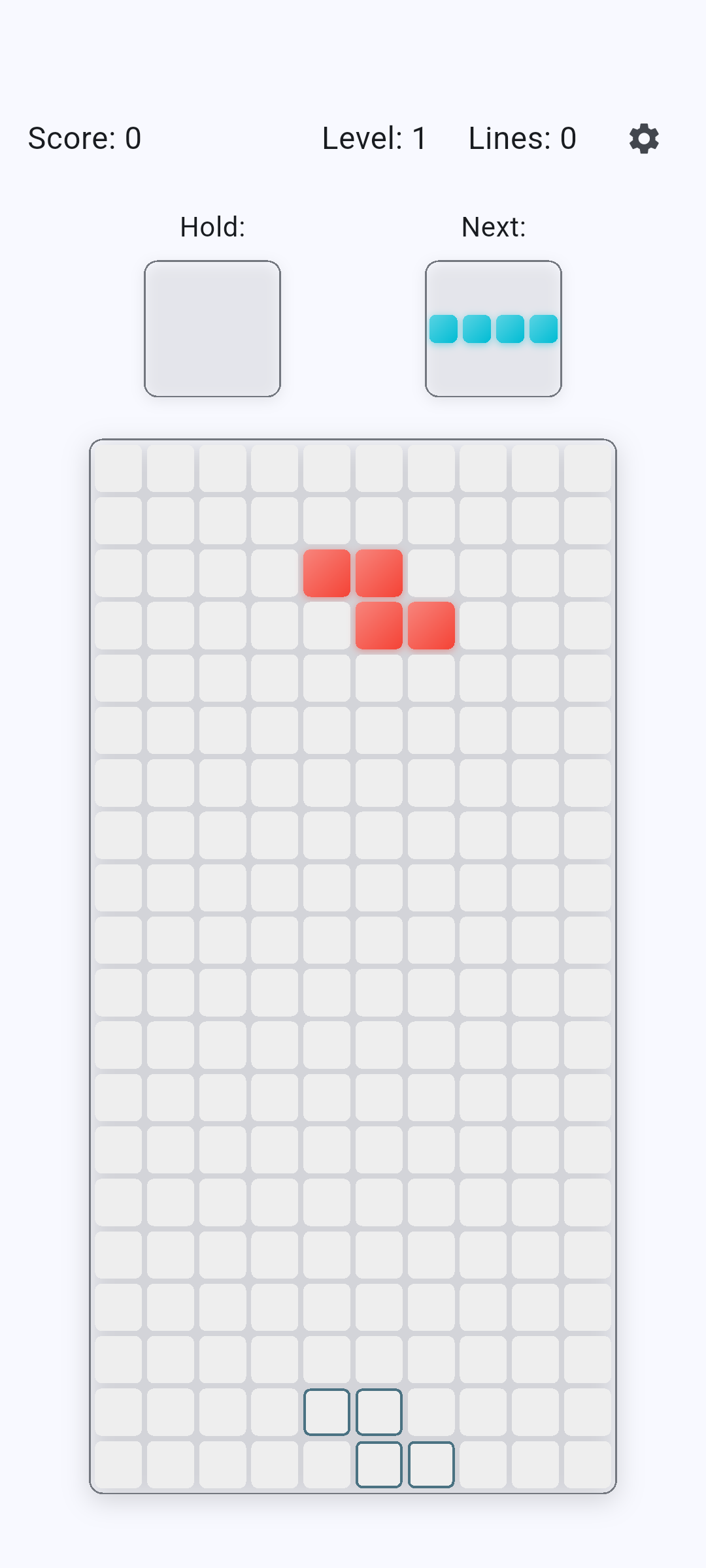
Dark theme
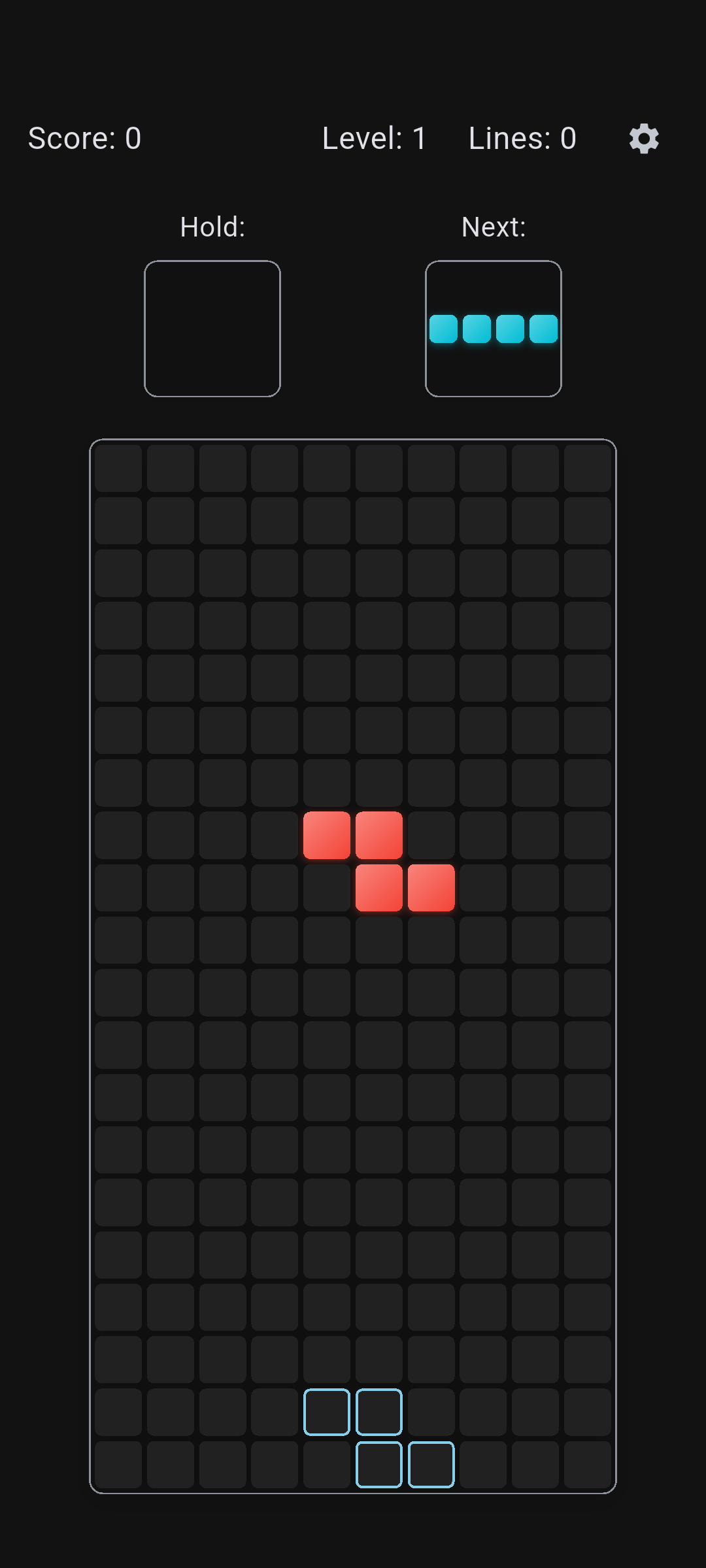
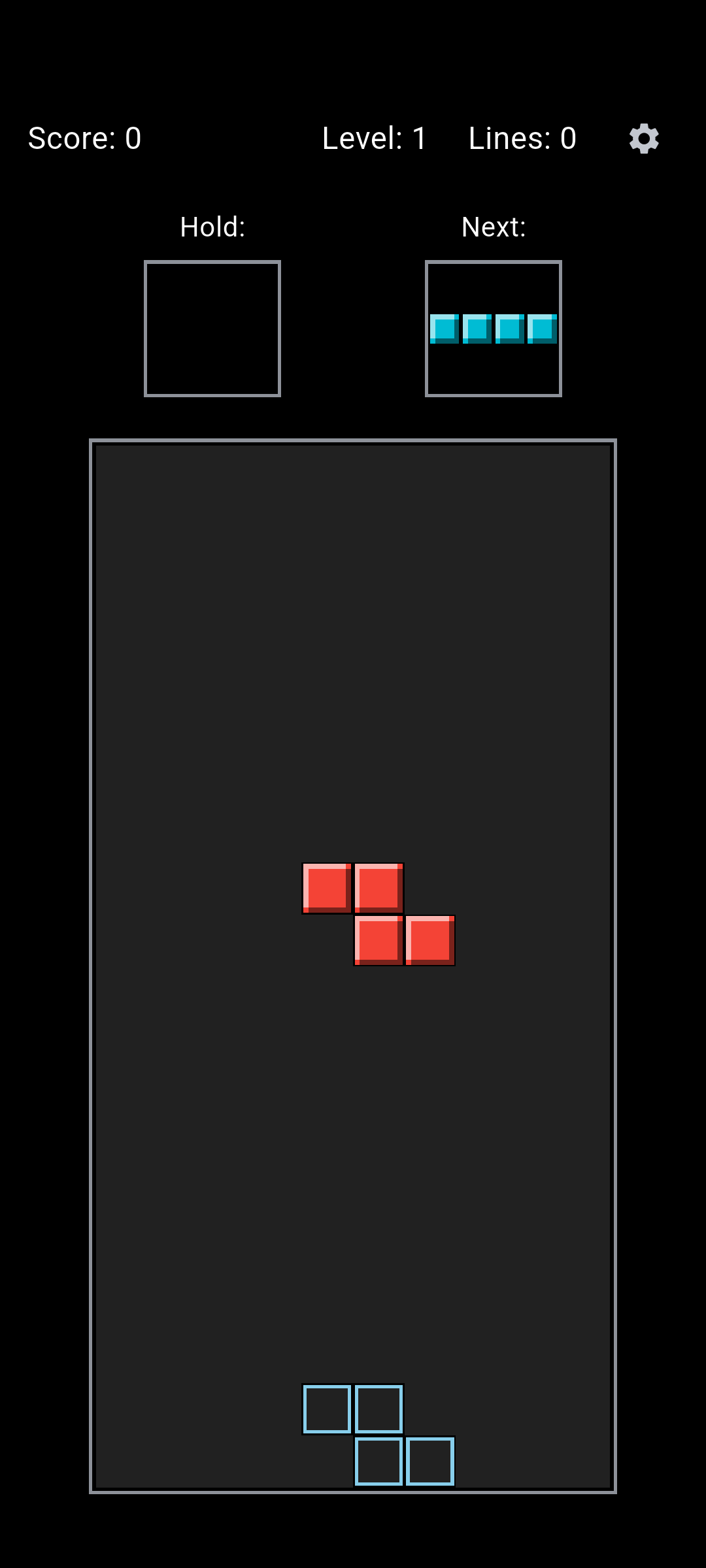

Black (AMOLED) theme


How to Play
- Move Left/Right: Use arrow keys or swipe gestures
- Rotate: Up arrow key or tap to rotate pieces
- Soft Drop: Down arrow key or swipe down
- Hard Drop: Space bar (desktop) or double tap (mobile)
- Hold Piece: Hold key or dedicated hold button
Getting Started
Prerequisites
Installation
-
Clone the repository:
git clone https://github.com/brandonp2412/BlockDrop block_drop cd block_drop -
Install dependencies:
flutter pub get -
Run the app:
flutter run
Building for Release
Android
flutter build apk --release
iOS
flutter build ios --release
Web
flutter build web --release
Desktop
flutter build windows --release  # Windows
flutter build macos --release    # macOS
flutter build linux --release
License
This project is licensed under the MIT License - see the LICENSE file for details.
Acknowledgments
- Inspired by the classic Tetris game
- Built with Flutter framework
- Icons and assets created specifically for Block Drop

GitHub author
Brandon Dick ↗
LanguagesDartC++PythonCMakeKotlinShellPowerShellRubySwiftJavaCHTMLObjective-C
Categories
Dependencies used
Dependency list 14 items
- flutter
{"sdk":"flutter"} - flutter_localizations
{"sdk":"flutter"} - talker_flutter
5.1.20 - cupertino_icons
^1.0.8 - shared_preferences
^2.3.0 - audioplayers
^6.0.0 - intl
^0.20.2 - url_launcher
^6.3.2 - flutter_testDevelopment
{"sdk":"flutter"} - integration_testDevelopment
{"sdk":"flutter"} - patrolDevelopment
^4.9.0 - flutter_lintsDevelopment
^6.0.0 - flutter_launcher_iconsDevelopment
^0.14.4 - mocktailDevelopment
^1.0.0
App categories
How do I choose a repository?
Start with your use case, compare repository activity, and check the original project before adopting it.
- Search by repository name, owner or description, then narrow the results by topic.
- Compare stars, forks and recent pushes. Stars show community interest, not a guarantee of quality.
- Read the README, license and issues on GitHub before using a project.
Sources and maintenance
“A repository is the most basic element of GitHub.”
GitHub Docs — About repositories ↗
- brandonp2412/BlockDrop · GitHub ↗
- GitHub Docs — Saving repositories with stars ↗
- Directory maintained by Ducafecat ↗