

v0.10.2
theta
Prototyping and testing your app in production with UI instant updates.
41Likes 7230-day downloads60Pub points
Platforms unavailable
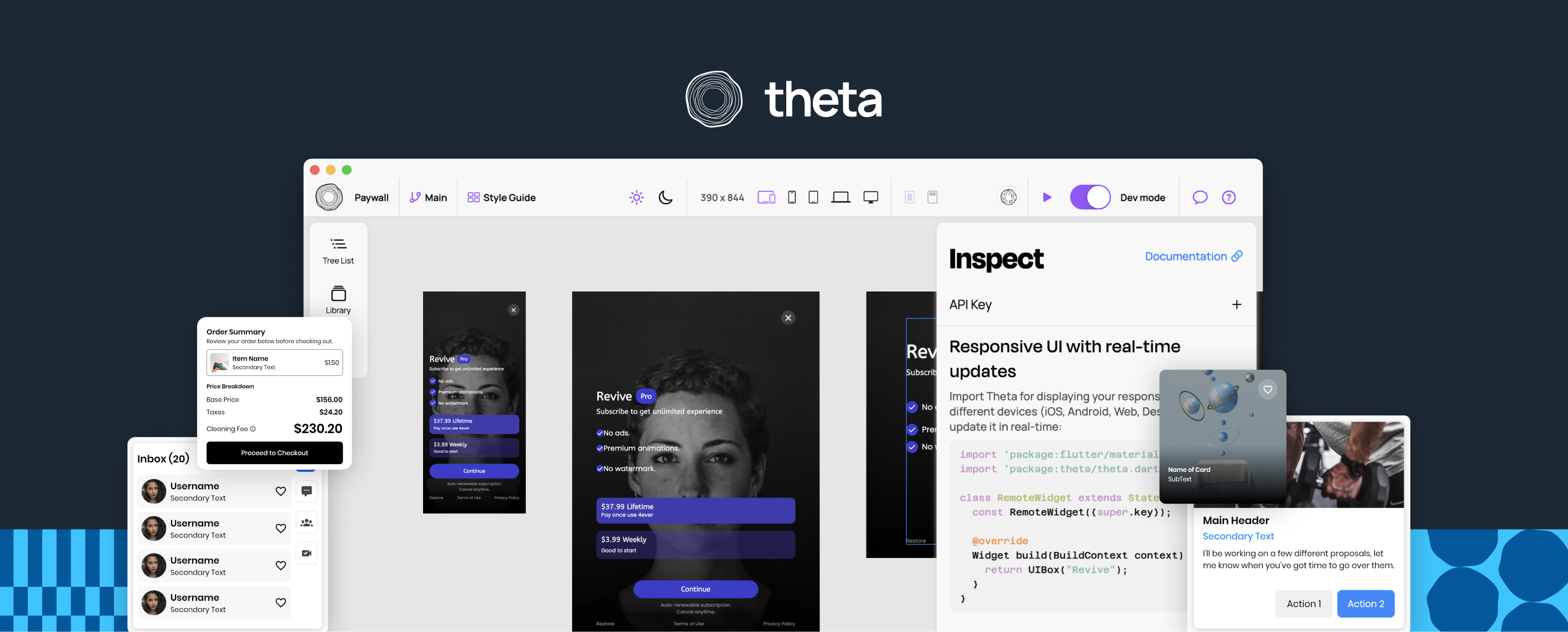
The open source way of designing server-driven UI, with instant updates. Follow to stay updated about our Beta.

English project snapshot. Visit GitHub for the latest content.





Get started • Documentation • Examples • Community & Support • Website
Design to Flutter in 1 command.
Tree steps:
Install Theta CLI.
$ dart pub global activate theta_cli
Link a project by its key.
$ theta link -k <anon key>
You can generate files from design by running:
$ theta gen
Theta will generate the following files
- /assets
- /theta_assets
- theta_preload.json
- ... all the media
- /lib
- theta_ui_assets.g.dart
- theta_ui_widgets.g.dart
You can use them as normal widgets:
PaywallWidget(
    initialTheme: ThemeMode.light,
)
🟡 Before running your app:
await initializeThetaClient();
assets:
    - assets/theta_assets/
There is an option for fetching widgets from the back-end in runtime.
You can easily active it by setting isLive: true.
PaywallWidget(
    initialTheme: ThemeMode.light,
    isLive: true,
)
By making it live, you can set A/B testing from Theta's editor or update its content in real-time.
See CONTRIBUTING.md for details.
Theta is licensed under the Apache License 2.0. See LICENSE for details.
Start with your use case, compare repository activity, and check the original project before adopting it.
“A repository is the most basic element of GitHub.”
GitHub Docs — About repositories ↗