Search packages, repositories and app categories

Package detailsv0.10.2

theta

Prototyping and testing your app in production with UI instant updates.

30-day downloads
152
Likes
41
Pub points
60

Install package

dart pub add theta

Package Overview

Package selection guidance compiled from public package information, community data, and project usage.

Theta is a Flutter package designed for rapid prototyping and production testing with real-time UI updates. It enables developers to experiment with components and design changes instantly, without restarting the app. By integrating seamlessly into existing Flutter workflows, Theta supports component-driven development, making it ideal for teams focused on UI iteration and collaboration. Its lightweight nature and focus on instant feedback streamline the development process, especially during design reviews or feature validation.

Use cases

  • Rapid UI prototyping
  • Live component testing
  • Design system development
  • Collaborative UI reviews
  • Production-like testing

Key features

  • Instant UI updates
  • Component-driven development
  • Seamless integration with Flutter
  • Real-time feedback loop
  • Minimal setup required

Suitable for

  • UI designers
  • Frontend developers
  • Product teams
  • Design system creators
  • Agile development teams

Considerations

  • Not intended for production deployment
  • Limited to development workflow
  • Requires manual configuration for complex setups
  • No official support for web or desktop platforms

Original README

Original README snapshot from the linked source repository. Visit the repository for the latest content.

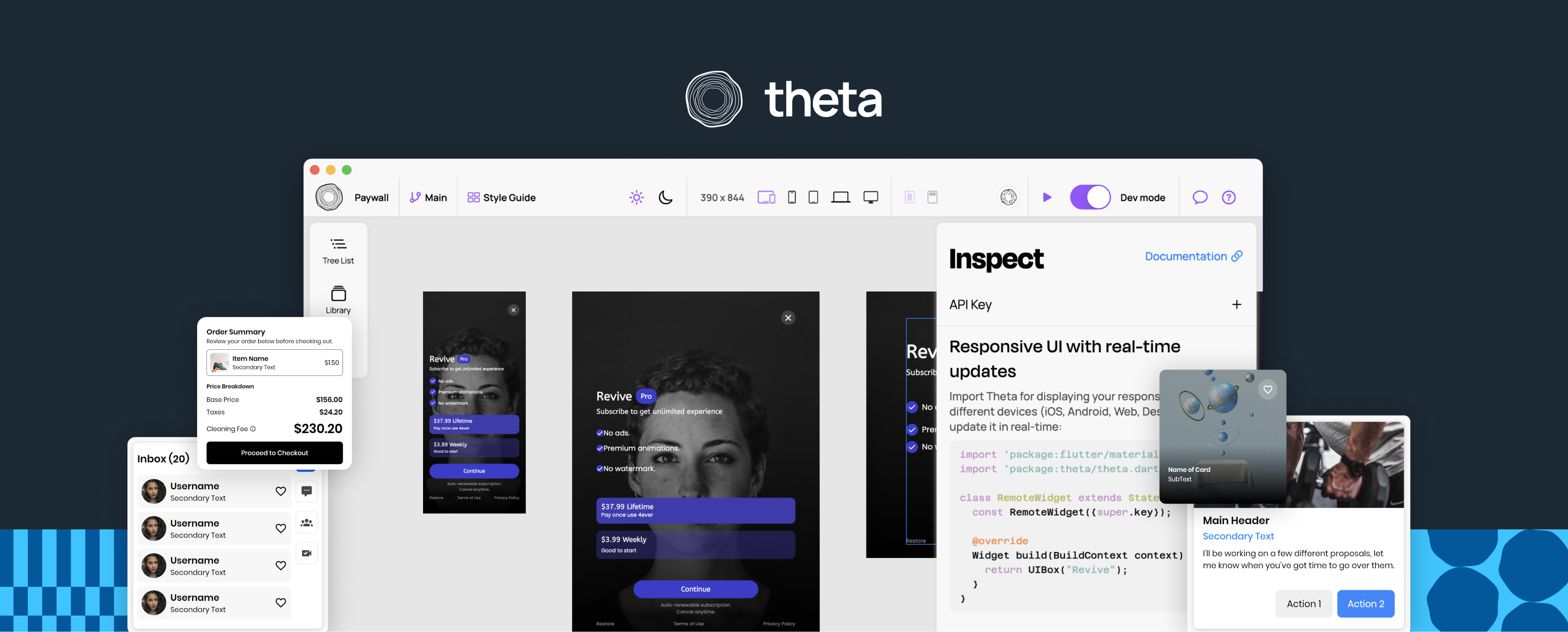
Banner

pub github discord contributors

Get started • Documentation • Examples • Community & Support • Website

Theta

Design to Flutter in 1 command.

  • 🦄 Why? Manually coding the entire UI can be time-consuming and costly. Transform your design into Flutter with just one command.
  • 👥 Who? Individual developers and teams aiming for quicker and more visual UI development.

🧙 Design to Flutter

Tree steps:

  1. Build your UI with Theta.

Theta Studio

  1. Navigate to a Flutter project, and open the terminal:

Install Theta CLI.

$ dart pub global activate theta_cli

Link a project by its key.

$ theta link -k <anon key>

You can generate files from design by running:

$ theta gen
  1. Use the generated UI widgets:

Theta will generate the following files

  • /assets
    • /theta_assets
      • theta_preload.json
      • ... all the media
  • /lib
    • theta_ui_assets.g.dart
    • theta_ui_widgets.g.dart

You can use them as normal widgets:

PaywallWidget(
    initialTheme: ThemeMode.light,
)

🟡 Before running your app:

  1. Initialize ThetaClient instance for your project. Write at the root of your app:
await initializeThetaClient();
  1. Add the path in the pubspec.yaml file to theta_assets folder, to access the widget data:
assets: 
    - assets/theta_assets/
Congrats, you have now your UI 🥳

🔴 Live widgets

There is an option for fetching widgets from the back-end in runtime.

You can easily active it by setting isLive: true.

PaywallWidget(
    initialTheme: ThemeMode.light,
    isLive: true,
)

By making it live, you can set A/B testing from Theta's editor or update its content in real-time.


Contributing

See CONTRIBUTING.md for details.

License

Theta is licensed under the Apache License 2.0. See LICENSE for details.

Categories

Dependencies

Dependency list 13 items

Source repository

Projects using this package

No data available yet.