

 v0.0.2
pull_to_reveal
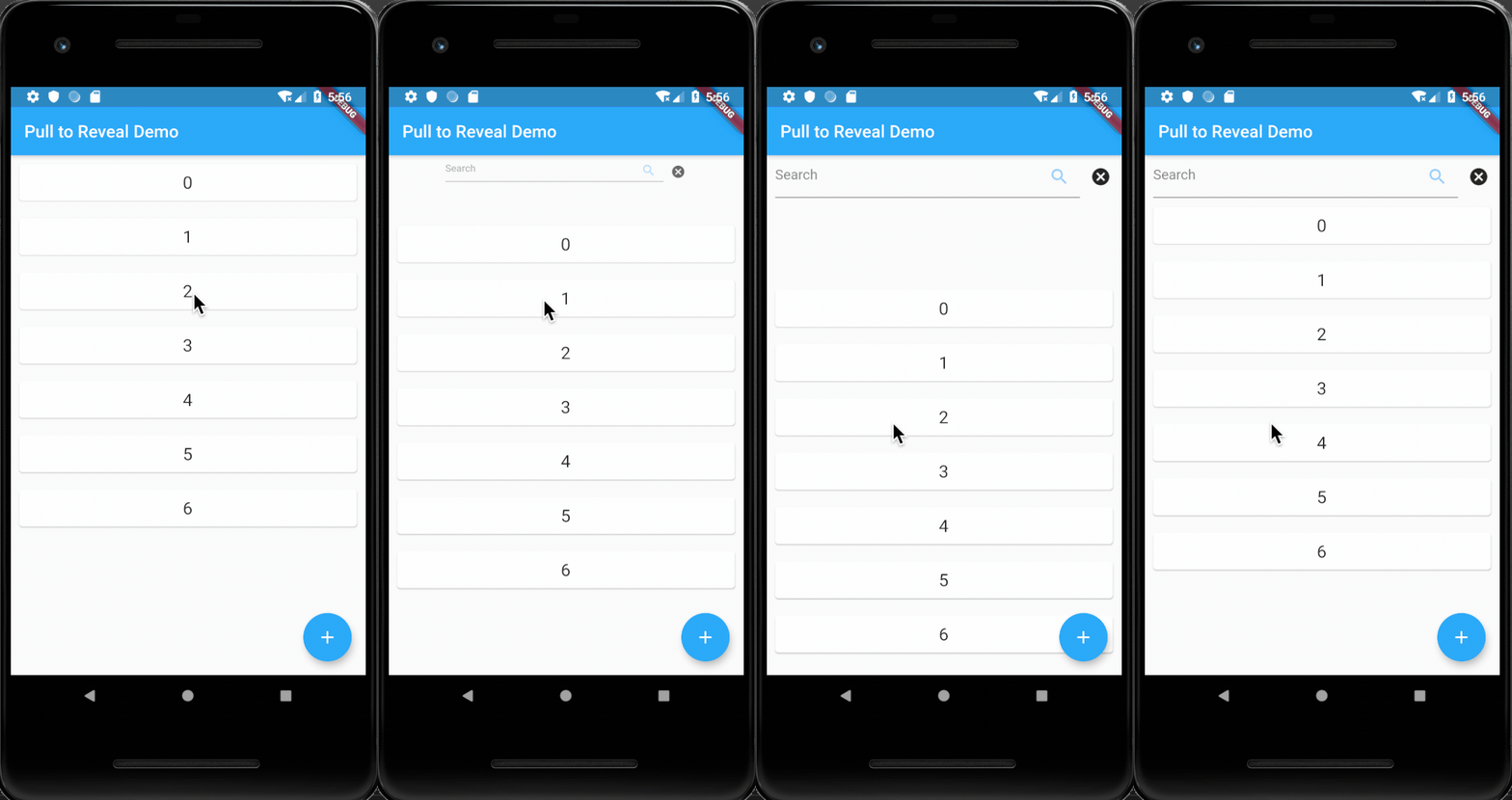
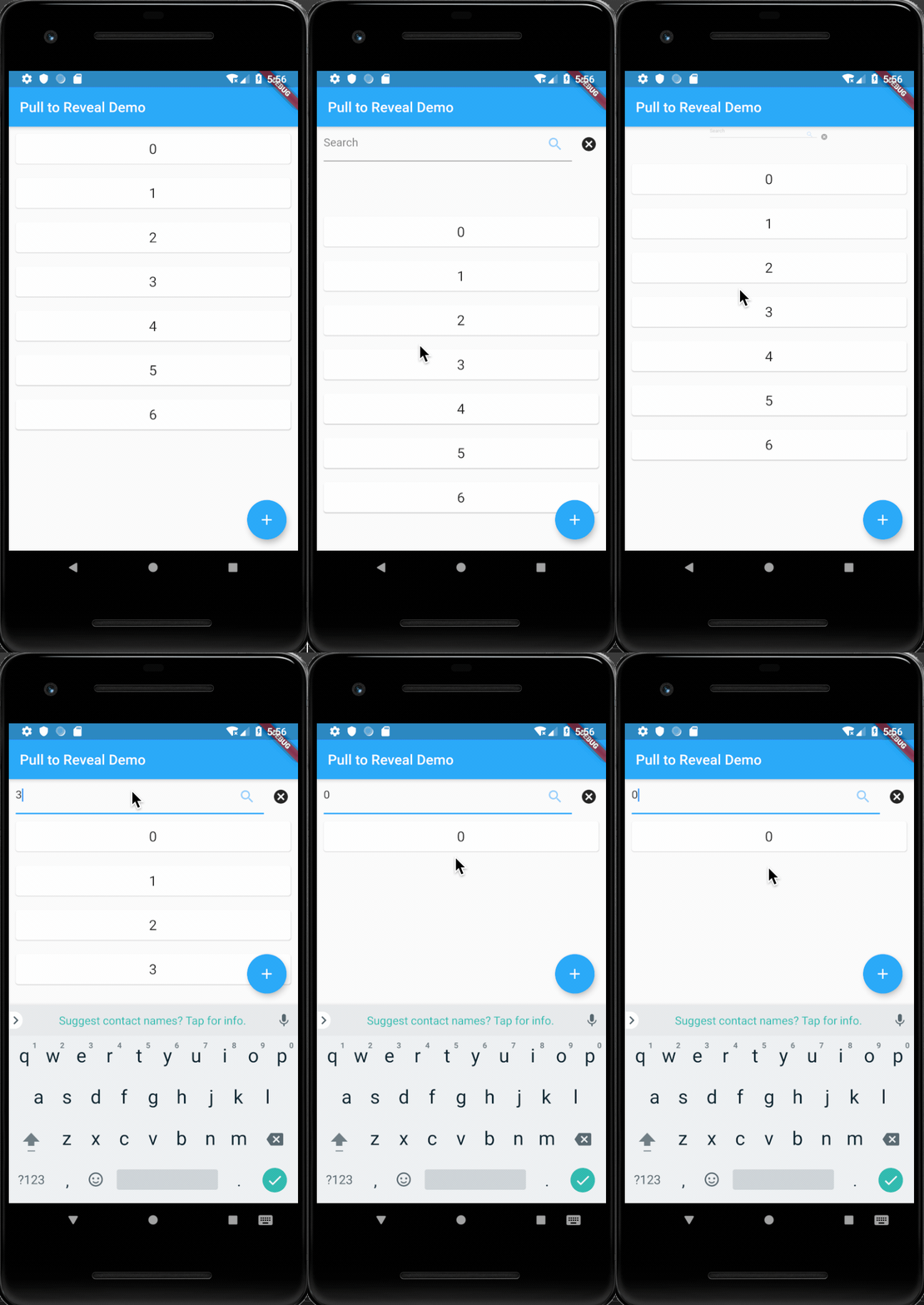
A simple Flutter widget that wraps a `ListView` and selectively renders a hidden top element based on user scroll behavior.
29Likes 10730-day downloads40Pub points
Platforms unavailable
A simple Flutter widget that wraps a `ListView` and selectively renders a hidden top element based on user scroll behavior

English project snapshot. Visit GitHub for the latest content.
A simple Flutter widget that wraps a ListView and selectively renders a hidden top element based on user scroll behavior.
To use the PullToRevealListView widget in your Flutter project, you need only wrap it in a LayoutBuilder and then a Stack. These are excellent for adding a little life to a Scaffold background, or for programming a Pong client.
import 'package:pull_to_reveal/pull_to_reveal.dart';
import 'package:flutter/material.dart';

void main() => runApp(MyApp());

class MyApp extends StatelessWidget {
  // This widget is the root of your application.
  @override
  Widget build(BuildContext context) {
    return Scaffold(
      appBar: AppBar(
        title: Text(widget.title),
      ),
      body: Center(
        child: PullToRevealTopItemList(
          itemCount: _counter,
          itemBuilder: (BuildContext context, int index) {
            return ListItemElement(index: index);
          },
          revealableHeight: 50,
          revealableBuilder: (BuildContext context, RevealableToggler opener, RevealableToggler closer, BoxConstraints constraints) {
            return Row(
              children: <Widget>[
                SizedBox(width: 10),
                Flexible(
                  child: TextFormField(
                    controller: searchController,
                    decoration: InputDecoration(
                      hintText: 'Search',
                      suffixIcon: Icon(Icons.search),
                    ),
                  ),
                ),
                IconButton(
                  icon: Icon(Icons.cancel),
                  onPressed: () {
                    // Handles closing the `Revealable`
                    closer();
                    // Removes any filtering effects
                    searchController.text = '';
                    setState(() {
                      _filter = null;
                    });
                  },
                )
              ],
            );
          },
        ),
      ),
    );
  }
}
Dependency list 3 items
^4.0.6{"sdk":"flutter"}{"sdk":"flutter"}Start with your use case, compare repository activity, and check the original project before adopting it.
“A repository is the most basic element of GitHub.”
GitHub Docs — About repositories ↗