

 v1.0.8
google_one_tap_sign_in
Google One Tap Sign In (Android)
33Likes 10430-day downloads130Pub points
Android
Flutter Google One Tap Sign In (Android)

English project snapshot. Visit GitHub for the latest content.
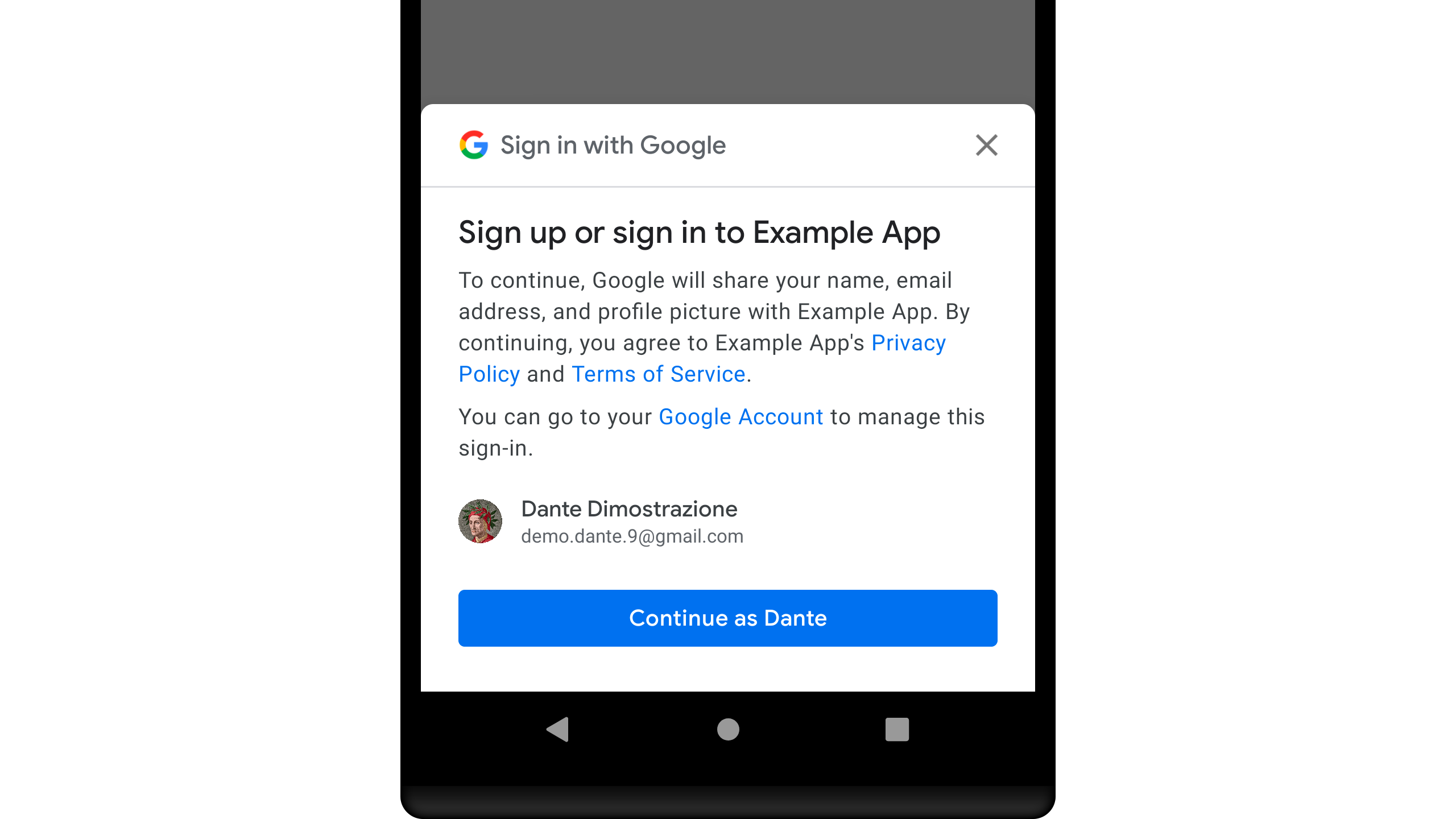
Google One Tap Sign In (Android)
A Flutter Plugin for Google One Tap Sign In
To access Google Sign-In, you'll need to make sure to register your application.
Add to your pubspec.yaml
dependencies:
  google_one_tap_sign_in: [any]
Add Google Service
classpath 'com.google.gms:google-services:[x.x.x]'
Import plugin
import 'package:google_one_tap_sign_in/google_one_tap_sign_in.dart';
Handle Simple Method
// Your Web Client Id
final String _webClientId = "[XXXXXXXXXXX]";
void _onSignIn() async {
    var data = await GoogleOneTapSignIn.startSignIn(webClientId: _webClientId);
    if (data != null) {
      // Whatever you do with [SignInResult] data
      print("Id Token : ${data.idToken ?? "-"}");
      print("ID : ${data.id ?? "-"}");
    }
}
Handle with Condition Method
// Your Web Client Id
final String _webClientId = "[XXXXXXXXXXX]";
void _onSignInWithHandle() async {
var result = await GoogleOneTapSignIn.handleSignIn(webClientId: _webClientId);

    if (result.isTemporaryBlock) {
      // TODO: Tell your users about this status
      print("Temporary BLOCK");
    }

    if (result.isCanceled) {
      // TODO: Tell your users about this status
      print("Canceled");
    }

    if (result.isFail) {
      // TODO: Tell your users about this status
    }

    if (result.isOk) {
      // TODO: Whatever you do with [SignInResult] data
      print("OK");
      print("Id Token : ${result.data?.idToken ?? "-"}");
      print("Email : ${result.data?.username ?? "-"}");
    }
}
Find the example wiring in the Google One Tap Sign In
Dependency list 3 items
{"sdk":"flutter"}{"sdk":"flutter"}^1.0.0Start with your use case, compare repository activity, and check the original project before adopting it.
“A repository is the most basic element of GitHub.”
GitHub Docs — About repositories ↗