Search packages, repositories and app categories

google_one_tap_sign_in cover
Package detailsv1.0.8

google_one_tap_sign_in

Google One Tap Sign In (Android)

Android
30-day downloads
104
Likes
33
Pub points
130

Install package

flutter pub add google_one_tap_sign_in

Package Overview

Package selection guidance compiled from public package information, community data, and project usage.

A Flutter package that enables Google One Tap Sign In for Android, simplifying user authentication by allowing users to sign in with a single tap using their Google account. It integrates seamlessly with Android's native One Tap UI, reducing friction during login. The package handles the authentication flow and provides access to user information such as email and profile data. Designed specifically for Android, it enhances user experience by minimizing input steps while maintaining security through Google's authentication infrastructure.

Use cases

  • Simplifying app login on Android
  • Enabling fast user onboarding
  • Reducing form-filling effort
  • Integrating with Google account services
  • Supporting secure authentication workflows

Key features

  • Android-only One Tap integration
  • Seamless Google account sign-in
  • Minimal user input required
  • Secure authentication via Google
  • Easy setup with Flutter

Suitable for

  • Android apps prioritizing quick login
  • Apps targeting high user retention
  • Developers using Google authentication
  • Projects needing low-friction onboarding
  • Mobile-first applications

Considerations

  • Limited to Android platform
  • Requires Google Play Services
  • Depends on Google's backend availability
  • May need additional configuration for edge cases
  • Not compatible with iOS or web

Original README

Original README snapshot from the linked source repository. Visit the repository for the latest content.

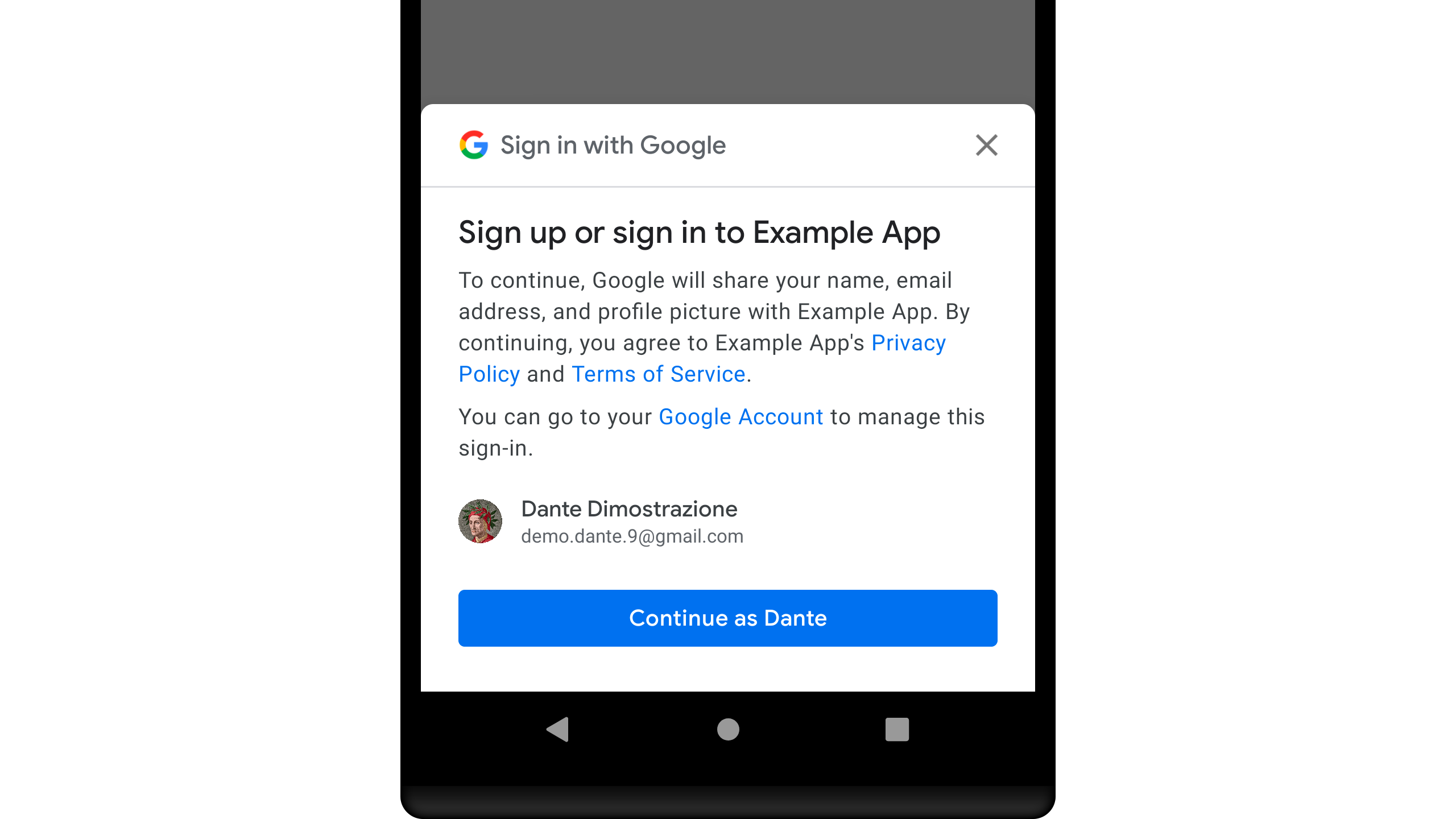
Screenshoot

Google One Tap Sign In

Google One Tap Sign In (Android)

A Flutter Plugin for Google One Tap Sign In

Getting Started

To access Google Sign-In, you'll need to make sure to register your application.

  • Add to your pubspec.yaml

    dependencies:  
      google_one_tap_sign_in: [any]
    
  • Add Google Service

    classpath 'com.google.gms:google-services:[x.x.x]'
    
  • Import plugin

    import 'package:google_one_tap_sign_in/google_one_tap_sign_in.dart';
    
  • Handle Simple Method

    // Your Web Client Id  
    final String _webClientId = "[XXXXXXXXXXX]";
    void _onSignIn() async {
        var data = await GoogleOneTapSignIn.startSignIn(webClientId: _webClientId);
        if (data != null) {
          // Whatever you do with [SignInResult] data
          print("Id Token : ${data.idToken ?? "-"}");
          print("ID : ${data.id ?? "-"}");
        }
    }
    
  • Handle with Condition Method

    // Your Web Client Id  
    final String _webClientId = "[XXXXXXXXXXX]";
    void _onSignInWithHandle() async {
    var result = await GoogleOneTapSignIn.handleSignIn(webClientId: _webClientId);
    
        if (result.isTemporaryBlock) {
          // TODO: Tell your users about this status
          print("Temporary BLOCK");
        }
    
        if (result.isCanceled) {
          // TODO: Tell your users about this status
          print("Canceled");
        }
    
        if (result.isFail) {
          // TODO: Tell your users about this status
        }
    
        if (result.isOk) {
          // TODO: Whatever you do with [SignInResult] data
          print("OK");
          print("Id Token : ${result.data?.idToken ?? "-"}");
          print("Email : ${result.data?.username ?? "-"}");
        }
    }
    

Example

Find the example wiring in the Google One Tap Sign In

Categories

Source repository

Projects using this package

No data available yet.