

v0.0.2
slide_popup_dialog
Popup dialog with slide mechanism. Use it like AlertDialog or SimpleDialog.
108Likes 4130-day downloads40Pub points
Platforms unavailable
dhimasdewanto/slide_popup_dialog open-source repository details.

English project snapshot. Visit GitHub for the latest content.
Popup dialog with slide mechanism. Use it like AlertDialog or SimpleDialog.
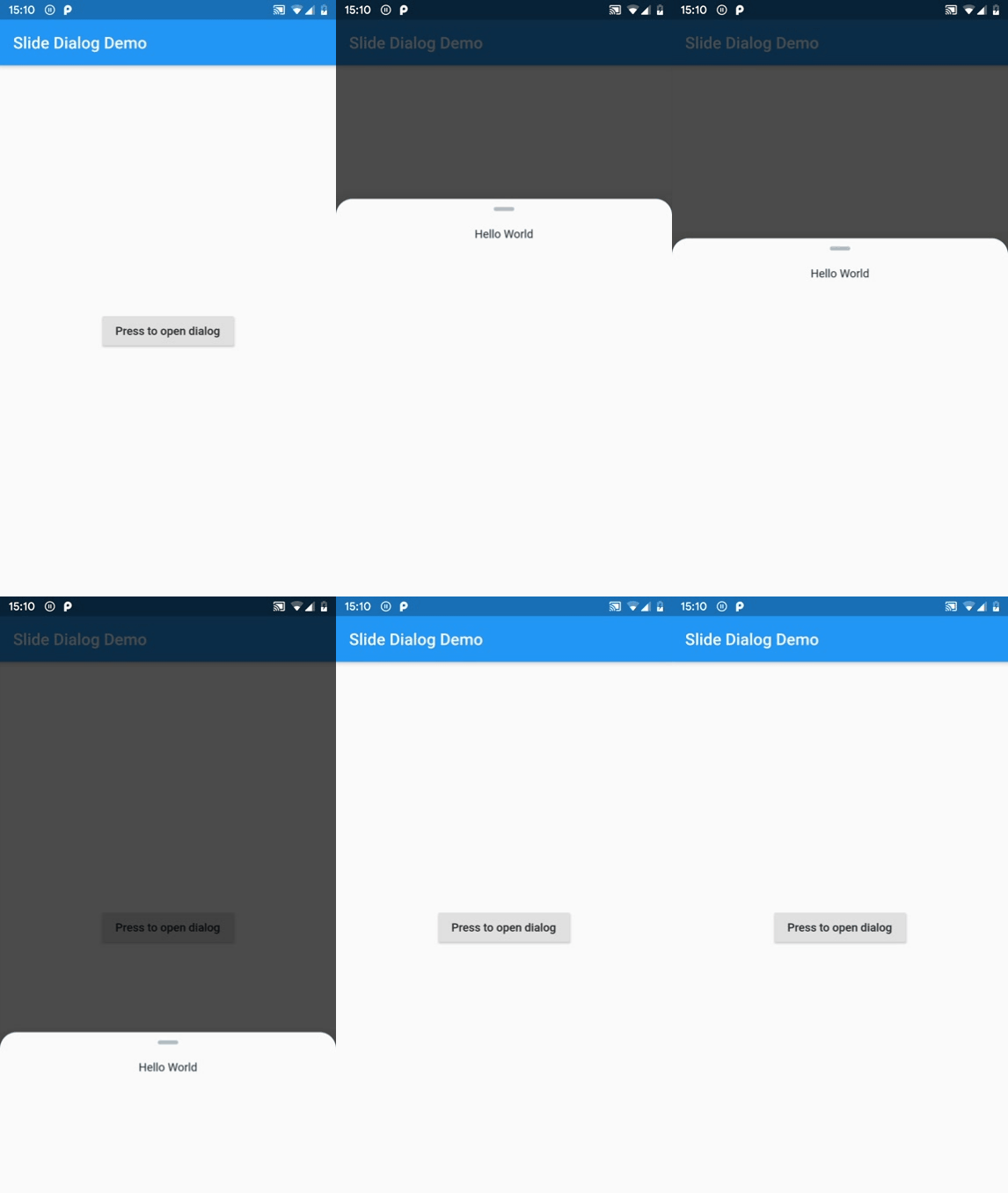
Add slide_popup_dialog to your package's pubspec.yaml, then intall it.
Import package.
import 'package:slide_popup_dialog/slide_popup_dialog.dart' as slideDialog;
void _showDialog() {
  slideDialog.showSlideDialog(
    context: context,
    child: Text("Hello World"),
  );
}
class MyHomePage extends StatefulWidget {
  final String title;

  const MyHomePage({Key key, this.title}) : super(key: key);

  @override
  _MyHomePageState createState() => _MyHomePageState();
}

class _MyHomePageState extends State<MyHomePage> {
  @override
  Widget build(BuildContext context) {
    return Scaffold(
      appBar: AppBar(
        title: Text(widget.title),
      ),
      body: Center(
        child: RaisedButton(
          child: Text("Press to open dialog"),
          onPressed: _showDialog,
        ),
      ),
    );
  }

  void _showDialog() {
    slideDialog.showSlideDialog(
      context: context,
      child: Text("Hello World"),
      barrierColor: Colors.white.withOpacity(0.7),
      pillColor: Colors.red,
      backgroundColor: Colors.yellow,
    );
  }
}
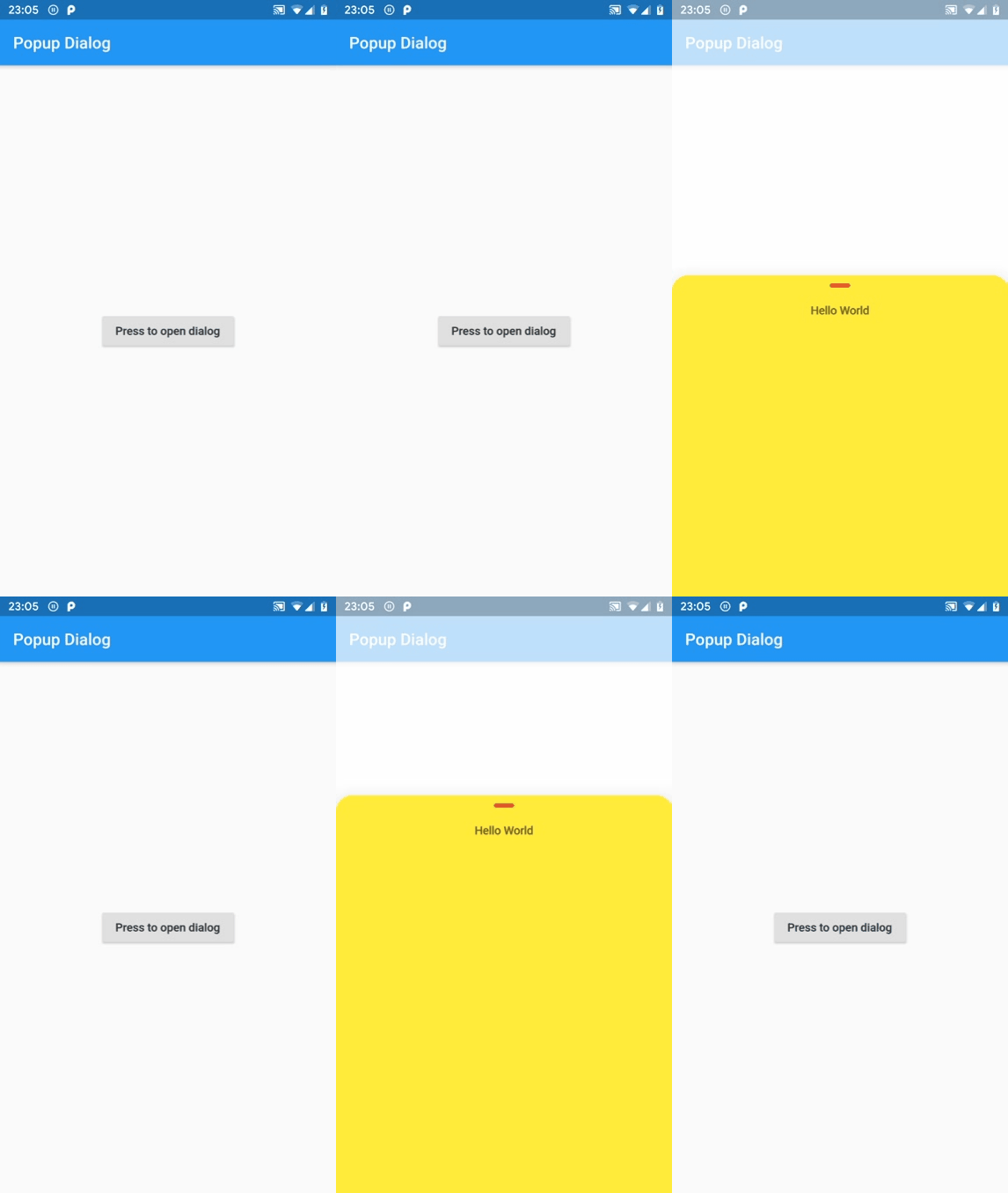
Dependency list 2 items
{"sdk":"flutter"}{"sdk":"flutter"}Start with your use case, compare repository activity, and check the original project before adopting it.
“A repository is the most basic element of GitHub.”
GitHub Docs — About repositories ↗