


 v0.3.2
roulette
This is a library provide a simple roulette widget which usually used for lottery.
53Likes 43130-day downloads160Pub points
AndroidiOSWebmacOSWindowsLinux
A simple roulette widget.

English project snapshot. Visit GitHub for the latest content.


Project Status: Stable & Open for Contributions
This project has reached its primary goals. The author actively maintains it for compatibility with the latest SDKs and critical bug fixes, but is no longer actively developing new features.
Feature Requests: Suggestions are welcome! Please open an Issue for discussion.
Contributions: If you need a new feature, Pull Requests are highly encouraged and appreciated.
This is a Flutter library that provides a simple wheel widget for lottery usage.
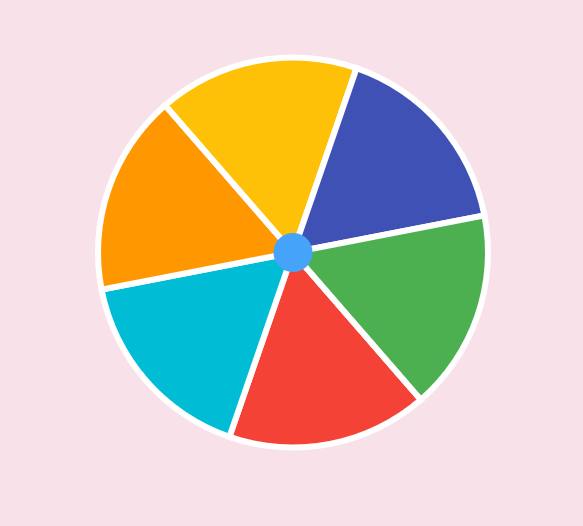
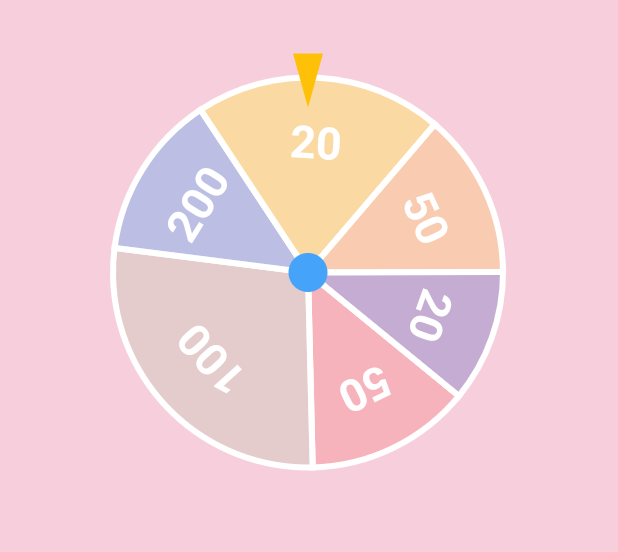
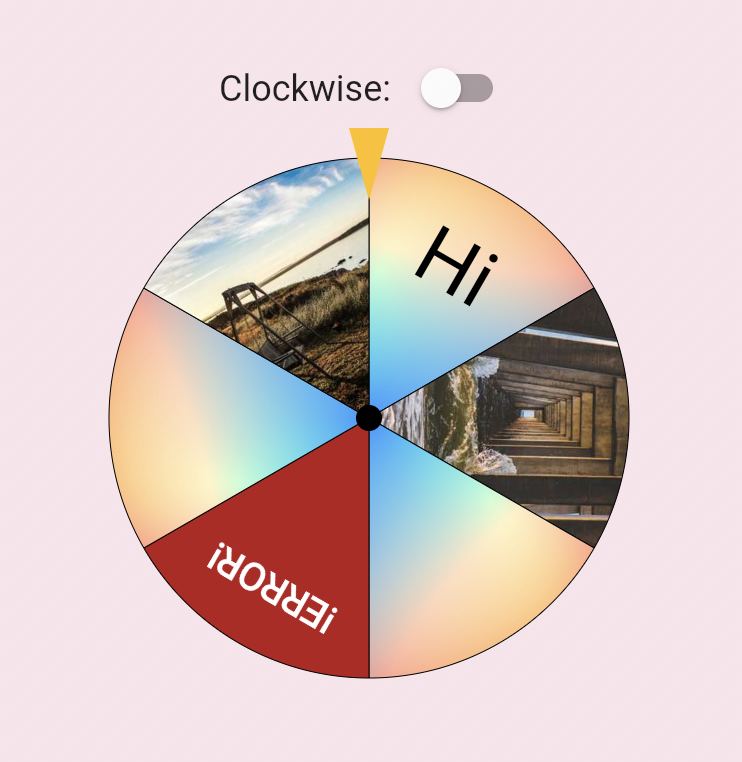
There are various types of roulette provided by this package (text is optional):
Uniformed roulette:
Weight-based roulette:
IconData roulette (available in 0.1.4):
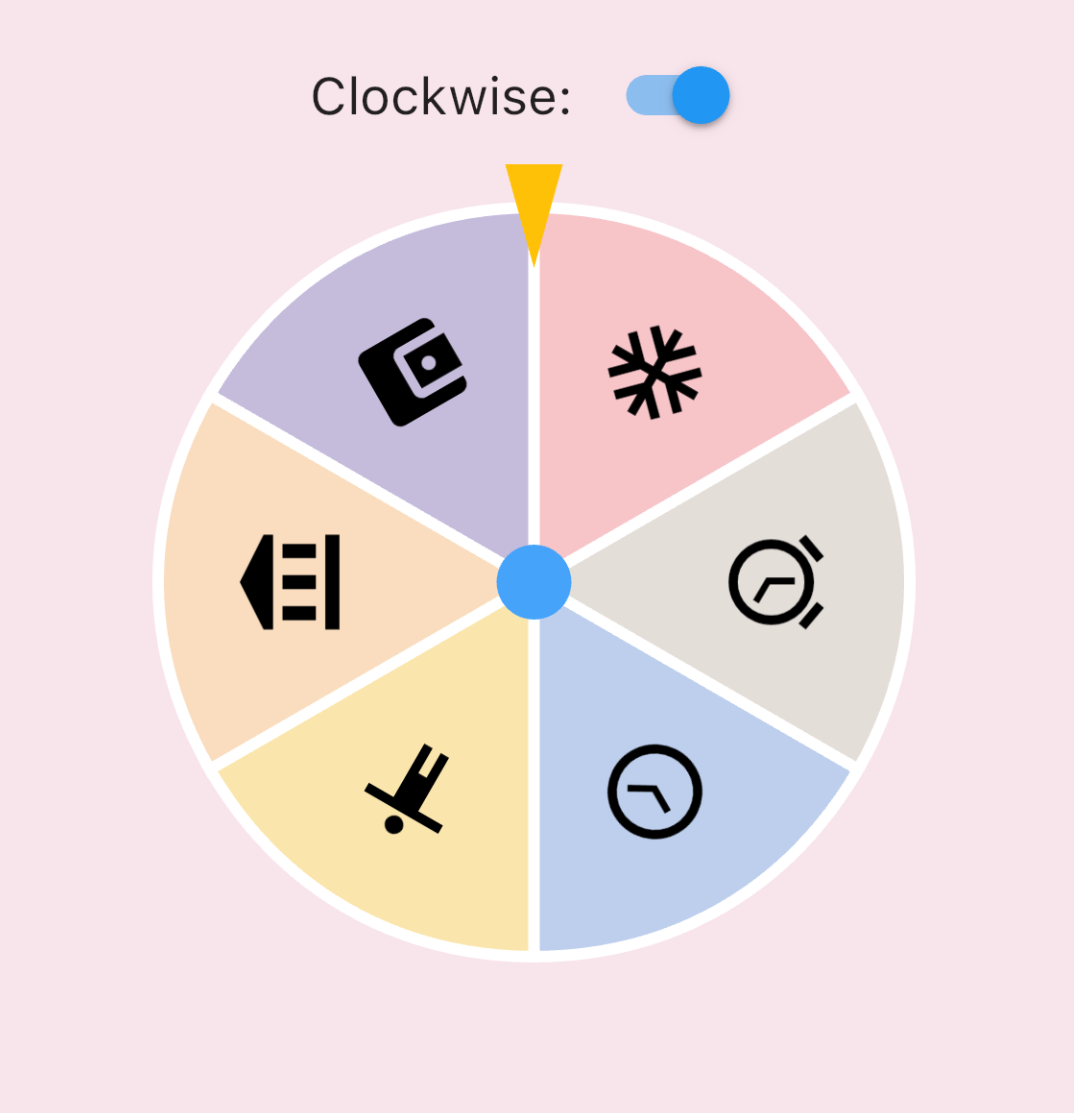
Image roulette (available in 0.1.5):
Add this to your pubspec.yaml file:
dependencies:
  roulette: ^1.0.0-rc.1
Note (v1.0.0-rc.1): The package no longer depends on
package:flutter/material.dart.RouletteStylenow requirescenterStickerColoranddividerColor— use the deprecatedRouletteStyle.material()to keep the previous default look. It's highly recommend to specify the colors explicitly, the material ported version will be removed in future.
First, create a RouletteController instance:
// Create roulette units
final units = [
  RouletteUnit.noText(color: Colors.red),
  RouletteUnit.noText(color: Colors.green),
  // ...other units
];

// Initialize controller
final controller = RouletteController();
For uniformed roulette from a list, use the builder:
// Source data
final values = <int>[1, 2, 3, 4];

// Build uniformed group
final group = RouletteGroup.uniform(
  values.length,
  colorBuilder: (index) => Colors.blue,
  textBuilder: (index) => values[index].toString(),
  textStyleBuilder: (index) {
    // Customize text style, don't forget to return it
  },
);

// Create controller
controller = RouletteController();
With the controller, add a Roulette widget:
@override
Widget build(BuildContext context) {
  return Roulette(
    group: group,
    controller: controller,
    style: RouletteStyle(
      centerStickerColor: Colors.white,
      dividerColor: Colors.black38,
      // Customize appearance (e.g. sectionImageLayout for image sections)
    ),
  );
}
Available from 0.3.1, you can use TappableRoulette which wraps Roulette to detect which sector is tapped by the user.
@override
Widget build(BuildContext context) {
  return TappableRoulette(
    group: group,
    controller: controller,
    onTap: (index) {
      print('Tapped on $index sector');
    },
    style: RouletteStyle(
      centerStickerColor: Colors.white,
      dividerColor: Colors.black38,
      // Customize appearance
    ),
  );
}
Use rollTo method to spin the roulette:
ElevatedButton(
  onPressed: () async {
    // Spin to index 2
    await controller.rollTo(2);
    // Do something after settled
  },
  child: Text('Roll!'),
);
rollTo allows options like randomizing stop position:
// Generate random offset
final random = Random();
final offset = random.nextDouble();

// Spin with offset
await controller.rollTo(2, offset: offset);
You can customize the roll animation by passing an AnimationConfig to rollTo:
Curve-based animation (default):
await controller.rollTo(
  2,
  animationConfig: CurveAnimationConfig(
    curve: Curves.easeInOut,
    duration: Duration(seconds: 3),
  ),
);
Physics-based animation (available in 0.3.0):
await controller.rollTo(
  2,
  animationConfig: PhysicsAnimationConfig(
    drag: 0.3, // Lower = stronger friction, shorter spin
  ),
);
You can also use rollInfinitely to roll infinitely until you call stop or rollTo method:
// Roll infinitely
controller.rollInfinitely();

// Getting the result value somewhere...
try {
  final result = await service.request()
  final index = values.indexOf(result);
  // Stop rolling and settle to index
  controller.rollTo(index, offset: random.nextDouble());
} catch (e, st) {
  // Or stop rolling immediately, stop with this method has no animation
  // controller.stop();
}
Please refer to API documentation for more details.
For more complete examples, please check the example app.
The creators of this library do not endorse or encourage any illegal gambling activities. Please use this library responsibly and comply with all applicable laws in your local jurisdiction. The authors assume no liability for any misuse of this software.
Dependency list 5 items
{"sdk":"flutter"}^1.17.0{"sdk":"flutter"}^6.0.0anyStart with your use case, compare repository activity, and check the original project before adopting it.
“A repository is the most basic element of GitHub.”
GitHub Docs — About repositories ↗