Package selection guidance compiled from public package information, community data, and project usage.
The roulette package provides a simple, customizable roulette wheel widget designed for lottery-style games and reward systems. Built with Flutter, it supports smooth spinning animations and can be easily integrated into apps for giveaways, contests, or gamified experiences. The widget is lightweight and works across all major platforms including Android, iOS, Web, macOS, Windows, and Linux. It's ideal for developers seeking an out-of-the-box solution to add interactive spinning wheels without complex implementation.
Use cases
Lottery draws
Gamified user rewards
Contest prize selection
Interactive app features
User engagement tools
Key features
Smooth spinning animation
Customizable wheel segments
Cross-platform compatibility
Simple API integration
Configurable spin duration
Suitable for
App developers building games
Teams creating promotional campaigns
Educational apps with interactive elements
Apps needing random prize selection
Considerations
Limited customization beyond basic styling
No built-in sound effects
Requires manual handling of outcome logic
Not optimized for high-frequency spins
Depends on external state management for results
Original README
Original README snapshot from the linked source repository. Visit the repository for the latest content.
Project Status: Stable & Open for Contributions
This project has reached its primary goals. The author actively maintains it for compatibility with the latest SDKs and critical bug fixes, but is no longer actively developing new features.
Feature Requests: Suggestions are welcome! Please open an Issue for discussion.
Contributions: If you need a new feature, Pull Requests are highly encouraged and appreciated.
This is a Flutter library that provides a simple wheel widget for lottery usage.
Features
Quickly build customizable roulettes
Support roulettes with different sized parts based on specified weight
Easily control the roll animation and settle position
Support text, icons and images for roulette parts
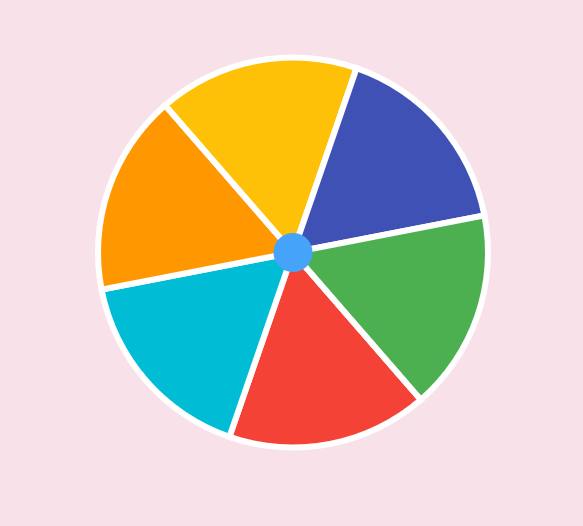
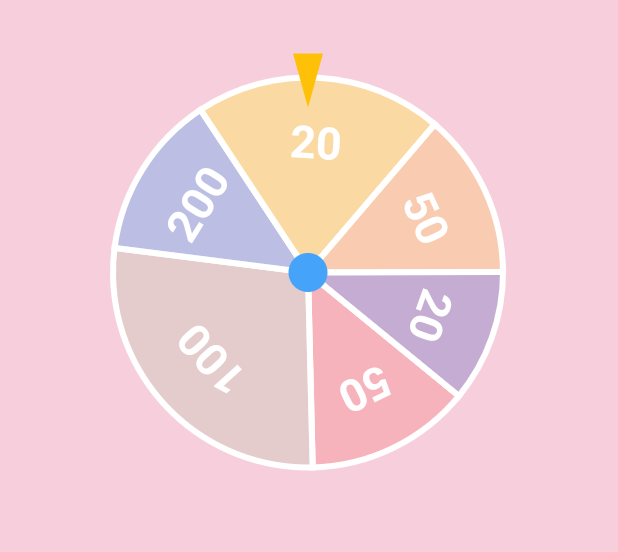
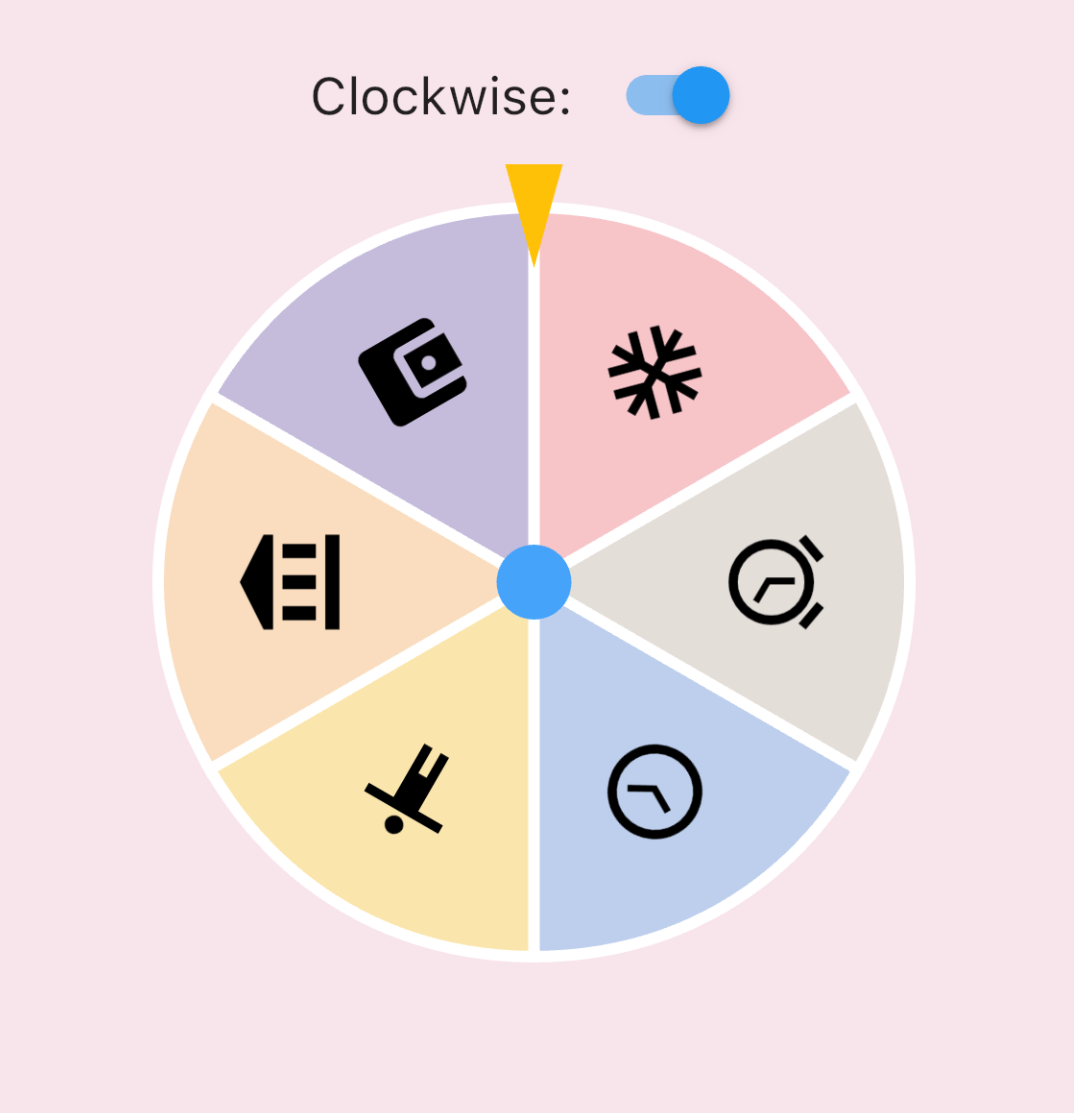
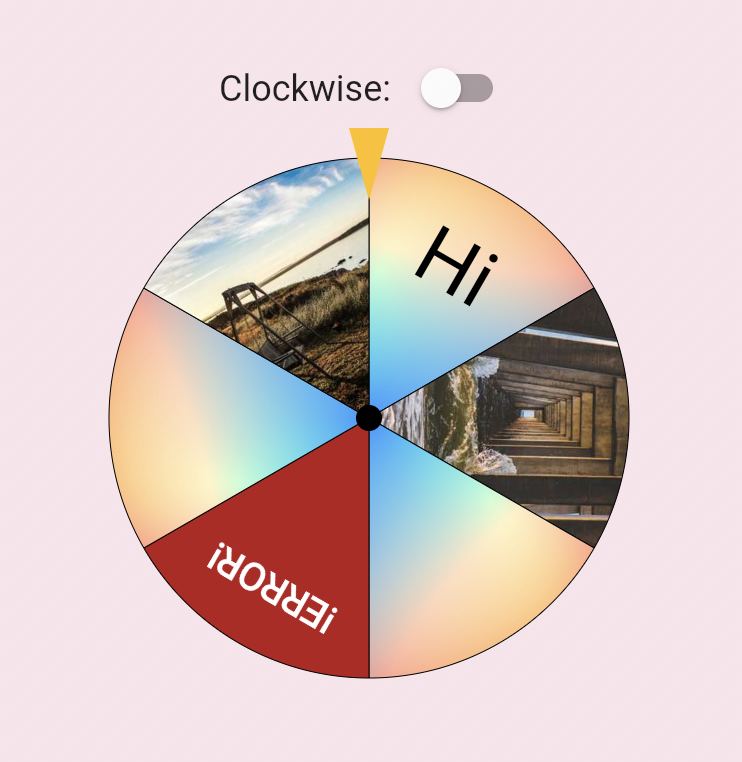
There are various types of roulette provided by this package (text is optional):
Uniformed roulette:
Weight-based roulette:
IconData roulette (available in 0.1.4):
Image roulette (available in 0.1.5):
Getting started
Add this to your pubspec.yaml file:
dependencies:roulette:^1.0.0-rc.1
Note (v1.0.0-rc.1): The package no longer depends on package:flutter/material.dart.
RouletteStyle now requires centerStickerColor and dividerColor — use the deprecated
RouletteStyle.material() to keep the previous default look. It's highly recommend to specify the colors explicitly, the material ported version will be removed in future.
Roll infinitely before determine the result (available in 0.3.2)
You can also use rollInfinitely to roll infinitely until you call stop or rollTo method:
// Roll infinitely
controller.rollInfinitely();
// Getting the result value somewhere...try {
final result = await service.request()
final index = values.indexOf(result);
// Stop rolling and settle to index
controller.rollTo(index, offset: random.nextDouble());
} catch (e, st) {
// Or stop rolling immediately, stop with this method has no animation// controller.stop();
}
Please refer to API documentation for more details.
For more complete examples, please check the example app.
Legal Statement
The creators of this library do not endorse or encourage any illegal gambling activities. Please use this library responsibly and comply with all applicable laws in your local jurisdiction. The authors assume no liability for any misuse of this software.