

 v0.1.5
ripple_wave
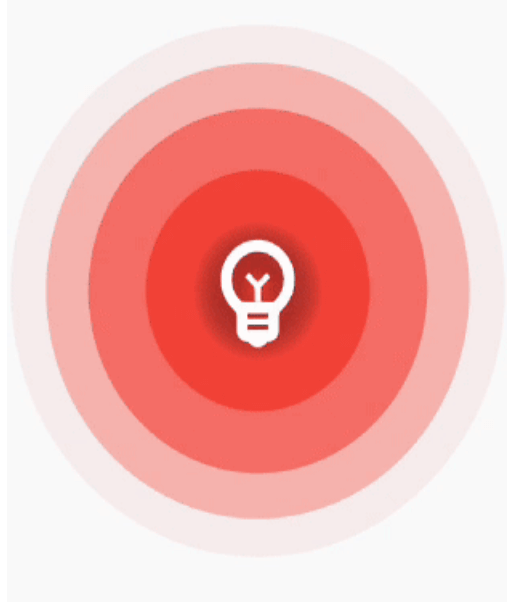
Simple and easy to use ripple animation that can be wrapped in widgets to create beautiful ripple effects
67Likes 1.8K30-day downloads150Pub points
AndroidiOSWebmacOSWindowsLinux
dtilhoo/ripple_wave open-source repository details.

English project snapshot. Visit GitHub for the latest content.
Simple and easy to use ripple animation that can be wrapped in widgets to create beautiful ripple effects.


Add ripple_wave to your pubspec.yaml file.
dependencies:
  ripple_wave:
Import ripple_wave in files that it will be used.
import 'package:ripple_wave/ripple_wave.dart';
To use this package, add ripple_wave as a dependency in your pubspec.yaml file.
Then wrap your desired widget with RippleWave widget to get the ripple animation.
Usage without repeated animation:
class MyHomePage extends StatelessWidget {
  const MyHomePage({Key? key}) : super(key: key);
  @override
  Widget build(BuildContext context) {
    return Scaffold(
      body: RippleWave(
        color: Colors.green,
        repeat: false,
        child: const Icon(
          Icons.emoji_emotions,
          size: 100,
          color: Colors.white,
        ),
      ),
    );
  }
}
Usage with tween effect on child widget of the RippleWave:
class MyHomePage extends StatelessWidget {
  const MyHomePage({Key? key}) : super(key: key);

  @override
  Widget build(BuildContext context) {
    return Scaffold(
      body: RippleWave(
        color: Colors.red,
        childTween: Tween(begin: 0.2, end: 1),
        child: const Icon(
          Icons.emoji_emotions,
          size: 100,
          color: Colors.white,
        ),
      ),
    );
  }
}
Usage with animation controller to manually start or stop the animation:
class DemoPage extends StatefulWidget {
  const DemoPage({Key? key}) : super(key: key);

  @override
  State<DemoPage> createState() => _DemoPageState();
}

late AnimationController animationController;

void start() {
  animationController.repeat();
}

void stop() {
  animationController.stop();
}

class _DemoPageState extends State<DemoPage>
    with SingleTickerProviderStateMixin {
  @override
  void initState() {
    animationController = AnimationController(
      duration: const Duration(seconds: 3),
      vsync: this,
    );
    super.initState();
  }

  @override
  Widget build(BuildContext context) {
    return Scaffold(
      appBar: AppBar(
        title: const Text("Ripple Demo"),
      ),
      body: Column(
        mainAxisAlignment: MainAxisAlignment.center,
        children: [
          RippleWave(
            childTween: Tween(begin: 0.1, end: 1.0),
            color: Colors.deepPurpleAccent,
            repeat: false,
            animationController: animationController,
            child: const Icon(
              Icons.emoji_emotions,
              size: 100,
              color: Colors.white,
            ),
          ),
          const SizedBox(
            height: 200,
          ),
          TextButton(
            onPressed: () {
              start();
            },
            child: const Text(
              'Start animation',
            ),
          ),
          const SizedBox(
            height: 40,
          ),
          TextButton(
            onPressed: () {
              stop();
            },
            child: const Text(
              'Stop animation',
            ),
          ),
        ],
      ),
    );
  }
}
Dependency list 3 items
{"sdk":"flutter"}{"sdk":"flutter"}^5.0.0Start with your use case, compare repository activity, and check the original project before adopting it.
“A repository is the most basic element of GitHub.”
GitHub Docs — About repositories ↗