
 v0.2.6+1
stack_board
A Flutter package of stack board, components that can be stacked and edited for any widget.
84Likes 15130-day downloads140Pub points
AndroidiOSWebmacOSWindowsLinux
层叠控件摆放
English project snapshot. Visit GitHub for the latest content.
A Flutter package of custom stack board.



Try it: Demo
import 'package:stack_board/stack_board.dart';

StackBoard(
    controller: _boardController,
    ///添加背景
    background: const ColoredBox(color: Colors.grey),
),
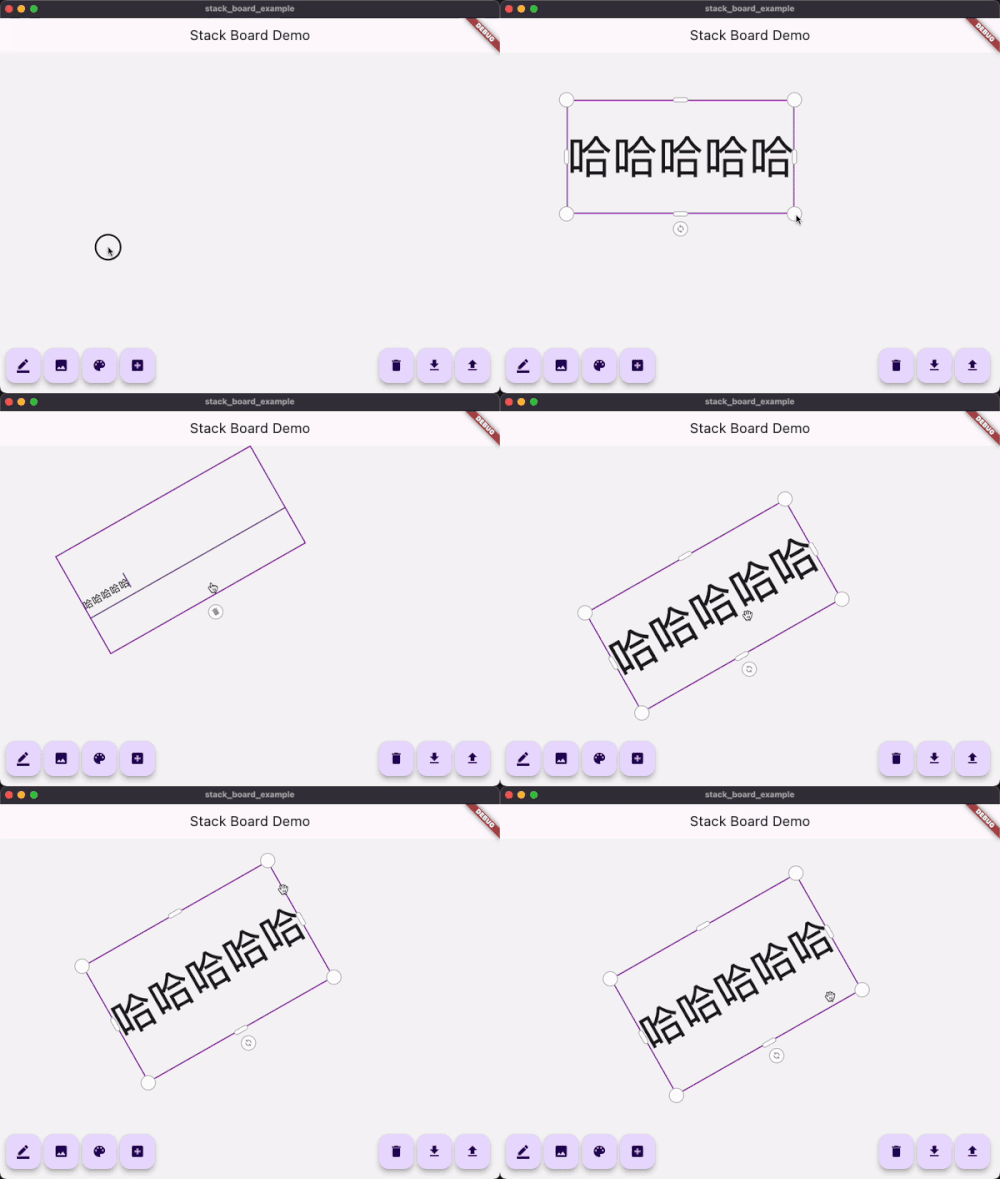
_boardController.add(
    const AdaptiveText(
        'Flutter Candies',
        tapToEdit: true,
        style: TextStyle(fontWeight: FontWeight.bold),
    ),
);
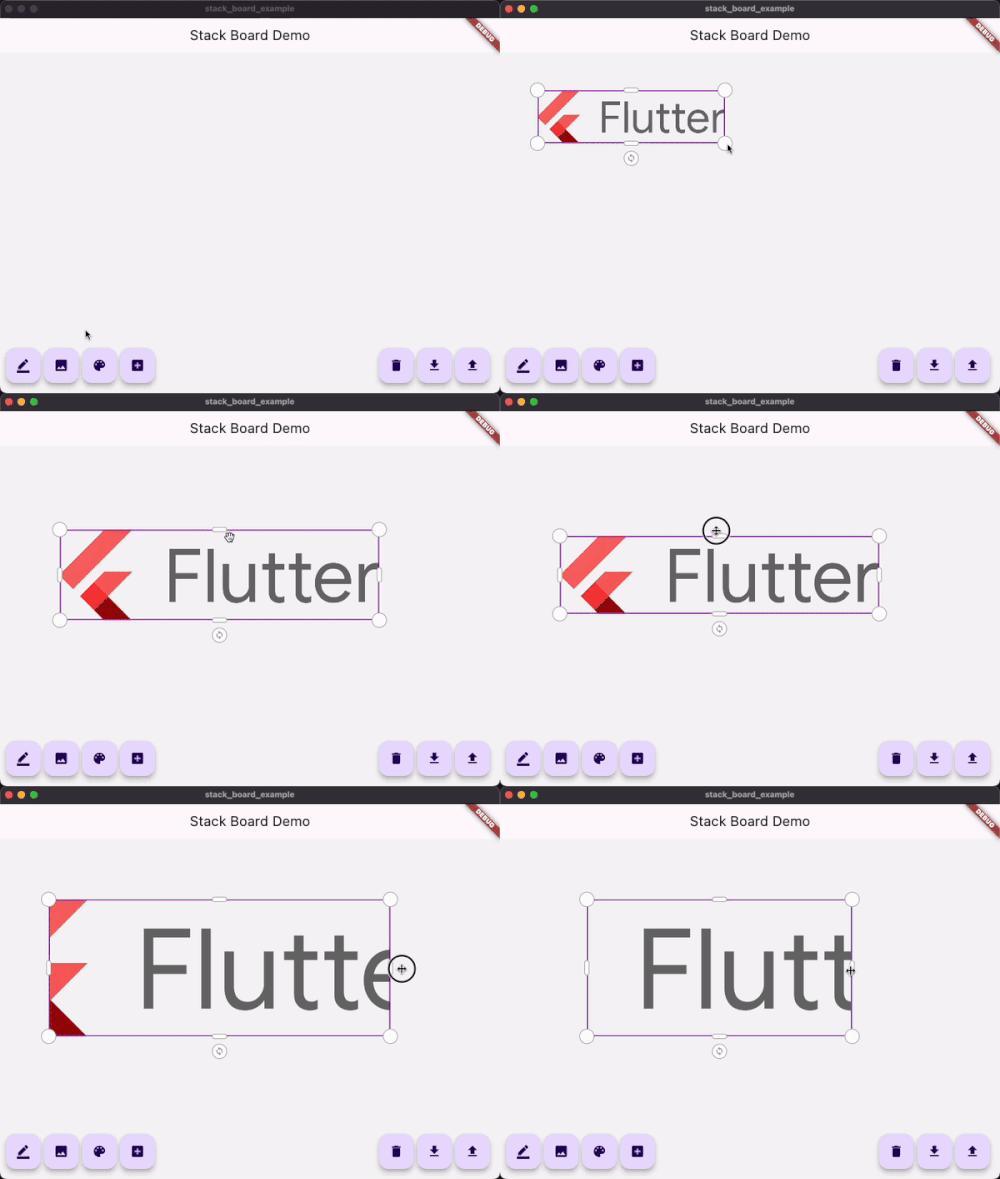
_boardController.add(
    StackBoardItem(
        child: Image.network('https://avatars.githubusercontent.com/u/47586449?s=200&v=4'),
    ),
);
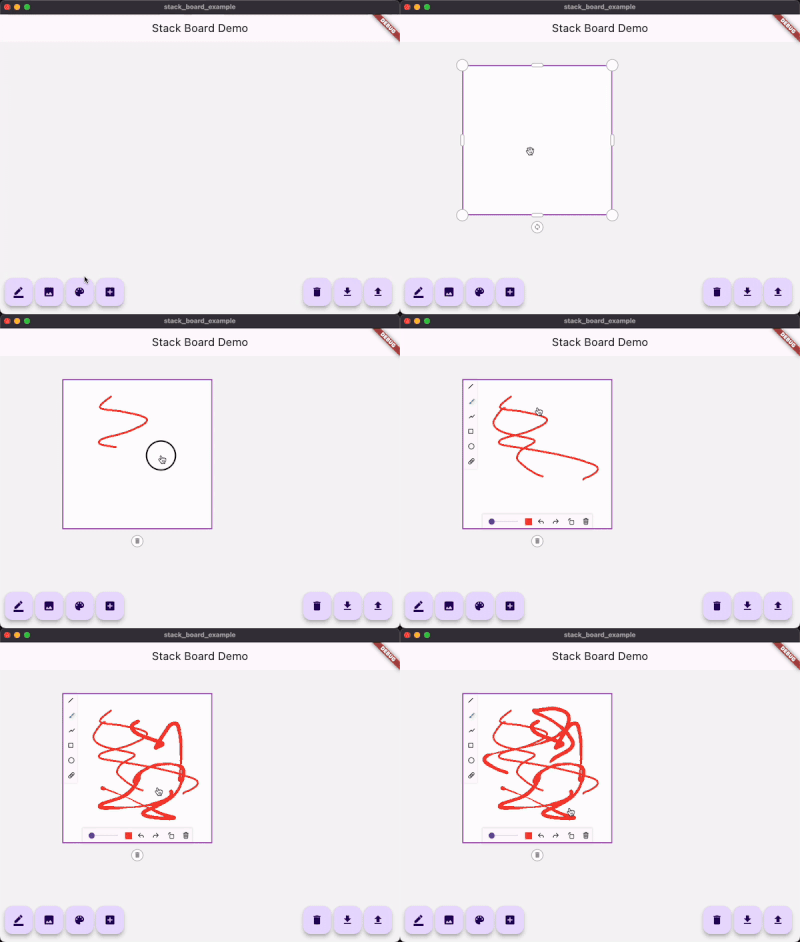
_boardController.add(
    const StackDrawing(
        caseStyle: CaseStyle(
            borderColor: Colors.grey,
            iconColor: Colors.white,
            boxAspectRatio: 1,
        ),
    ),
);
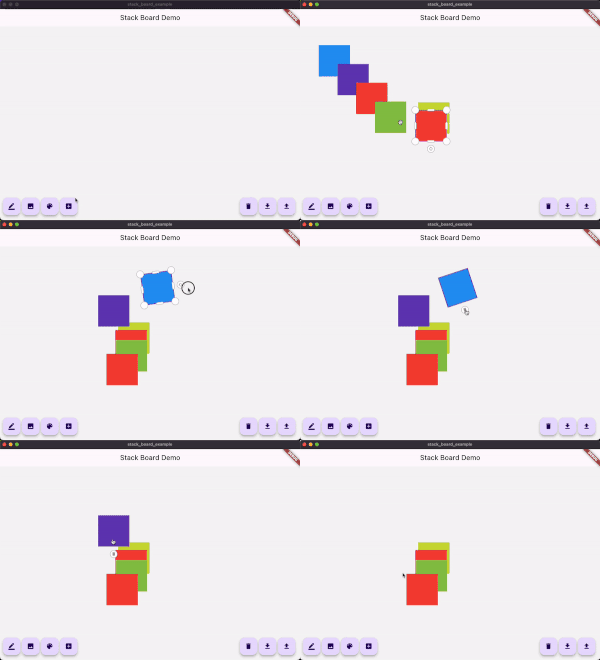
1.继承自 StackItemContent 和 StackItem
class ColorContent extends StackItemContent {
  ColorContent({required this.color});

  Color color;

  @override
  Map<String, dynamic> toJson() {
    return <String, dynamic>{
      'color': color.value,
    };
  }
}

class ColorStackItem extends StackItem<ColorContent> {
  ColorStackItem({
    required Size size,
    String? id,
    Offset? offset,
    double? angle,
    StackItemStatus? status,
    ColorContent? content,
  }) : super(
          id: id,
          size: size,
          offset: offset,
          angle: angle,
          status: status,
          content: content,
        );

  @override
  ColorStackItem copyWith({
    Size? size,
    Offset? offset,
    double? angle,
    StackItemStatus? status,
    ColorContent? content,
  }) {
    return ColorStackItem(
      id: id, // <= must !!
      size: size ?? this.size,
      offset: offset ?? this.offset,
      angle: angle ?? this.angle,
      status: status ?? this.status,
      content: content ?? this.content,
    );
  }
}
2.使用controller添加
import 'dart:math' as math;

...

/// Add custom item
void _addCustomItem() {
    final Color color = Colors.primaries[Random().nextInt(Colors.primaries.length)];
    _boardController.addItem(
        ColorStackItem(
        size: const Size.square(100),
        content: ColorContent(color: color),
        ),
    );
}
3.使用customBuilder构建
StackBoard(
    controller: _boardController,
        /// 如果使用了继承于StackBoardItem的自定义item
        /// 使用这个接口进行重构
      customBuilder: (StackItem<StackItemContent> item) {
          if (...) {

           ...

          } else if (item is ColorStackItem) {
            return Container(
              width: item.size.width,
              height: item.size.height,
              color: item.content?.color,
            );
          }

          ...
        },
)

Dependency list 5 items
{"sdk":"flutter"}^1.11.0^0.7.0+2{"sdk":"flutter"}^1.0.0Start with your use case, compare repository activity, and check the original project before adopting it.
“A repository is the most basic element of GitHub.”
GitHub Docs — About repositories ↗