Search categories, packages and repositories

stack_board cover
Package detailsv0.2.6+1

stack_board

A Flutter package of stack board, components that can be stacked and edited for any widget.

AndroidiOSWebmacOSWindowsLinux
30-day downloads
151
Likes
84
Pub points
140

Install package

flutter pub add stack_board

Package Overview

Package selection guidance compiled from public package information, community data, and project usage.

Stack Board is a Flutter package that enables users to create and manipulate stackable, editable widgets. It allows components to be layered, reordered, and modified interactively, making it ideal for applications requiring dynamic visual composition. The package supports various platforms including Android, iOS, Web, macOS, Windows, and Linux, ensuring broad compatibility. Designed for creative workflows, it's particularly useful in drawing, painting, and signature applications where users need to manage multiple overlapping elements with ease.

Use cases

  • Interactive design interfaces
  • Digital signature tools
  • Layered drawing apps
  • Multimedia composition
  • Widget-based editing workflows

Key features

  • Stackable and reorderable components
  • Real-time widget editing
  • Cross-platform support
  • Flexible component integration
  • Interactive layer management

Suitable for

  • Designers creating layered UIs
  • Developers building interactive drawing tools
  • Applications requiring multi-layer editing
  • Educational or creative apps with visual components
  • Users needing customizable widget arrangements

Considerations

  • Requires careful state management for complex stacks
  • Performance may vary with large numbers of stacked widgets
  • Best suited for moderate complexity use cases
  • May need custom logic for advanced interactions
  • Limited built-in styling options beyond basic stacking

Original README

Original README snapshot from the linked source repository. Visit the repository for the latest content.

Stack Board

A Flutter package of custom stack board.

pub package GitHub stars GitHub forks CodeFactor FlutterCandies


Try it: Demo


1.使用 StackBoardController


import 'package:stack_board/stack_board.dart';

StackBoard(
    controller: _boardController,
    ///添加背景
    background: const ColoredBox(color: Colors.grey),
),
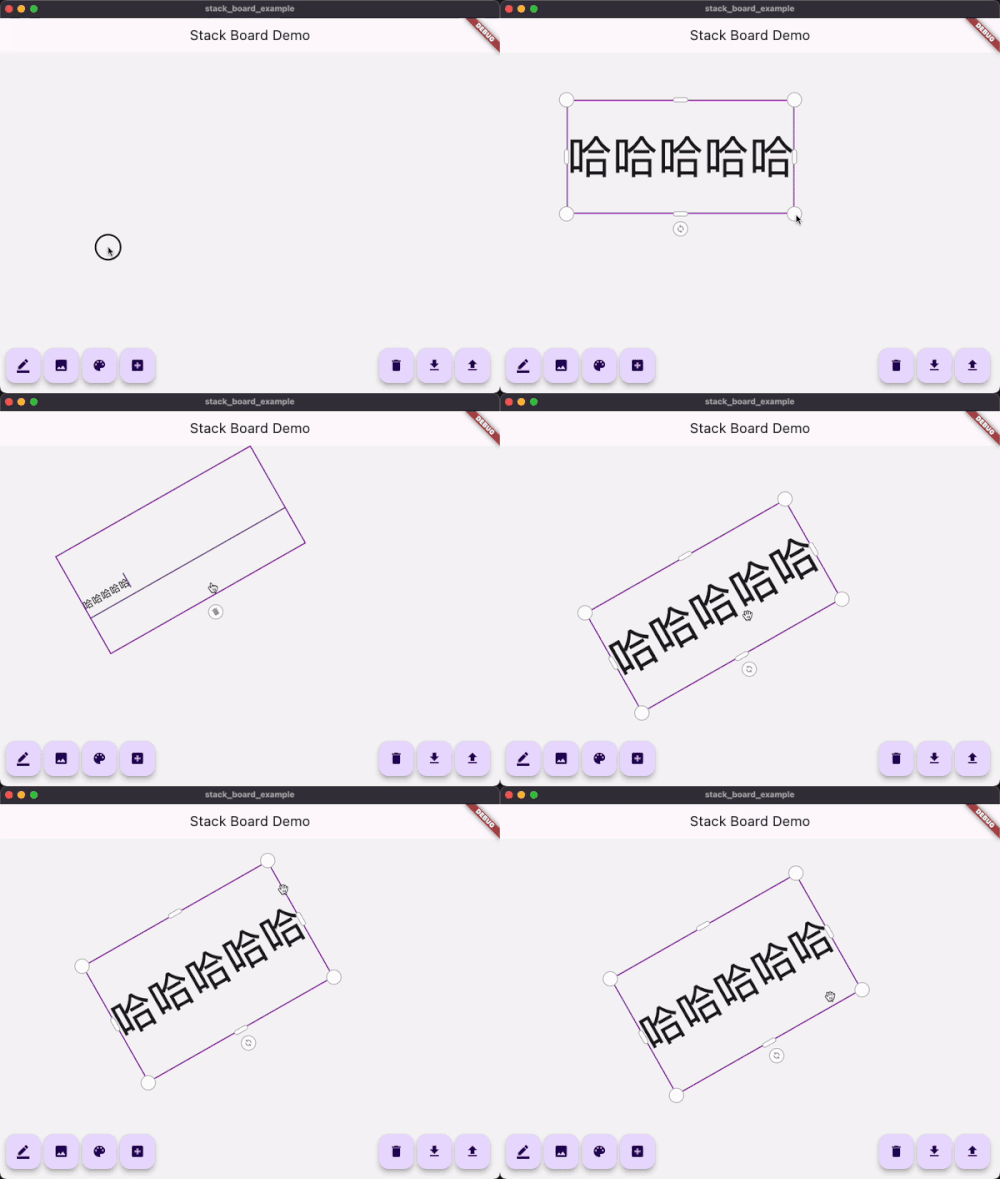
添加自适应文本


_boardController.add(
    const AdaptiveText(
        'Flutter Candies',
        tapToEdit: true,
        style: TextStyle(fontWeight: FontWeight.bold),
    ),
);

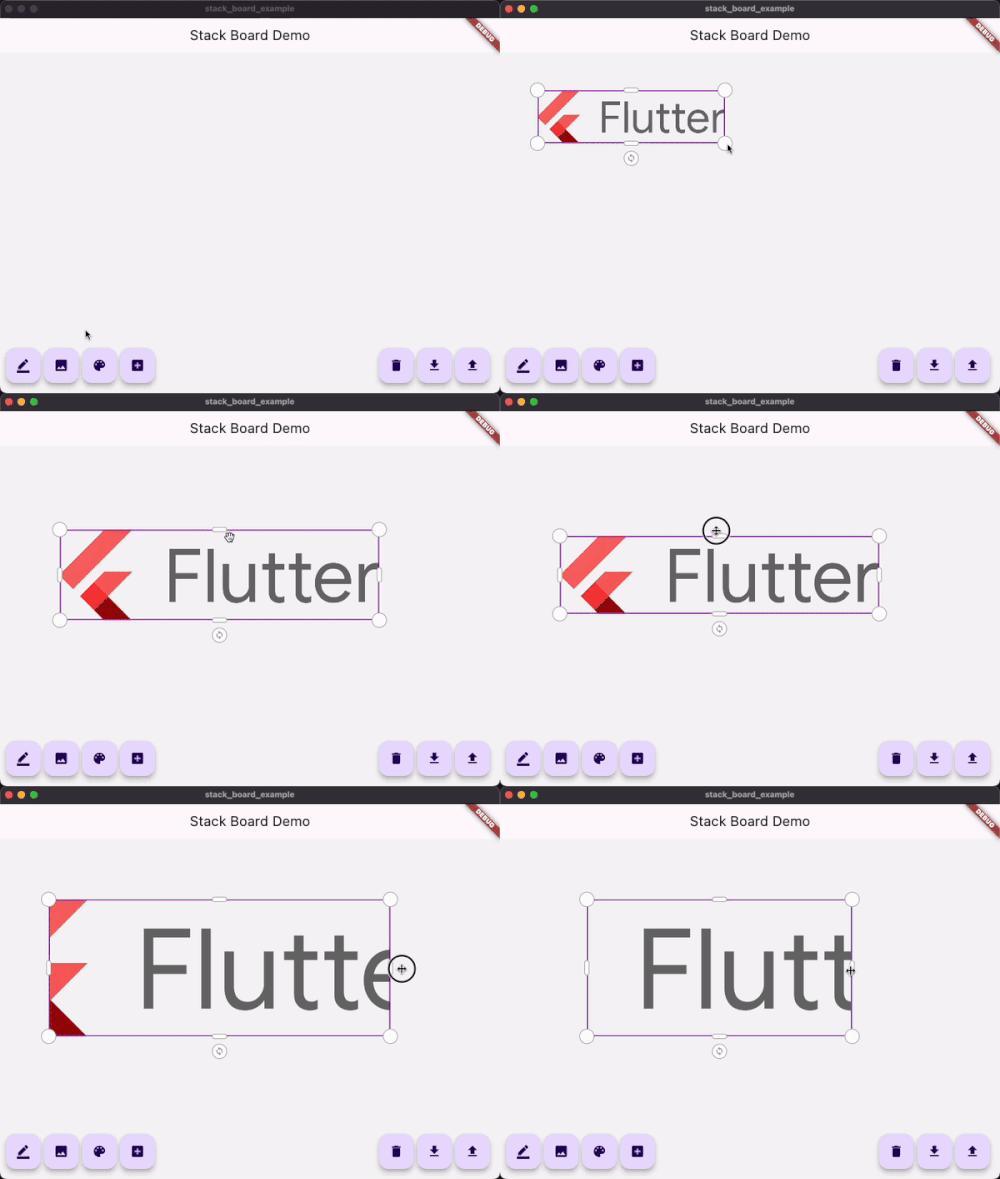
添加自适应图片


_boardController.add(
    StackBoardItem(
        child: Image.network('https://avatars.githubusercontent.com/u/47586449?s=200&v=4'),
    ),
);

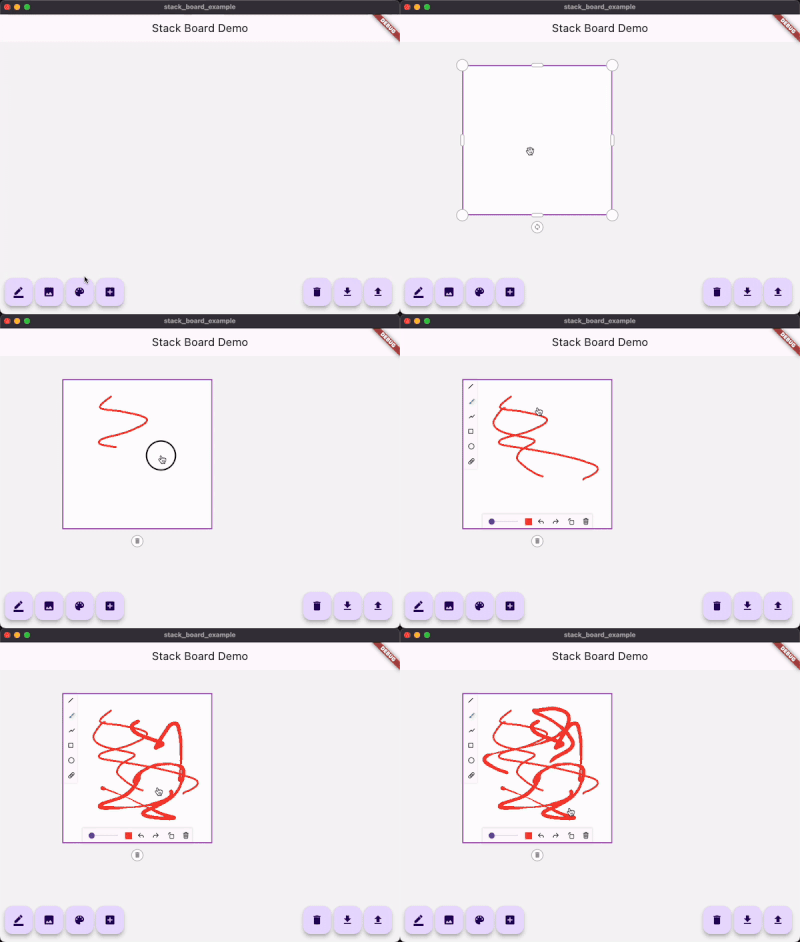
添加画板


_boardController.add(
    const StackDrawing(
        caseStyle: CaseStyle(
            borderColor: Colors.grey,
            iconColor: Colors.white,
            boxAspectRatio: 1,
        ),
    ),
);

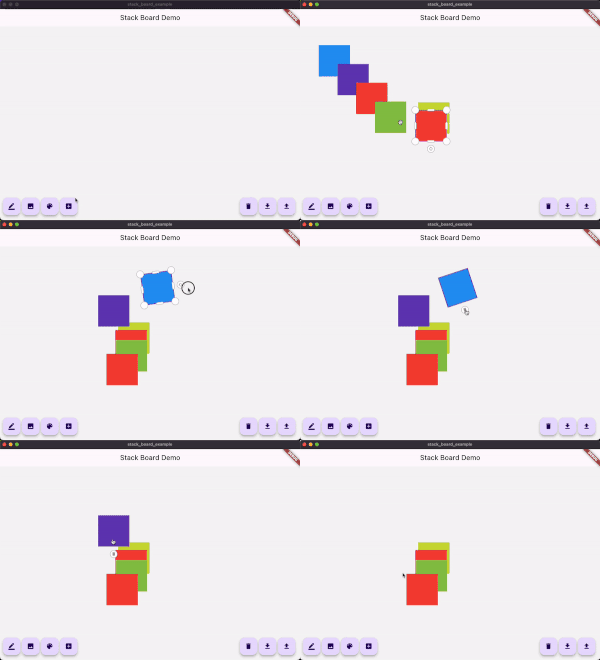
添加自定义item


1.继承自 StackItemContent 和 StackItem

class ColorContent extends StackItemContent {
  ColorContent({required this.color});

  Color color;

  @override
  Map<String, dynamic> toJson() {
    return <String, dynamic>{
      'color': color.value,
    };
  }
}

class ColorStackItem extends StackItem<ColorContent> {
  ColorStackItem({
    required Size size,
    String? id,
    Offset? offset,
    double? angle,
    StackItemStatus? status,
    ColorContent? content,
  }) : super(
          id: id,
          size: size,
          offset: offset,
          angle: angle,
          status: status,
          content: content,
        );

  @override
  ColorStackItem copyWith({
    Size? size,
    Offset? offset,
    double? angle,
    StackItemStatus? status,
    ColorContent? content,
  }) {
    return ColorStackItem(
      id: id, // <= must !!
      size: size ?? this.size,
      offset: offset ?? this.offset,
      angle: angle ?? this.angle,
      status: status ?? this.status,
      content: content ?? this.content,
    );
  }
}

2.使用controller添加

import 'dart:math' as math;

...

/// Add custom item
void _addCustomItem() {
    final Color color = Colors.primaries[Random().nextInt(Colors.primaries.length)];
    _boardController.addItem(
        ColorStackItem(
        size: const Size.square(100),
        content: ColorContent(color: color),
        ),
    );
}

3.使用customBuilder构建

StackBoard(
    controller: _boardController,
        /// 如果使用了继承于StackBoardItem的自定义item
        /// 使用这个接口进行重构
      customBuilder: (StackItem<StackItemContent> item) {
          if (...) {

           ...

          } else if (item is ColorStackItem) {
            return Container(
              width: item.size.width,
              height: item.size.height,
              color: item.content?.color,
            );
          }

          ...
        },
)

Categories

Dependencies

Dependency list 2 items

Source repository

Projects using this package

No data available yet.