

v2.7.8
zerker
Zerker is a flexible and lightweight flutter canvas graphic animation library.
92Likes 9630-day downloads135Pub points
AndroidiOSWebmacOSWindowsLinux
Zerker is a lightweight and powerful flutter graphic animation library

English project snapshot. Visit GitHub for the latest content.



Zerker is a flexible and lightweight flutter canvas graphic animation library.
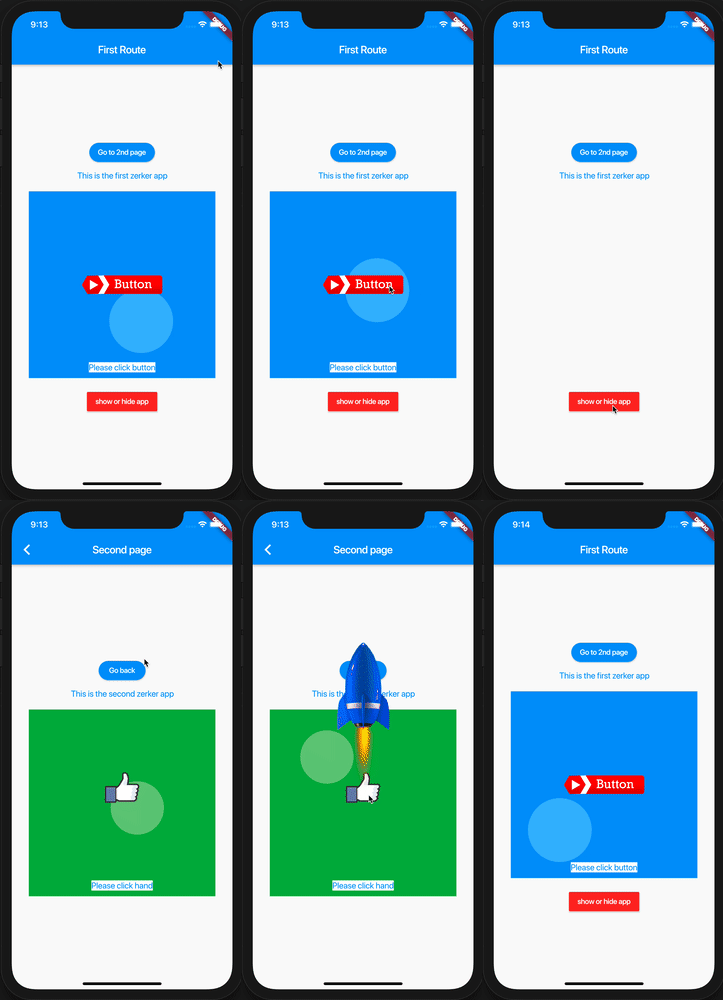
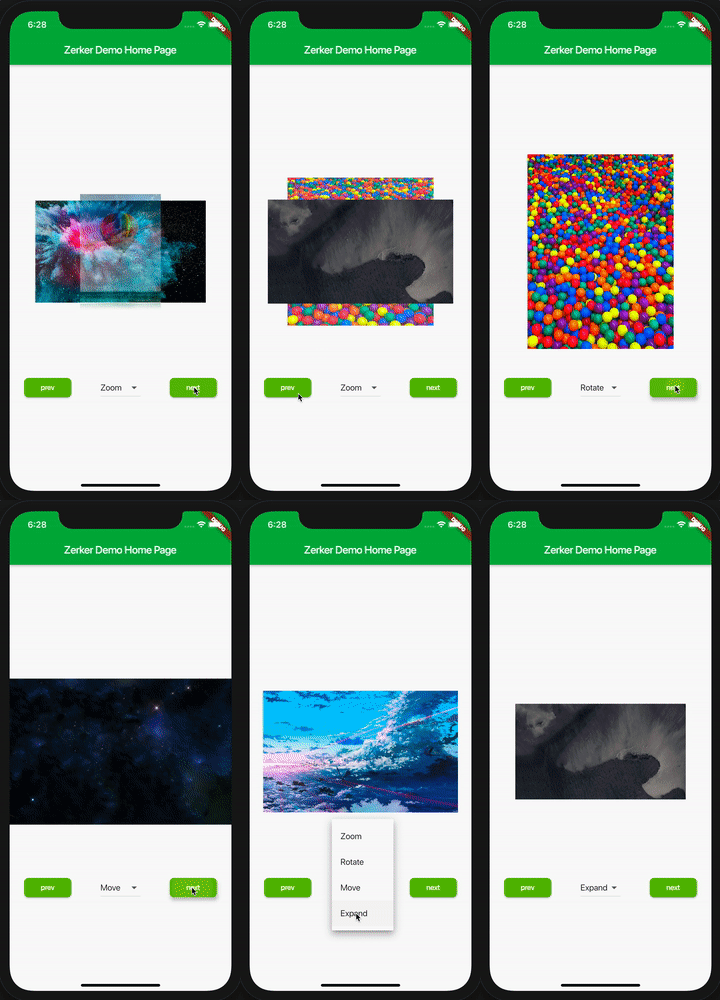
With Zerker, you can create a lot of seemingly cumbersome animation effects, such as animated animations, pop-up animations, scene transitions, icon effects, and more.
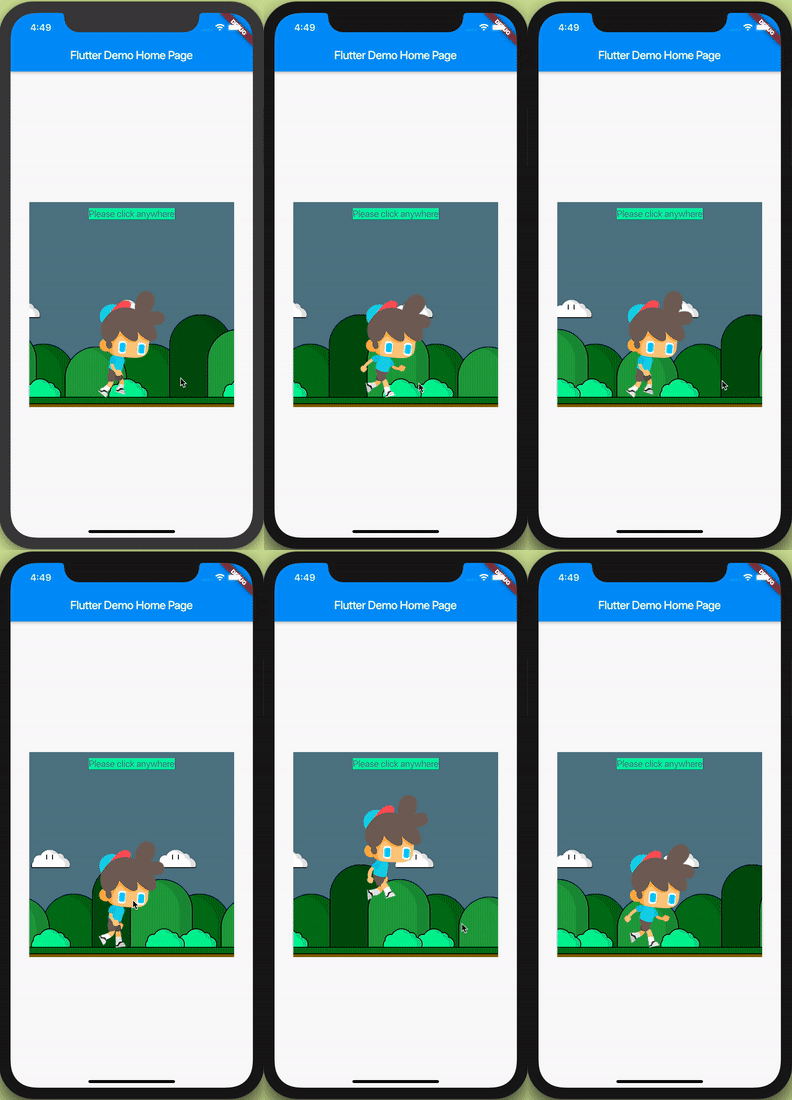
At the same time, you can create a lot of simple games with Zerker. Zerker contains elements such as sprites, scrolling backgrounds, and atlases, making it easy to create game worlds with them.
Add this to your package's pubspec.yaml file, And execute the commandflutter pub get:
dependencies:
  zerker: <latest_version_here>
import 'package:zerker/zerker.dart';
class _MyHomePageState extends State<MyHomePage> {
  @override
  Widget build(BuildContext context) {
    return Scaffold(
        appBar: AppBar(
          title: Text(widget.title),
        ),
        body: Center(
          child: Zerker(app: MyZKApp(), clip: true, interactive: true, width: 350, height: 350),
        ));
  }
}
class MyZKApp extends ZKApp {

  @override
  init() {
    super.init();
    /// init zerker scene
  }

  @override
  update(int time) {
    super.update(time);
    sprite.position.x++;
  }
}
init function/// Create a zerker sprite
ZKSprite bigboy = ZKSprite(key: "bigboy")
..animator.make("front", [0, 1, 2, 3, 4])
..animator.make("left", ['5-9'])
..animator.make("after", ['10-14'])
..animator.make("right", ['15-19'])
..onTapDown = (event) {
bigboy.animator.play("right", 8, true);
};
stage.addChild(bigboy);
/// Create a zerker text
ZKText text = ZKText()
..setPosition(100, 100)
..text = "hello world"
..setStyle(color: Colors.blueGrey, backgroundColor: Colors.red[50]);
stage.addChild(_text);
You can quickly start learning an example here. https://flutterkit.github.io/zerkerdocs/guide/tutorial.html

Zerker is licensed under MIT license. View license. https://github.com/flutterkit/zerker/blob/master/LICENSE
Dependency list 2 items
{"sdk":"flutter"}{"sdk":"flutter"}Start with your use case, compare repository activity, and check the original project before adopting it.
“A repository is the most basic element of GitHub.”
GitHub Docs — About repositories ↗