Search packages, repositories and app categories

Package detailsv2.7.8

zerker

Zerker is a flexible and lightweight flutter canvas graphic animation library.

AndroidiOSWebmacOSWindowsLinux
30-day downloads
90
Likes
92
Pub points
135

Install package

flutter pub add zerker

Package Overview

Package selection guidance compiled from public package information, community data, and project usage.

Zerker is a lightweight and flexible Flutter library designed for creating canvas-based graphic animations. It enables developers to build smooth, performant animations directly on the canvas, ideal for interactive visuals and game-like experiences. With support across multiple platforms—including Android, iOS, Web, macOS, Windows, and Linux—Zerker offers cross-platform consistency. Its minimal footprint and intuitive API make it suitable for both simple animations and complex visual effects in games or dynamic UIs.

Use cases

  • Creating animated game elements
  • Building interactive UI components
  • Implementing custom drawing animations
  • Developing cross-platform canvas graphics
  • Adding visual effects in mobile apps
  • Designing real-time rendering interfaces

Key features

  • Canvas-based animation engine
  • Lightweight and high-performance
  • Cross-platform compatibility
  • Flexible animation control
  • Support for real-time rendering
  • Simple API for complex visuals

Suitable for

  • Game developers using Flutter
  • UI designers needing custom animations
  • Developers building interactive dashboards
  • Creators of visual art applications
  • Teams targeting multiple platforms

Considerations

  • Requires understanding of canvas drawing
  • Best suited for performance-critical animations
  • May need additional state management
  • Not ideal for basic widget transitions
  • Limited built-in animation presets
  • Higher learning curve for beginners

Original README

Original README snapshot from the linked source repository. Visit the repository for the latest content.


pub package Made-with-Flutter Made-with-Dart

What is Zerker

Zerker is a flexible and lightweight flutter canvas graphic animation library.

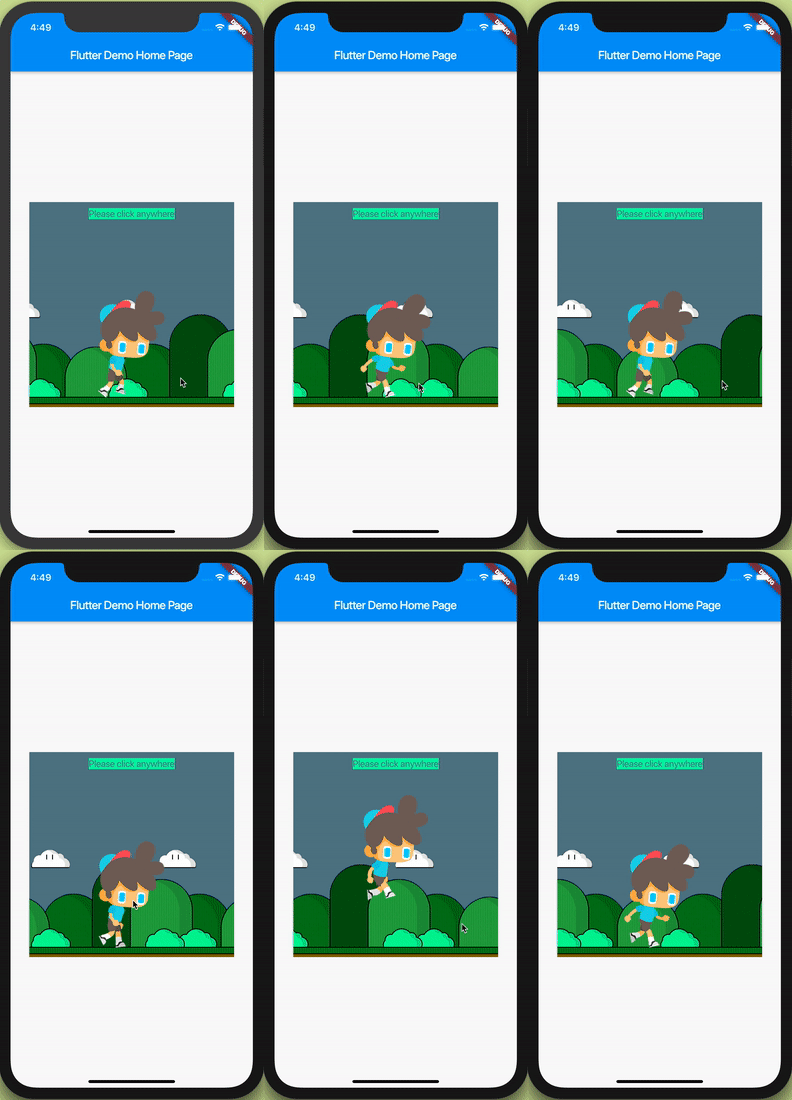
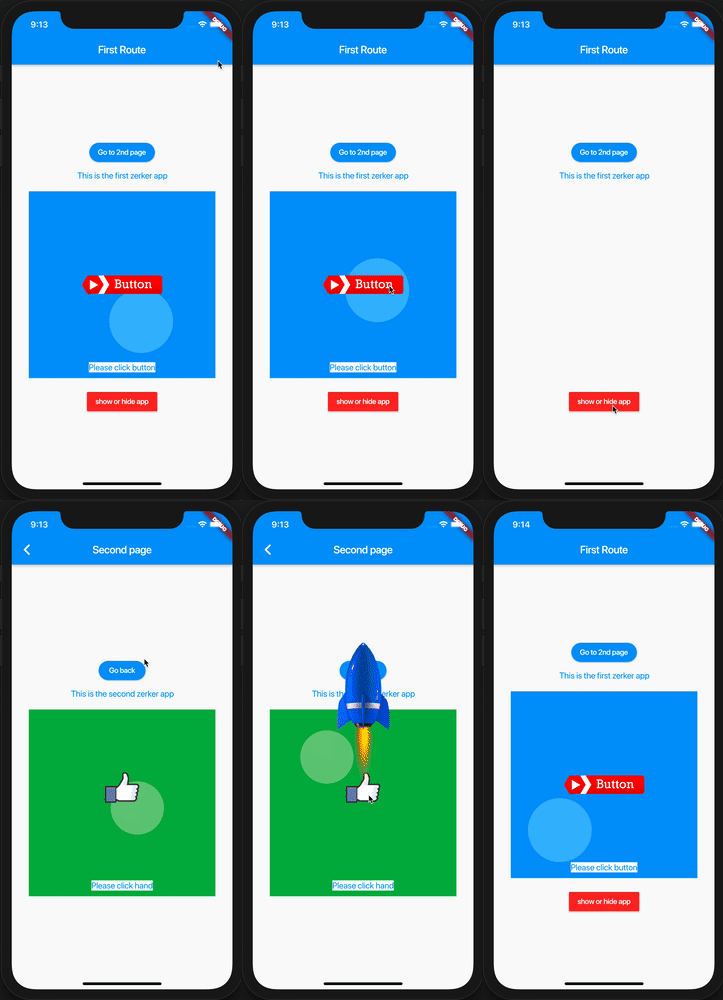
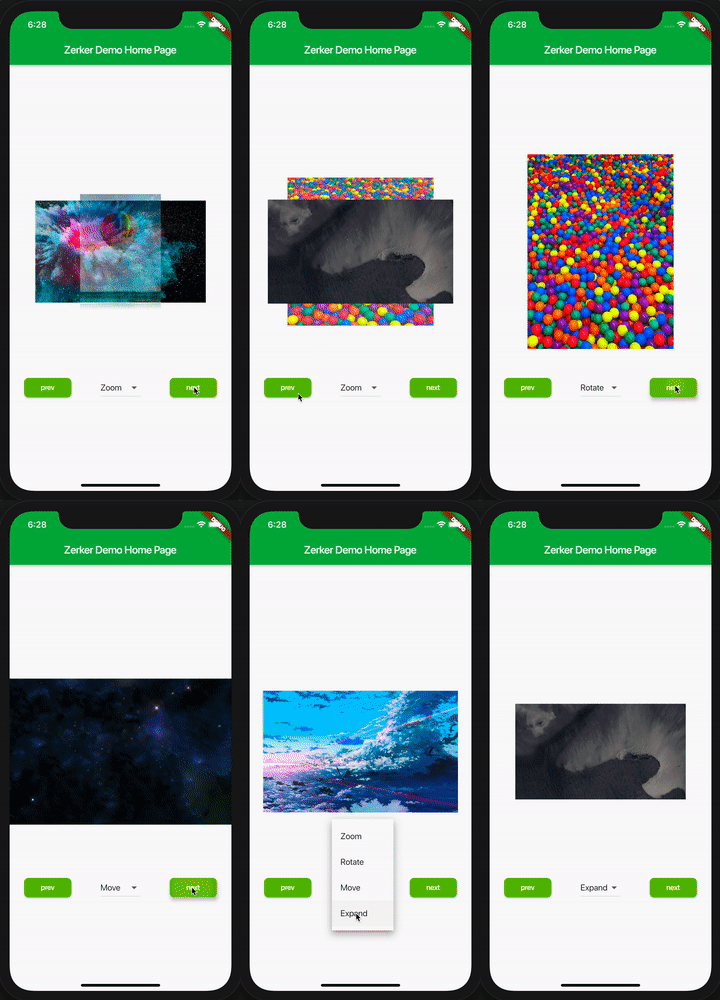
With Zerker, you can create a lot of seemingly cumbersome animation effects, such as animated animations, pop-up animations, scene transitions, icon effects, and more.

At the same time, you can create a lot of simple games with Zerker. Zerker contains elements such as sprites, scrolling backgrounds, and atlases, making it easy to create game worlds with them.

➤ More detailed documentation about Zerker is here https://flutterkit.github.io/zerkerdocs/

An image

Installation

Add this to your package's pubspec.yaml file, And execute the commandflutter pub get:

dependencies:
  zerker: <latest_version_here>
More detailed installation steps, you can refer to here. https://pub.dev/packages/zerker/install

Getting started

Import the package
import 'package:zerker/zerker.dart';
Useage
Create a zerker widget
class _MyHomePageState extends State<MyHomePage> {
  @override
  Widget build(BuildContext context) {
    return Scaffold(
        appBar: AppBar(
          title: Text(widget.title),
        ),
        body: Center(
          child: Zerker(app: MyZKApp(), clip: true, interactive: true, width: 350, height: 350),
        ));
  }
}
Create your Zerker class inherited from ZKApp
class MyZKApp extends ZKApp {

  @override
  init() {
    super.init();
    /// init zerker scene
  }

  @override
  update(int time) {
    super.update(time);
    sprite.position.x++;
  }
}
Initialize the scene and create elements in the init function
/// Create a zerker sprite
ZKSprite bigboy = ZKSprite(key: "bigboy")
  ..animator.make("front", [0, 1, 2, 3, 4])
  ..animator.make("left", ['5-9'])
  ..animator.make("after", ['10-14'])
  ..animator.make("right", ['15-19'])
  ..onTapDown = (event) {
    bigboy.animator.play("right", 8, true);
  };
stage.addChild(bigboy);

/// Create a zerker text
ZKText text = ZKText()
  ..setPosition(100, 100)
  ..text = "hello world"
  ..setStyle(color: Colors.blueGrey, backgroundColor: Colors.red[50]);
stage.addChild(_text);

More cases

You can quickly start learning an example here. https://flutterkit.github.io/zerkerdocs/guide/tutorial.html

More zerker examples you can view here https://github.com/flutterkit/zerker-samples. If you have any questions about Zerker, please let me know by email, thank you very much!

img img img

License

Zerker is licensed under MIT license. View license. https://github.com/flutterkit/zerker/blob/master/LICENSE

Categories

Source repository

Projects using this package

No data available yet.