

v2.0.4
page_view_indicator
Builds indication marks for PageView from any Widget and/or Animation.
31Likes 25730-day downloads35Pub points
Platforms unavailable
👆🏻 Builds indication marks for PageView.

English project snapshot. Visit GitHub for the latest content.

Builds indication marks for PageView.
import 'package:page_view_indicator/page_view_indicator.dart';
return PageViewIndicator(
  pageIndexNotifier: pageIndexNotifier,
  length: length,
  normalBuilder: (animationController, index) => Circle(
        size: 8.0,
        color: Colors.black87,
      ),
  highlightedBuilder: (animationController, index) => ScaleTransition(
        scale: CurvedAnimation(
          parent: animationController,
          curve: Curves.ease,
        ),
        child: Circle(
          size: 12.0,
          color: Colors.black45,
        ),
      ),
);
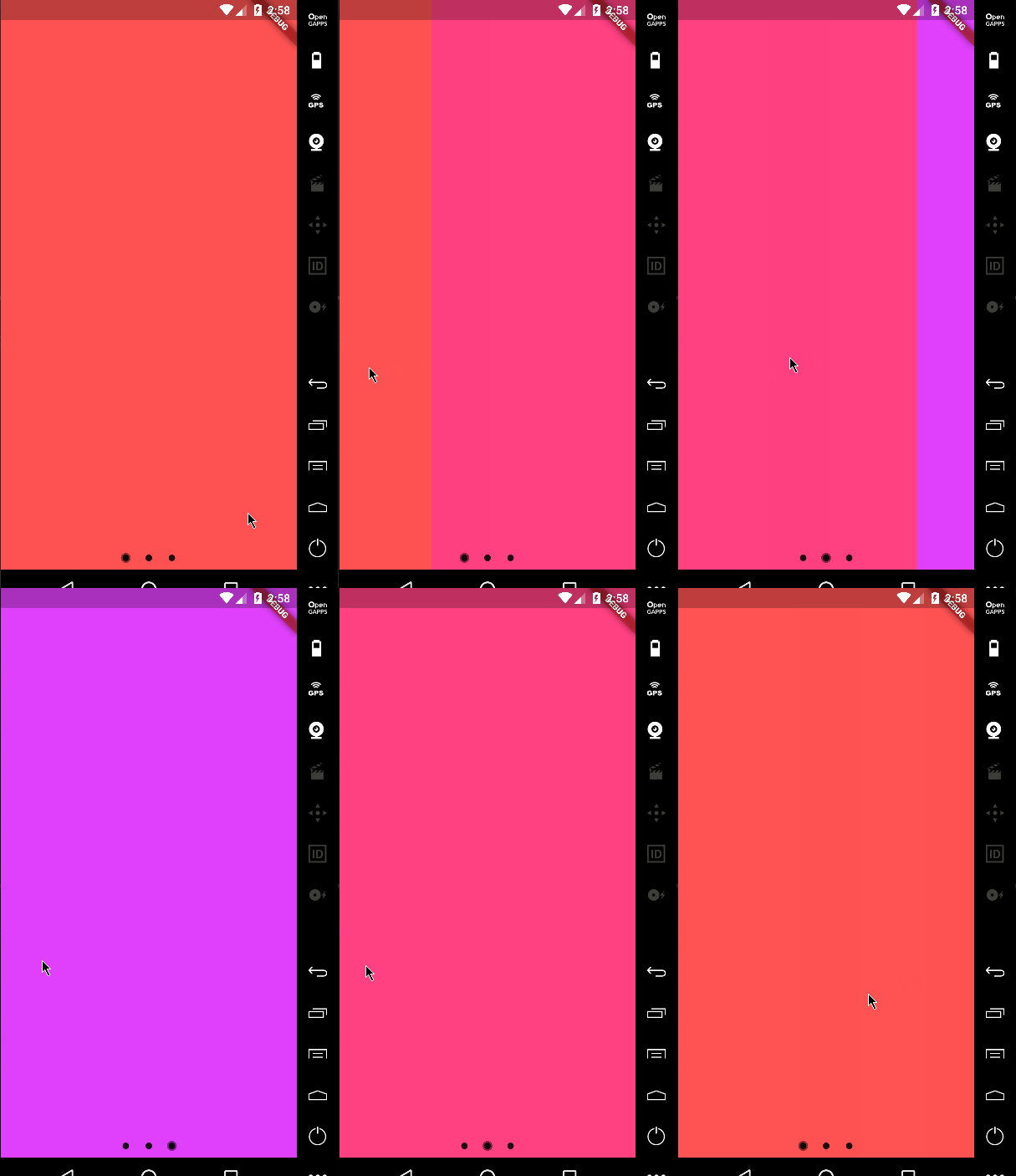
return PageViewIndicator(
  pageIndexNotifier: pageIndexNotifier,
  length: length,
  normalBuilder: (animationController, index) => Circle(
        size: 8.0,
        color: Colors.black87,
      ),
  highlightedBuilder: (animationController, index) => ScaleTransition(
        scale: CurvedAnimation(
          parent: animationController,
          curve: Curves.ease,
        ),
        child: Circle(
          size: 8.0,
          color: Colors.white,
        ),
      ),
);
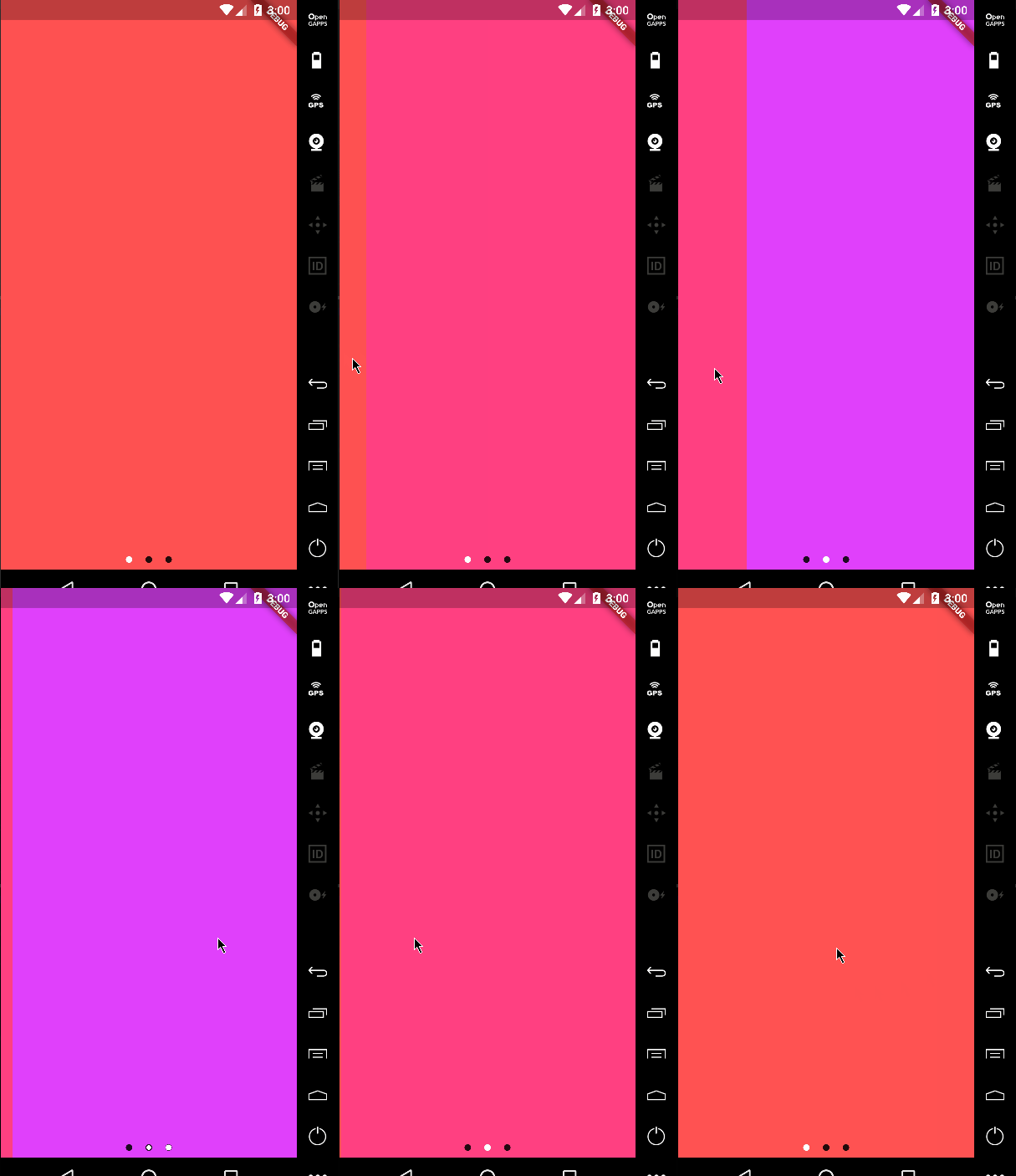
It's not just about dots!
return PageViewIndicator(
  pageIndexNotifier: pageIndexNotifier,
  length: length,
  normalBuilder: (animationController, index) => ScaleTransition(
        scale: CurvedAnimation(
          parent: animationController,
          curve: Curves.ease,
        ),
        child: Icon(
          Icons.favorite,
          color: Colors.black87,
        ),
      ),
  highlightedBuilder: (animationController, index) => ScaleTransition(
        scale: CurvedAnimation(
          parent: animationController,
          curve: Curves.ease,
        ),
        child: Icon(
          Icons.star,
          color: Colors.white,
        ),
      ),
);
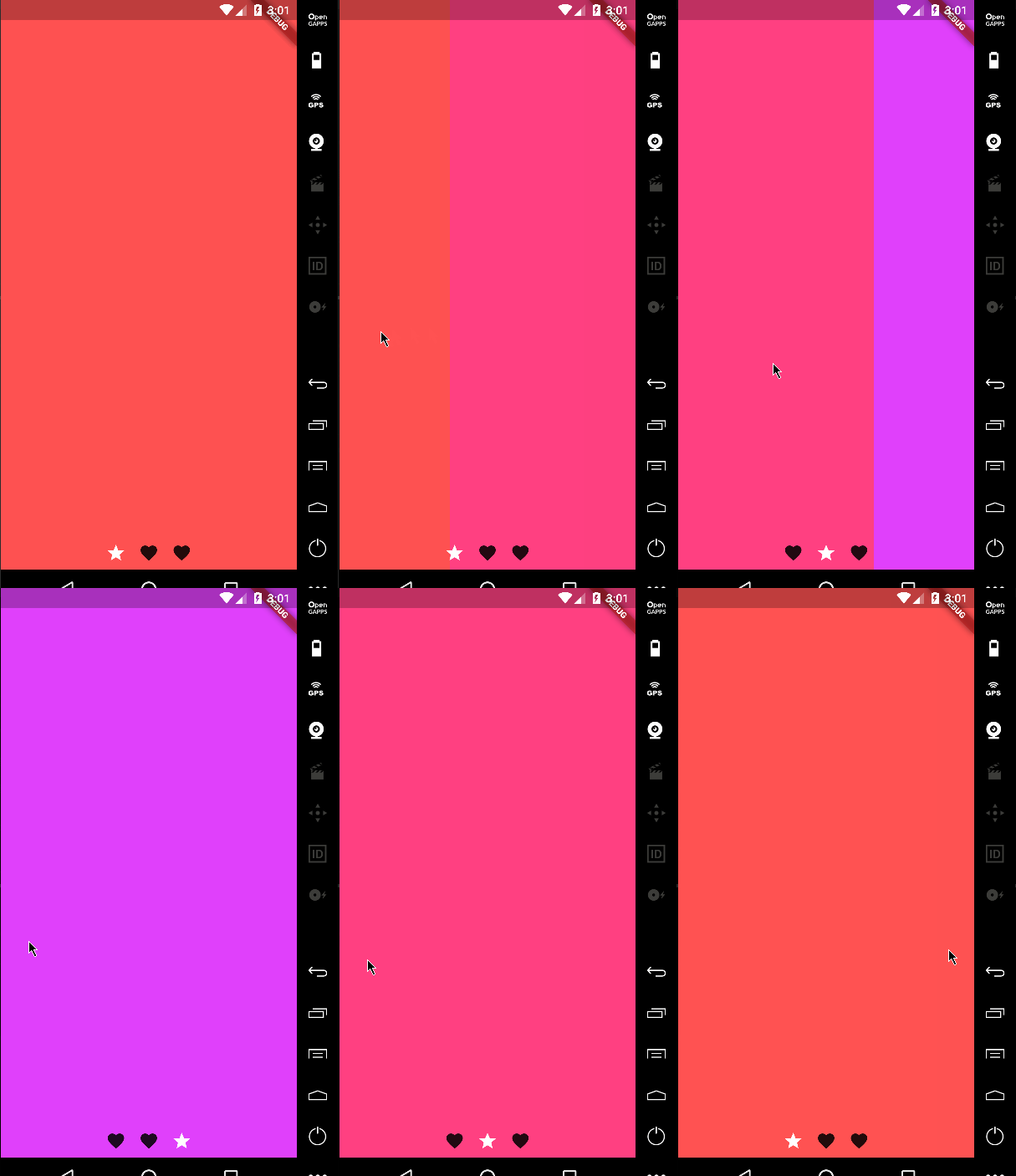
You can change the padding around the indicators using the indicatorPadding property:
return PageViewIndicator(
  pageIndexNotifier: pageIndexNotifier,
  length: length,
  indicatorPadding: const EdgeInsets.all(4.0)
  ...
Default is const EdgeInsets.all(8.0).
Dependency list 2 items
{"sdk":"flutter"}{"sdk":"flutter"}Start with your use case, compare repository activity, and check the original project before adopting it.
“A repository is the most basic element of GitHub.”
GitHub Docs — About repositories ↗