Search packages, repositories and app categories

GitHub repositorymarchdev-tk/cross_connectivity

cross_connectivity

A Flutter plugin for handling Connectivity and REAL Connection state in the mobile, web and desktop platforms. Supports iOS, Android, Web, Windows, Linux and macOS.

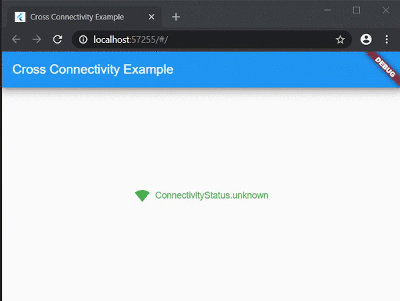
cross_connectivity project cover
Stars
30
Forks
19
Last push (UTC)
Nov 9, 2024
Project status
Active

Original README

English project snapshot. Visit GitHub for the latest content.

cross_connectivity

Build Pub GitHub GitHub stars

A Flutter plugin for handling Connectivity and REAL Connection state in the mobile, web and desktop platforms. Supports iOS, Android, Web, Windows, Linux and macOS.

Getting Started

In order to use this plugin, add dependency in the pubspec.yaml:

cross_connectivity: any

or

cross_connectivity:
    git:
      url: https://github.com/marchdev-tk/cross_connectivity

Add an import to dart file:

import 'package:cross_connectivity/cross_connectivity.dart';
Samples

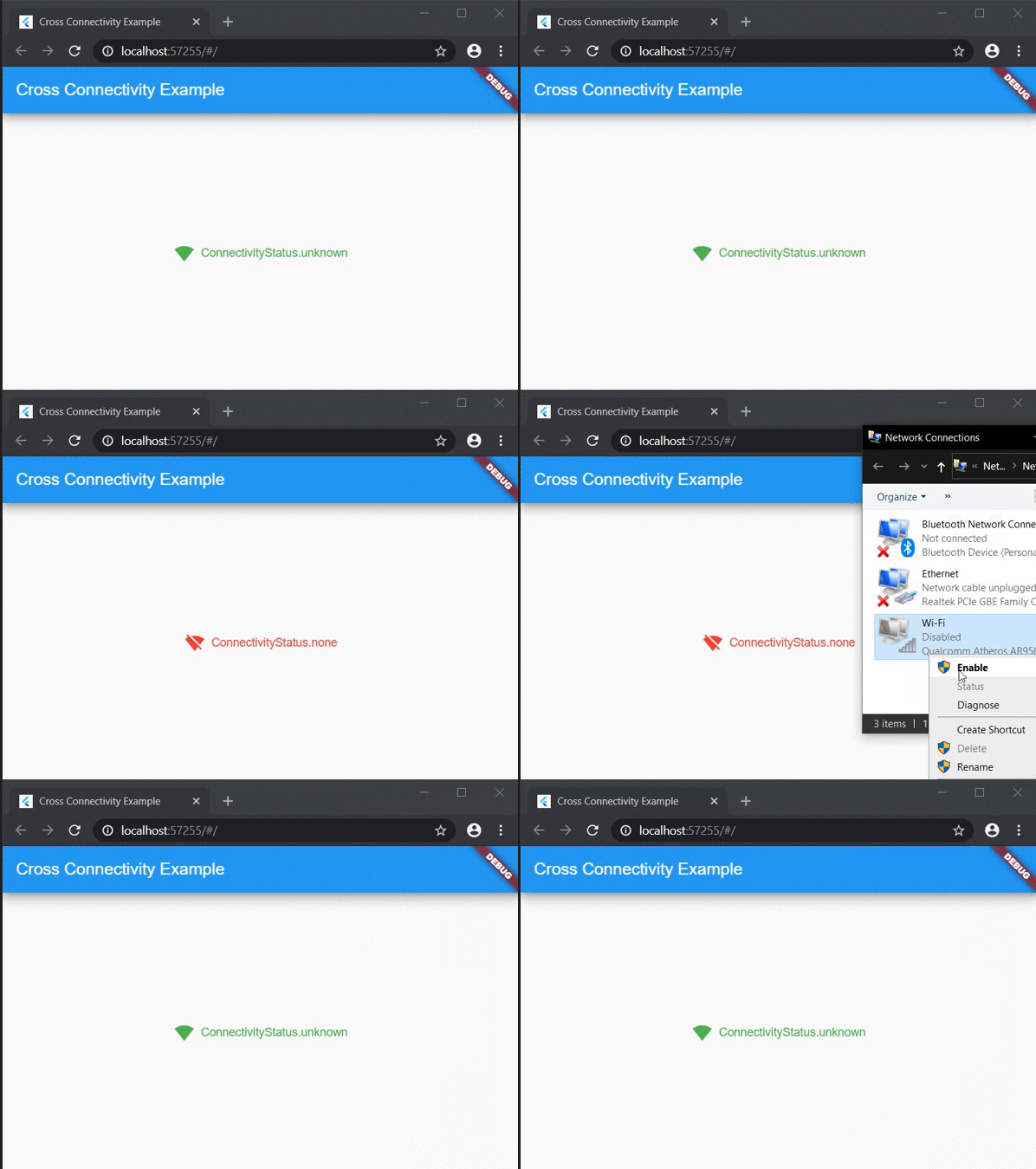
Web sample:

Web Sample

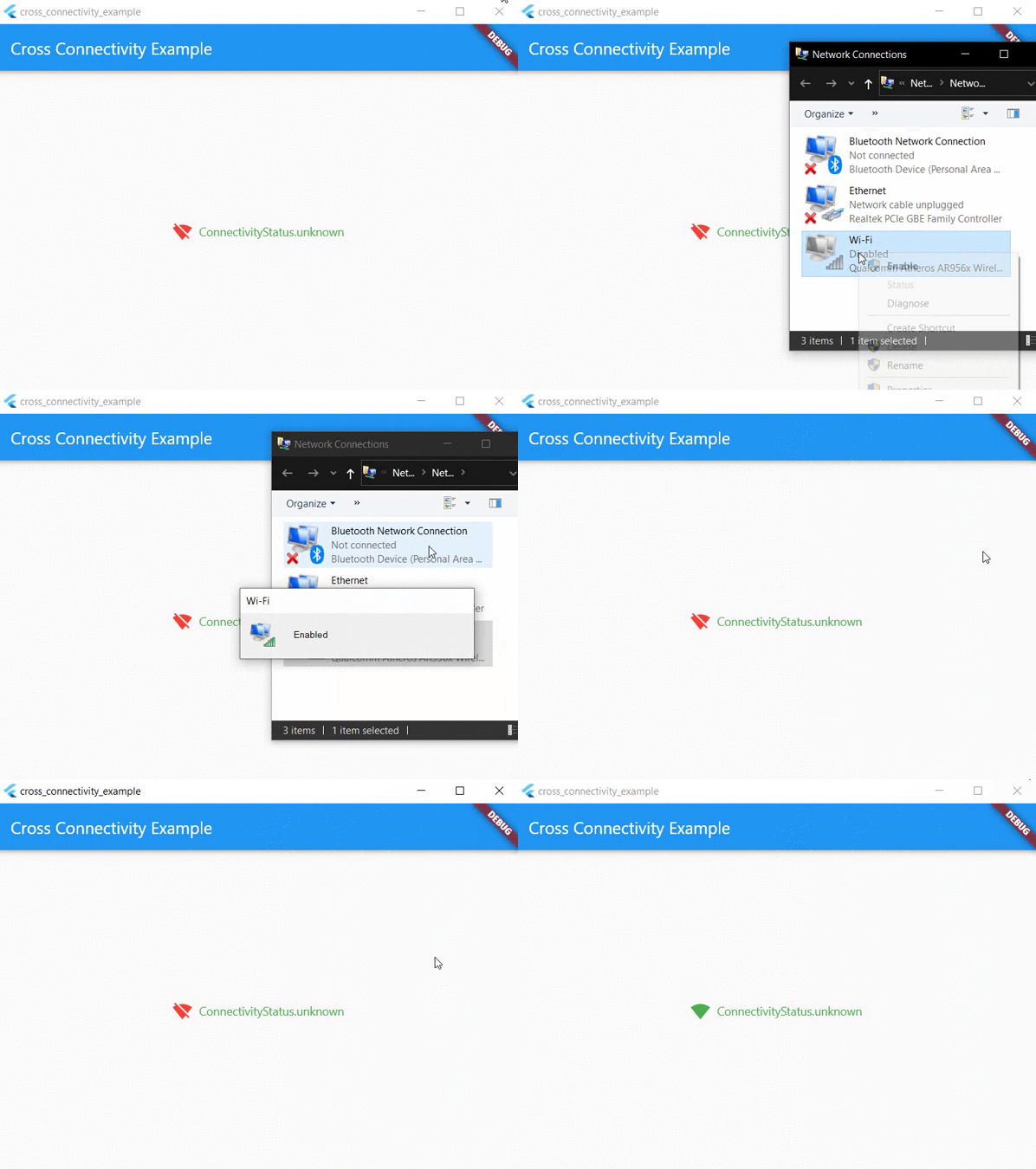
Desktop sample:

Desktop Sample

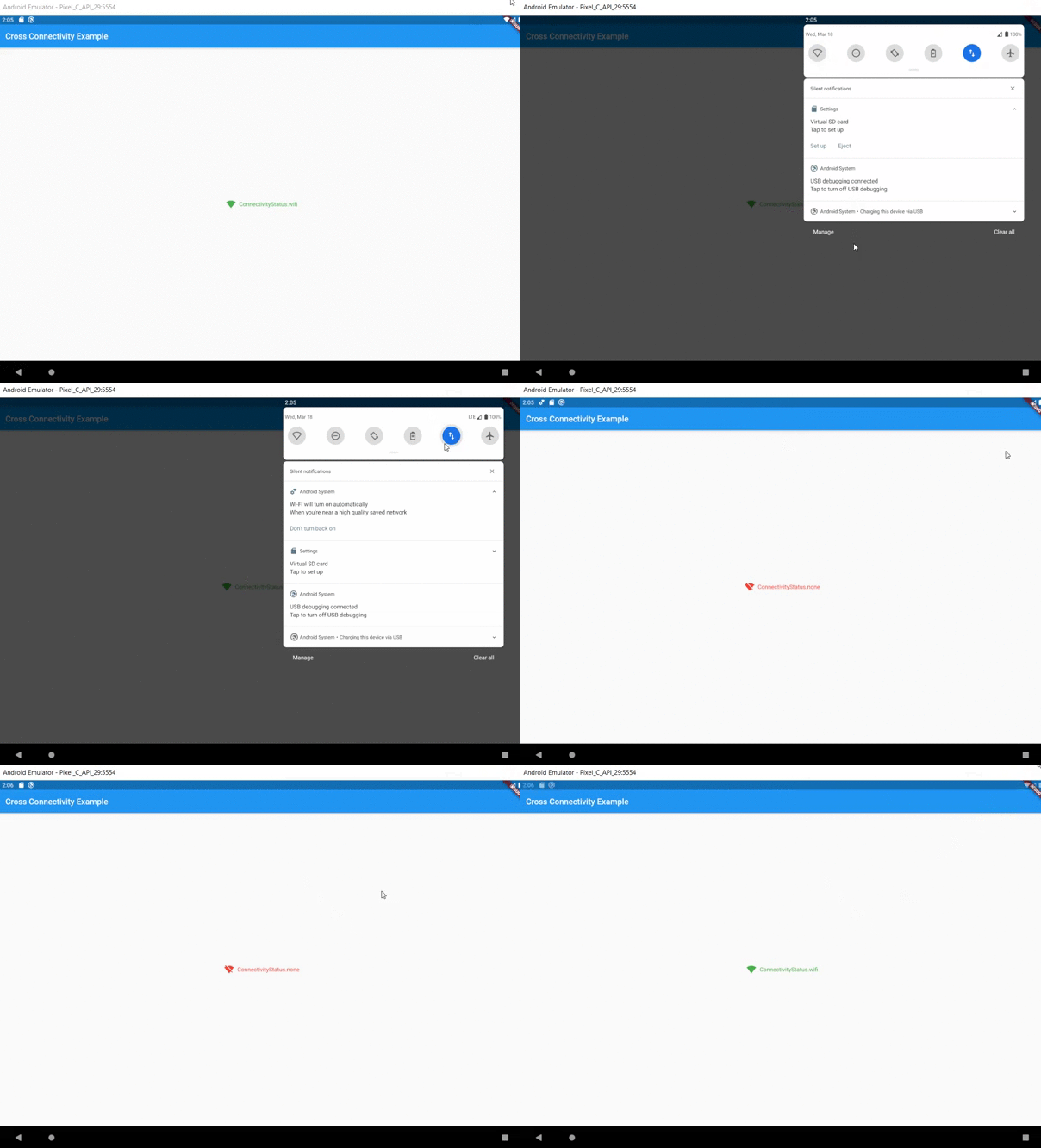
Mobile sample:

Mobile Sample

Usage
Functional approach

This plugin provides two streams:

  • isConnected that shows whether the device is REALLY connected to the network or not.
  • onConnectivityChanged that it will not let you know about state of the REAL network connection. It only shows connectivity state.

Also for one time check could be used following methods:

  • checkConnection() that is working like isConnected, but returns Future<bool> instread of Stream<bool>.
  • checkConnectivity() that is working like onConnectivityChanged, but returns Future<ConnectivityStatus> instread of Stream<ConnectivityStatus>.

There are no more methods (they are working only on Android/iOS/macOS):

  • getWifiName() - Obtains the wifi name (SSID) of the connected network.
  • getWifiBSSID() - Obtains the wifi BSSID of the connected network.
  • getWifiIP() - Obtains the IP address of the connected wifi network.

They are removed to wifi_info_flutter.

Migration guide:

If you don't use any of the above APIs, your code should work as is. In addition, you can also remove NSLocationAlwaysAndWhenInUseUsageDescription and NSLocationWhenInUseUsageDescription in ios/Runner/Info.plist

If you use any of the above APIs, you can find the same APIs in the wifi_info_flutter plugin. For example, to migrate getWifiName, use the new plugin:

final WifiInfo _wifiInfo = WifiInfo();
final String wifiName = await _wifiInfo.getWifiName();
Widget approach

As an alteration to funcitonal approach could be used ConnectivityBuilder widget as follows:

ConnectivityBuilder(
  builder: (context, isConnected, status) => Row(
    mainAxisSize: MainAxisSize.min,
    children: <Widget>[
      Icon(
        isConnected == true
            ? Icons.signal_wifi_4_bar
            : Icons.signal_wifi_off,
        color: isConnected == true ? Colors.green : Colors.red,
      ),
      const SizedBox(width: 8),
      Text(
        '$status',
        style: TextStyle(
          color: status != ConnectivityStatus.none
              ? Colors.green
              : Colors.red,
        ),
      ),
    ],
  ),
)

Feature requests and Bug reports

Feel free to post a feature requests or report a bug here.

MarchDev Toolkit GitHub avatar
GitHub author

MarchDev Toolkit ↗

Code with ease via MarchDev Toolkit

LanguagesC++DartCMakeRubyCBatchfileSwiftHTMLObjective-C

Categories

Packages published by this repository

Dependencies used

Dependency list 7 items

How do I choose a repository?

Start with your use case, compare repository activity, and check the original project before adopting it.

  1. Search by repository name, owner or description, then narrow the results by topic.
  2. Compare stars, forks and recent pushes. Stars show community interest, not a guarantee of quality.
  3. Read the README, license and issues on GitHub before using a project.

Sources and maintenance

“A repository is the most basic element of GitHub.”

GitHub Docs — About repositories ↗