Search packages, repositories and app categories

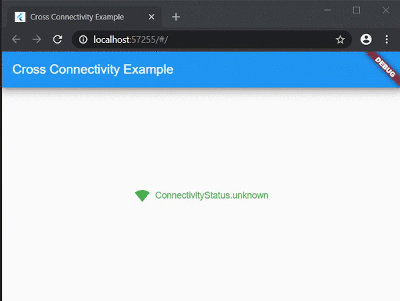
cross_connectivity cover
Package detailsv3.3.0

cross_connectivity

A Flutter plugin for handling Connectivity and REAL Connection state in the mobile, web and desktop platforms. Supports iOS, Android, Web, Windows, Linux and macOS.

AndroidiOSWebmacOSWindowsLinux
30-day downloads
1.5K
Likes
128
Pub points
140

Install package

flutter pub add cross_connectivity

Package Overview

Package selection guidance compiled from public package information, community data, and project usage.

CrossConnectivity is a Flutter plugin that provides consistent connectivity status monitoring across mobile, web, and desktop platforms. It distinguishes between general network availability and actual real-world connection state, ensuring reliable detection of active internet access. Compatible with Android, iOS, Web, macOS, Windows, and Linux, it offers developers a unified API to handle network conditions in diverse environments. The plugin supports both Wi-Fi and cellular networks, and delivers real-time updates on connection changes.

Use cases

  • Real-time app responsiveness based on connection status
  • Offline mode handling in cross-platform apps
  • Network health monitoring for data sync operations
  • Dynamic UI updates when connectivity changes
  • Ensuring secure data transmission only over active connections

Key features

  • Supports all major platforms including web and desktop
  • Distinguishes between connectivity and real connection state
  • Real-time event emission for network changes
  • Lightweight and easy to integrate
  • Provides accurate connection type detection

Suitable for

  • Cross-platform Flutter applications
  • Apps requiring robust offline/online behavior
  • Developers targeting web and desktop alongside mobile
  • Applications needing precise network state awareness

Considerations

  • Requires platform-specific permissions on mobile
  • Web support depends on browser capabilities
  • Desktop implementations may vary slightly by OS
  • Not intended for low-level network diagnostics
  • May require additional logic for complex network scenarios

Original README

Original README snapshot from the linked source repository. Visit the repository for the latest content.

cross_connectivity

Build Pub GitHub GitHub stars

A Flutter plugin for handling Connectivity and REAL Connection state in the mobile, web and desktop platforms. Supports iOS, Android, Web, Windows, Linux and macOS.

Getting Started

In order to use this plugin, add dependency in the pubspec.yaml:

cross_connectivity: any

or

cross_connectivity:
    git:
      url: https://github.com/marchdev-tk/cross_connectivity

Add an import to dart file:

import 'package:cross_connectivity/cross_connectivity.dart';
Samples

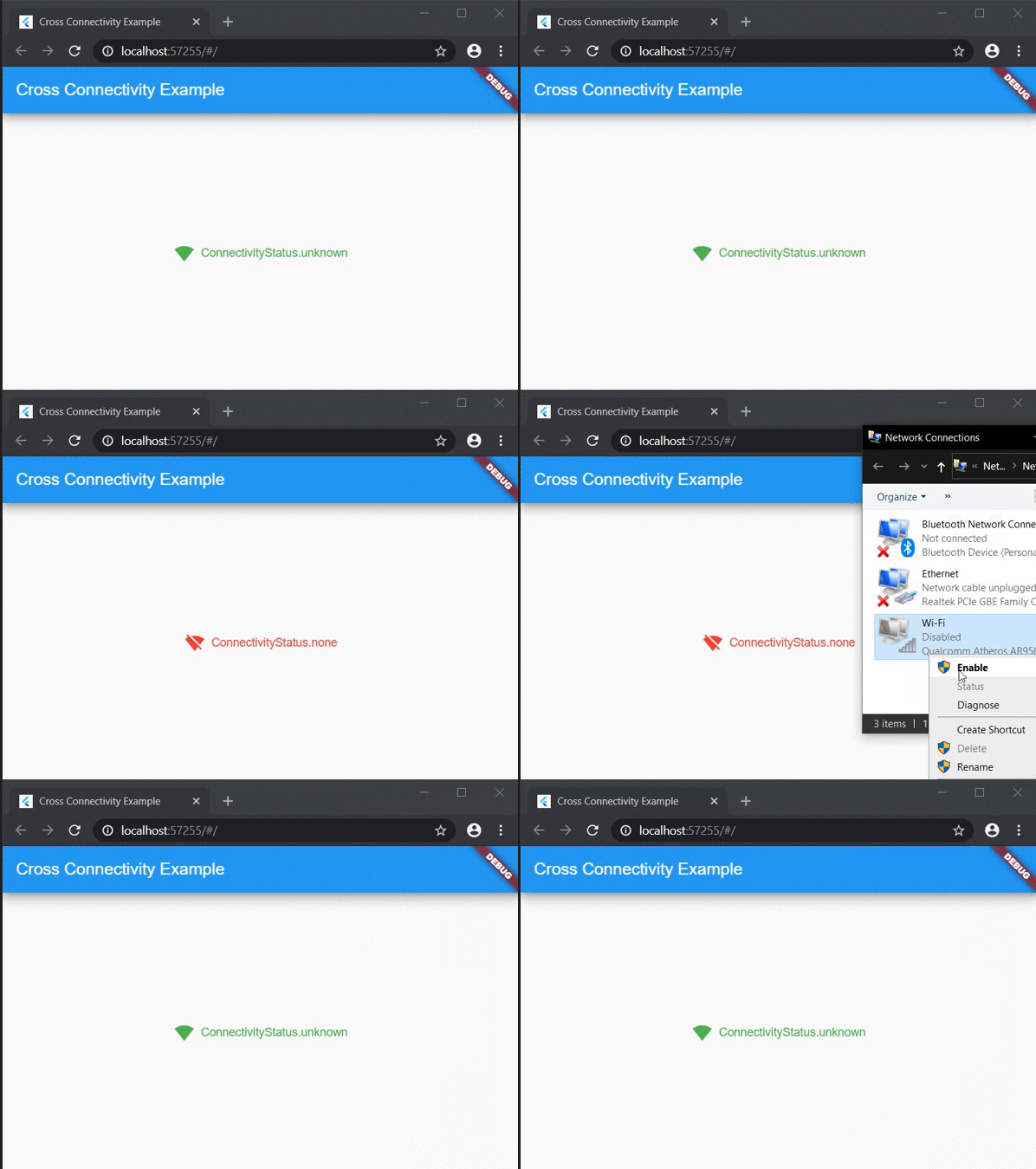
Web sample:

Web Sample

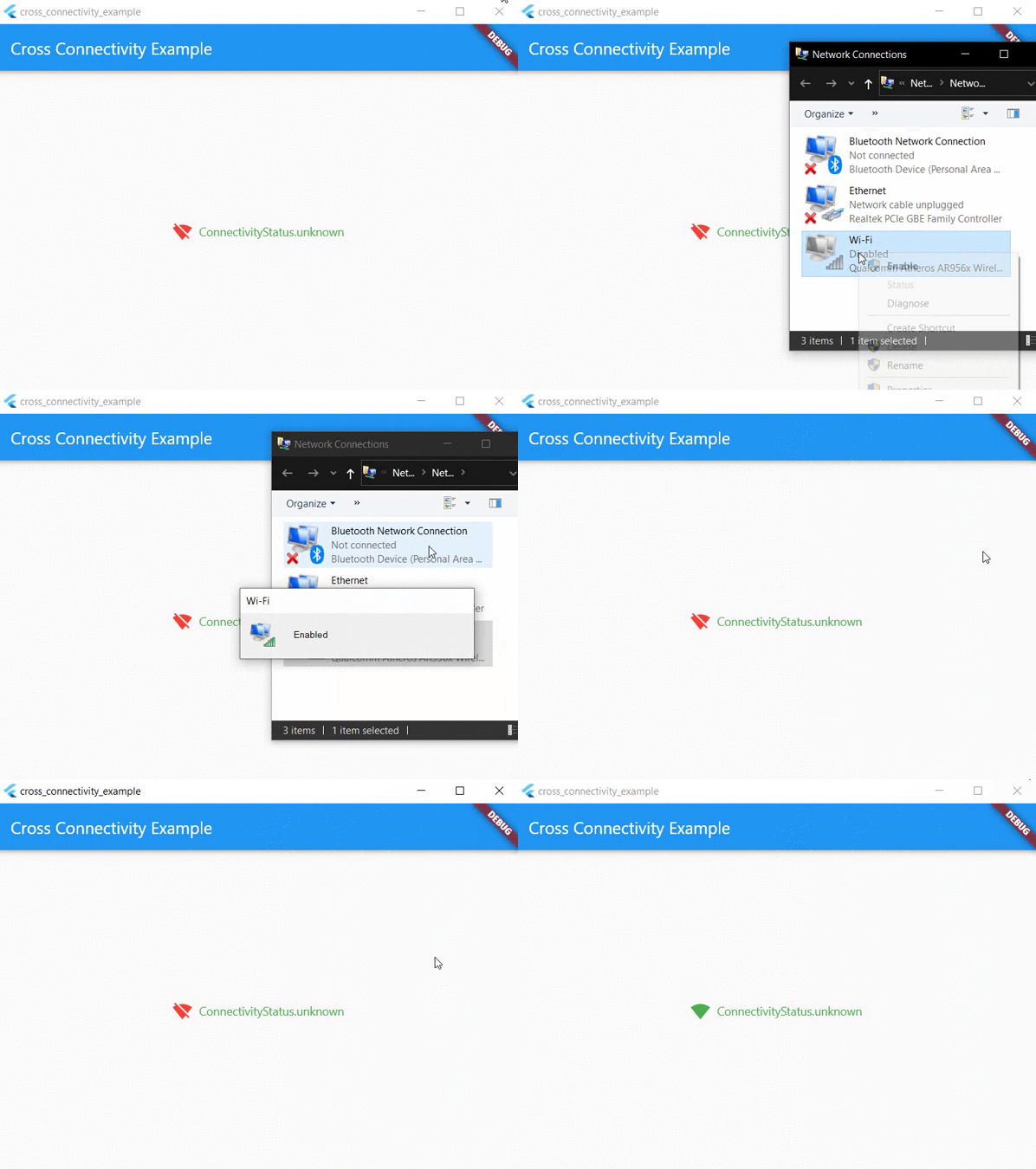
Desktop sample:

Desktop Sample

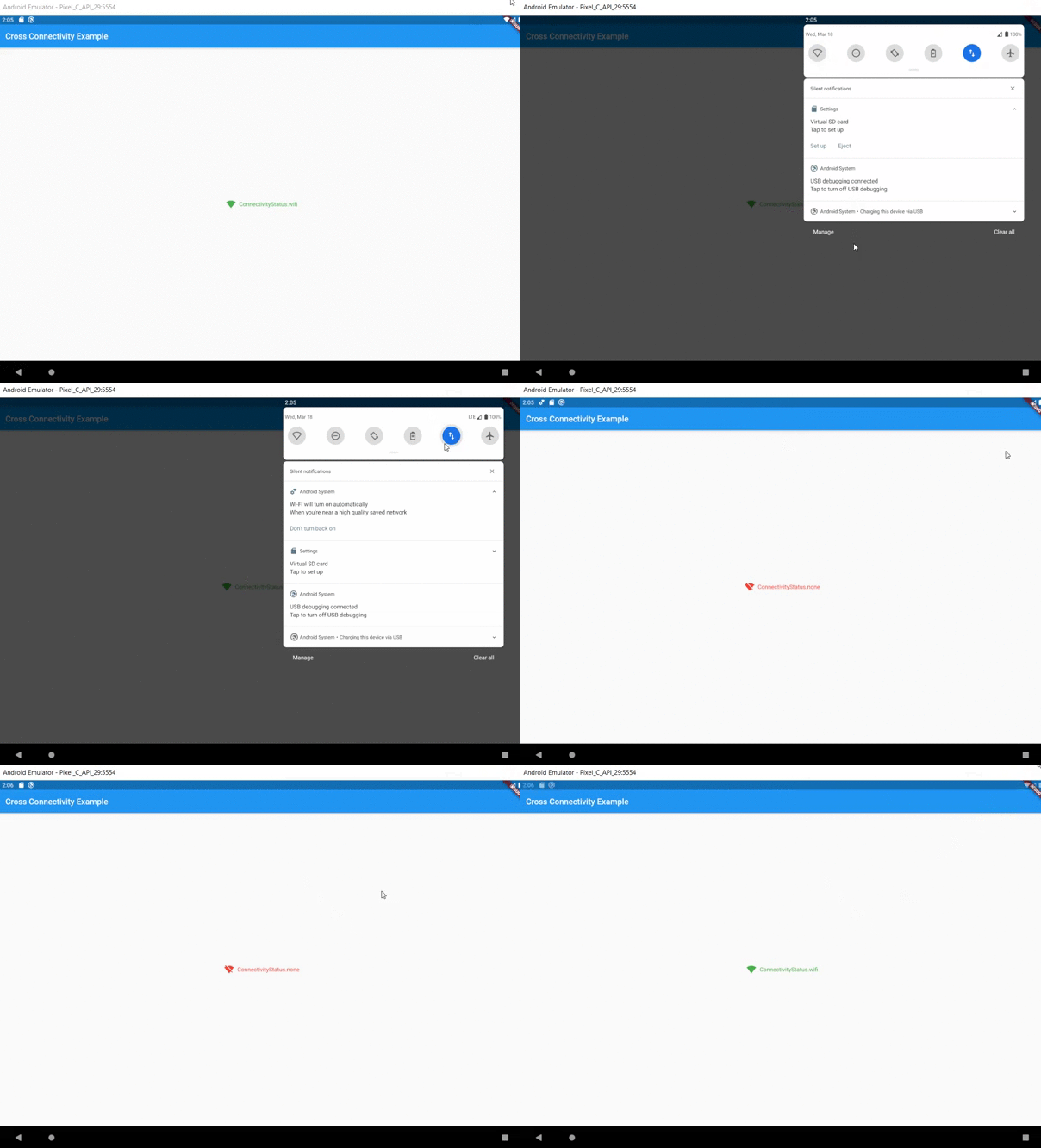
Mobile sample:

Mobile Sample

Usage
Functional approach

This plugin provides two streams:

  • isConnected that shows whether the device is REALLY connected to the network or not.
  • onConnectivityChanged that it will not let you know about state of the REAL network connection. It only shows connectivity state.

Also for one time check could be used following methods:

  • checkConnection() that is working like isConnected, but returns Future<bool> instread of Stream<bool>.
  • checkConnectivity() that is working like onConnectivityChanged, but returns Future<ConnectivityStatus> instread of Stream<ConnectivityStatus>.

There are no more methods (they are working only on Android/iOS/macOS):

  • getWifiName() - Obtains the wifi name (SSID) of the connected network.
  • getWifiBSSID() - Obtains the wifi BSSID of the connected network.
  • getWifiIP() - Obtains the IP address of the connected wifi network.

They are removed to wifi_info_flutter.

Migration guide:

If you don't use any of the above APIs, your code should work as is. In addition, you can also remove NSLocationAlwaysAndWhenInUseUsageDescription and NSLocationWhenInUseUsageDescription in ios/Runner/Info.plist

If you use any of the above APIs, you can find the same APIs in the wifi_info_flutter plugin. For example, to migrate getWifiName, use the new plugin:

final WifiInfo _wifiInfo = WifiInfo();
final String wifiName = await _wifiInfo.getWifiName();
Widget approach

As an alteration to funcitonal approach could be used ConnectivityBuilder widget as follows:

ConnectivityBuilder(
  builder: (context, isConnected, status) => Row(
    mainAxisSize: MainAxisSize.min,
    children: <Widget>[
      Icon(
        isConnected == true
            ? Icons.signal_wifi_4_bar
            : Icons.signal_wifi_off,
        color: isConnected == true ? Colors.green : Colors.red,
      ),
      const SizedBox(width: 8),
      Text(
        '$status',
        style: TextStyle(
          color: status != ConnectivityStatus.none
              ? Colors.green
              : Colors.red,
        ),
      ),
    ],
  ),
)

Feature requests and Bug reports

Feel free to post a feature requests or report a bug here.

Categories

Dependencies

Dependency list 4 items

Source repository

Projects using this package

No data available yet.