

 v3.0.0
ios_color_picker
A Flutter package that provides an iOS-style color picker UI for every Flutter platform, plus the native iOS color picker on iOS.
10Likes 16730-day downloads140Pub points
AndroidiOSWebmacOSWindowsLinux
A new Flutter package that provides native iOS Color Picker cloned UI for all platforms Web, Android, iOS, also provides native iOS picker for iOS Only

English project snapshot. Visit GitHub for the latest content.
A Flutter package that provides an iOS-style color picker UI for every Flutter platform, plus access to the native iOS color picker on iOS.
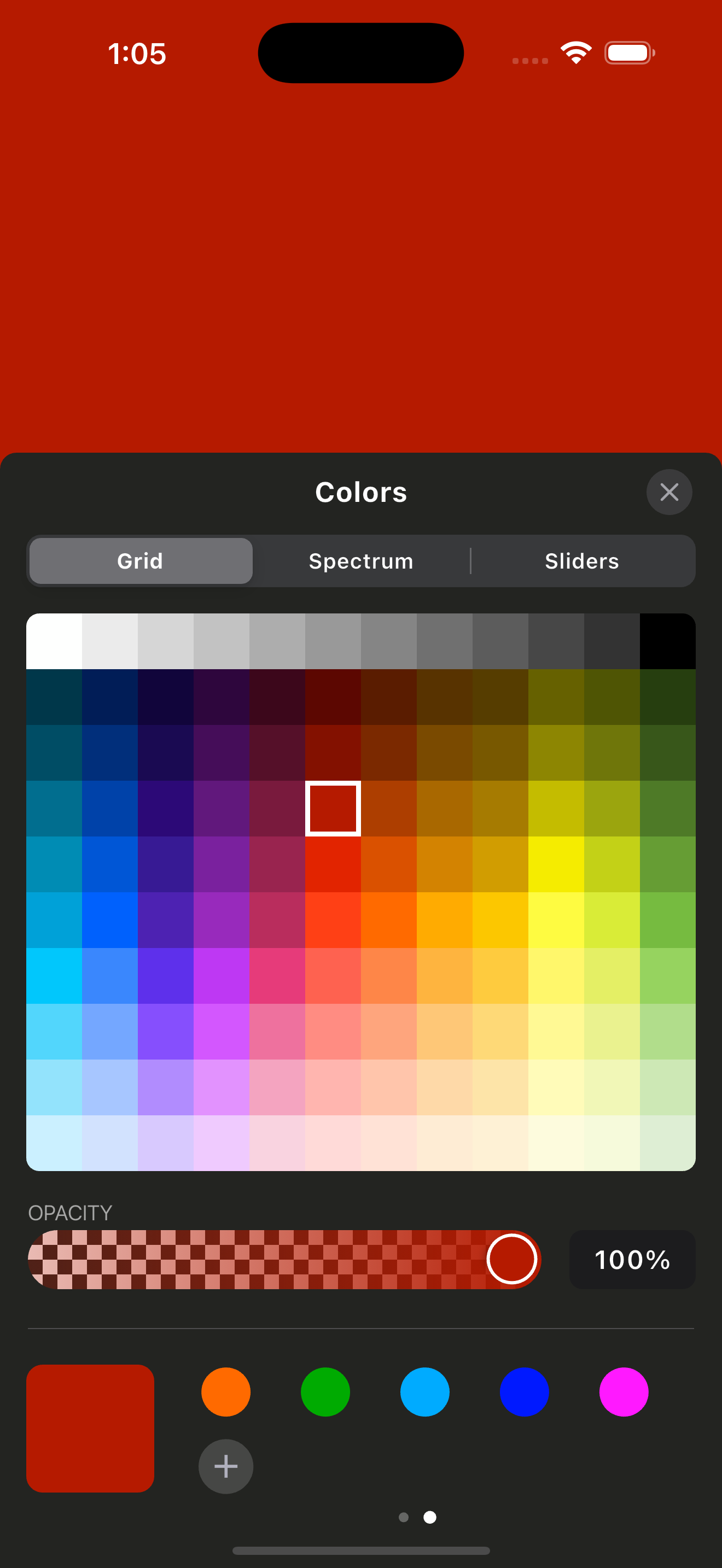
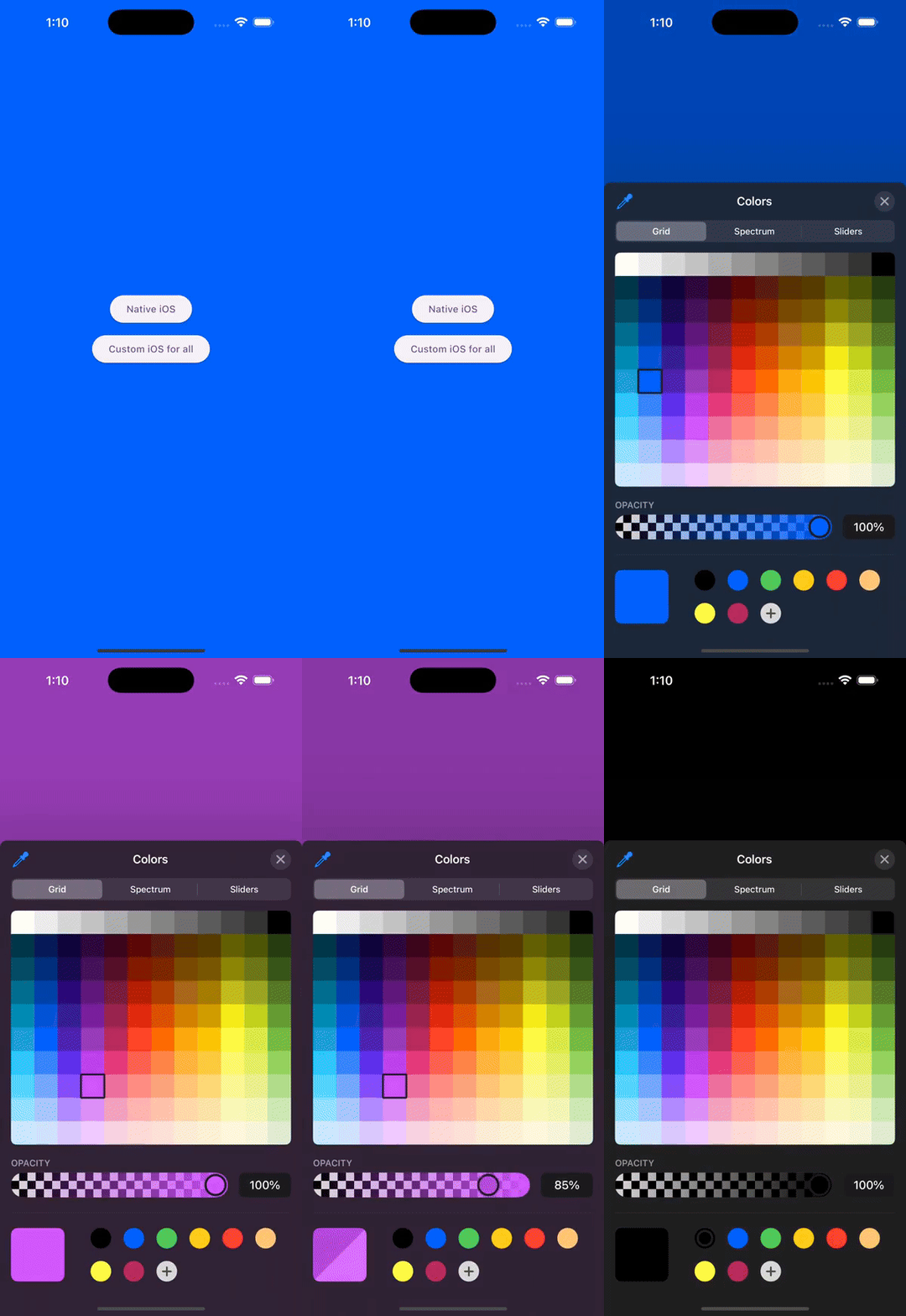
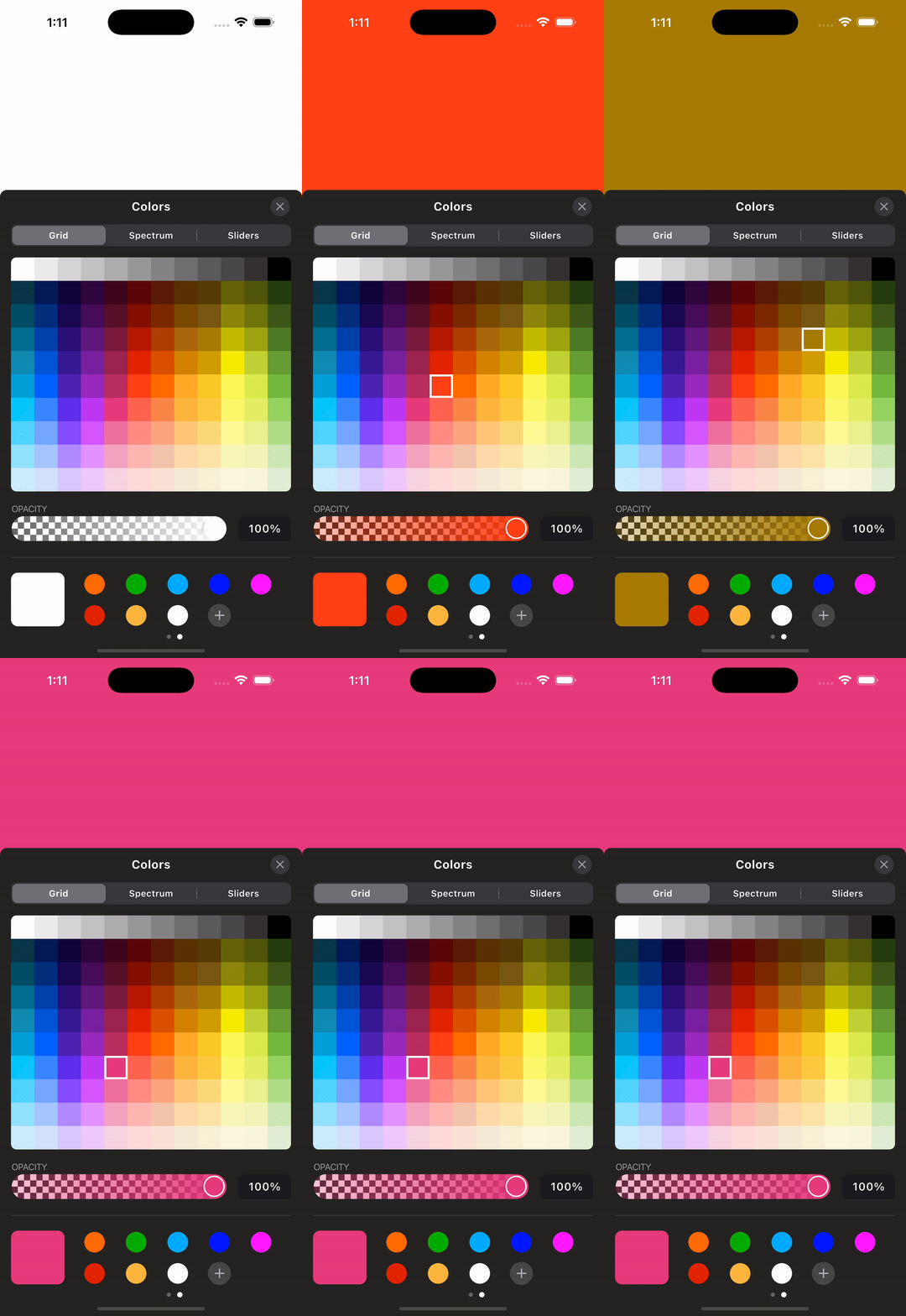
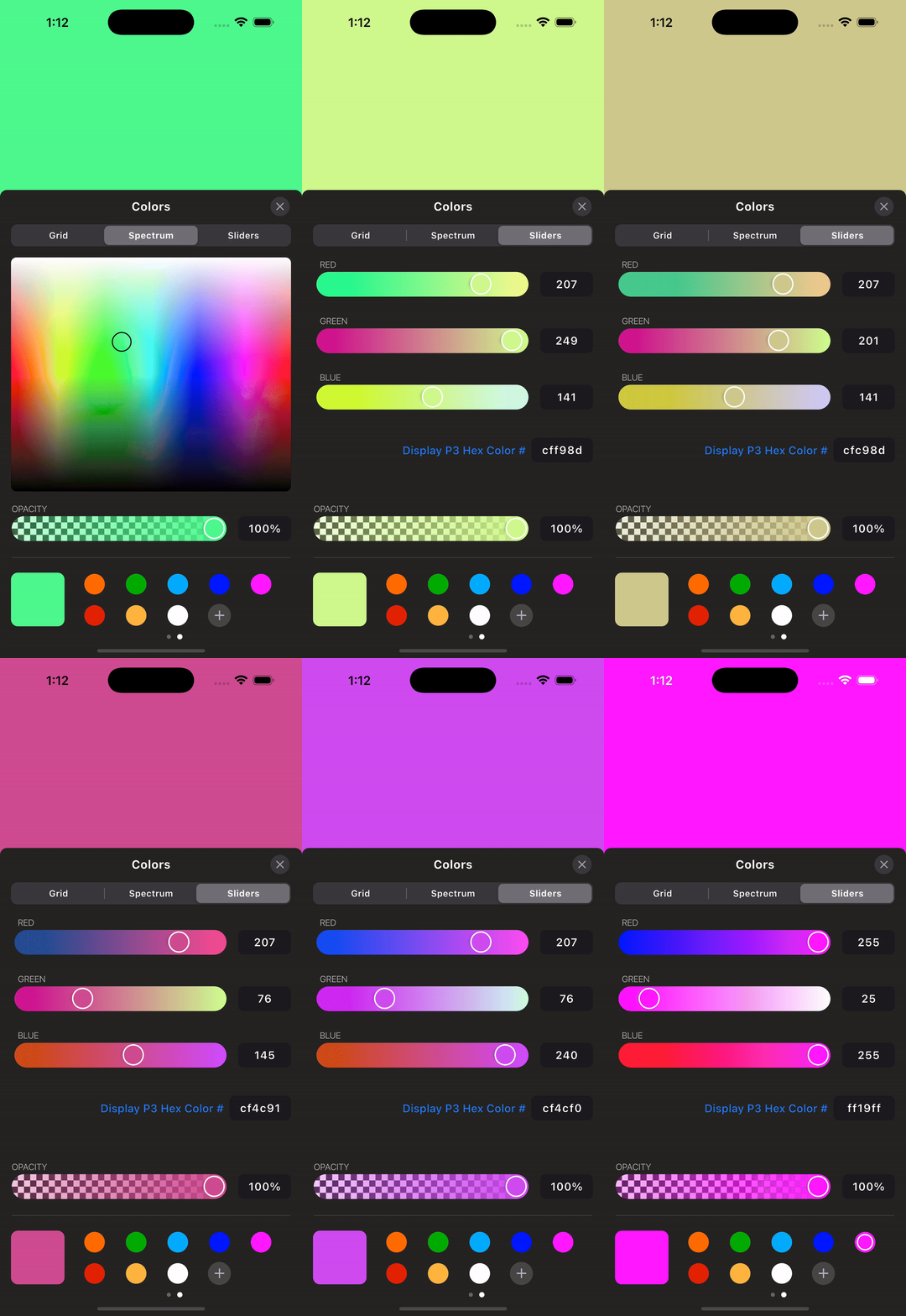
Add the package and create a controller. Dispose the controller from your
widget's dispose method because the native iOS picker streams color changes
through an event channel.
final iosColorPickerController = IOSColorPickerController();

/// Native iOS Color Picker
ElevatedButton(
  onPressed: () {
    iosColorPickerController.showNativeIosColorPicker(
      startingColor: backgroundColor,
      darkMode: true,
      onColorChanged: (color) {
        setState(() {
          backgroundColor = color;
        });
      },
    );
  },
  child: Text("Native iOS"),
),

/// Custom iOS Color Picker (for all platforms)
ElevatedButton(
  onPressed: () {
    iosColorPickerController.showIOSCustomColorPicker(
      startingColor: backgroundColor,
      onColorChanged: (color) {
        setState(() {
          backgroundColor = color;
        });
      },
      context: context,
    );
  },
  child: Text("Custom iOS for all"),
),
Dispose the controller:
final IOSColorPickerController iosColorPickerController =
    IOSColorPickerController();

@override
void dispose() {
  iosColorPickerController.dispose();
  super.dispose();
}
Run the app in the example/ folder to explore the plugin.
For more updates and inquiries, connect with me on LinkedIn:

Dependency list 9 items
{"sdk":"flutter"}^2.5.5^2.0.1^2.1.1{"sdk":"flutter"}^1.1.1^2.1.8{"sdk":"flutter"}^6.0.0Start with your use case, compare repository activity, and check the original project before adopting it.
“A repository is the most basic element of GitHub.”
GitHub Docs — About repositories ↗