Search packages, repositories and app categories

ios_color_picker cover
Package detailsv3.0.0

ios_color_picker

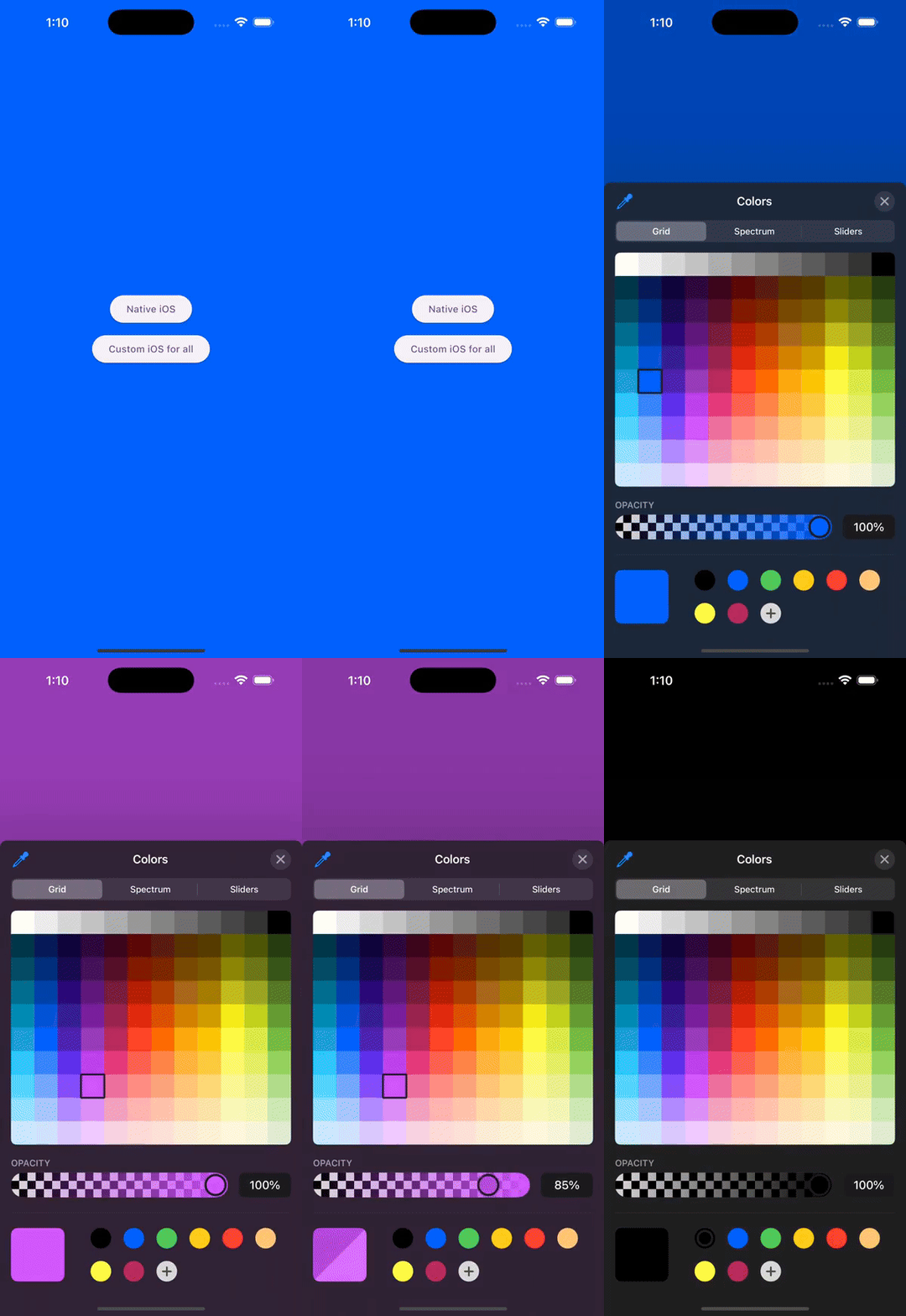
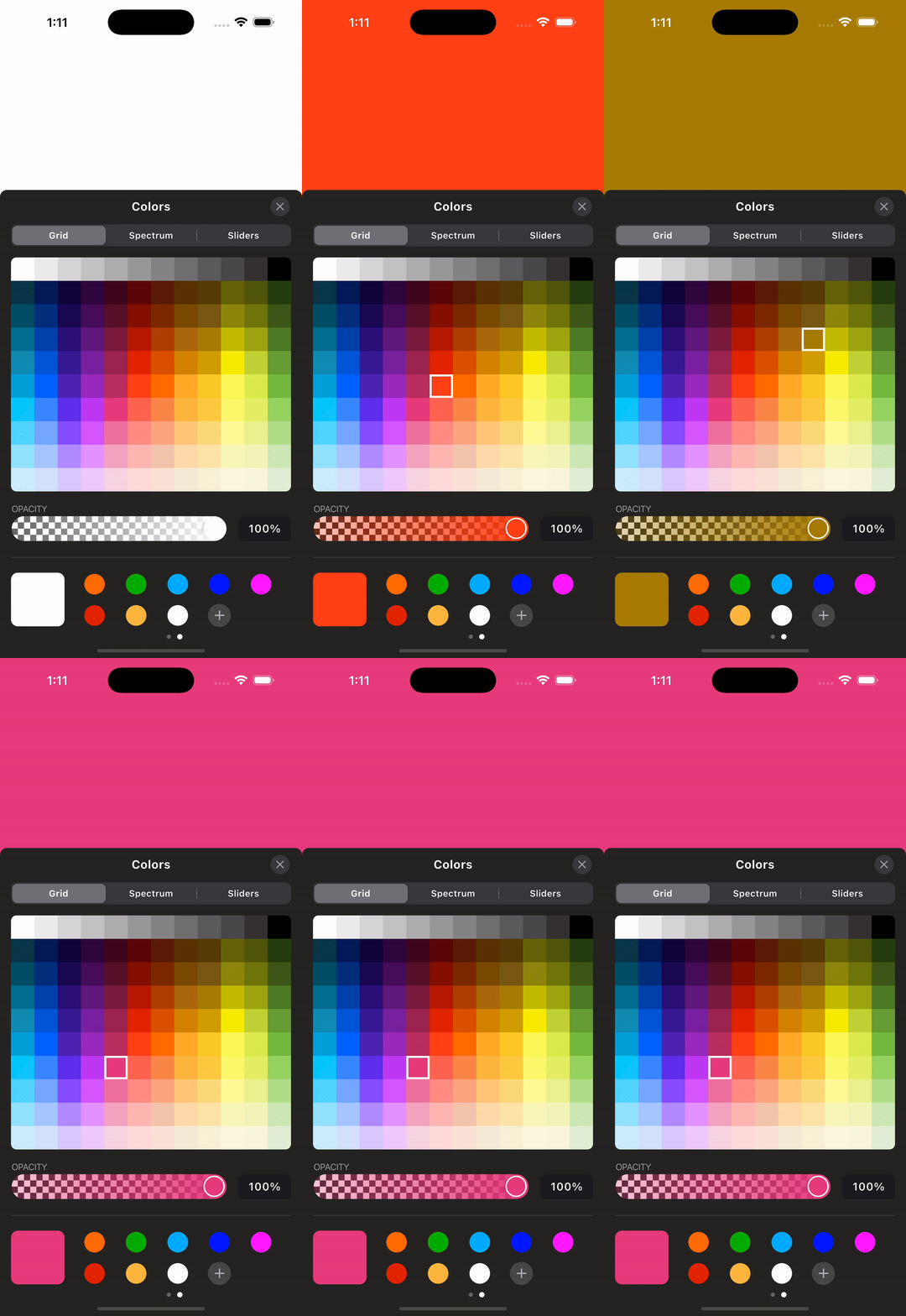
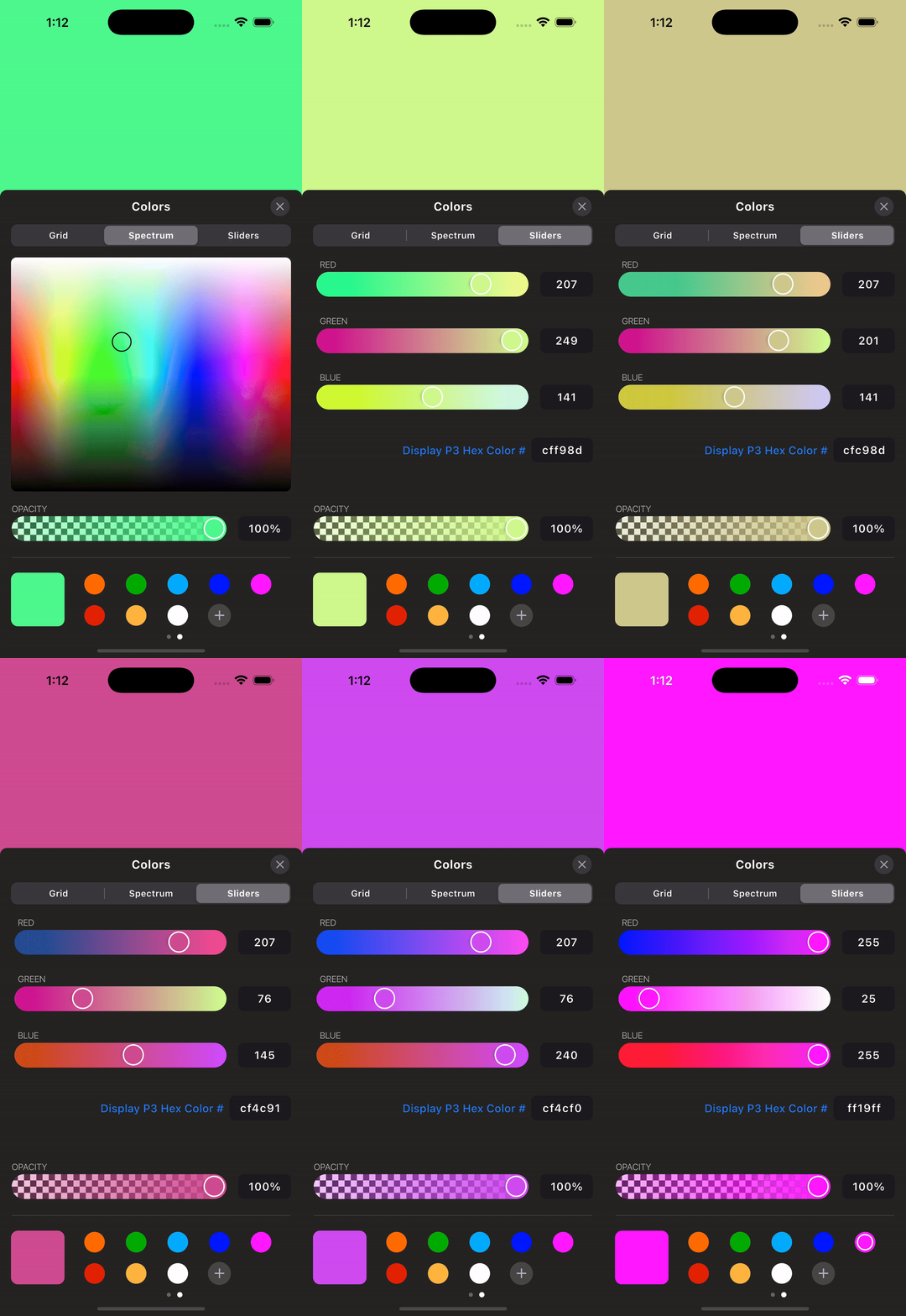
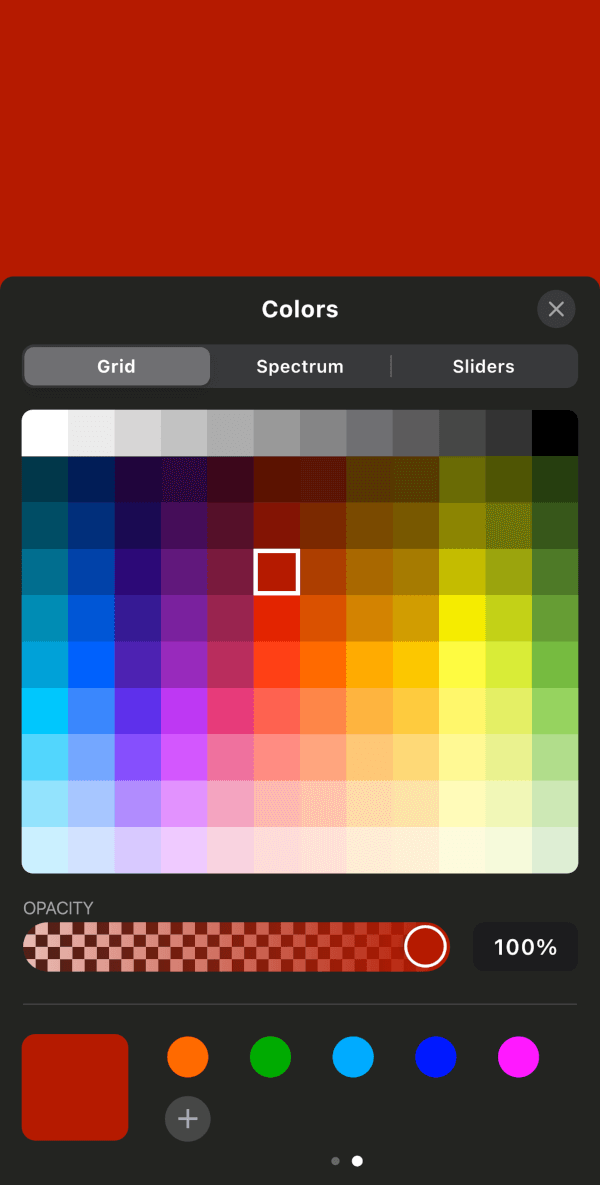
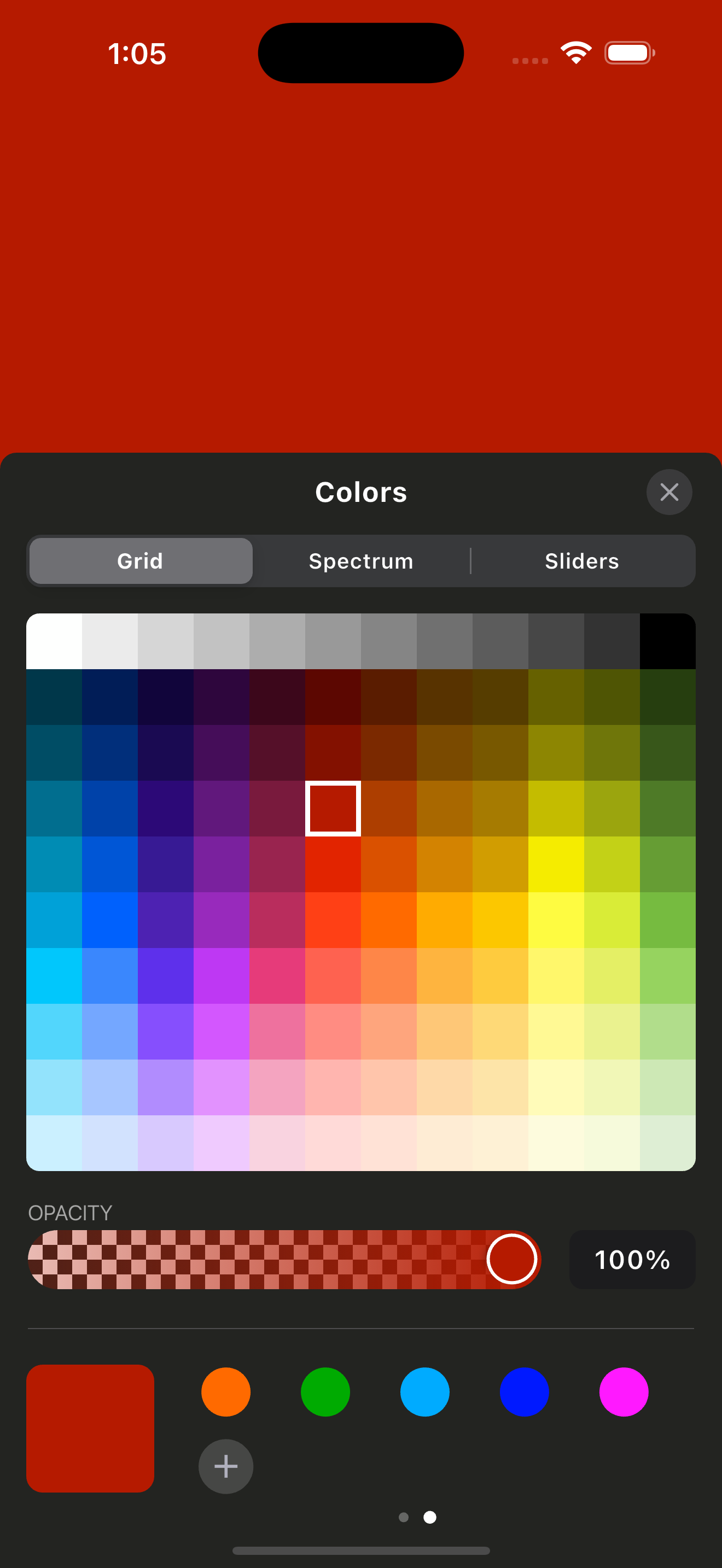
A Flutter package that provides an iOS-style color picker UI for every Flutter platform, plus the native iOS color picker on iOS.

AndroidiOSWebmacOSWindowsLinux
30-day downloads
167
Likes
10
Pub points
140

Install package

flutter pub add ios_color_picker

Package Overview

Package selection guidance compiled from public package information, community data, and project usage.

The ios_color_picker package delivers an iOS-style color picker interface across all Flutter platforms, ensuring a consistent look and feel. On iOS, it leverages the native color picker for authentic integration. The package is ideal for apps requiring intuitive color selection with platform-appropriate design. It supports multiple platforms including Android, Web, macOS, Windows, and Linux, making it versatile for cross-platform development. The UI mimics Apple's native color picker, enhancing user experience on non-iOS devices while maintaining native behavior where available.

Use cases

  • Cross-platform color selection
  • iOS-native UI on non-iOS platforms
  • Design tools with color pickers
  • Custom theme builders
  • Mobile app color customization

Key features

  • iOS-style UI on all platforms
  • Uses native iOS picker on iOS
  • Supports multiple platforms
  • Simple integration via pub
  • Consistent UX across devices

Suitable for

  • Developers targeting iOS aesthetics
  • Apps needing color input
  • Cross-platform UI consistency
  • Design-focused applications
  • Flutter apps with color customization

Considerations

  • Limited to color selection only
  • No advanced color manipulation
  • Requires manual handling of color values
  • Not optimized for accessibility out of the box
  • May not match iOS exactly in edge cases
Original README

Original README snapshot from the linked source repository. Visit the repository for the latest content.

ios_color_picker

A Flutter package that provides an iOS-style color picker UI for every Flutter platform, plus access to the native iOS color picker on iOS.

Supported Platforms

  • Linux
  • macOS
  • Web
  • Windows
  • iOS
  • Android

Requirements

  • Flutter 3.41.0 or later
  • Dart 3.11.4 or later
  • Android minSdk 24
  • iOS 14.0 or later for the native iOS picker
  • macOS 10.15 or later

Features

Screenshots & Demo

Getting Started

Add the package and create a controller. Dispose the controller from your widget's dispose method because the native iOS picker streams color changes through an event channel.

Usage

final iosColorPickerController = IOSColorPickerController();

/// Native iOS Color Picker
ElevatedButton(
  onPressed: () {
    iosColorPickerController.showNativeIosColorPicker(
      startingColor: backgroundColor,
      darkMode: true,
      onColorChanged: (color) {
        setState(() {
          backgroundColor = color;
        });
      },
    );
  },
  child: Text("Native iOS"),
),

/// Custom iOS Color Picker (for all platforms)
ElevatedButton(
  onPressed: () {
    iosColorPickerController.showIOSCustomColorPicker(
      startingColor: backgroundColor,
      onColorChanged: (color) {
        setState(() {
          backgroundColor = color;
        });
      },
      context: context,
    );
  },
  child: Text("Custom iOS for all"),
),

Dispose the controller:

final IOSColorPickerController iosColorPickerController =
    IOSColorPickerController();

@override
void dispose() {
  iosColorPickerController.dispose();
  super.dispose();
}

Example

Run the app in the example/ folder to explore the plugin.

Additional Information

For more updates and inquiries, connect with me on LinkedIn:

Categories

Dependencies

Dependency list 5 items

Source repository

Projects using this package

No data available yet.