

 v0.1.3
flutter_chord
Lyrics Chord parser and renderer for Flutter. It also comes with transpose and auto-scroll features.
40Likes 7730-day downloads160Pub points
AndroidiOSWebmacOSWindowsLinux
Lyrics Chord parser for Flutter

English project snapshot. Visit GitHub for the latest content.

Chord parser for Flutter apps.
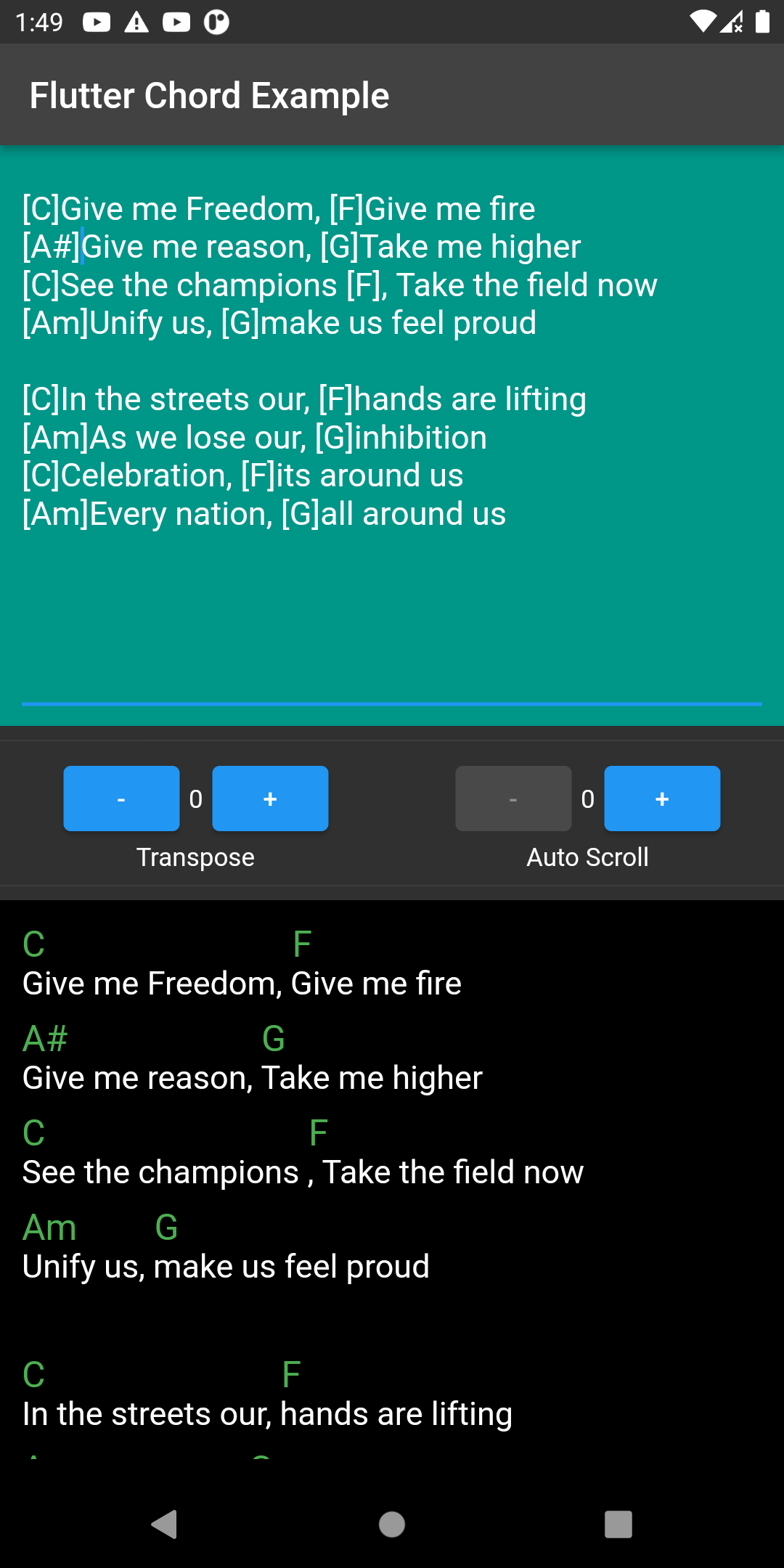
1) Render the Lyrics and Chords directly.
final textStyle = TextStyle(fontSize: 18, color: Colors.white);
final chordStyle = TextStyle(fontSize: 20, color: Colors.green);

final lyrics = '''
[C]Give me Freedom, [F]Give me fire
[Am] Give me reason, [G]Take me higher
''';

@override
  Widget build(BuildContext context) {
    return LyricsRenderer(
    lyrics: _lyrics,
    textStyle: textStyle,
    chordStyle: chordStyle,
    widgetPadding: 50,
    onTapChord: (String chord) {
      print('pressed chord: $chord');
    },
    transposeIncrement: 0,
    scrollSpeed: 0,
  );
}
2. Get a parsed ChordLyricsDocument and style it as you like.
final textStyle = TextStyle(fontSize: 18, color: Colors.white);
final chordStyle = TextStyle(fontSize: 20, color: Colors.green);

final lyrics = '''
[C]Give me Freedom , [F]Give me fire
[Am] Give me reason , [G]Take me higher
''';

ChordProcessor _chordProcessor = ChordProcessor(context);
ChordLyricsDocument chordLyricsDocument = _chordProcessor.processText(
  text: lyrics,
  lyricsStyle: textStyle,
  chordStyle: chordStyle,
  transposeIncrement: 0,
);
Dependency list 3 items
{"sdk":"flutter"}{"sdk":"flutter"}^5.0.17Start with your use case, compare repository activity, and check the original project before adopting it.
“A repository is the most basic element of GitHub.”
GitHub Docs — About repositories ↗