English project snapshot. Visit GitHub for the latest content.

Introduction
Package created for the purpose of uploading images from the internet, giving the possibility of showing a beautiful Shimmer animation while the images are not loading. And it is still possible to create a widget to be shown in case the image upload fails for some reason.
This package is basically a union of two known packages:
Basic Usage
You can use the package on the fly by simple passing a URL of an image to the FancyShimmerImage widget.
FancyShimmerImage(
  imageUrl: 'https://images.unsplash.com/photo-1465572089651-8fde36c892dd?ixlib=rb-1.2.1&ixid=eyJhcHBfaWQiOjEyMDd9&w=1000&q=80',
),
That will produce a image that's is cacheable by default and that has a default (grey) Shimmer animation. Similar to result below:

More Advanced Usage
If you don't like the default widget behavior, you can set the background colors of the image, the color of the shimmer base effect, and the color of the highlighted effect.
FancyShimmerImage(
  imageUrl: 'https://static.businessinsider.sg/2018/12/12/5c1c90f8e04d6243c7019cf6.png',
  shimmerBaseColor: randomColor(),
  shimmerHighlightColor: randomColor(),
  shimmerBackColor: randomColor(),
)
By randomizing the colors you can have a result similar to this:
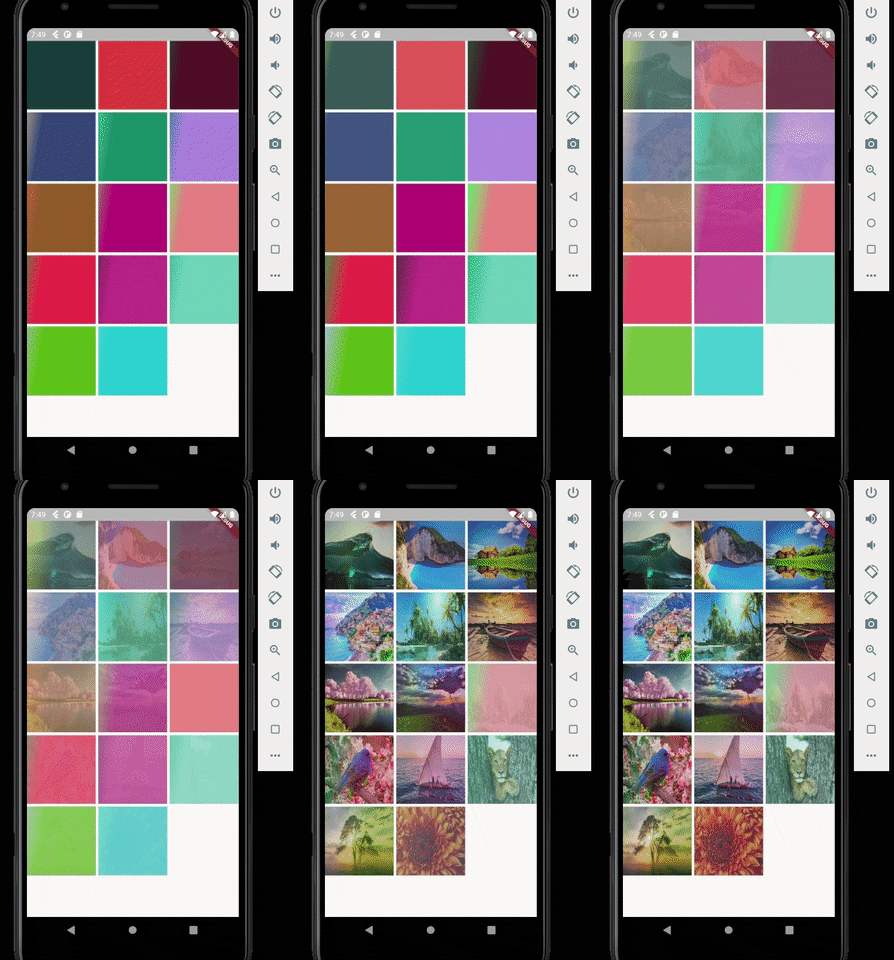
Other thing you can do is to configure the direction of the Shimmer and it's speed. In the above example i configured it to have top to bottom direction and 300 milliseconds of speed.

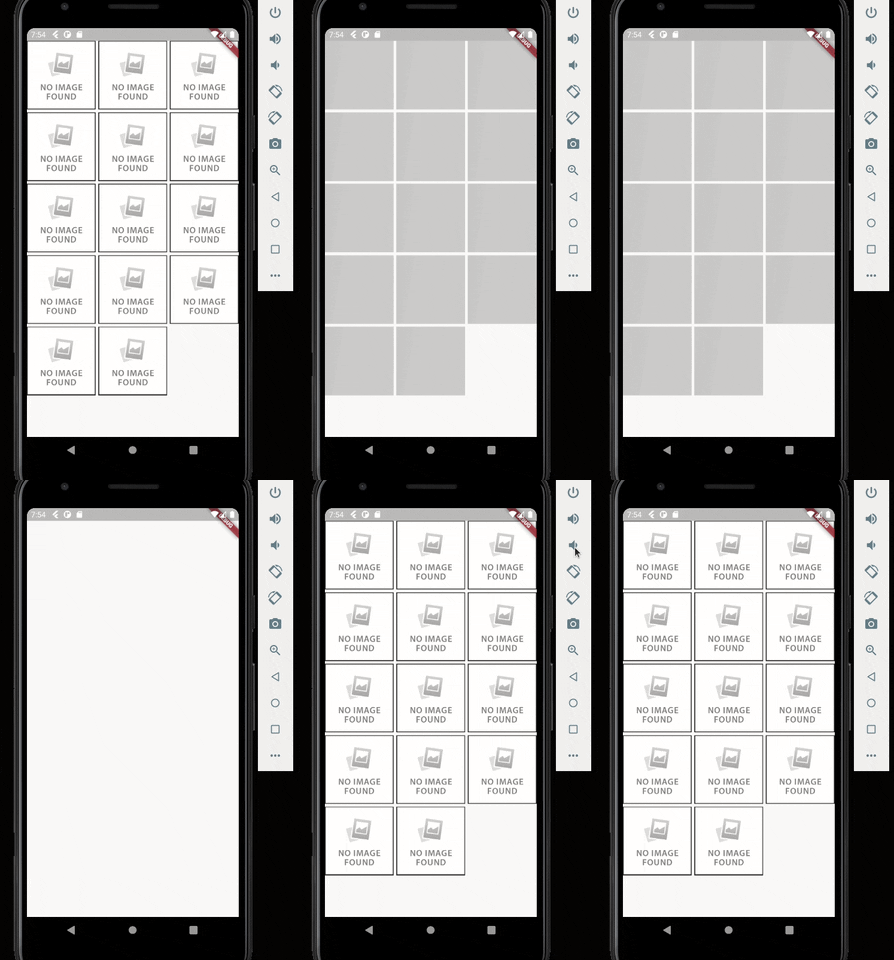
One last step you can configure is to configure the widget that will appear in case the image upload fails for some reason. In this case just pass the desired widget in the errorWidget parameter. If no value is passed, a default error widget will be used.
FancyShimmerImage(
  imageUrl: 'https://static.businessinsider.sg/2018/12/12/5c1c90f8e04d6243c7019cf6.png',
  errorWidget: Image.network('https://i0.wp.com/www.dobitaobyte.com.br/wp-content/uploads/2016/02/no_image.png?ssl=1'),
)


 v2.0.3