Search packages, repositories and app categories

fancy_shimmer_image cover
Package detailsv2.0.3

fancy_shimmer_image

Package for easy use of images that are automatically cacheable and have a beautiful on the fly (but it can be configured) shimmer effect while loading

AndroidiOSWebmacOSWindowsLinux
30-day downloads
3.3K
Likes
219
Pub points
140

Install package

flutter pub add fancy_shimmer_image

Package Overview

Package selection guidance compiled from public package information, community data, and project usage.

A Flutter package that simplifies loading images with a built-in shimmer effect during loading, enhancing user experience. It automatically handles image caching and supports various image sources including URLs and assets. The shimmer effect is customizable, allowing developers to adjust colors, duration, and animation style. Ideal for improving perceived performance in list views and grids where images load asynchronously.

Use cases

  • Loading images in scrollable lists
  • Displaying placeholder effects in grid layouts
  • Enhancing UI feedback during image loading
  • Creating smooth transitions in image-heavy interfaces
  • Improving perceived performance in network-dependent apps

Key features

  • Automatic image caching
  • Configurable shimmer animation
  • Supports network and asset images
  • Customizable shimmer colors and duration
  • Built-in fallback for failed loads
  • Lightweight and easy integration

Suitable for

  • Developers seeking quick image placeholders
  • Apps with high-frequency image loading
  • UI designers focused on visual polish
  • Projects requiring minimal boilerplate for image loading
  • Teams prioritizing user experience during async operations

Considerations

  • May increase initial bundle size slightly
  • Shimmer effect may not suit all design themes
  • Requires internet access for remote image loading
  • Limited customization beyond basic animation settings
  • Not optimized for very large image collections without additional handling

Original README

Original README snapshot from the linked source repository. Visit the repository for the latest content.

Buy Me A Coffee

Introduction

Package created for the purpose of uploading images from the internet, giving the possibility of showing a beautiful Shimmer animation while the images are not loading. And it is still possible to create a widget to be shown in case the image upload fails for some reason.

This package is basically a union of two known packages:

Basic Usage

You can use the package on the fly by simple passing a URL of an image to the FancyShimmerImage widget.

FancyShimmerImage(  
  imageUrl: 'https://images.unsplash.com/photo-1465572089651-8fde36c892dd?ixlib=rb-1.2.1&ixid=eyJhcHBfaWQiOjEyMDd9&w=1000&q=80',  
),

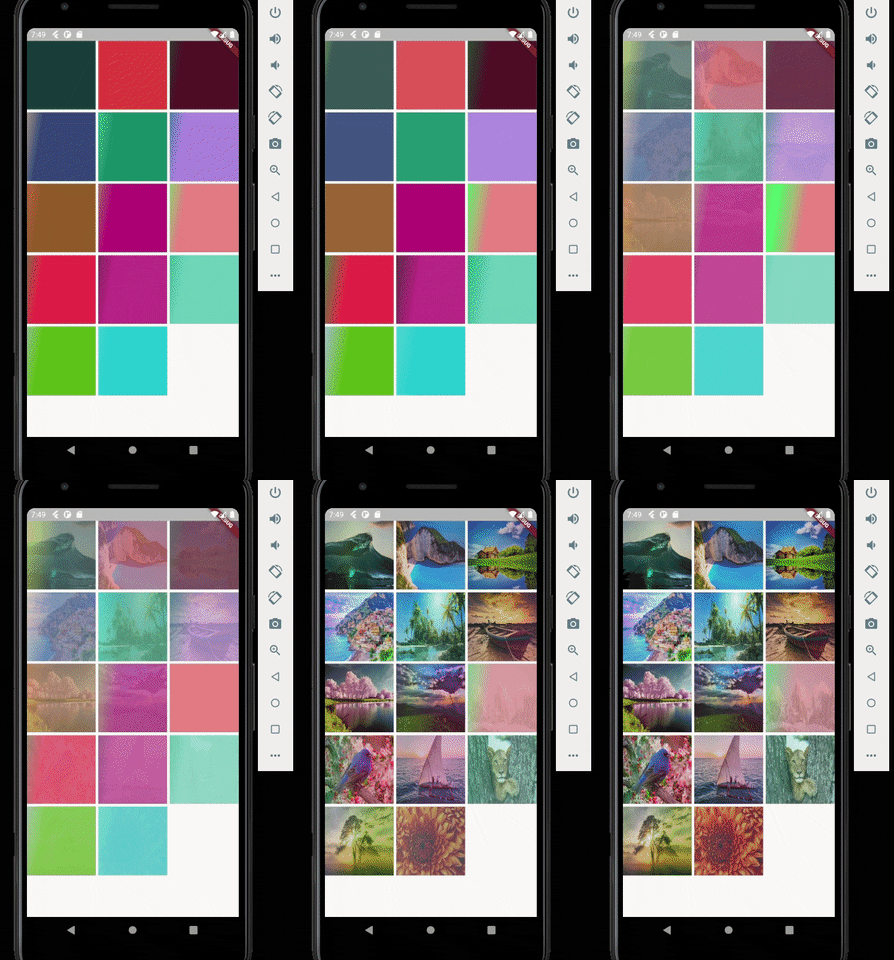
That will produce a image that's is cacheable by default and that has a default (grey) Shimmer animation. Similar to result below:

enter image description here

More Advanced Usage

If you don't like the default widget behavior, you can set the background colors of the image, the color of the shimmer base effect, and the color of the highlighted effect.

FancyShimmerImage(  
  imageUrl: 'https://static.businessinsider.sg/2018/12/12/5c1c90f8e04d6243c7019cf6.png',  
  shimmerBaseColor: randomColor(),  
  shimmerHighlightColor: randomColor(),  
  shimmerBackColor: randomColor(),  
)

By randomizing the colors you can have a result similar to this:

enter image description here

Other thing you can do is to configure the direction of the Shimmer and it's speed. In the above example i configured it to have top to bottom direction and 300 milliseconds of speed.

enter image description here

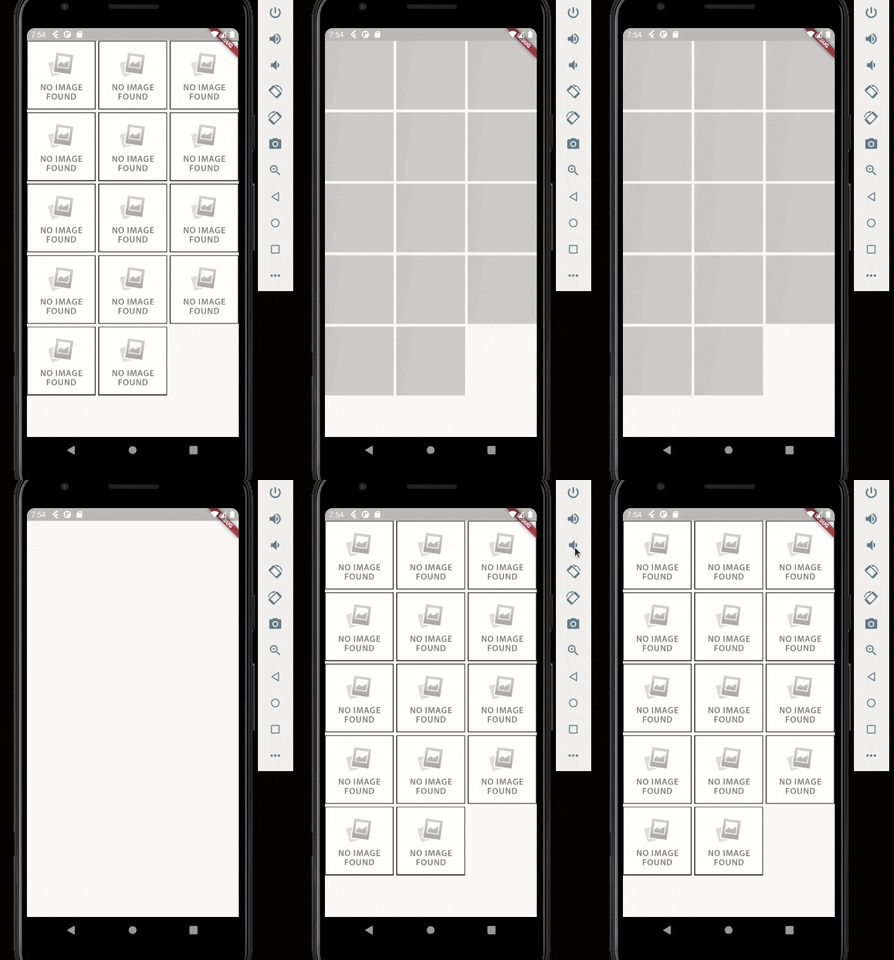
One last step you can configure is to configure the widget that will appear in case the image upload fails for some reason. In this case just pass the desired widget in the errorWidget parameter. If no value is passed, a default error widget will be used.

FancyShimmerImage(  
  imageUrl: 'https://static.businessinsider.sg/2018/12/12/5c1c90f8e04d6243c7019cf6.png',  
  errorWidget: Image.network('https://i0.wp.com/www.dobitaobyte.com.br/wp-content/uploads/2016/02/no_image.png?ssl=1'),
)

enter image description here

Categories

Dependencies

Dependency list 2 items

Source repository

Projects using this package

No data available yet.