

 v0.2.5+1
page_flip
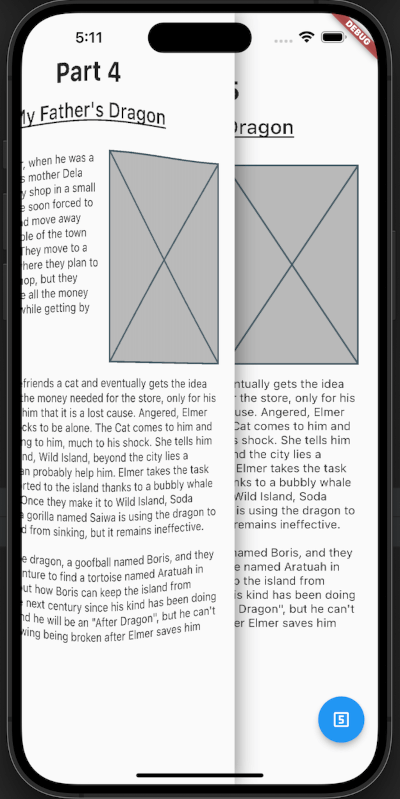
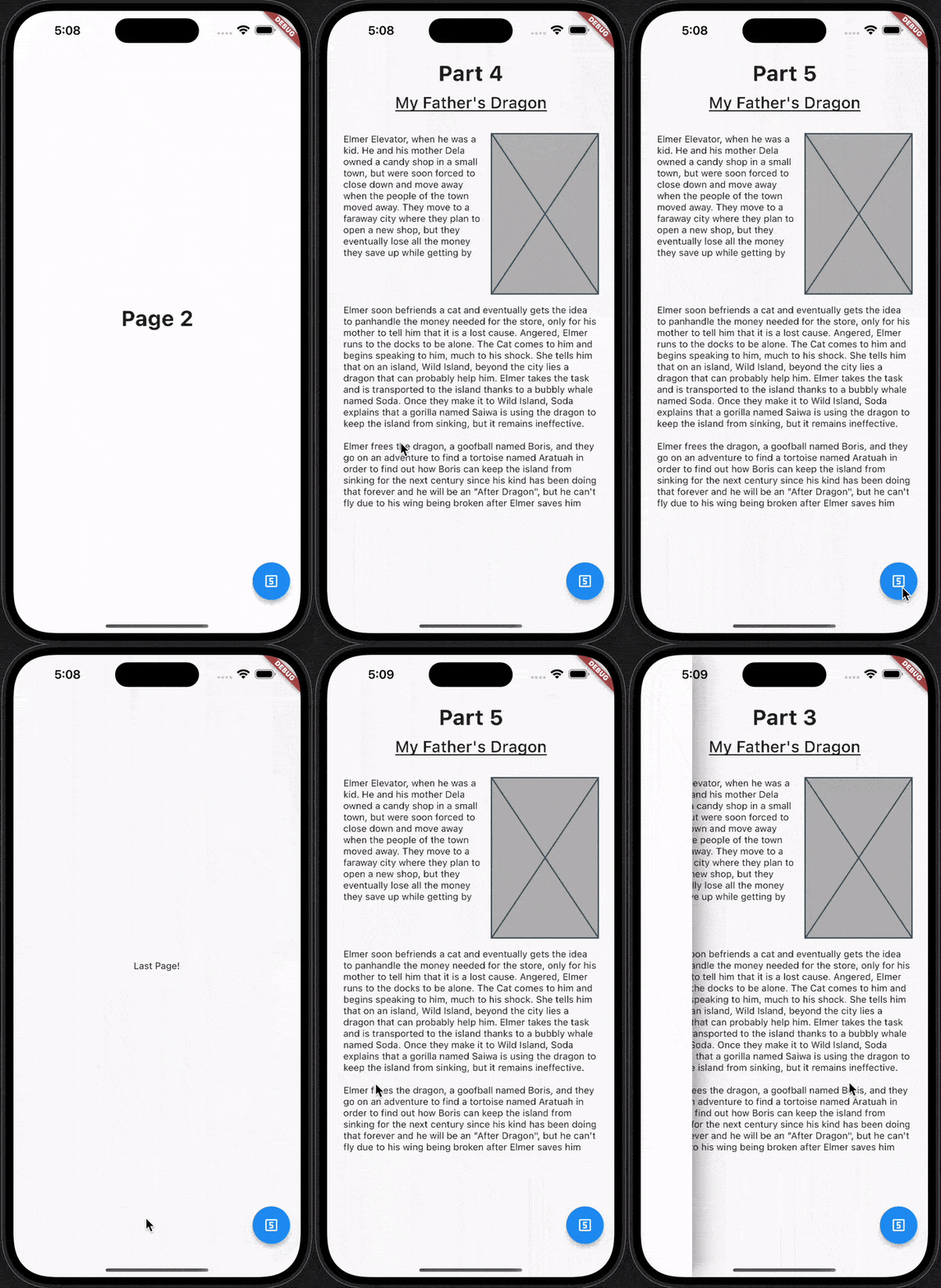
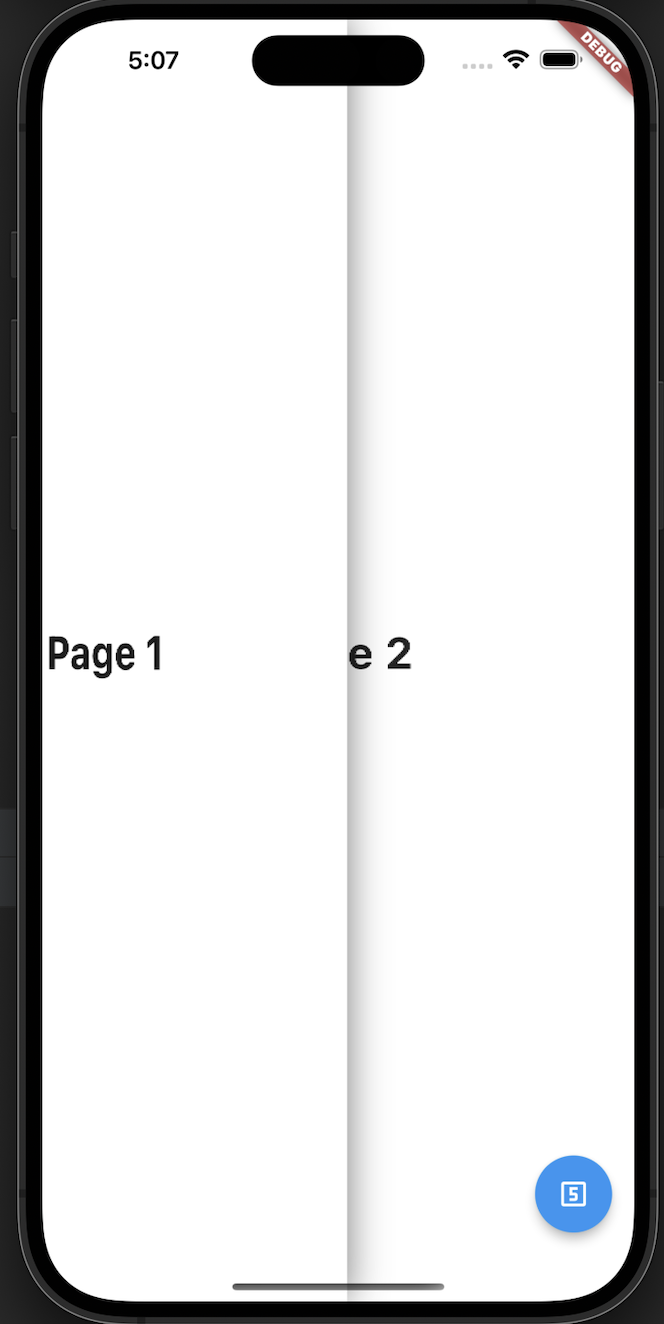
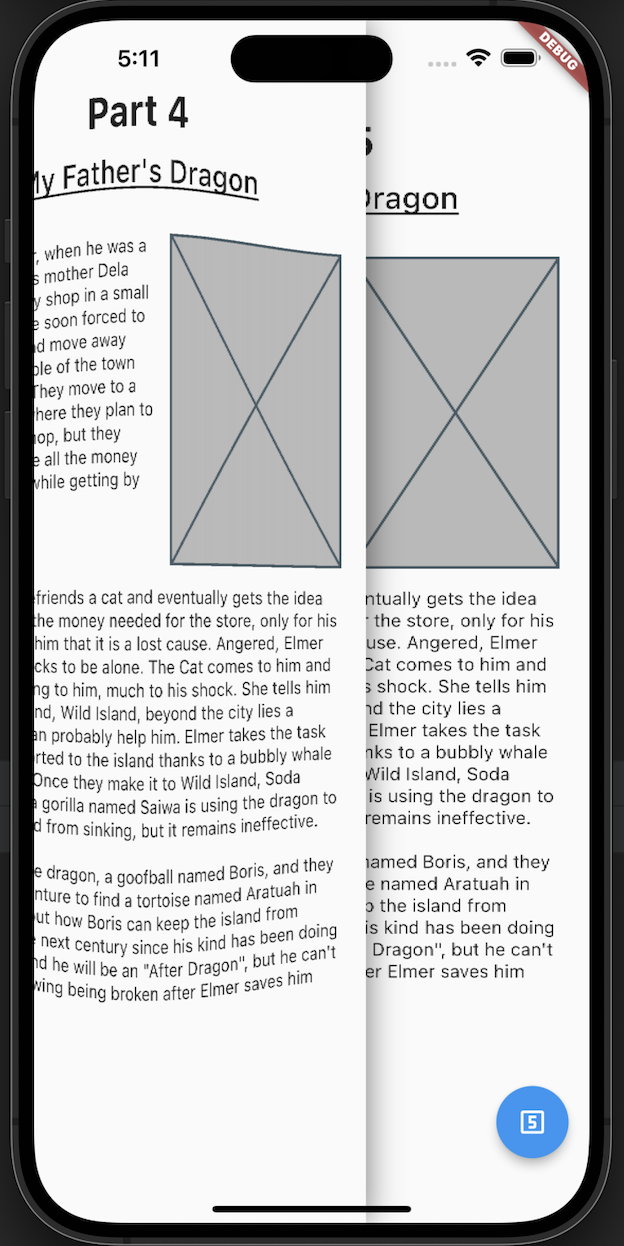
A flutter package which will help you to add page flip effect to widgets in your app.
180Likes 9630-day downloads140Pub points
AndroidiOSWebmacOSWindowsLinux
A flutter package which will help you to add page flip effect to widgets in your app.

English project snapshot. Visit GitHub for the latest content.

A flutter package which will help you to add page flip effect to widgets in your app.
Re-created by Techahead Software
dependencies:
  page_flip: <VERSION>
$ flutter pub get
Alternatively, your editor might support flutter packages get. Check the docs for your editor to learn more.
import 'package:page_flip/page_flip.dart';
  final _controller = GlobalKey<PageFlipWidgetState>();


    Scaffold(
      body: PageFlipWidget(
        key: _controller,
        backgroundColor: Colors.white,
        // isRightSwipe: true,
        lastPage: Container(color: Colors.white, child: const Center(child: Text('Last Page!'))),
        children: <Widget>[
          for (var i = 0; i < 10; i++) DemoPage(page: i),
        ],
      ),
      floatingActionButton: FloatingActionButton(
        child: const Icon(Icons.looks_5_outlined),
        onPressed: () {
          _controller.currentState?.goToPage(5);
        },
      ),
    );
refer to example/lib/main.dart

Dependency list 3 items
{"sdk":"flutter"}{"sdk":"flutter"}^2.0.0Start with your use case, compare repository activity, and check the original project before adopting it.
“A repository is the most basic element of GitHub.”
GitHub Docs — About repositories ↗