Search packages, repositories and app categories

page_flip cover
Package detailsv0.2.5+1

page_flip

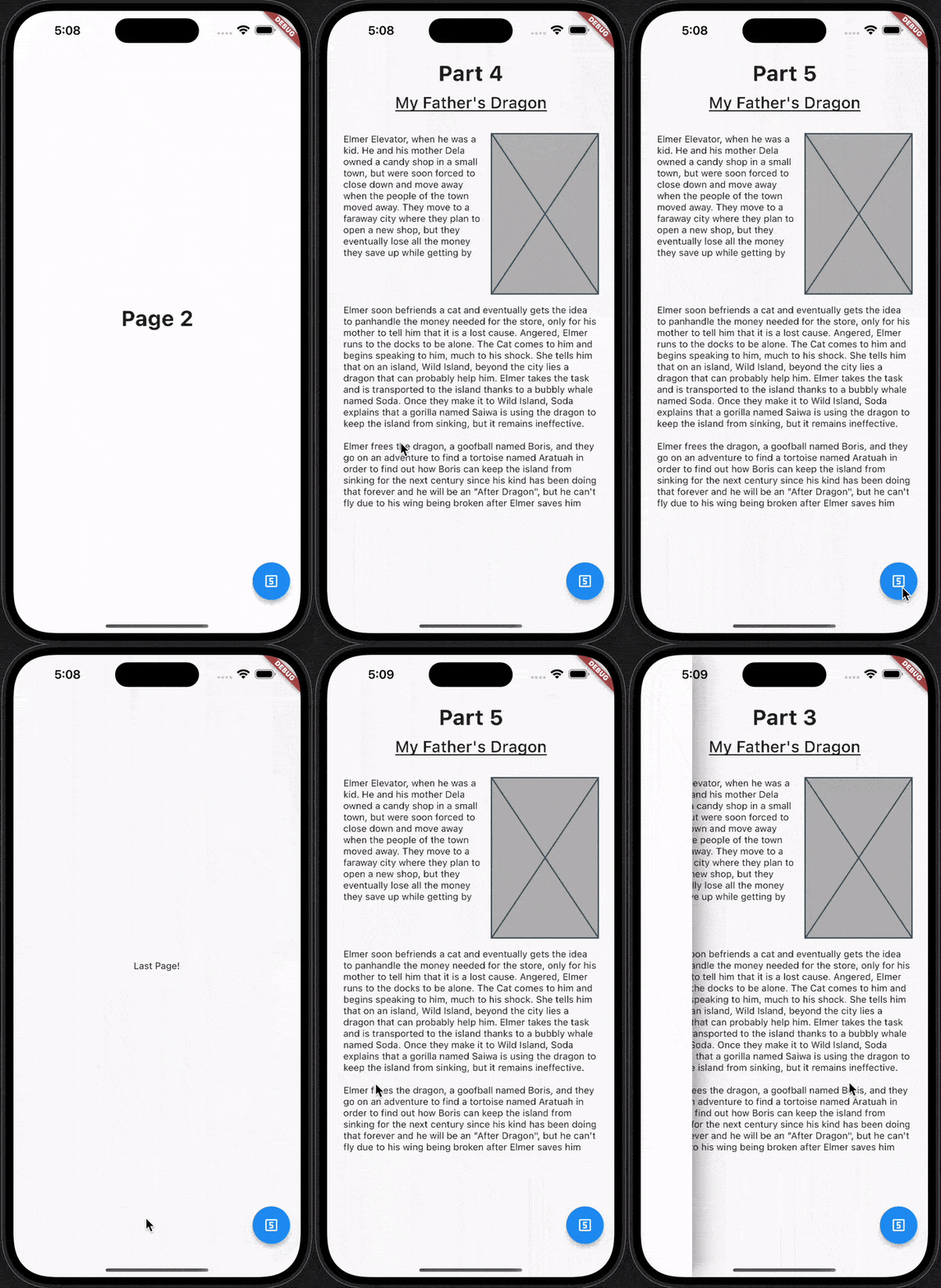
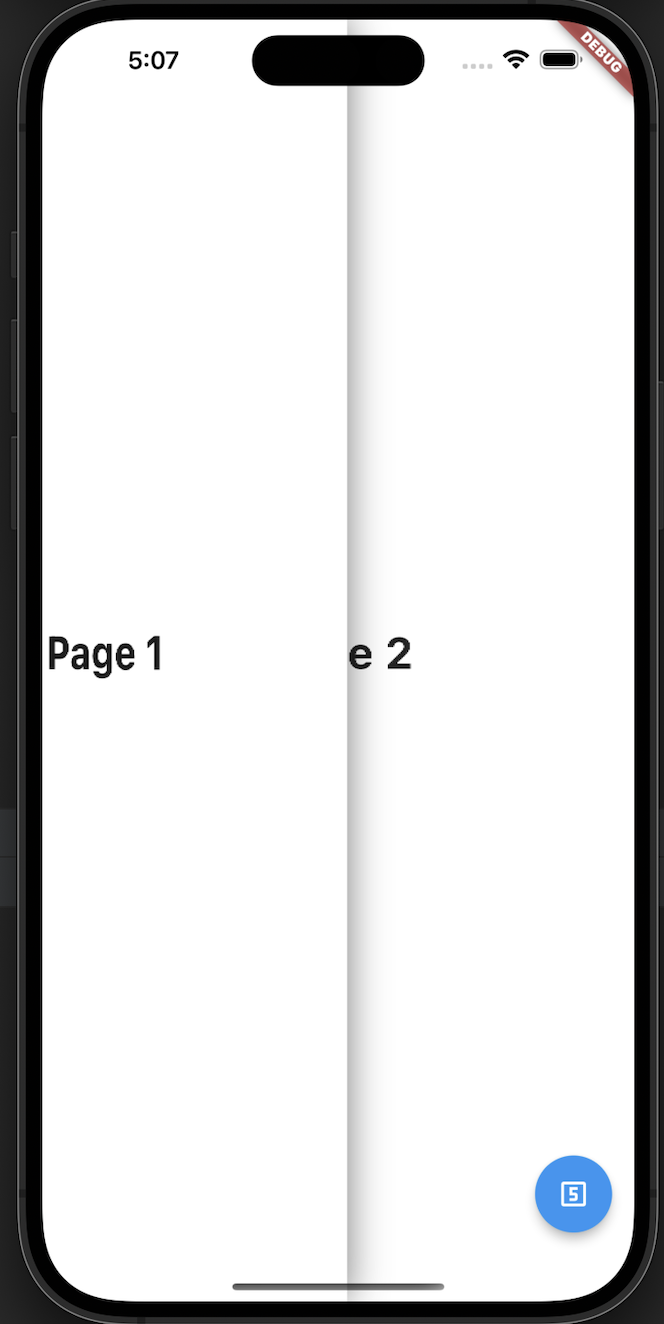
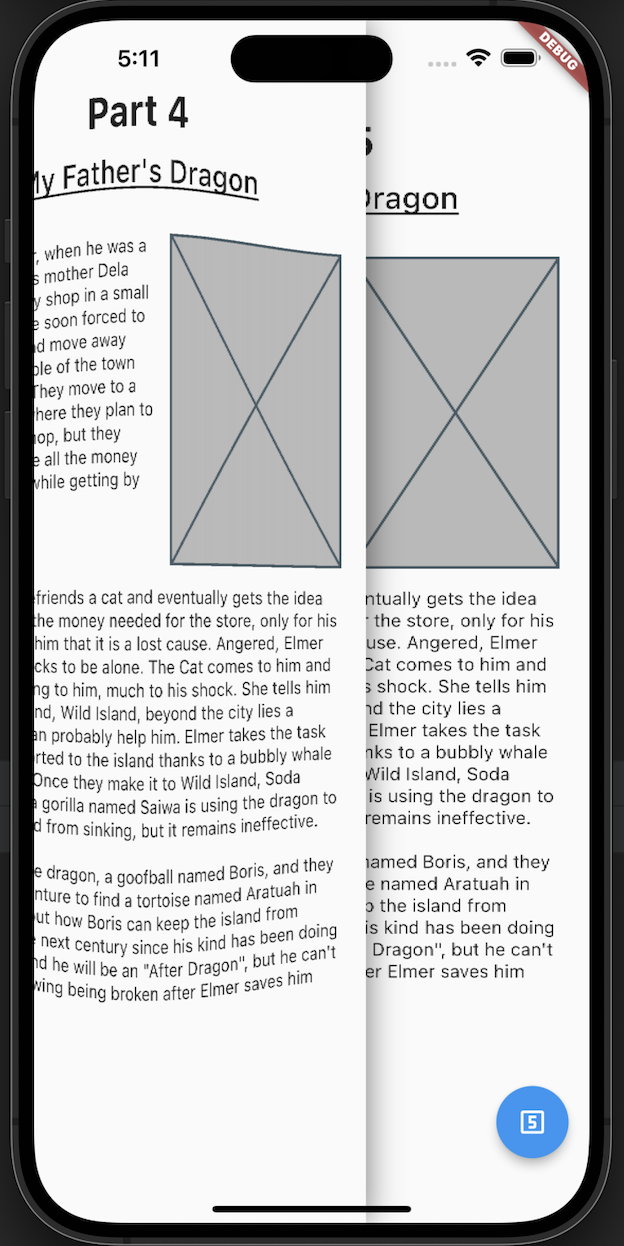
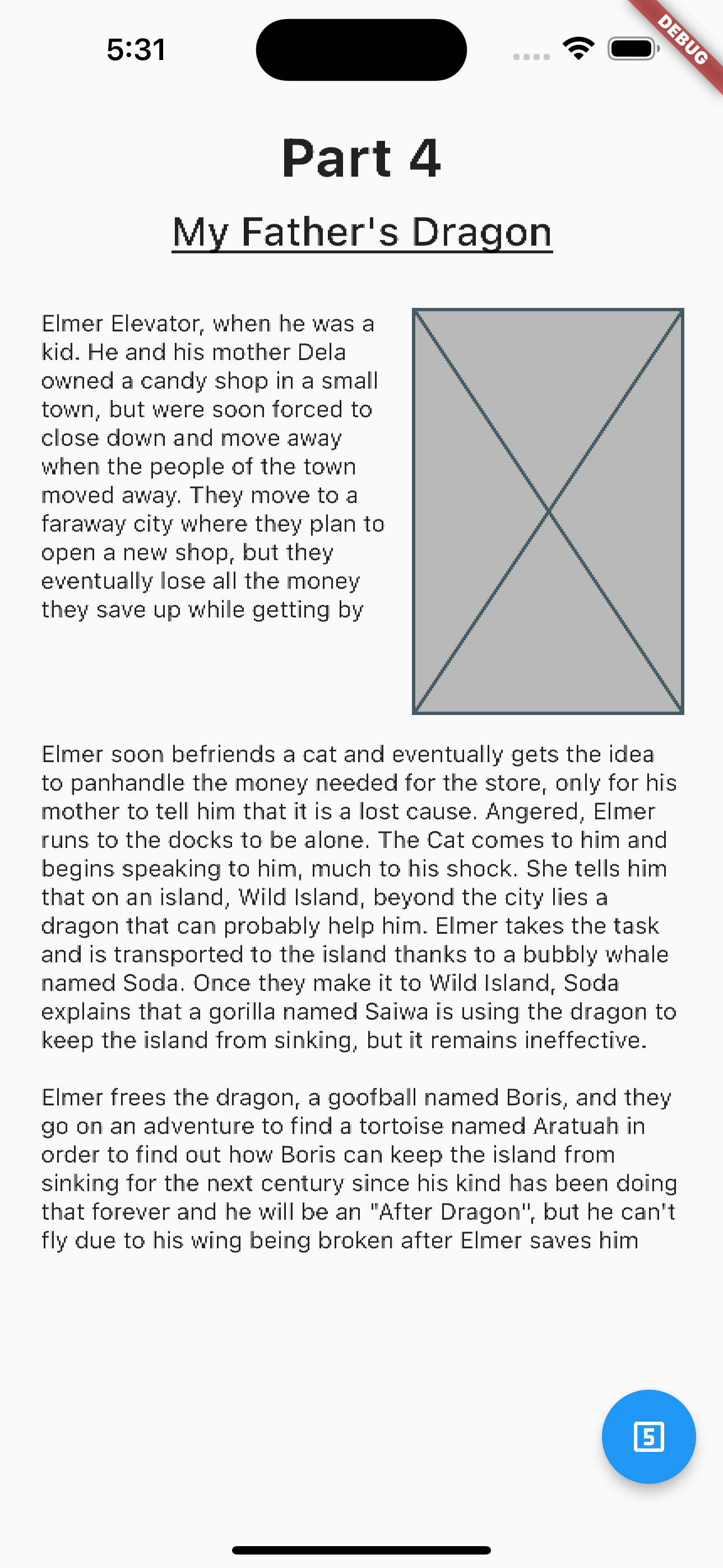
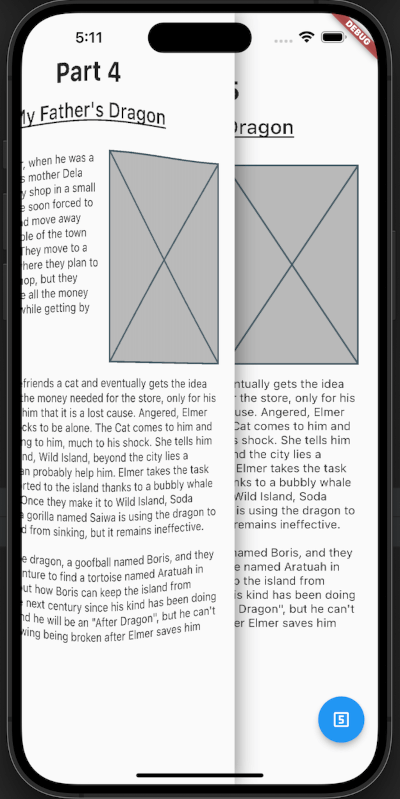
A flutter package which will help you to add page flip effect to widgets in your app.

AndroidiOSWebmacOSWindowsLinux
30-day downloads
96
Likes
180
Pub points
140

Install package

flutter pub add page_flip

Package Overview

Package selection guidance compiled from public package information, community data, and project usage.

The page_flip package enhances Flutter applications by enabling a realistic page flip effect for widgets. It allows developers to create interactive, book-like transitions between screens or content sections, improving user engagement through smooth animations. Ideal for digital books, presentations, or any app requiring a tactile flipping experience, it supports multiple platforms including mobile, web, and desktop. The package is easy to integrate with minimal setup, making it accessible for both beginners and experienced developers.

Use cases

  • Digital books and e-readers
  • Interactive presentations
  • App tutorials
  • Visual storytelling
  • Product showcases

Key features

  • Realistic page flip animation
  • Cross-platform support
  • Simple integration
  • Customizable flip direction
  • Smooth performance across devices

Suitable for

  • Developers building interactive content
  • Educational apps
  • Reading and publishing apps
  • Creative UI designers
  • Apps needing immersive transitions

Considerations

  • May impact performance on low-end devices
  • Limited customization options for advanced effects
  • Requires careful handling of large widget trees
  • Not ideal for simple navigation
  • Best suited for content-heavy interfaces

Original README

Original README snapshot from the linked source repository. Visit the repository for the latest content.

Pub

Page Flip Widget

A flutter package which will help you to add page flip effect to widgets in your app.

Re-created by Techahead Software

Usage

Use this package as a library

  1. Depend on it Add this to your package's pubspec.yaml file:
dependencies:
  page_flip: <VERSION>
  1. Install it You can install packages from the command line: with Flutter:
$ flutter pub get

Alternatively, your editor might support flutter packages get. Check the docs for your editor to learn more.

  1. Import it Now in your Dart code, you can use:
import 'package:page_flip/page_flip.dart';

Example


  final _controller = GlobalKey<PageFlipWidgetState>();


    Scaffold(
      body: PageFlipWidget(
        key: _controller,
        backgroundColor: Colors.white,
        // isRightSwipe: true,
        lastPage: Container(color: Colors.white, child: const Center(child: Text('Last Page!'))),
        children: <Widget>[
          for (var i = 0; i < 10; i++) DemoPage(page: i),
        ],
      ),
      floatingActionButton: FloatingActionButton(
        child: const Icon(Icons.looks_5_outlined),
        onPressed: () {
          _controller.currentState?.goToPage(5);
        },
      ),
    );
      

refer to example/lib/main.dart

Screenshots

More information

Pub package Flutter documentation.

Categories

Source repository

Projects using this package

No data available yet.