v8.2.2
network_info_plus
Flutter plugin for discovering information (e.g. WiFi details) of the network.
796Likes 379K30-day downloads150Pub points
AndroidiOSWebmacOSWindowsLinux
📱 Simple Hub is a platform to control smart devices 💡. If you have ever wondered "Is there an open-source project to make my own smart home?", This project is for you

English project snapshot. Visit GitHub for the latest content.



This repository let you control your existing smart home.
Here at CyBear Jinni we give the community the power of smart home by providing the code and instructions to set up a Hub that will let you control your smart devices and connect them even if they are from different form factors.

The project is made out of two main parts:
CyBear Jinni App is the app to control your CyBear Jinni Hub.
This is an Android, IOS, Web Browser app written in Flutter that let you control the Hub using local Wi-Fi and remotely through cbj remote pipes which transfer requests to the Hub without collecting any data.

CyBear Jinni Hub is software written in dart and runs in parallel with MQTT broker.
The Hub talks to all the supported smart devices from different form factors and gives the app an easy and uniform way to control them as if they are from the same company.



npm run install-melosnpm run bootstrapUse at Your Own Risk, we do not take responsibility on any outcome using anything in this repo.
The project is under heavy work and may contain bugs and incorrect instructions.
Flutter plugin for discovering information (e.g. WiFi details) of the network.
A flutter package project which contains a collection of cool and beautiful text animations.
AutoRoute is a declarative routing solution, where everything needed for navigation is automatically generated for you.
AutoRoute is a declarative routing solution, where everything needed for navigation is automatically generated for you.
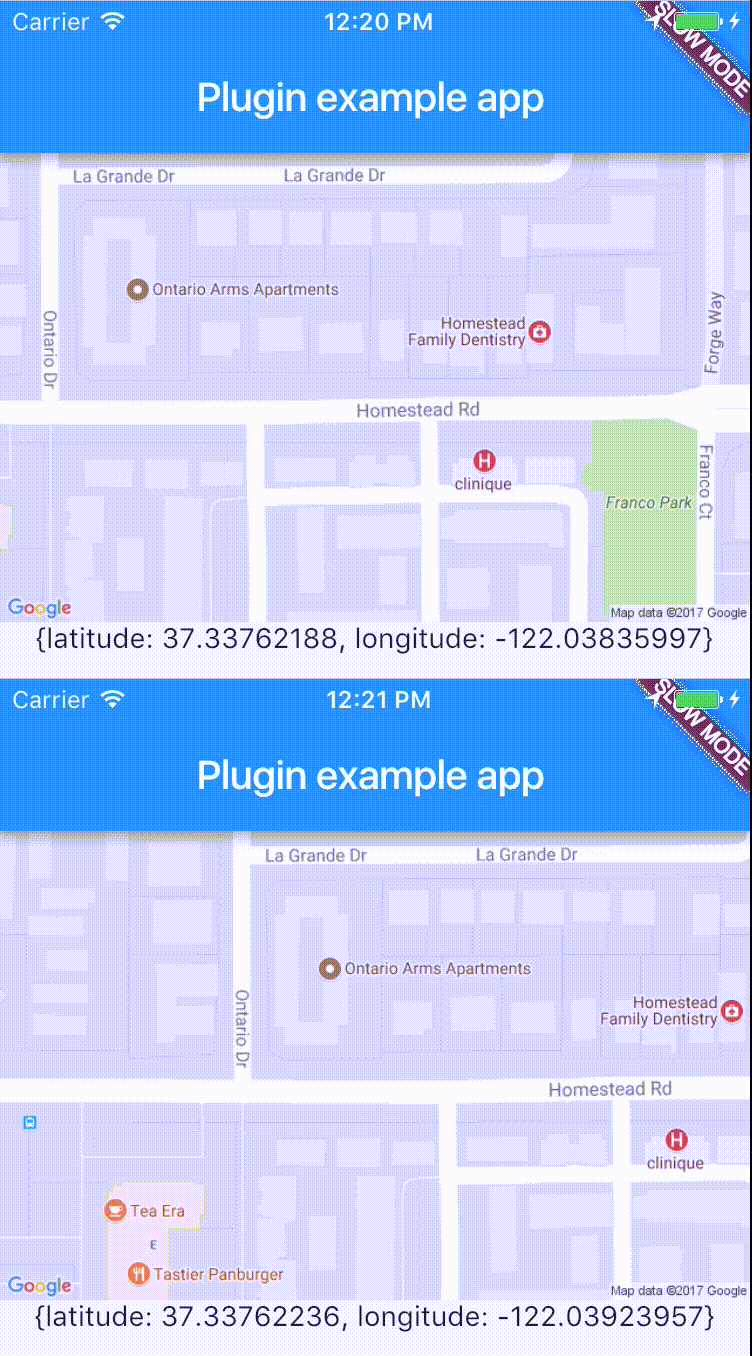
Cross-platform plugin for easy access to device's location in real-time.
Functional Programming in Dart. Purify your Dart code using efficient immutable data structures, monads, lenses and other FP tools.
Introduction/Onboarding package for flutter app with some customizations possibilities
Injectable is a convenient code generator for get_it. Inspired by Angular DI, Guice DI and inject.dart.
A server and browser based MQTT client for Dart supporting normal, secure sockets and websockets.
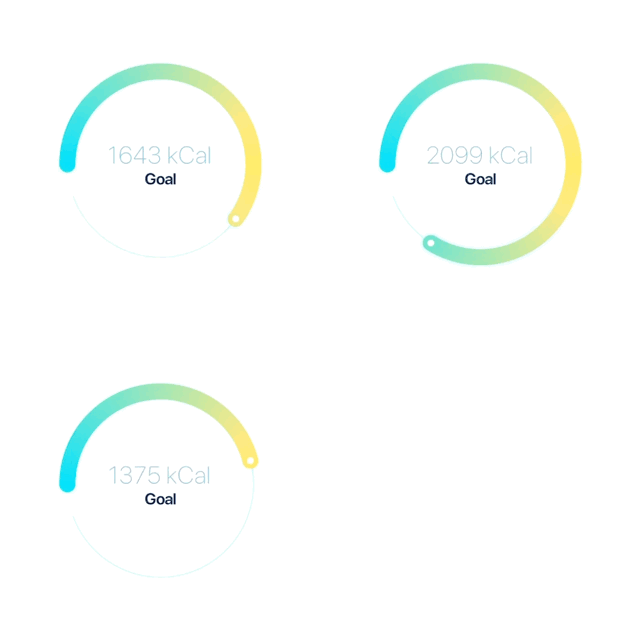
A highly customizable circular slider/progress bar & spinner for Flutter.
This project is a port of kotlin-stdlib for Dart/Flutter projects. It includes collections (KtList, KtMap, KtSet) with 150+ methods as well as other useful packages.
Flutter plugin which can handle WiFi connections and hotspot (AP, STA)
Dependency list 1 items
^6.3.2Start with your use case, compare repository activity, and check the original project before adopting it.
“A repository is the most basic element of GitHub.”
GitHub Docs — About repositories ↗