
 v1.1.1
cropperx
An image cropper package made in Flutter. Can be used to crop & rotate images.
89Likes 6.6K30-day downloads160Pub points
AndroidiOSWebmacOSWindowsLinux
speedkodi/flutter_cropperx open-source repository details.
English project snapshot. Visit GitHub for the latest content.
A cropper package made fully in Flutter.
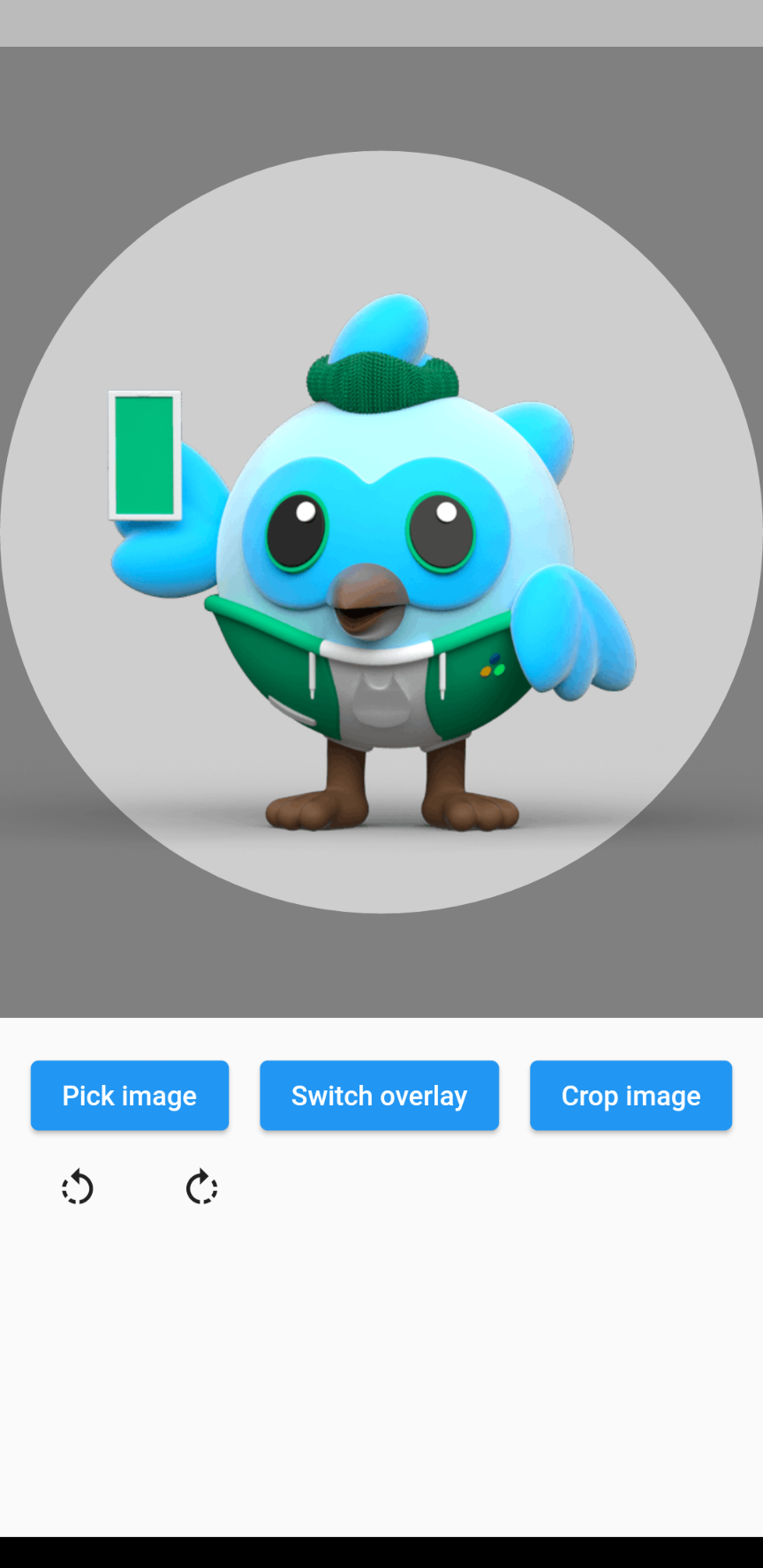
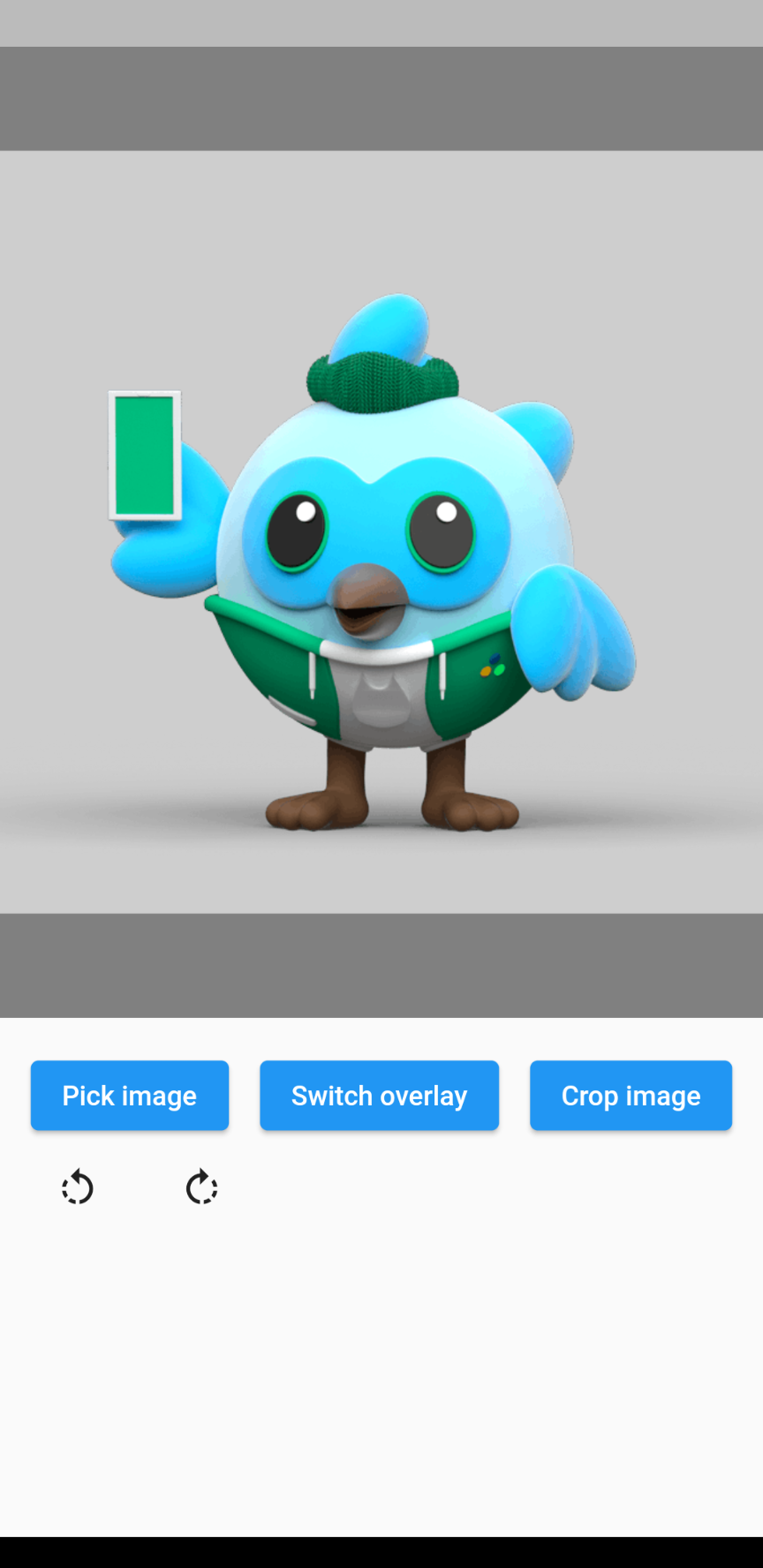
| Circle | Rectangle | Grid |
|---|---|---|
 |
 |
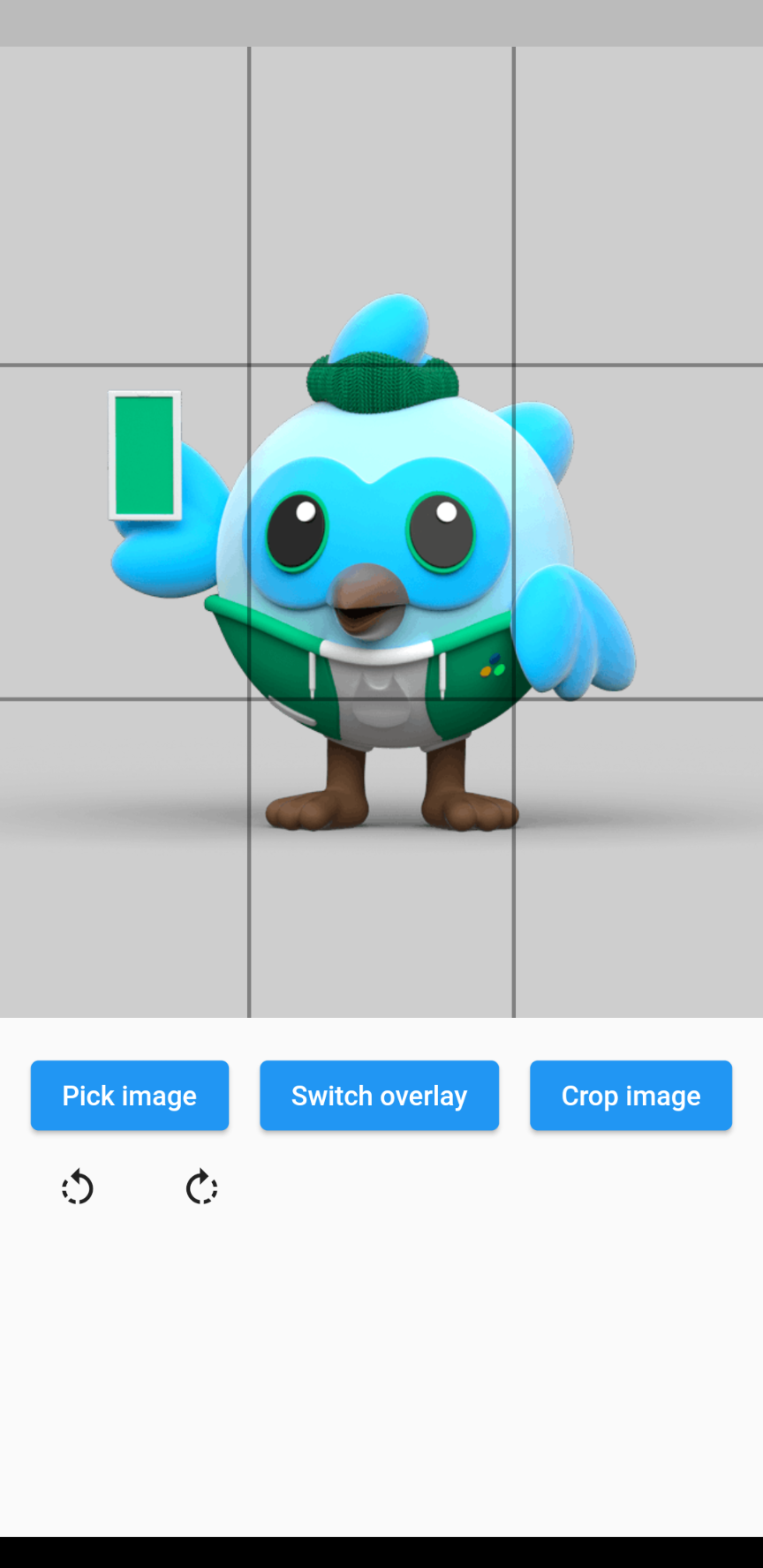 |
The overlay can be defined by adding an overlay type through the overlayType parameter. The following types are currently supported:
The image rotation can be defined through the rotationTurns parameter. The default value is 0, corresponding to 0 degrees of rotation. Making the value larger by 1 will rotate the image 90 degrees clockwise, making it smaller will rotate the image 90 degrees counterclockwise. 0 to 4 is not a limit, so going above or below these values will keep rotating the image.
// Import package
import 'package:cropperx/cropper.dart';

// Define a key
final _cropperKey = GlobalKey(debugLabel: 'cropperKey');

// Add the Cropper widget to your tree, using the above key and adding the image to crop
Cropper(
    cropperKey: _cropperKey, // Use your key here
    image: Image.network(
        'https://i.pinimg.com/originals/6b/4d/18/6b4d18c0b756ab20c3591490dfc10090.jpg',
    ),
)

// Get the cropped image as bytes
final imageBytes = await Cropper.crop(
    cropperKey: _cropperKey, // Reference it through the key
)

Dependency list 2 items
{"sdk":"flutter"}{"sdk":"flutter"}Start with your use case, compare repository activity, and check the original project before adopting it.
“A repository is the most basic element of GitHub.”
GitHub Docs — About repositories ↗