Search categories, packages and repositories

cropperx cover
Package detailsv1.1.1

cropperx

An image cropper package made in Flutter. Can be used to crop & rotate images.

AndroidiOSWebmacOSWindowsLinux
30-day downloads
6.6K
Likes
89
Pub points
160

Install package

flutter pub add cropperx

Package Overview

Package selection guidance compiled from public package information, community data, and project usage.

CropperX is a Flutter package designed for cropping and rotating images with a clean, intuitive interface. Built for cross-platform use, it supports Android, iOS, Web, macOS, Windows, and Linux. The package provides customizable controls for adjusting crop areas and image rotation, making it ideal for applications requiring precise image editing. It integrates seamlessly into Flutter apps via a simple API, enabling developers to implement image cropping functionality quickly. CropperX is lightweight and efficient, focusing on performance and ease of use.

Use cases

  • Image profile editing
  • Document scanning workflows
  • Photo editing tools
  • Social media content creation
  • User-generated content processing

Key features

  • Interactive image cropping
  • Real-time rotation support
  • Cross-platform compatibility
  • Customizable UI controls
  • Simple integration with Flutter

Suitable for

  • Mobile app developers
  • Web application creators
  • Image processing features
  • User-facing photo editors
  • Apps needing document or identity verification

Considerations

  • Requires image loading before cropping
  • Limited to basic editing operations
  • No built-in image saving
  • May need additional styling for custom themes
  • Dependent on external image source handling
Original README

Original README snapshot from the linked source repository. Visit the repository for the latest content.

CropperX

A cropper package made fully in Flutter.

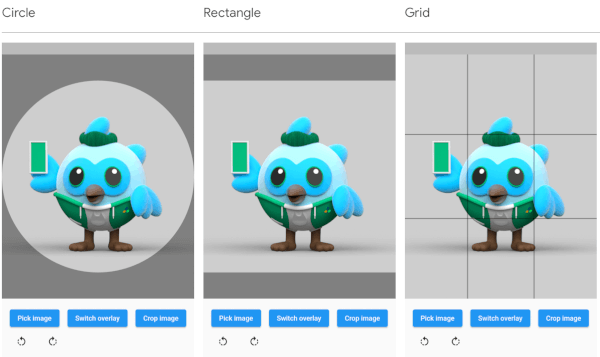
Circle Rectangle Grid
Screenshot circle Screenshot rectangle Screenshot grid
Types of overlays

The overlay can be defined by adding an overlay type through the overlayType parameter. The following types are currently supported:

  • OverlayType.none: No overlay at all.
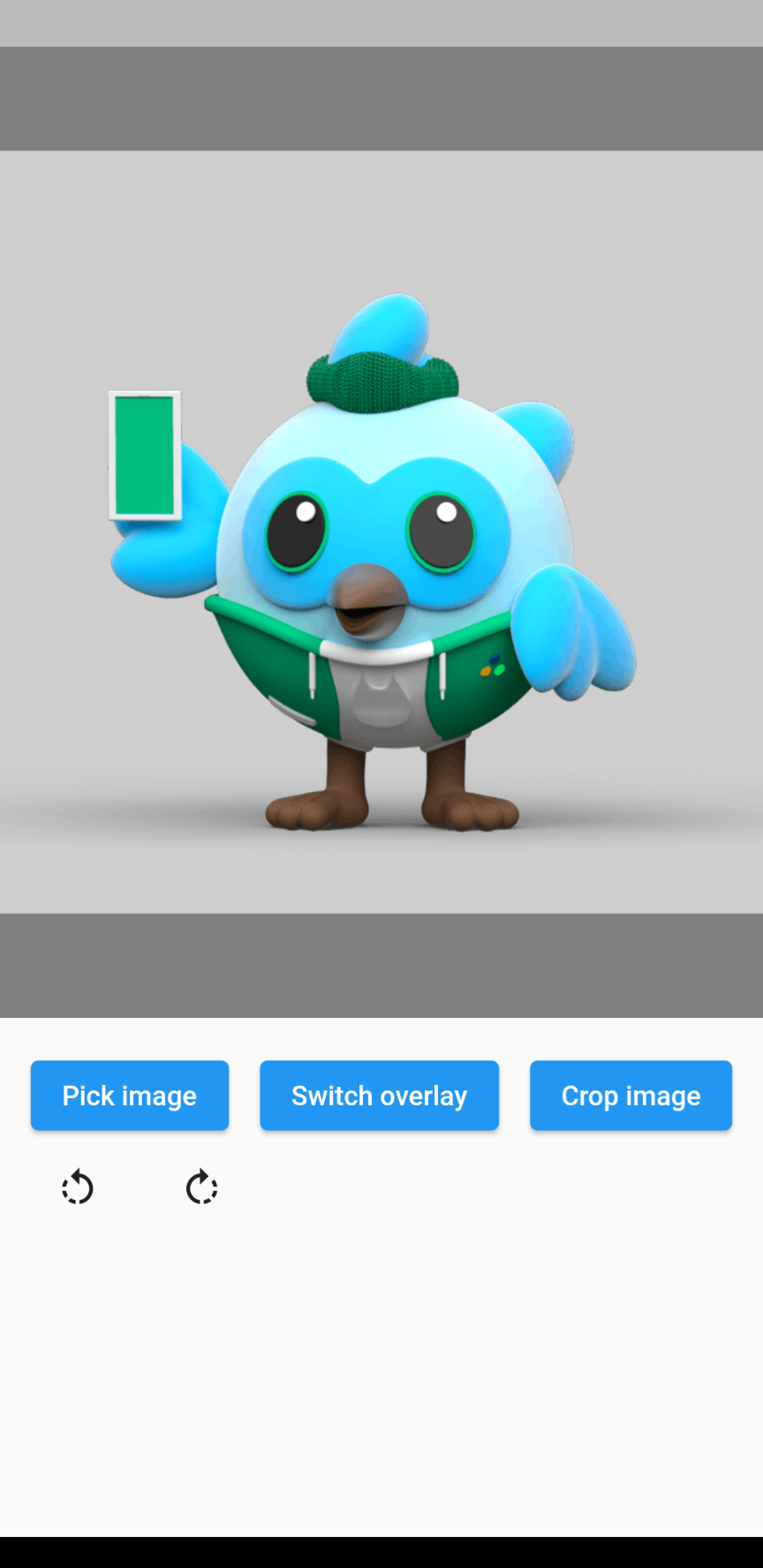
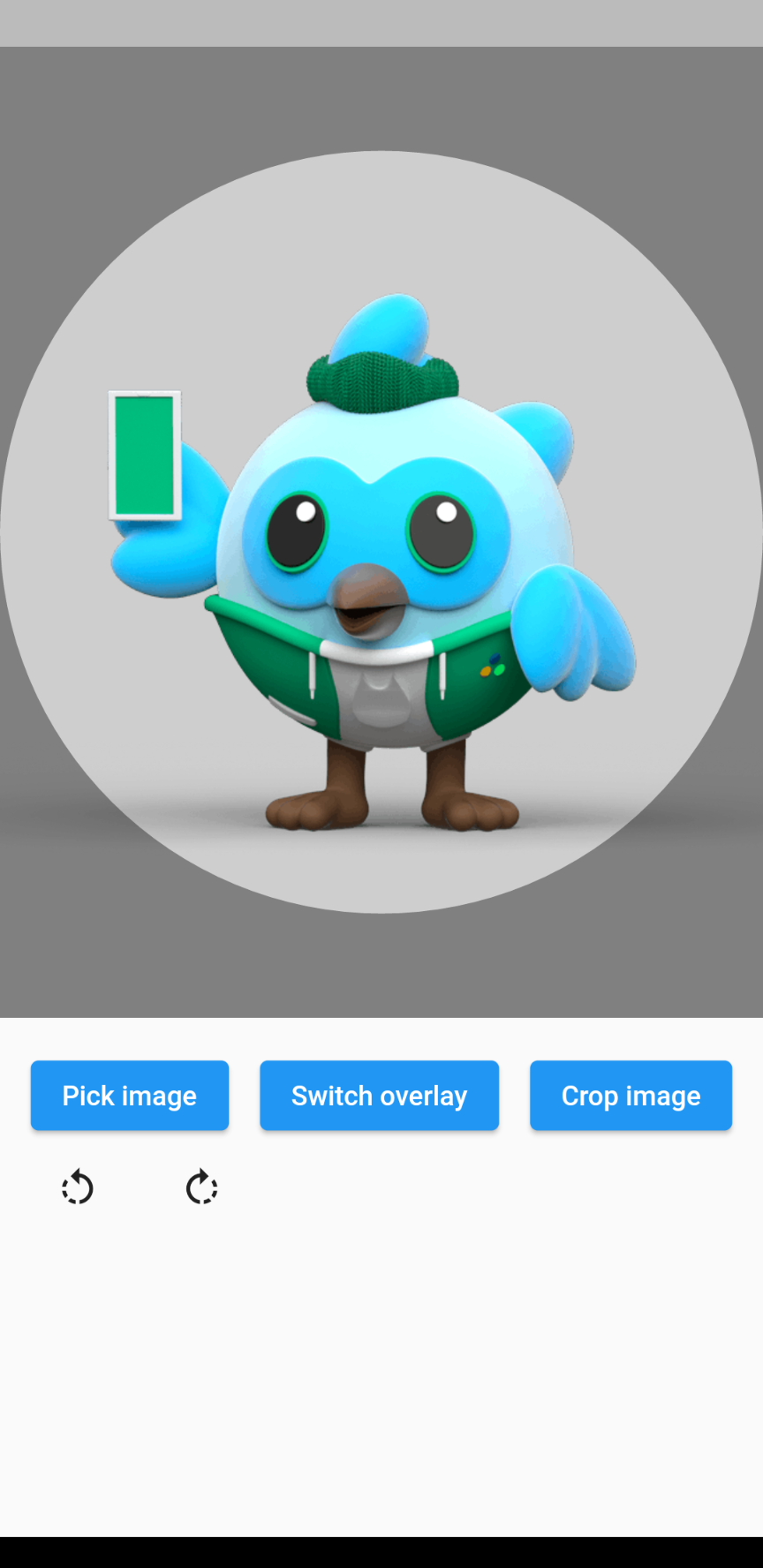
  • OverlayType.circle: An overlay with a circular gap.
  • OverlayType.rectangle: An overlay with a rectangular gap, takes the given aspect ratio.
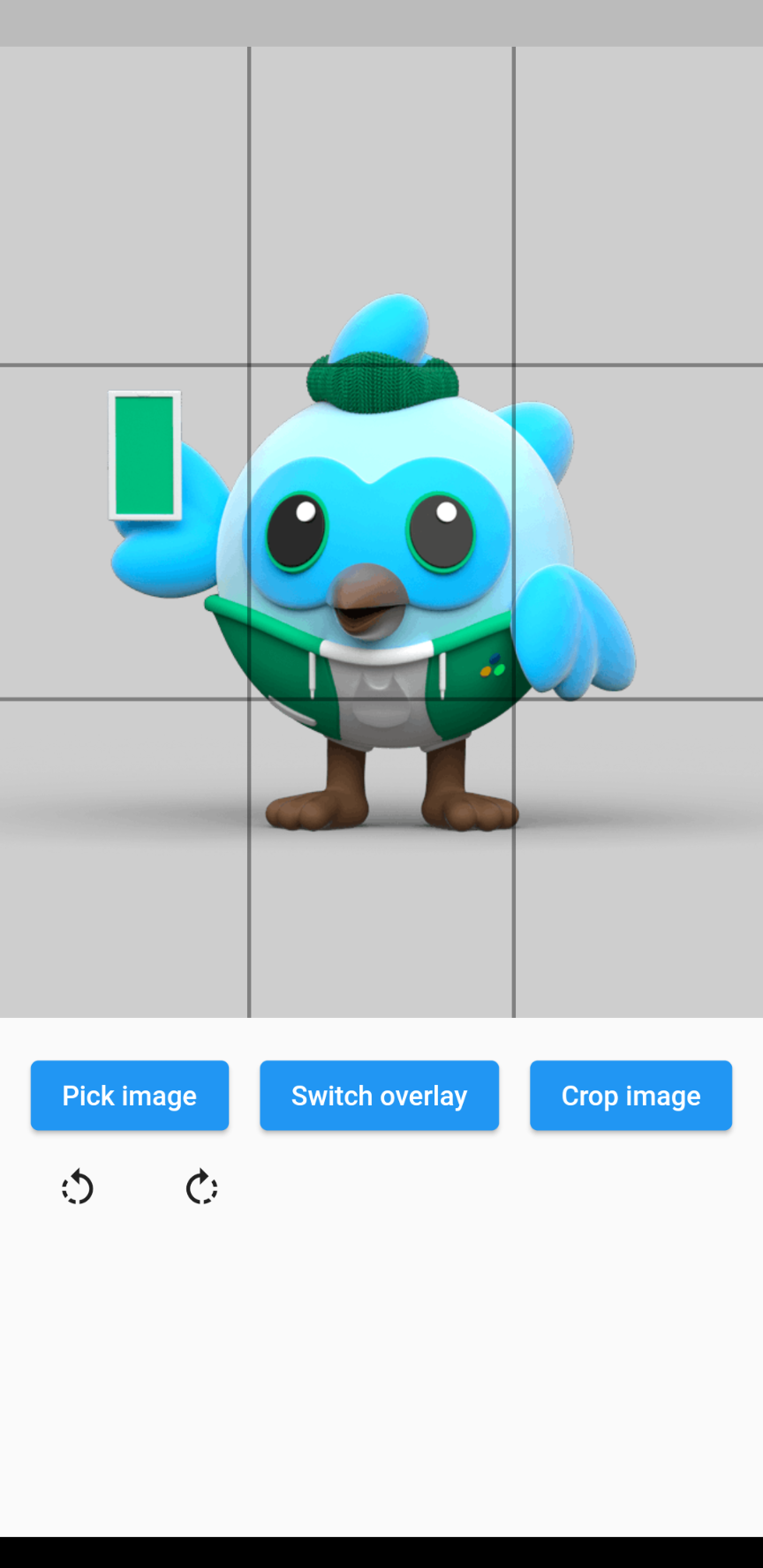
  • OverlayType.grid: An overlay of grid lines: 2 horizontal and 2 vertical, evenly spaced.
  • OverlayType.gridHorizontal: An overlay of 2 horizontal grid lines, evenly spaced.
  • OverlayType.gridVertical: An overlay of 2 vertical grid lines, evenly spaced.
Rotating the image

The image rotation can be defined through the rotationTurns parameter. The default value is 0, corresponding to 0 degrees of rotation. Making the value larger by 1 will rotate the image 90 degrees clockwise, making it smaller will rotate the image 90 degrees counterclockwise. 0 to 4 is not a limit, so going above or below these values will keep rotating the image.

Example
// Import package
import 'package:cropperx/cropper.dart';

// Define a key
final _cropperKey = GlobalKey(debugLabel: 'cropperKey');

// Add the Cropper widget to your tree, using the above key and adding the image to crop
Cropper(
    cropperKey: _cropperKey, // Use your key here
    image: Image.network(
        'https://i.pinimg.com/originals/6b/4d/18/6b4d18c0b756ab20c3591490dfc10090.jpg',
    ),
)

// Get the cropped image as bytes
final imageBytes = await Cropper.crop(
    cropperKey: _cropperKey, // Reference it through the key
)

Categories

Source repository

Projects using this package

No data available yet.