

 v3.0.2
bordered_text
Flutter plugin for applying subtle stroke to a Text widget. Supports Android, iOS, and Web.
156Likes 8.3K30-day downloads160Pub points
AndroidiOSWebmacOSWindowsLinux
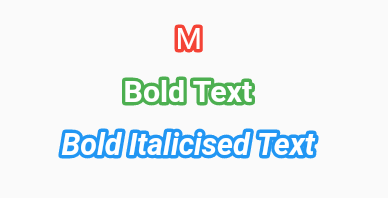
Adds Stroke to a Flutter Text widget

English project snapshot. Visit GitHub for the latest content.


Adds Stroke to a Flutter Text widget
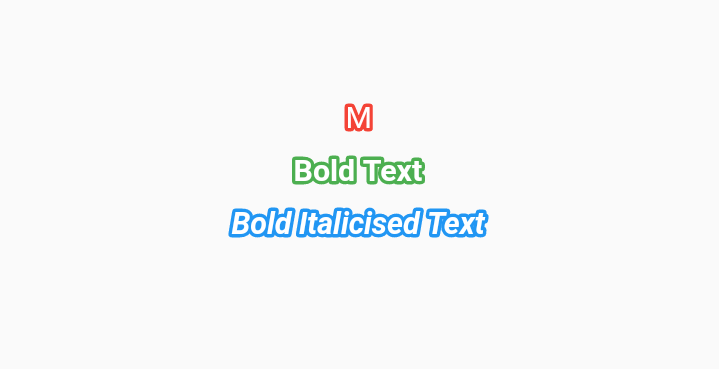

Check the installation guide for how to install this plugin
import 'package:bordered_text/bordered_text.dart';

class StrokeTester extends StatelessWidget {

  const StrokeTester({Key key}) : super(key: key);

  @override
  Widget build(BuildContext context) {
    return MaterialApp(
      title: 'Bordered Text test',
      home: Scaffold(
        appBar: AppBar(
          title: Text('Bordered Text'),
        ),
        body: Center(
          child: BorderedText(
            strokeWidth: 1.0,
            child: Text(
              'Bordered Text Widget',
              style: TextStyle(
                decoration: TextDecoration.none,
                decorationColor: Colors.red,
              ),
            ),
          ),
        ),
      ),
    );
  }
}
Dependency list 3 items
{"sdk":"flutter"}{"sdk":"flutter"}^6.0.0Start with your use case, compare repository activity, and check the original project before adopting it.
“A repository is the most basic element of GitHub.”
GitHub Docs — About repositories ↗