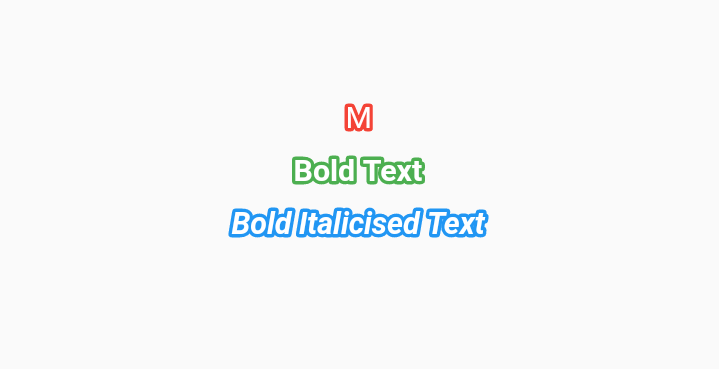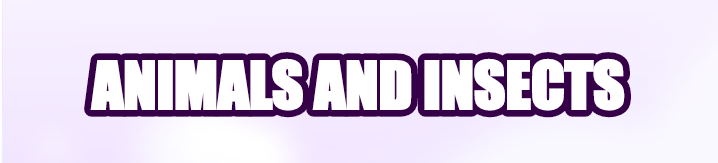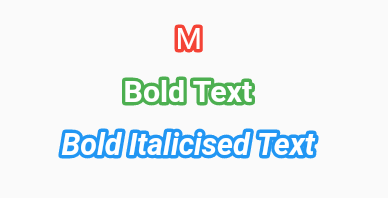
The bordered_text package enhances Flutter's Text widget by adding a subtle stroke effect, allowing developers to create visually distinct text with outlined borders. It supports multiple platforms including Android, iOS, Web, macOS, Windows, and Linux, making it ideal for consistent cross-platform designs. The package is lightweight and easy to integrate, offering customizable stroke width, color, and blur effects. Perfect for UI elements like labels, titles, or badges that need a standout appearance without complex custom painting.
Use cases
- Creating styled text with outlines
- Designing UI elements like badges or labels
- Enhancing readability with border contrast
- Adding visual depth to text in games or apps
- Implementing responsive text effects across platforms
Key features
- Subtle stroke effect on text
- Customizable stroke width and color
- Support for blur effects
- Cross-platform compatibility
- Simple integration with existing Text widgets
- Lightweight and performant
Suitable for
- UI designers seeking visual enhancements
- Developers building cross-platform apps
- Projects requiring text with outline effects
- Game or interactive app interfaces
- Apps needing accessible text styling
Considerations
- May impact performance on large text blocks
- Stroke effects may not render identically across all platforms
- Limited to basic stroke styling (no advanced gradients or patterns)
- Requires careful color selection for legibility
- Not suitable for high-performance animations involving many text elements