
 v0.1.1
insta_like_button
Instagram post style customizable card widget made for flutter
43Likes 2830-day downloads160Pub points
AndroidiOSWebmacOSWindowsLinux
Instagram post style customizable card widget, with default liking functionality
English project snapshot. Visit GitHub for the latest content.


Add this to your package's pubspec.yaml file:
dependencies:
  insta_like_button: ^0.1.1
You can install packages from the command line:
$ flutter pub get
...
Now in your Dart code, you can use:
import 'package:insta_like_button/insta_like_button.dart';
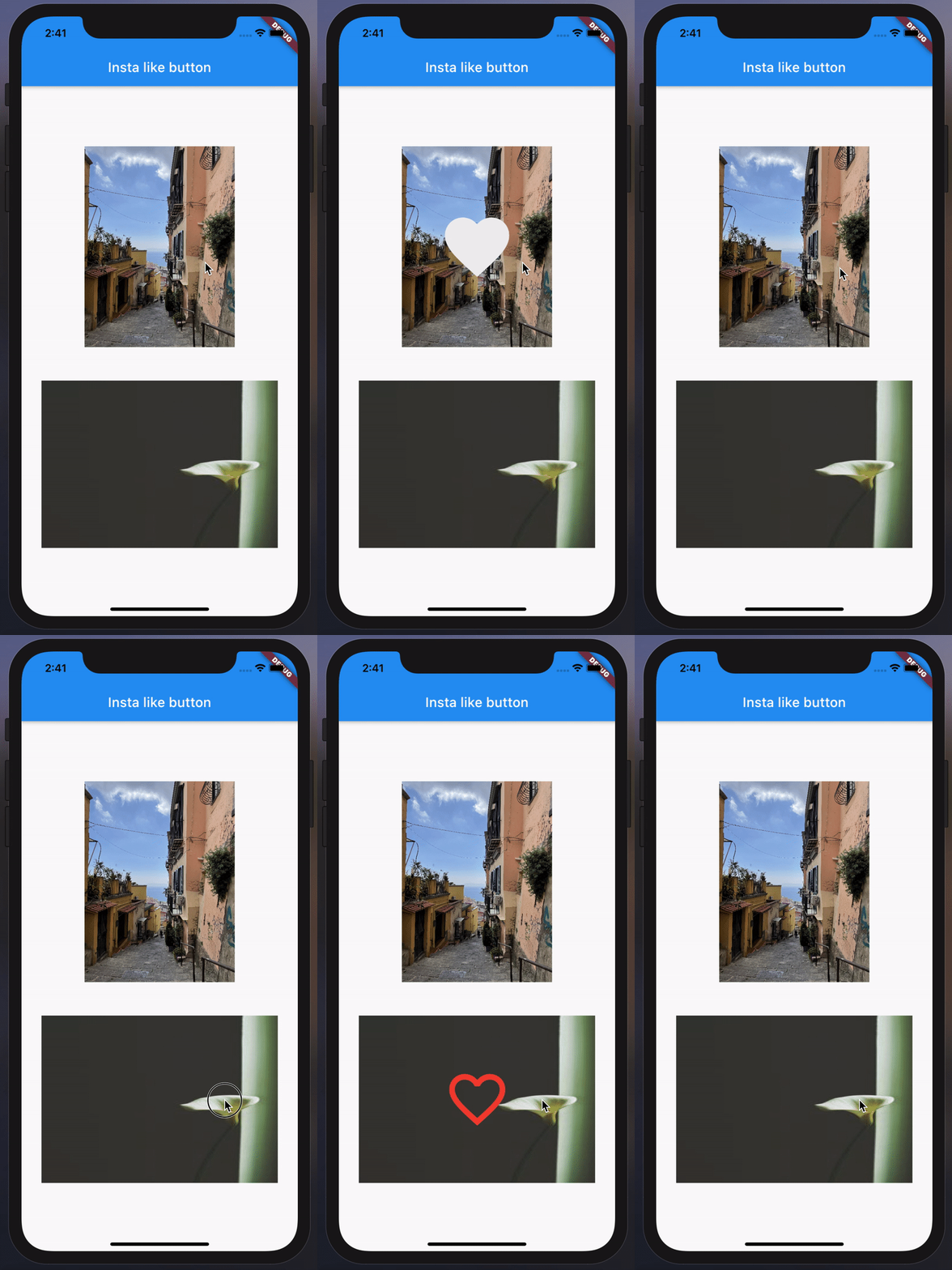
InstaLikeButton(
  image: AssetImage("example/overview/img.jpg"),
  onChanged: () {
    // Do something...
  },
),
InstaLikeButton(
  image: NetworkImage("https://picsum.photos/200/300"),
  onChanged: () {
    // Do something...
  },
  icon: Icons.favorite_border,
  iconSize: 80,
  iconColor: Colors.red,
  curve: Curves.fastLinearToSlowEaseIn,
  height: 200,
  width: MediaQuery.of(context).size.width - 20,
  duration: const Duration(seconds: 1),
  onImageError: (e, _) {
    // Do something...
  },
  imageAlignment: Alignment.topLeft,
  imageBoxfit: BoxFit.fill,
  imageScale: 2.0,
  imageColorFilter: ColorFilter.mode(
    Colors.black.withOpacity(0.5),
    BlendMode.dstATop,
  ),
),

Dependency list 2 items
{"sdk":"flutter"}{"sdk":"flutter"}Start with your use case, compare repository activity, and check the original project before adopting it.
“A repository is the most basic element of GitHub.”
GitHub Docs — About repositories ↗