
v1.1.5
unicorndial
Easily create your floating menu using horizontal or vertical floating button lists
79Likes 11930-day downloads15Pub points
Platforms unavailable
Flutter Floating Action Button with Speed Dial
English project snapshot. Visit GitHub for the latest content.
Easily create your own floating action button list
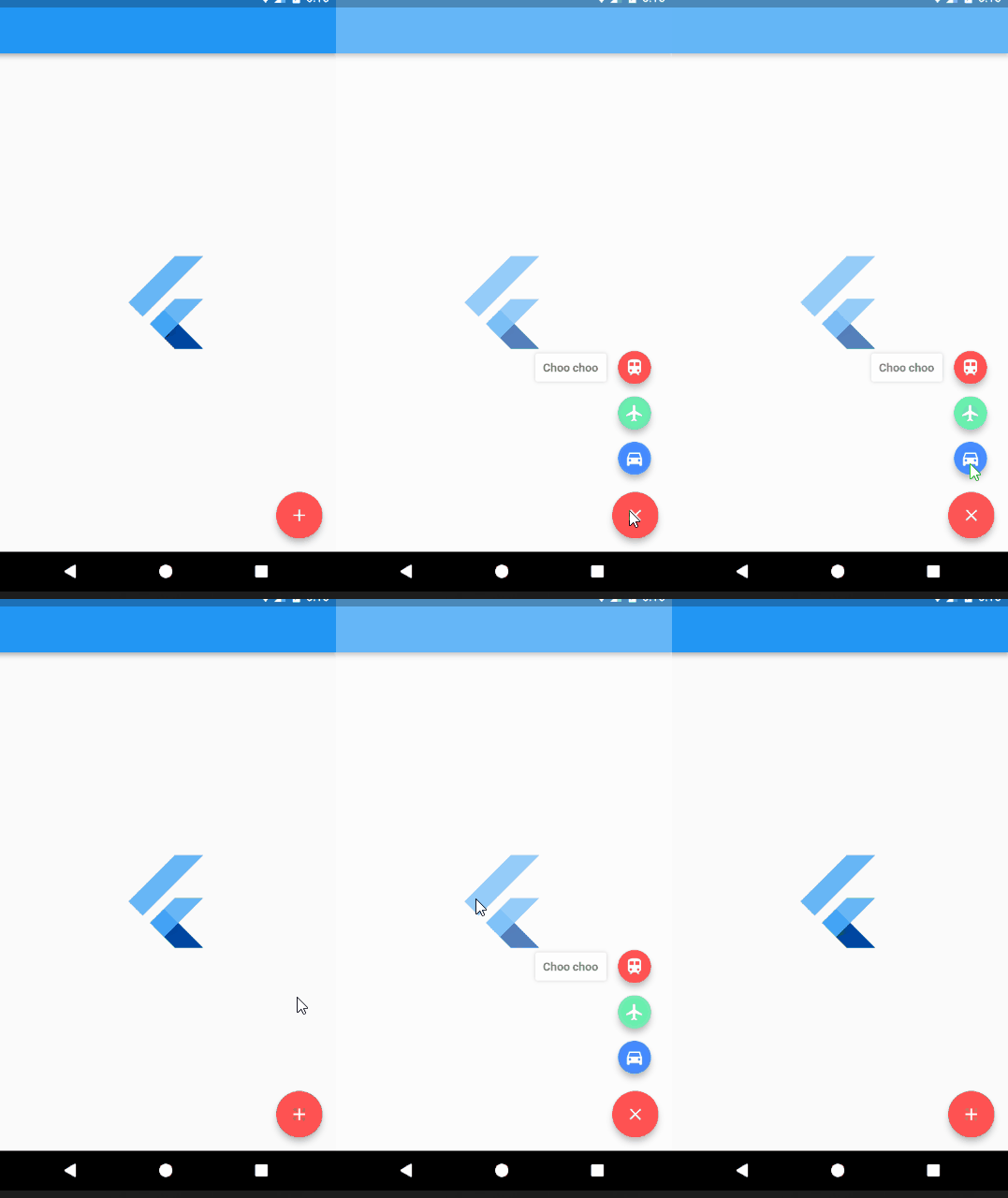
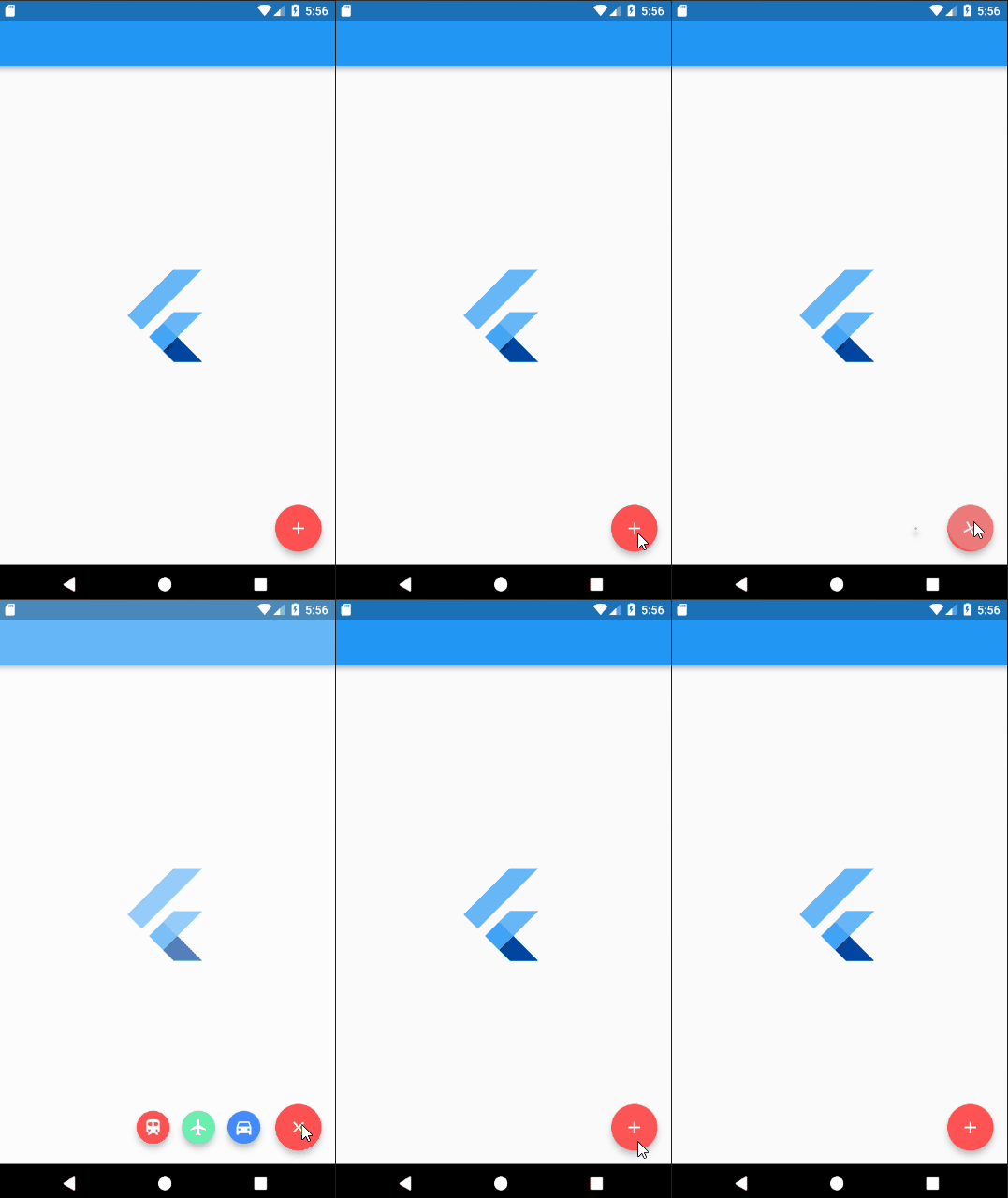
Add UnicornDialer to your pubspec.yaml
unicorndial: "^1.1.5"
UnicornDialer class
int orientation - Vertical or horizontal floating button list
Object parentHeroTag - Main FAB hero tag
Color backgroundColor - Modal background color
Icon parentButton - Starting Icon
Icon finalButtonIcon - Ending Icon (after animation is complete)
bool hasBackground - Background modal is set
Color parentButtonBackground - The main floating button background color
List<UnicornButton> childButtons Floating button list
int animationDuration Rotation and expanding animation duration (in milliseconds)
double childPadding - Right padding on the button label
Function onMainButtonPressed - To be called if set on the UnicornDialer parent widget
bool hasNotch - BottomAppBar support
UnicornButton class
FloatingActionButton currentButton - Floating list button
String labelText
double labelFontSize
Color labelColor
Color labelBackgroundColor
Color labelShadowColor - Label container shadow
bool labelHasShadow
bool hasLabel
Tiago Martins
This project is licensed under the MIT License - see the LICENSE.md file for details

Dependency list 2 items
{"sdk":"flutter"}{"sdk":"flutter"}Start with your use case, compare repository activity, and check the original project before adopting it.
“A repository is the most basic element of GitHub.”
GitHub Docs — About repositories ↗