Search categories, packages and repositories

Package detailsv1.1.5

unicorndial

Easily create your floating menu using horizontal or vertical floating button lists

30-day downloads
119
Likes
79
Pub points
15

Install package

flutter pub add unicorndial

Package Overview

Package selection guidance compiled from public package information, community data, and project usage.

UnicornDial is a Flutter package that enables developers to easily implement floating action menus with horizontal or vertical lists of buttons. It provides a clean, customizable interface for adding interactive floating buttons to apps, enhancing user navigation and accessibility. The package supports smooth animations and intuitive gestures, making it ideal for modern UI designs. With minimal setup, developers can integrate dynamic, responsive floating menus into their applications. It's particularly useful for apps requiring quick access to multiple actions from a single point.

Use cases

  • Quick access to multiple app actions
  • Enhancing mobile UI with floating menus
  • Creating gesture-driven navigation
  • Improving user interaction in mobile apps
  • Designing intuitive app interfaces

Key features

  • Horizontal and vertical floating button layouts
  • Smooth animation transitions
  • Customizable button styling
  • Gesture-based interaction support
  • Easy integration with existing Flutter projects

Suitable for

  • Mobile app developers
  • UI/UX designers using Flutter
  • Apps needing accessible action hubs
  • Developers seeking lightweight FAB solutions
  • Projects emphasizing intuitive user interaction

Considerations

  • Limited platform-specific customization
  • No built-in support for complex nested menus
  • Requires manual handling of button press logic
  • Not optimized for very large button lists
  • May need additional styling for dark mode compatibility
Original README

Original README snapshot from the linked source repository. Visit the repository for the latest content.

UnicornDialer - :no_entry: [DEPRECATED]

Easily create your own floating action button list

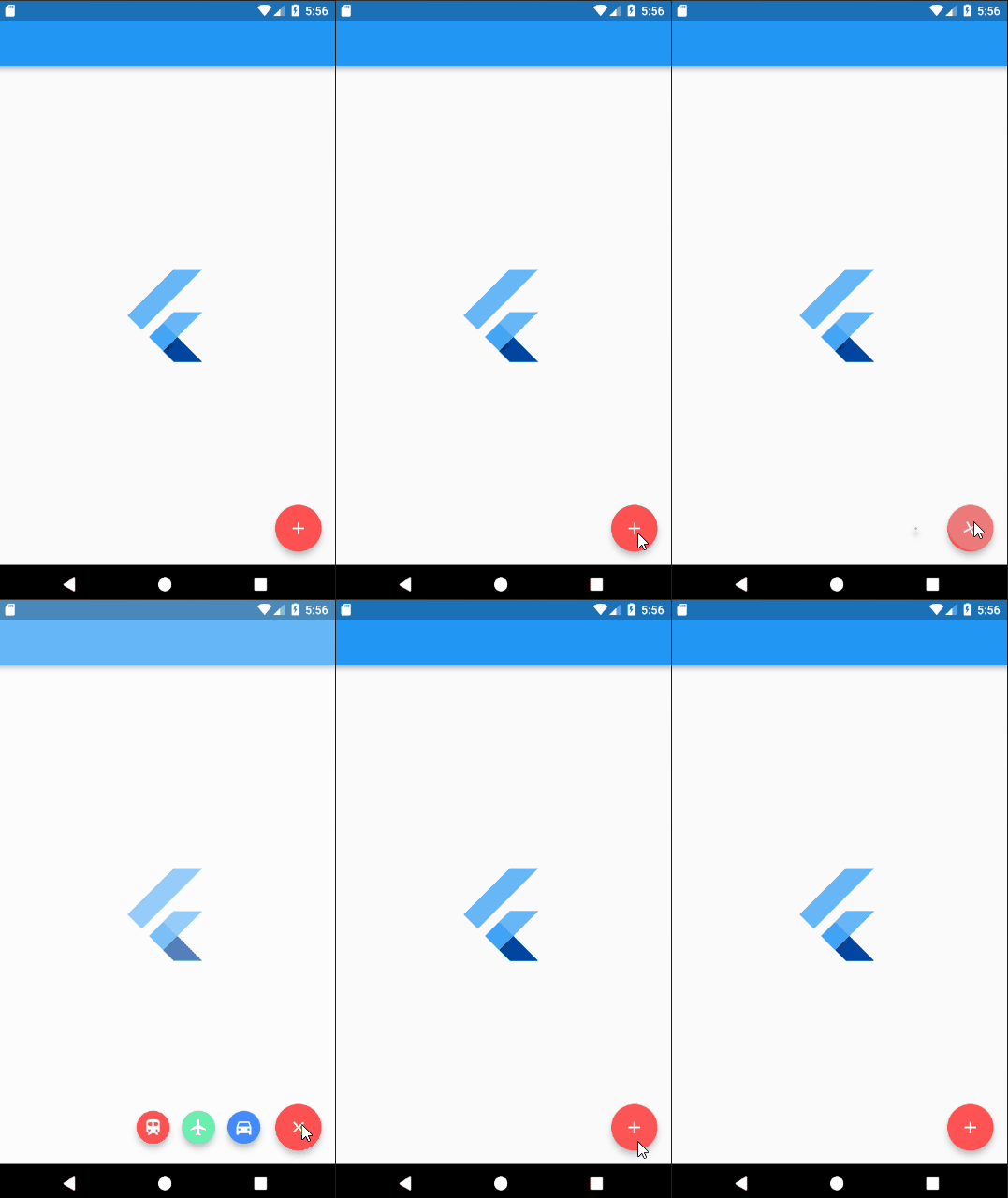
alt text

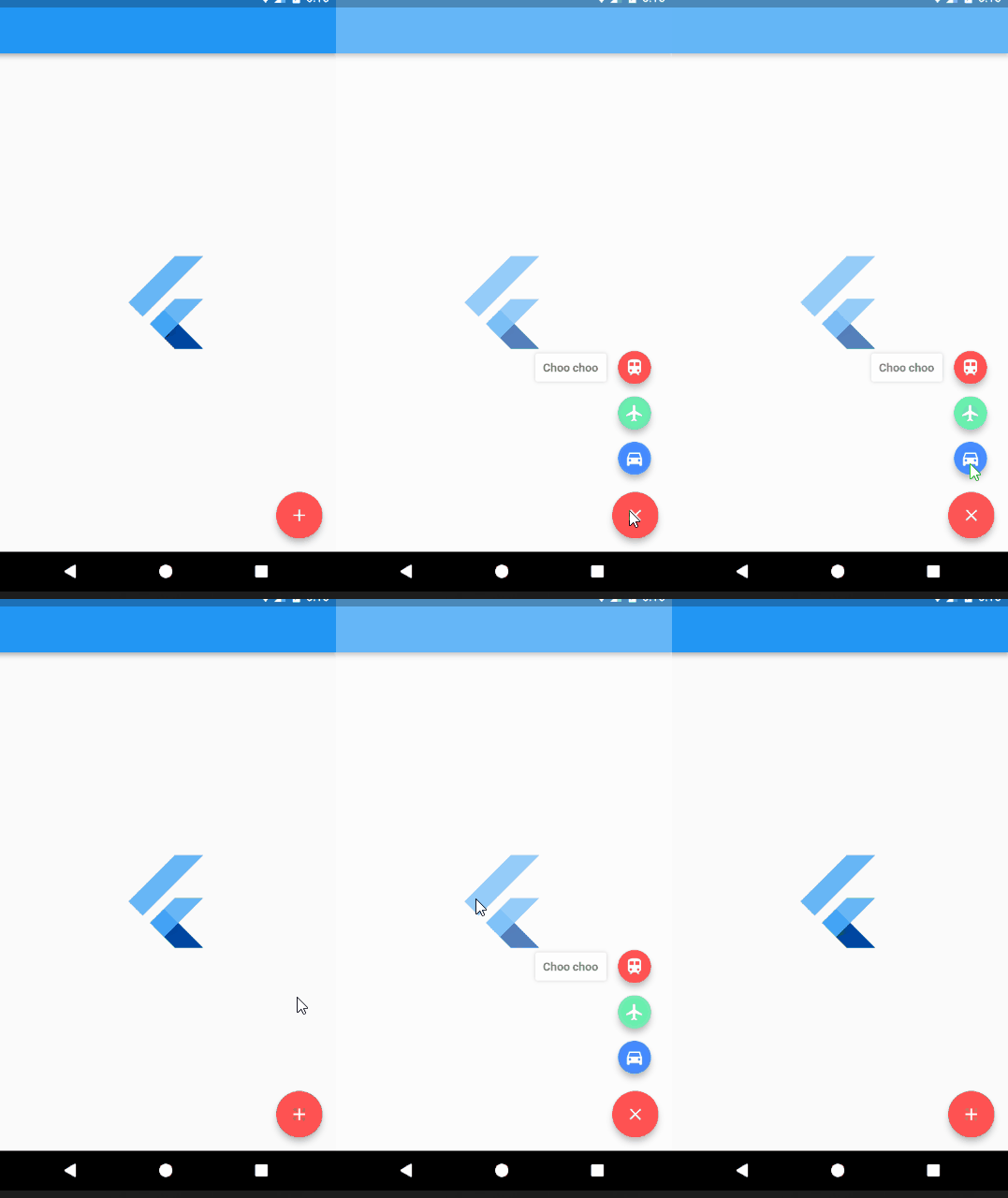
alt text

Installing

Add UnicornDialer to your pubspec.yaml

unicorndial: "^1.1.5"

Options

UnicornDialer class

int orientation - Vertical or horizontal floating button list

Object parentHeroTag - Main FAB hero tag

Color backgroundColor - Modal background color

Icon parentButton - Starting Icon

Icon finalButtonIcon - Ending Icon (after animation is complete)

bool hasBackground - Background modal is set

Color parentButtonBackground - The main floating button background color

List<UnicornButton> childButtons Floating button list

int animationDuration Rotation and expanding animation duration (in milliseconds)

double childPadding - Right padding on the button label

Function onMainButtonPressed - To be called if set on the UnicornDialer parent widget

bool hasNotch - BottomAppBar support

UnicornButton class

FloatingActionButton currentButton - Floating list button

String labelText

double labelFontSize

Color labelColor

Color labelBackgroundColor

Color labelShadowColor - Label container shadow

bool labelHasShadow

bool hasLabel

Authors

Tiago Martins

License

This project is licensed under the MIT License - see the LICENSE.md file for details

Categories

Source repository

Projects using this package

No data available yet.