

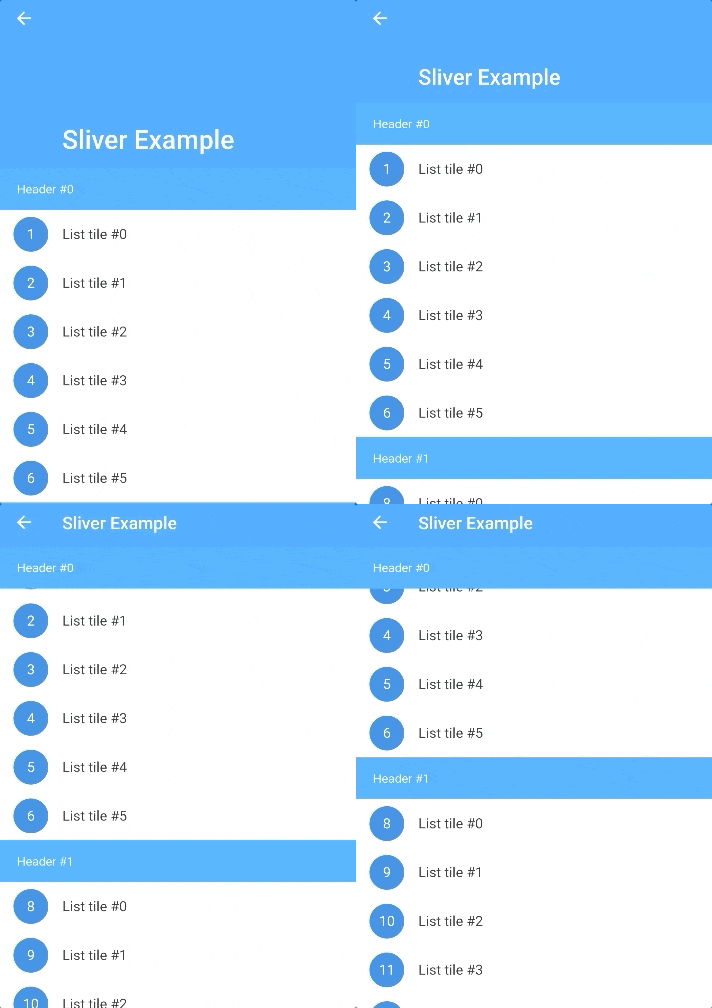
 v1.1.3
sticky_and_expandable_list
Build a grouped list, which support expand/collapse section and sticky header, support use it with sliver widget.
175Likes 8.6K30-day downloads140Pub points
AndroidiOSWebmacOSWindowsLinux
粘性头部与分组列表Sliver实现 Build a grouped list, which support expand/collapse section and sticky headers, support use it with sliver widget.

English project snapshot. Visit GitHub for the latest content.
Flutter implementation of sticky headers and expandable list.Support use it in a CustomScrollView.
 README i18n:中文说明
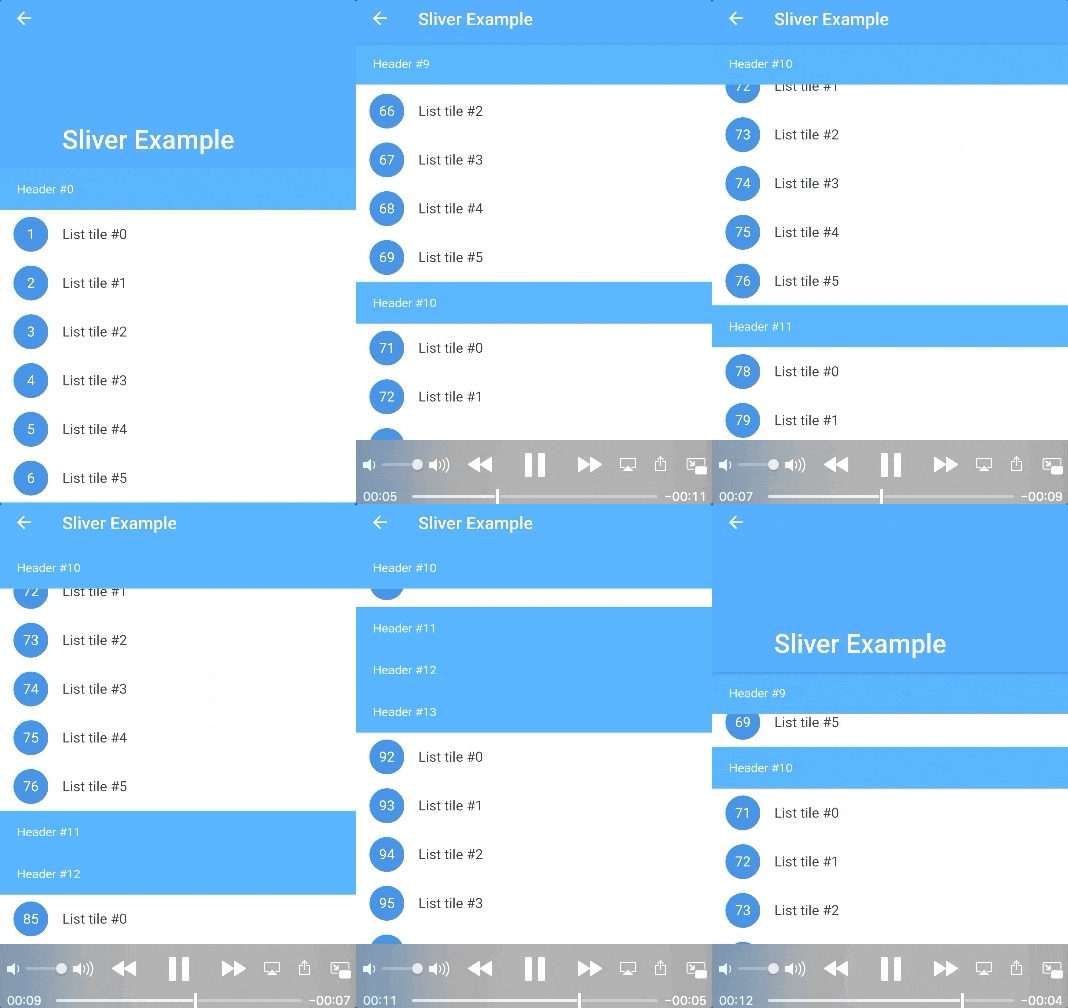
In the pubspec.yaml of your flutter project, add the following dependency:
dependencies:
  sticky_and_expandable_list: ^1.1.3
sectionList is a custom data source for ExpandableListView.
We should create a model list to store the information of each section, the model must implement ExpandableListSection.
    //In this example, we create a custom model class(ExampleSection).
    //class ExampleSection implements ExpandableListSection<String> {}
    //so: SliverExpandableChildDelegate<String, ExampleSection>()
    List<ExampleSection> sectionList = List<ExampleSection>();
    return ExpandableListView(
      builder: SliverExpandableChildDelegate<String, ExampleSection>(
          sectionList: sectionList,
          headerBuilder: (context, sectionIndex, index) =>
              Text("Header #$sectionIndex"),
          itemBuilder: (context, sectionIndex, itemIndex, index) {
            String item = sectionList[sectionIndex].items[itemIndex];
            return ListTile(
              leading: CircleAvatar(
                child: Text("$index"),
              ),
              title: Text(item),
            );
          }),
    );
If you want to use it with sliver widget, use SliverExpandableList instead of ExpandableListView.
setState(() {
  sectionList[i].setSectionExpanded(true);
});
  @override
  Widget build(BuildContext context) {
    ExpandableListView(
      builder: SliverExpandableChildDelegate<String, ExampleSection>(
        headerController: _getHeaderController(),
      ),
    )
  }

  _getHeaderController() {
    var controller = ExpandableListController();
    controller.addListener(() {
      print("switchingSectionIndex:${controller.switchingSectionIndex}, stickySectionIndex:" +
          "${controller.stickySectionIndex},scrollPercent:${controller.percent}");
    });
    return controller;
  }
Use sectionBuilder
Dependency list 2 items
{"sdk":"flutter"}{"sdk":"flutter"}Start with your use case, compare repository activity, and check the original project before adopting it.
“A repository is the most basic element of GitHub.”
GitHub Docs — About repositories ↗