Search packages, repositories and app categories

sticky_and_expandable_list cover
Package detailsv1.1.3

sticky_and_expandable_list

Build a grouped list, which support expand/collapse section and sticky header, support use it with sliver widget.

AndroidiOSWebmacOSWindowsLinux
30-day downloads
7.8K
Likes
175
Pub points
140

Install package

flutter pub add sticky_and_expandable_list

Package Overview

Package selection guidance compiled from public package information, community data, and project usage.

A Flutter package that enables the creation of grouped lists with collapsible sections and sticky headers, ideal for organizing content hierarchically. It integrates seamlessly with Sliver widgets, making it suitable for use in custom scroll views like CustomScrollView. The package supports all major platforms including Android, iOS, Web, macOS, Windows, and Linux, offering a consistent experience across devices. It simplifies complex list interactions with minimal boilerplate code.

Use cases

  • Grouped data display
  • Collapsible section lists
  • Sticky header navigation
  • Custom scroll views
  • Dynamic content organization
  • Enhanced user interface for long lists

Key features

  • Expandable/collapsible sections
  • Sticky section headers
  • Sliver widget compatibility
  • Cross-platform support
  • Minimal setup required
  • Smooth animations

Suitable for

  • Developers building complex lists
  • UI designers needing interactive layouts
  • Apps with hierarchical data
  • Scrollable interfaces with headers
  • Mobile and web applications

Considerations

  • Requires understanding of Sliver widgets
  • May impact performance with very large datasets
  • Limited customization beyond basic styling
  • Best suited for moderate-sized grouped data
  • Not recommended for simple flat lists

Original README

Original README snapshot from the linked source repository. Visit the repository for the latest content.

sticky_and_expandable_list

Flutter implementation of sticky headers and expandable list.Support use it in a CustomScrollView.

Pub README i18n:中文说明

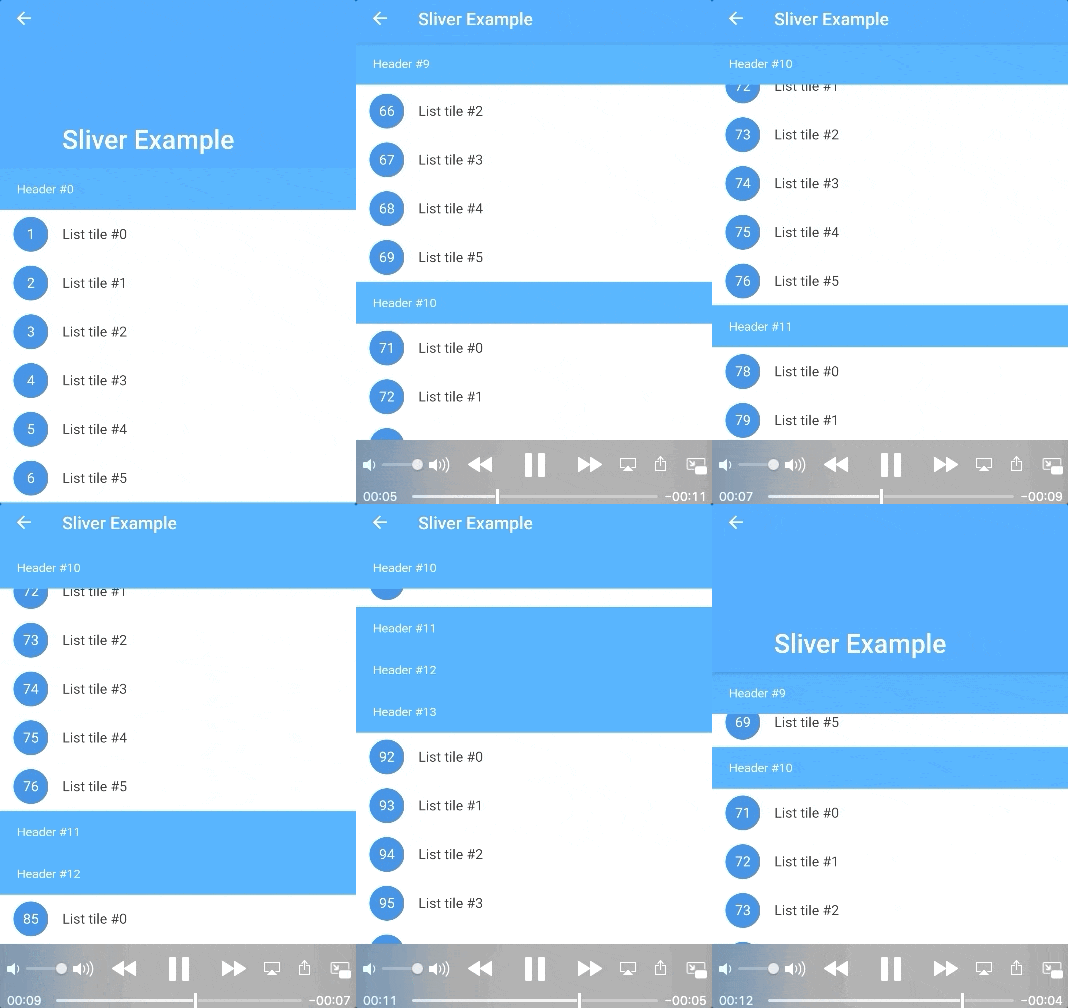
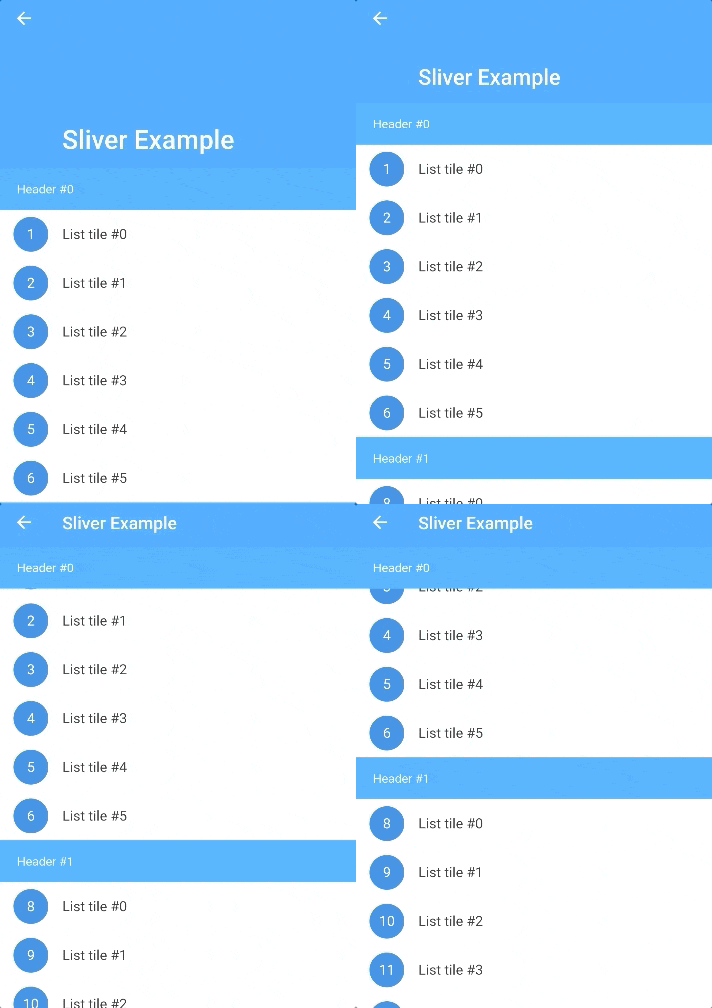
Screenshot

Features

  • Build a grouped list, which support expand/collapse section and sticky header.
  • Use it with CustomScrollView、SliverAppBar.
  • Listen the scroll offset of current sticky header, current sticky header index and switching header index.
  • Only use one list widget, so it supports large data and a normal memory usage.
  • More section customization support, you can return a new section widget by sectionBuilder, to customize background,expand/collapse animation, section layout, and so on.
  • Support add divider.
  • Support overlap content.
  • Support scroll to index like ListView, by scroll-to-index.
  • Pull to refresh and load more, by pull_to_refresh.

Getting Started

In the pubspec.yaml of your flutter project, add the following dependency:

dependencies:
  sticky_and_expandable_list: ^1.1.3

Basic Usage

sectionList is a custom data source for ExpandableListView. We should create a model list to store the information of each section, the model must implement ExpandableListSection.

    //In this example, we create a custom model class(ExampleSection).
    //class ExampleSection implements ExpandableListSection<String> {}
    //so: SliverExpandableChildDelegate<String, ExampleSection>()
    List<ExampleSection> sectionList = List<ExampleSection>();
    return ExpandableListView(
      builder: SliverExpandableChildDelegate<String, ExampleSection>(
          sectionList: sectionList,
          headerBuilder: (context, sectionIndex, index) =>
              Text("Header #$sectionIndex"),
          itemBuilder: (context, sectionIndex, itemIndex, index) {
            String item = sectionList[sectionIndex].items[itemIndex];
            return ListTile(
              leading: CircleAvatar(
                child: Text("$index"),
              ),
              title: Text(item),
            );
          }),
    );

Detail Examples

If you want to use it with sliver widget, use SliverExpandableList instead of ExpandableListView.

FAQ

How to expand/collapse item?
setState(() {
  sectionList[i].setSectionExpanded(true);
});

Example

How to listen current sticky header or the sticky header scroll offset?
  @override
  Widget build(BuildContext context) {
    ExpandableListView(
      builder: SliverExpandableChildDelegate<String, ExampleSection>(
        headerController: _getHeaderController(),
      ),
    )
  }

  _getHeaderController() {
    var controller = ExpandableListController();
    controller.addListener(() {
      print("switchingSectionIndex:${controller.switchingSectionIndex}, stickySectionIndex:" +
          "${controller.stickySectionIndex},scrollPercent:${controller.percent}");
    });
    return controller;
  }
How to set background for each section?

Use sectionBuilder

Customize expand/collapse animation support?

Example

Change Log

CHANGELOG

Categories

Source repository

Projects using this package