

v3.1.0
flutter_headset_detector
Flutter Plugin for headset events. Detect headset is plugged and unplugged. Get current headset state.
5Likes 1K30-day downloads150Pub points
AndroidiOS
turlvo/flutter_headset_detector open-source repository details.

English project snapshot. Visit GitHub for the latest content.
A Flutter plugin to get a headset event.
This is a clone of headset_connection_event, but seperated wired and wireless event.
| Platform | Physical Headset | Bluetooth |
|---|---|---|
| iOS | ✅ | ✅ |
| Android | ✅ | ✅ |
To use this plugin, add flutter_headset_detector as a dependency in your pubspec.yaml file.
// Import package
import 'package:flutter_headset_detector/flutter_headset_detector.dart';

// Instantiate it
final headsetDetector = HeadsetDetector();
Map<HeadsetType, HeadsetState> headsetState = {
  HeadsetType.WIRED: HeadsetState.DISCONNECTED,
  HeadsetType.WIRELESS: HeadsetState.DISCONNECTED,
};

// if headset is plugged
headsetDetector.getCurrentState.then((_val){
  headsetState = _val;
  setState(() {
  });
});

// Detect the moment headset is plugged or unplugged with a Listener
headsetDetector.setListener((_val) {
  switch (_val) {
    case HeadsetChangedEvent.WIRED_CONNECTED:
      headsetState[HeadsetType.WIRED] = HeadsetState.CONNECTED;
      break;
    case HeadsetChangedEvent.WIRED_DISCONNECTED:
      headsetState[HeadsetType.WIRED] = HeadsetState.DISCONNECTED;
      break;
    case HeadsetChangedEvent.WIRELESS_CONNECTED:
      headsetState[HeadsetType.WIRELESS] = HeadsetState.CONNECTED;
      break;
    case HeadsetChangedEvent.WIRELESS_DISCONNECTED:
      headsetState[HeadsetType.WIRELESS] = HeadsetState.DISCONNECTED;
      break;
  }
  setState(() {
  });
});

// Remove the Listener
headsetDetector.removeListener();
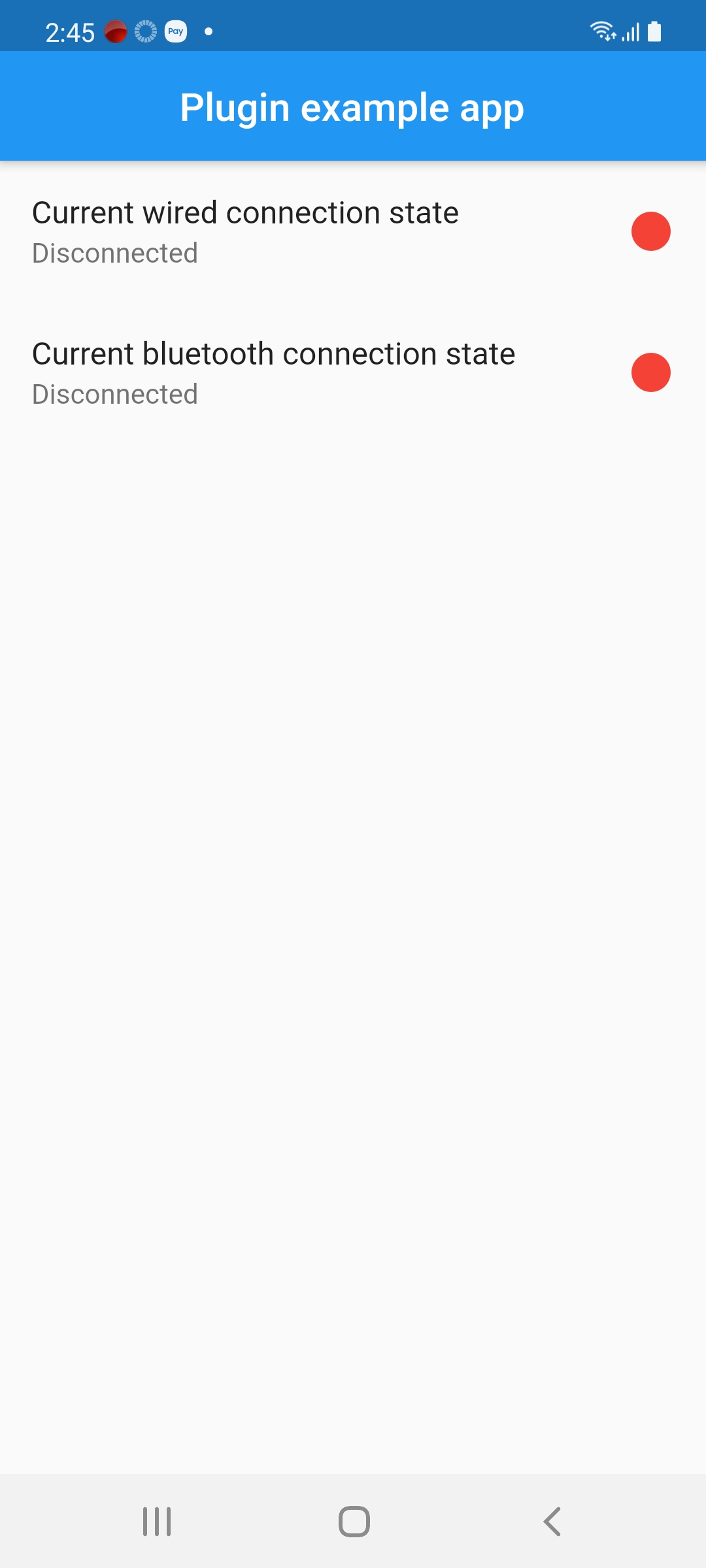
There are no connected headphones:
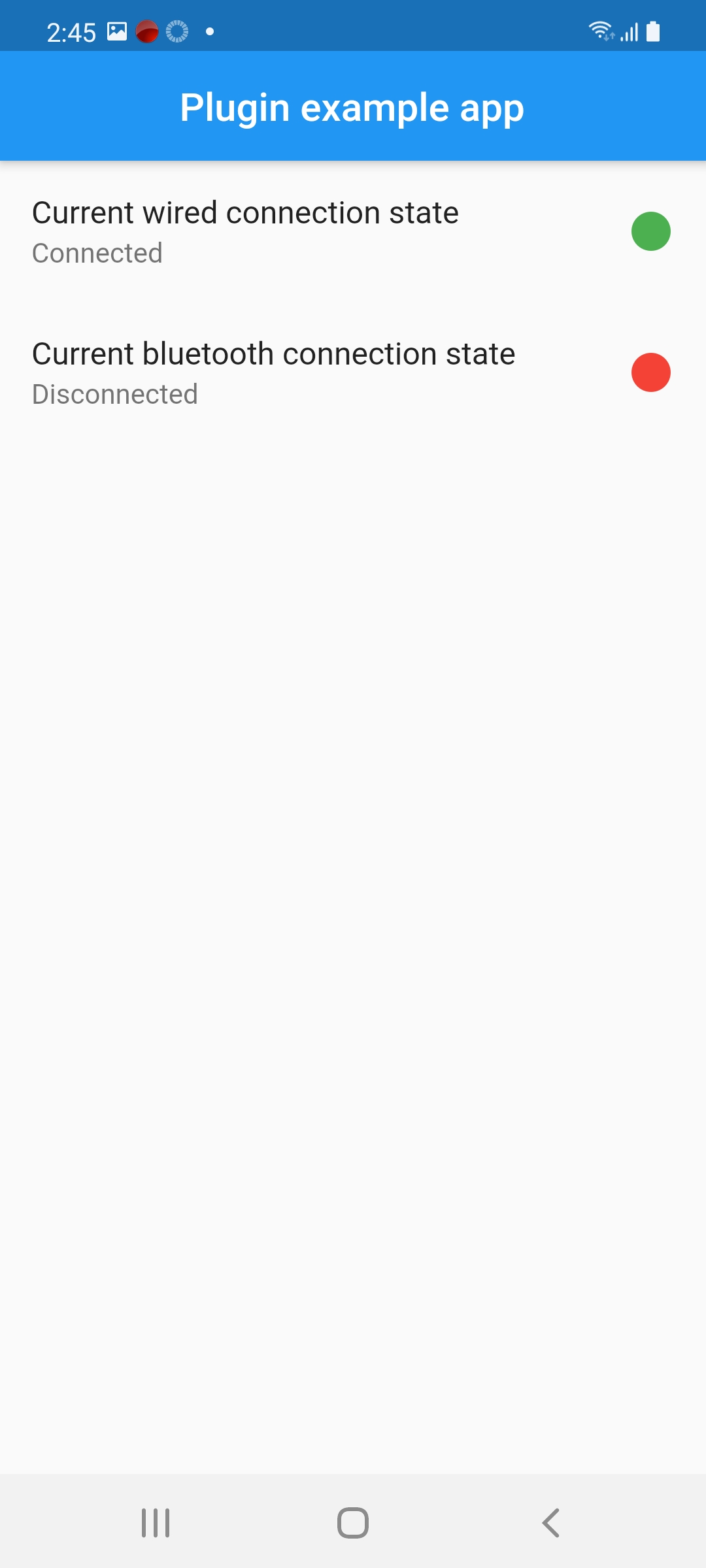
There are wired connected headphones:
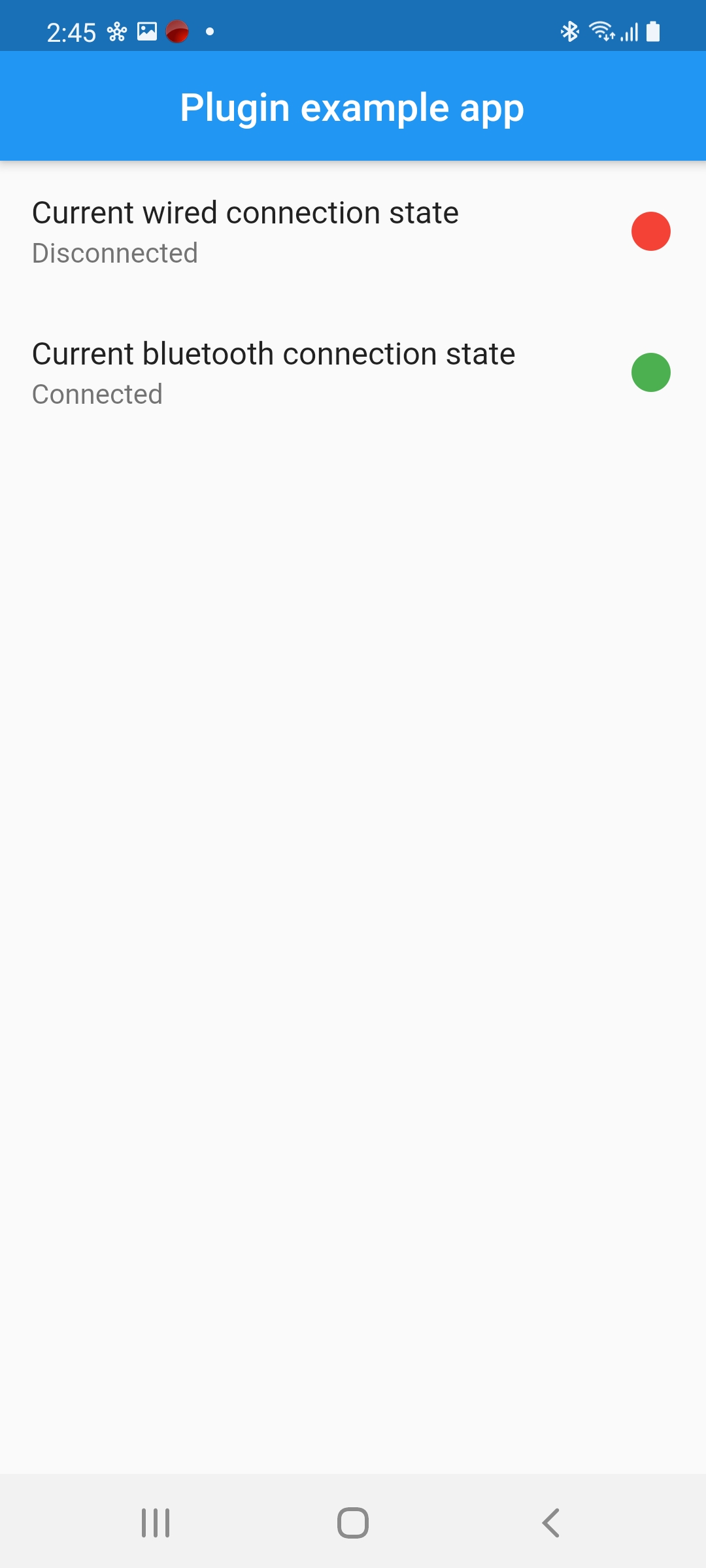
There are Bluetooth connected headphones:
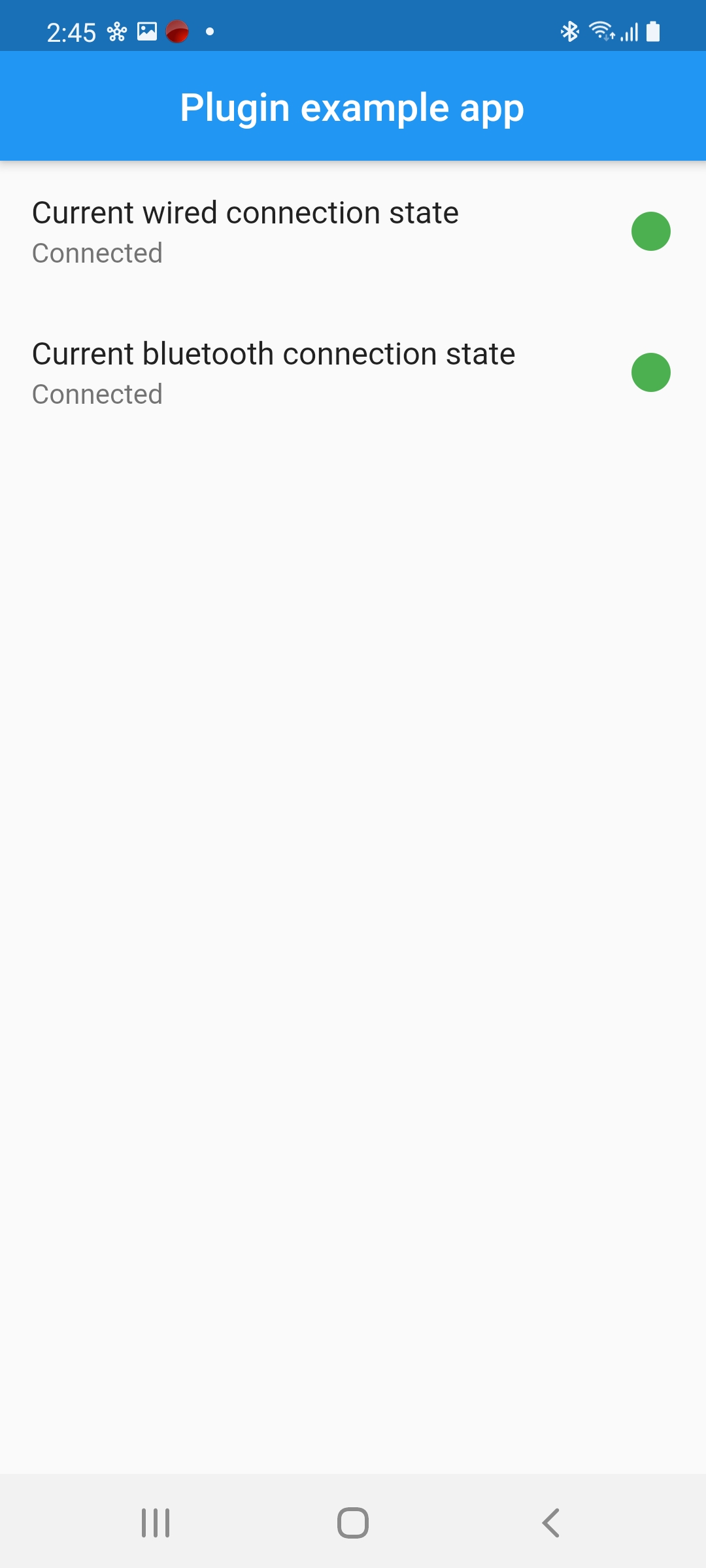
All types are connected:
Dependency list 3 items
{"sdk":"flutter"}{"sdk":"flutter"}^5.0.13Start with your use case, compare repository activity, and check the original project before adopting it.
“A repository is the most basic element of GitHub.”
GitHub Docs — About repositories ↗