Search packages, repositories and app categories

Package detailsv3.1.0

flutter_headset_detector

Flutter Plugin for headset events. Detect headset is plugged and unplugged. Get current headset state.

AndroidiOS
30-day downloads
1K
Likes
5
Pub points
150

Install package

flutter pub add flutter_headset_detector

Package Overview

Package selection guidance compiled from public package information, community data, and project usage.

A Flutter plugin that detects headset connection events on Android and iOS devices. It allows apps to respond when a headset is plugged in or unplugged, and provides the current headset state. Ideal for audio applications needing real-time awareness of audio output changes. The plugin integrates seamlessly with Flutter's event system and supports both platforms with minimal setup. Developers can use it to enhance user experience by adjusting audio routing or UI behavior based on headset presence.

Use cases

  • Audio app enhancements
  • Real-time audio routing
  • User interface adaptation
  • Device state monitoring
  • Media playback control

Key features

  • Detects headset plug/unplug events
  • Provides current headset state
  • Cross-platform (Android & iOS)
  • Simple event-based API
  • Lightweight and reliable

Suitable for

  • Audio-focused apps
  • Media players
  • Accessibility tools
  • Mobile apps requiring hardware feedback
  • Developers building responsive audio interfaces

Considerations

  • Requires platform-specific permissions
  • Limited to headset detection only
  • No support for Bluetooth headsets
  • Depends on native device capabilities
  • May require testing on physical devices
Original README

Original README snapshot from the linked source repository. Visit the repository for the latest content.

Flutter Headset Detector Plugin

A Flutter plugin to get a headset event.

This is a clone of headset_connection_event, but seperated wired and wireless event.

Current Status

Platform Physical Headset Bluetooth
iOS ✅ ✅
Android ✅ ✅

Usage

To use this plugin, add flutter_headset_detector as a dependency in your pubspec.yaml file.

Example
// Import package
import 'package:flutter_headset_detector/flutter_headset_detector.dart';

// Instantiate it
final headsetDetector = HeadsetDetector();
Map<HeadsetType, HeadsetState> headsetState = {
  HeadsetType.WIRED: HeadsetState.DISCONNECTED,
  HeadsetType.WIRELESS: HeadsetState.DISCONNECTED,
};

// if headset is plugged
headsetDetector.getCurrentState.then((_val){
  headsetState = _val;
  setState(() {
  });
});

// Detect the moment headset is plugged or unplugged with a Listener
headsetDetector.setListener((_val) {
  switch (_val) {
    case HeadsetChangedEvent.WIRED_CONNECTED:
      headsetState[HeadsetType.WIRED] = HeadsetState.CONNECTED;
      break;
    case HeadsetChangedEvent.WIRED_DISCONNECTED:
      headsetState[HeadsetType.WIRED] = HeadsetState.DISCONNECTED;
      break;
    case HeadsetChangedEvent.WIRELESS_CONNECTED:
      headsetState[HeadsetType.WIRELESS] = HeadsetState.CONNECTED;
      break;
    case HeadsetChangedEvent.WIRELESS_DISCONNECTED:
      headsetState[HeadsetType.WIRELESS] = HeadsetState.DISCONNECTED;
      break;
  }
  setState(() {
  });
});

// Remove the Listener
headsetDetector.removeListener();

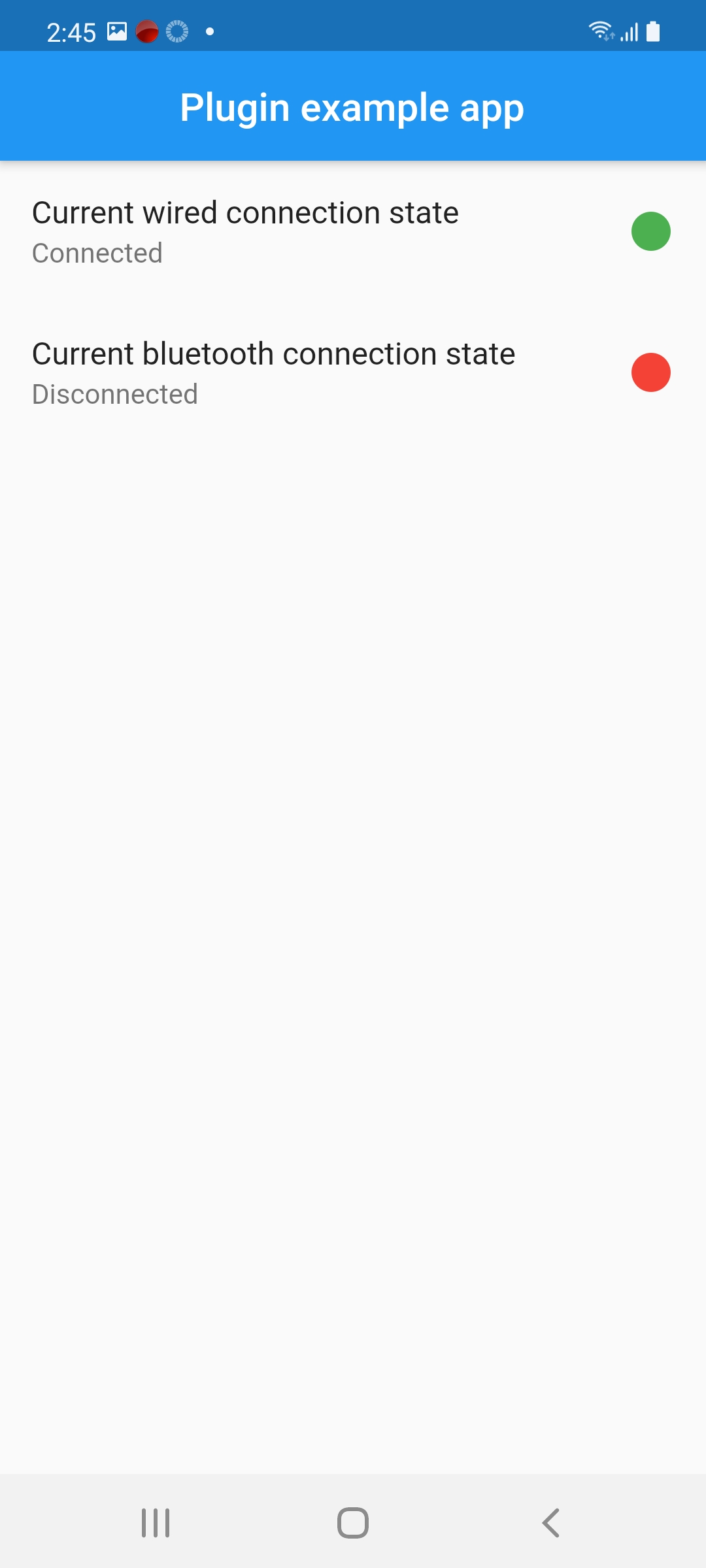
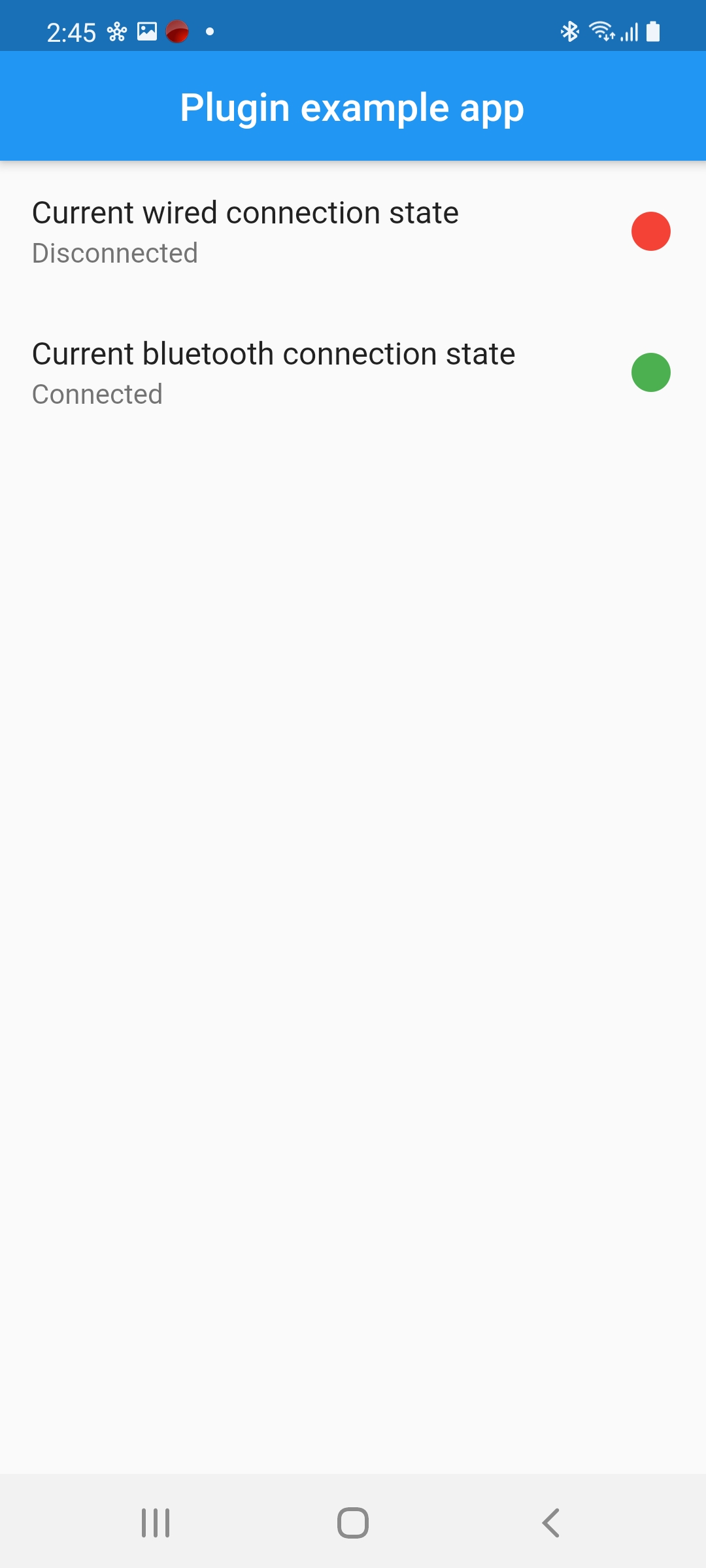
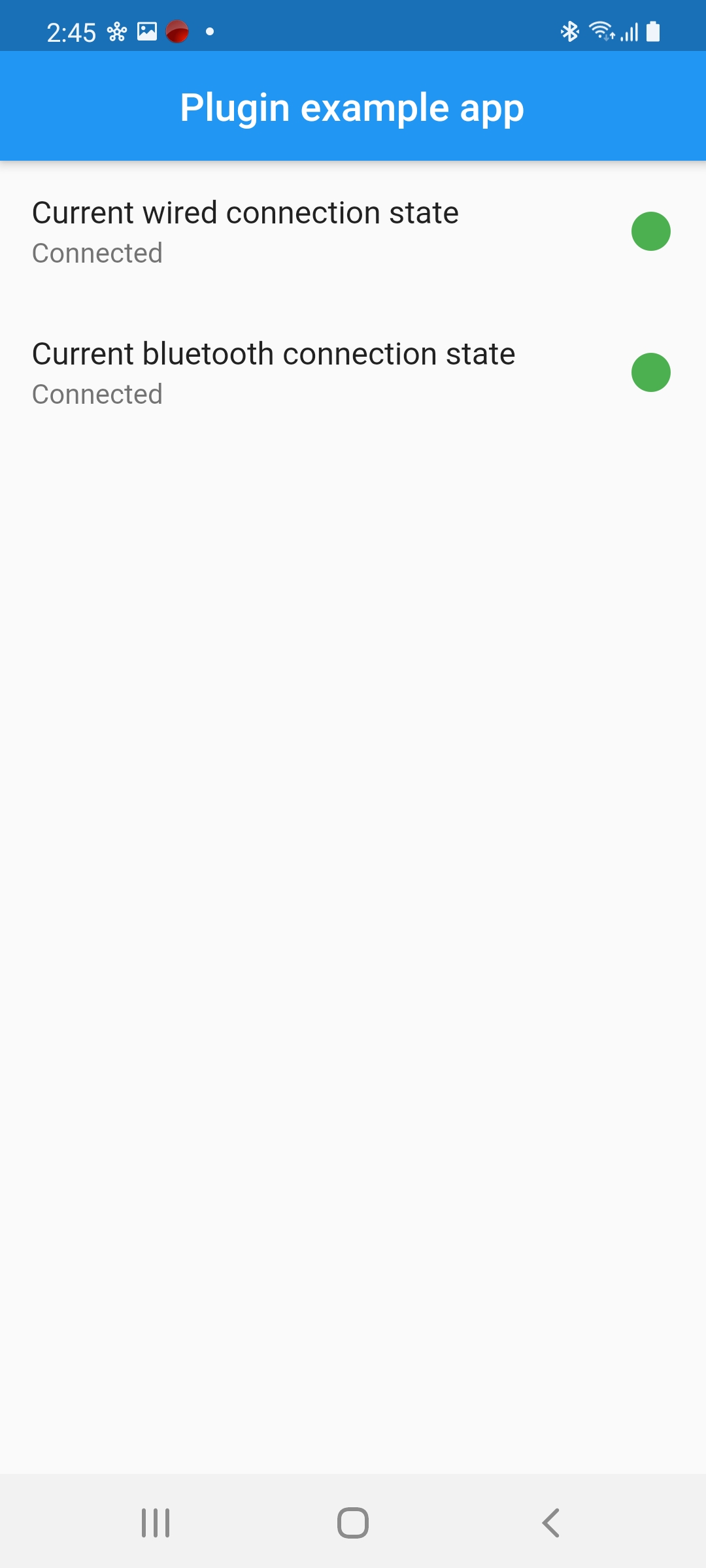
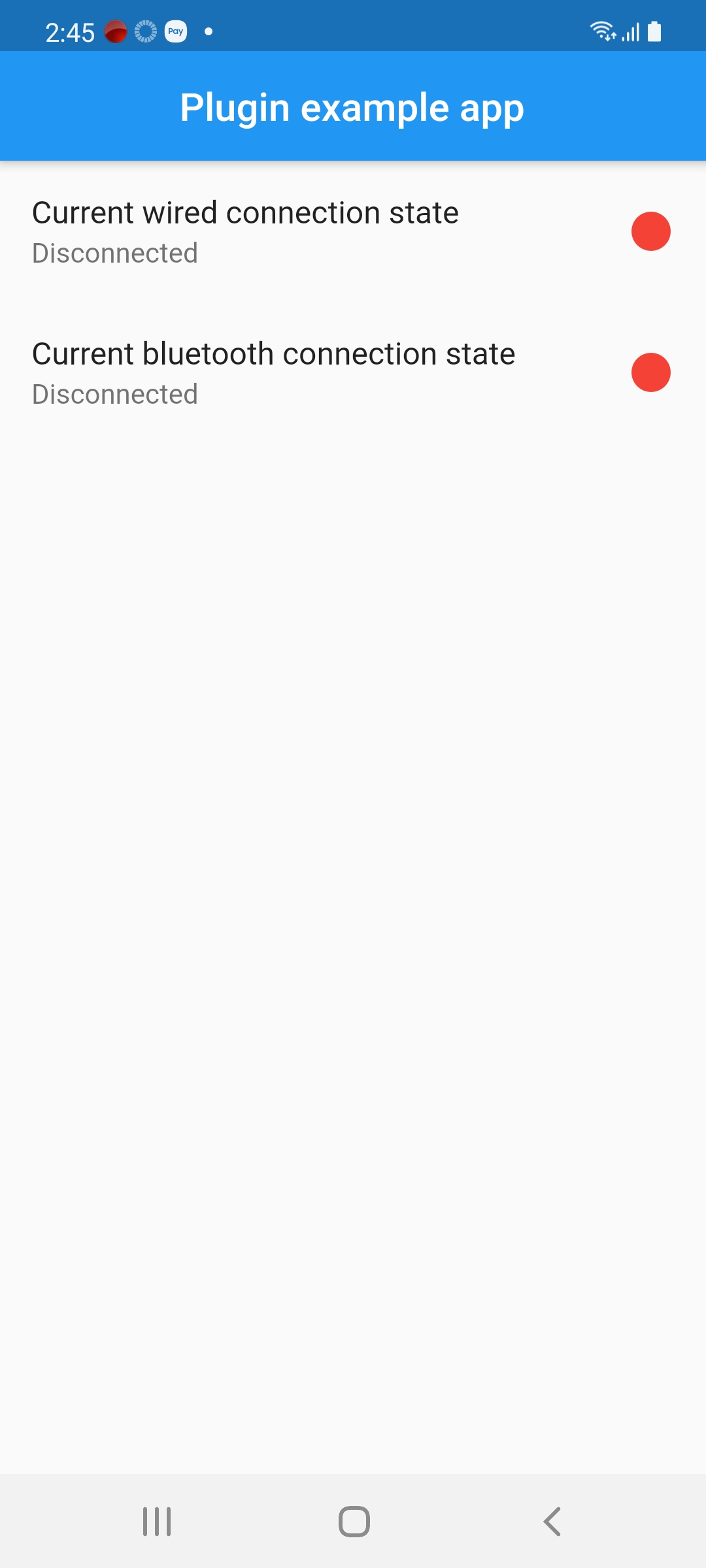
Screenshot

  • There are no connected headphones:

  • There are wired connected headphones:

  • There are Bluetooth connected headphones:

  • All types are connected:

Categories

Source repository

Projects using this package

No data available yet.