

 v1.0.0
flutter_web_frame
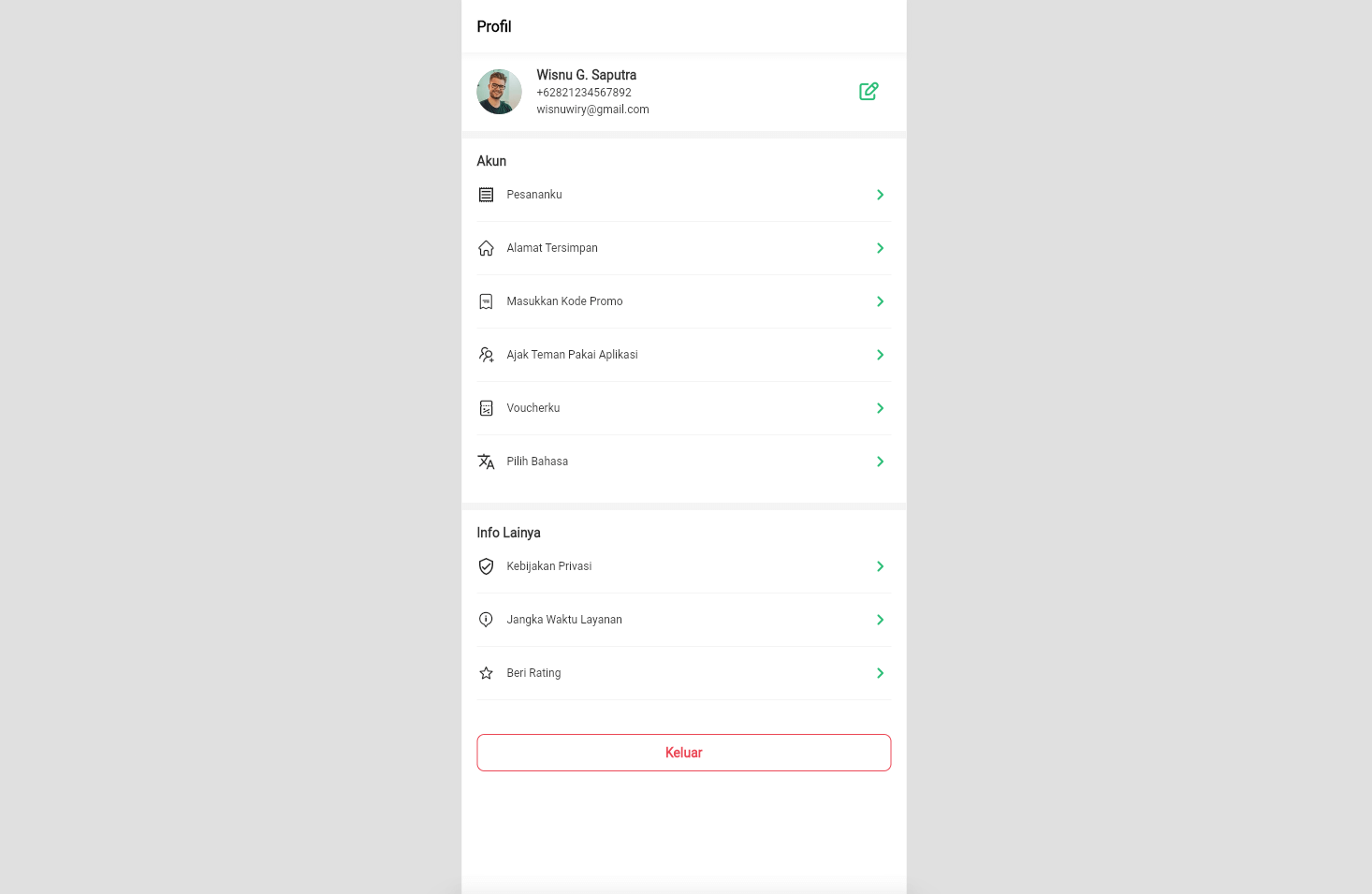
Make Limit content size in Flutter Web/Desktop/PWA, Make your app that doesn't support responsiveness more focused on content
73Likes 3.5K30-day downloads150Pub points
AndroidiOSWebmacOSWindowsLinux
Make Limit content size in Flutter Web/Desktop/PWA, Make your app that doesn't support responsiveness more focused on content. Demo: https://flutter-web-frame.vercel.app

English project snapshot. Visit GitHub for the latest content.

Make the frame max width / size when on large devices such as Web or Desktop.
This is very suitable to be used to limit the size of content, if your application is not yet available a responsive version if it is run on multiple devices / platforms.

Follow the instructions to install it here
import 'package:flutter/foundation.dart';
import 'package:flutter/material.dart';
import 'package:flutter_web_frame/flutter_web_frame.dart';

void main() {
  runApp(MyAp());
}

class MyAp extends StatelessWidget {
  @override
  Widget build(BuildContext context) {
    return FlutterWebFrame(
      builder: (context) {
        return MaterialApp(
          home: Scaffold(
            appBar: AppBar(
              title: Text('Flutter Web Frame'),
            ),
            body: Center(
              child: Text('Body Text'),
            ),
          ),
        );
      },
      maximumSize: Size(475.0, 812.0), // Maximum size
      enabled: kIsWeb, // default is enable, when disable content is full size
      backgroundColor: Colors.grey, // Background color/white space
    );
  }
}
Dependency list 3 items
{"sdk":"flutter"}{"sdk":"flutter"}^1.11.1Start with your use case, compare repository activity, and check the original project before adopting it.
“A repository is the most basic element of GitHub.”
GitHub Docs — About repositories ↗