

v1.0.1
html_editor
Flutter HTML Editor is a text editor for android and iOS to help write WYSIWYG HTML code based on the Summernote javascript wrapper
118Likes 5730-day downloads40Pub points
Platforms unavailable
xrb21/flutter-html-editor open-source repository details.

English project snapshot. Visit GitHub for the latest content.
Flutter HTML Editor is a text editor for android and iOS to help write WYSIWYG HTML code based on the Summernote javascript wrapper. with this library you can insert images into the text editor
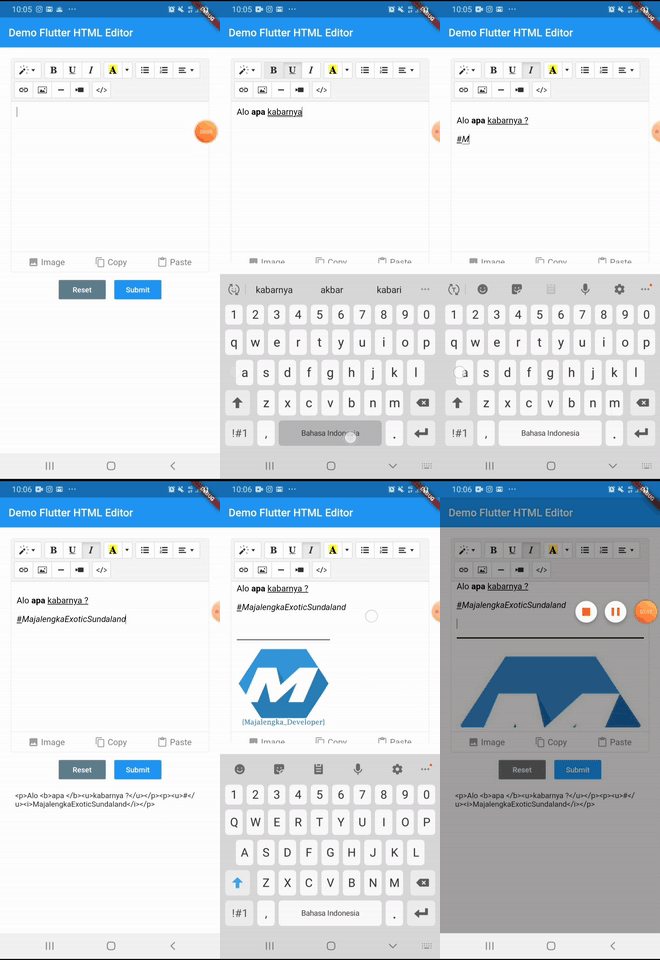
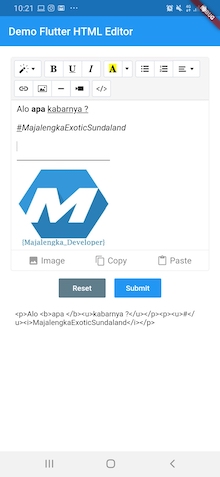
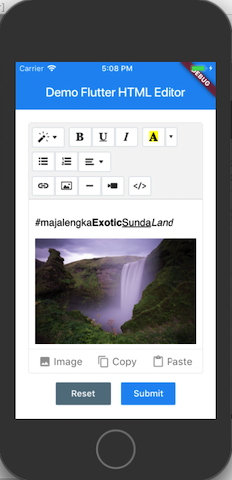
add html_editor: ^1.0.1 as deppendecy to pubspec.yaml
Add the following keys to your Info.plist file, located in /ios/Runner/Info.plist:
    <key>io.flutter.embedded_views_preview</key>
    <true/>

    <key>NSCameraUsageDescription</key>
    <string>Used to demonstrate image picker plugin</string>
    <key>NSMicrophoneUsageDescription</key>
    <string>Used to capture audio for image picker plugin</string>
    <key>NSPhotoLibraryUsageDescription</key>
    <string>Used to demonstrate image picker plugin</string>

    <key>NSAppTransportSecurity</key>
    <dict>
        <key>NSAllowsArbitraryLoads</key>
         <true/>
    </dict>
import 'package:html_editor/html_editor.dart';
GlobalKey<HtmlEditorState> keyEditor = GlobalKey();
    HtmlEditor(
        hint: "Your text here...",
        //value: "text content initial, if any",
        key: keyEditor,
        height: 400,
    ),
final txt = await keyEditor.currentState.getText();
| Parameter | Type | Default | Description |
|---|---|---|---|
| key | GlobalKey | required | for get method & reset |
| value | String | empty | iniate text content for text editor |
| height | double | 380 | height of text editor |
| decoration | BoxDecoration | Decoration editor | |
| useBottomSheet | bool | true | if true Pickup image user bottomsheet or dialog if else |
| widthImage | String | 100% | width of image picker |
| showBottomToolbar | bool | true | show hide bottom toolbar |
| hint | String | empty | Placeholder hint text |
This project is licensed under the MIT License - see the LICENSE file for details.
#MajalengkaExoticSundaland
Dependency list 6 items
{"sdk":"flutter"}^1.0.7^0.6.4^1.6.4^0.9.6+3{"sdk":"flutter"}Start with your use case, compare repository activity, and check the original project before adopting it.
“A repository is the most basic element of GitHub.”
GitHub Docs — About repositories ↗