
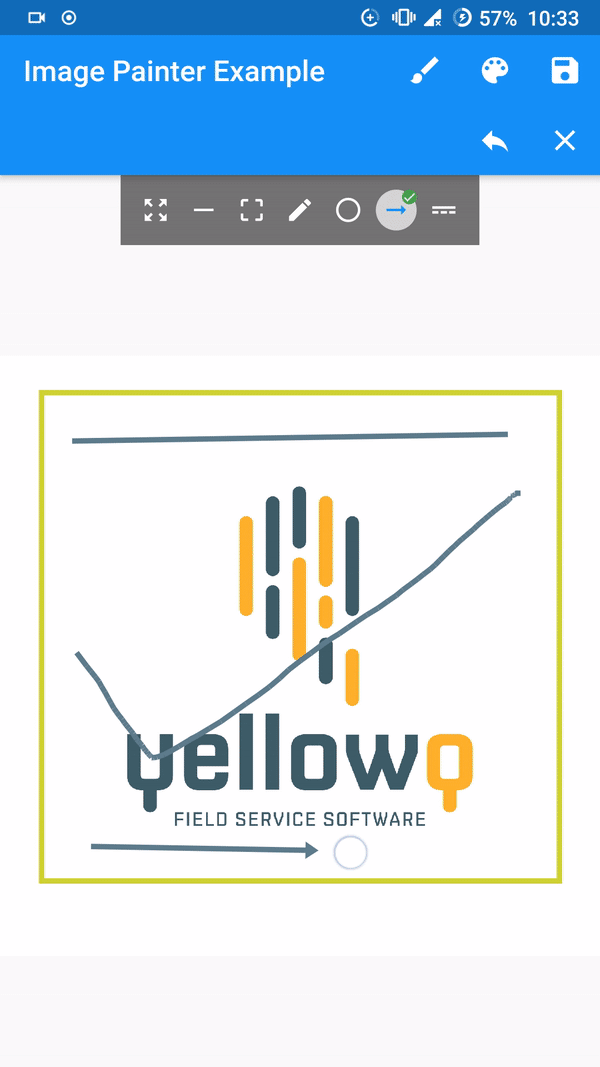
 v0.7.1
image_painter
A flutter package for drawing over images. Supports color, strokeWidth, different paintModes and exporting image.
214Likes 7.1K30-day downloads150Pub points
AndroidiOSmacOSWindowsLinux
Flutter package for painting on images
English project snapshot. Visit GitHub for the latest content.




A flutter implementation of painting over image.
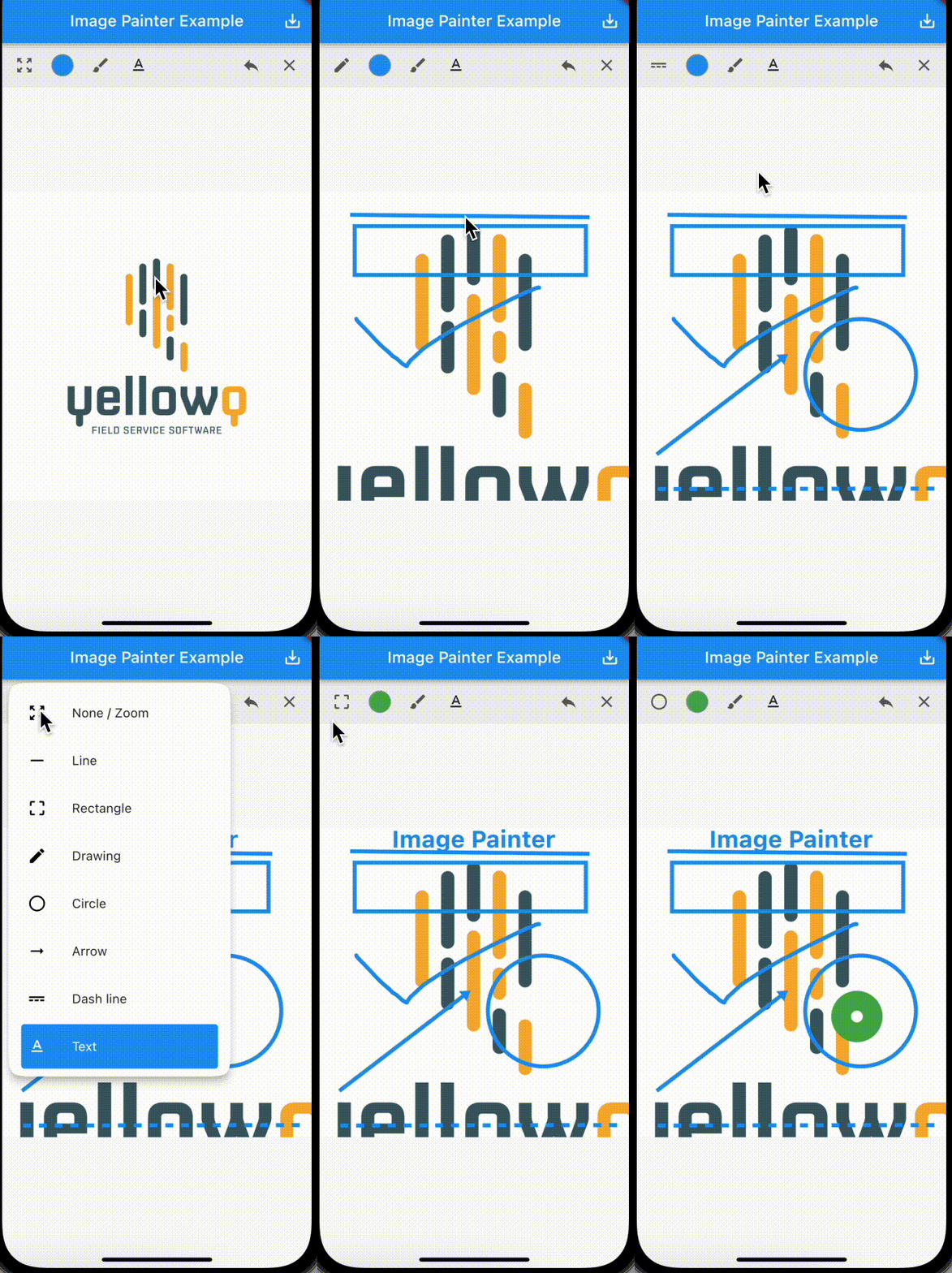
[Note] Tested and working only on flutter stable channel. Please make sure you are on stable channel of flutter before using the package.
In the pubspec.yaml of your flutter project, add the following dependency:
dependencies:
  ...
  image_painter: latest
In your library add the following import:
import 'package:image_painter/image_painter.dart';
For help getting started with Flutter, view the online documentation.
Basic usage of the libary:
ImagePainter.network: Painting over image from network url./// Initialize `ImagePainterController`.
final imagePainterController = ImagePainterController();
/// Provide controller to the painter.
ImagePainter.network("https://sample_image.png",
controller: imagePainterController,scalable: true),
///Export the image:
Uint8List byteArray = await imagePainterController.exportImage();
/// Create a file or create a File instance of existing file.
File imgFile = File('directoryPath/fileName.png');
/// Now you use `Uint8List` data and write it into the file.
imgFile.writeAsBytesSync(image);
For more thorough implementation guide, check the example.
For any issues or support please visit the Issues.

Dependency list 1 items
{"sdk":"flutter"}Start with your use case, compare repository activity, and check the original project before adopting it.
“A repository is the most basic element of GitHub.”
GitHub Docs — About repositories ↗