


 v2.0.0
grouped_checkbox
A package to easily group checkboxes in different styles in Flutter projects.
11Likes 15630-day downloads140Pub points
AndroidiOSWebmacOSWindowsLinux
A flutter package to easily group checkboxes in different styles in Flutter projects.

English project snapshot. Visit GitHub for the latest content.
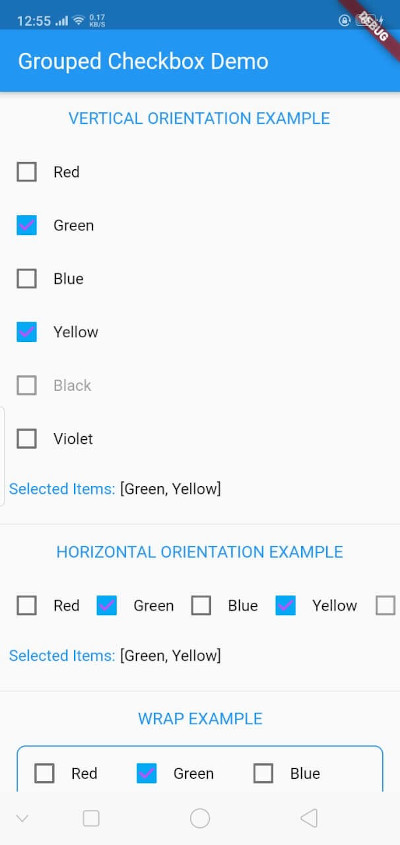
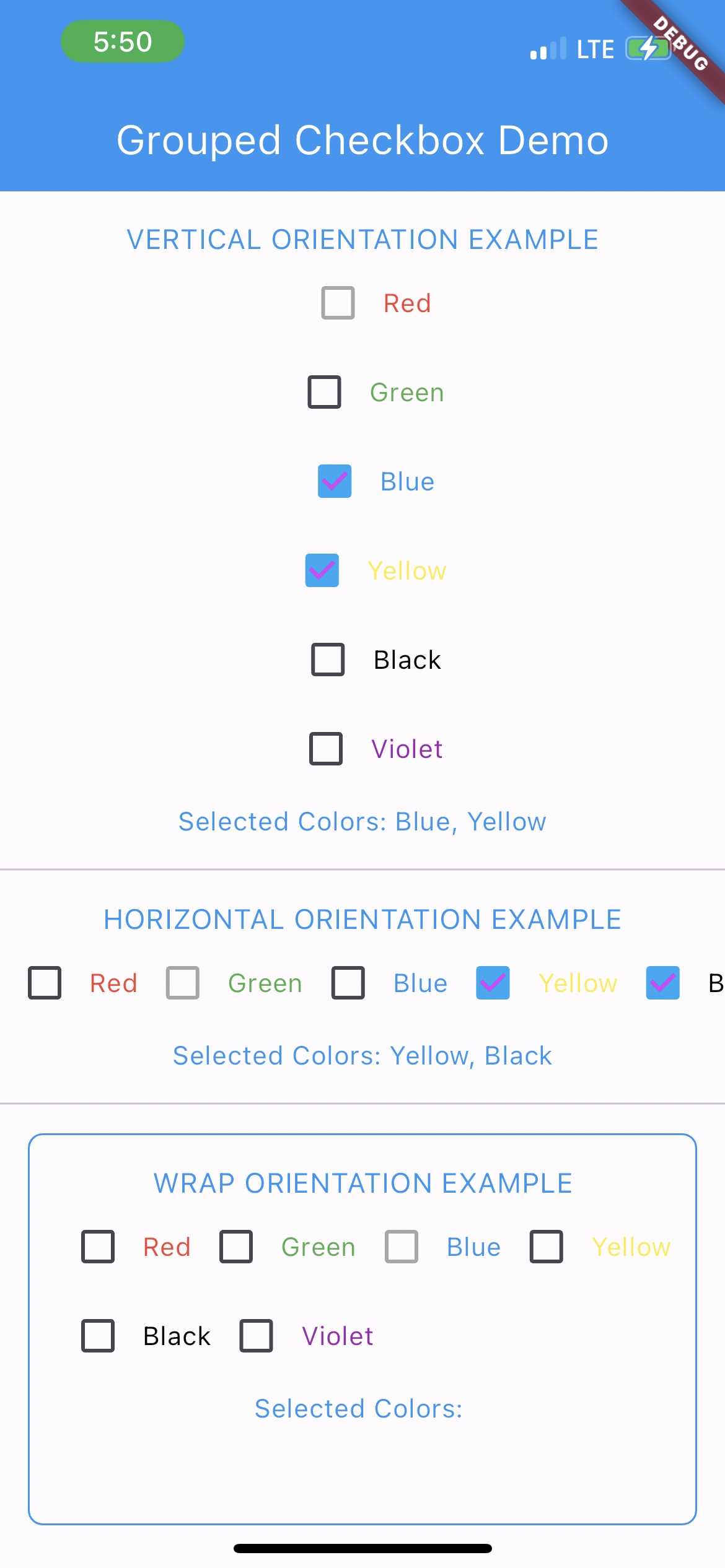
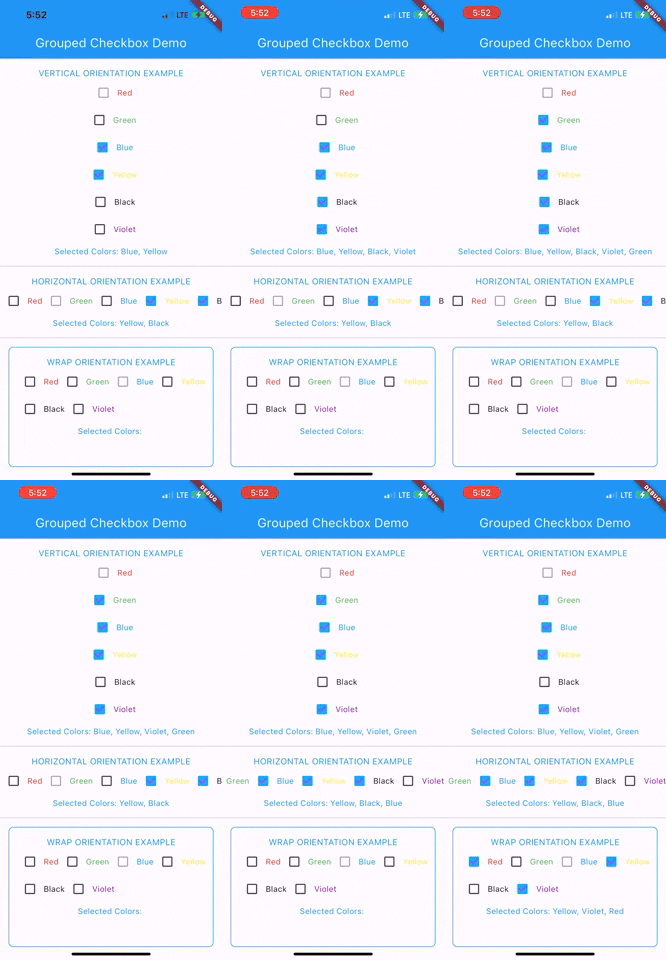
The GroupedCheckbox widget enables displaying a list of checkboxes in various orientations and styles. It's designed for flexibility, supporting generic types, and offers customizable options.
Add grouped_checkbox to your Flutter project's dependencies.
To use this plugin, add grouped_checkbox as a dependency in your pubspec.yaml file.
dependencies: grouped_checkbox: 2.0.0
import 'package:grouped_checkbox/grouped_checkbox.dart';
    final List<ColorItem> allItemList = [
      ColorItem('Red', Colors.red),
      ColorItem('Green', Colors.green),
      ColorItem('Blue', Colors.blue),
      ColorItem('Yellow', Colors.yellow),
      ColorItem('Black', Colors.black),
      ColorItem('Violet', Colors.purple)
    ];

    class ColorItem {
      String name;
      Color color;

      ColorItem(this.name, this.color);
    }

    GroupedCheckbox<ColorItem>(
      itemList: allItemList,
      checkedItemList: selectedItems,
      disabled: disabledItems,
      onChanged: (itemList) {
        updateFunction(itemList!);
      },
      orientation: orientation,
      checkColor: Colors.purpleAccent,
      activeColor: Colors.lightBlue,
      itemWidgetBuilder: (item) => Text(item.name, style: TextStyle(color: item.color)),
    )
Dependency list 2 items
{"sdk":"flutter"}{"sdk":"flutter"}Start with your use case, compare repository activity, and check the original project before adopting it.
“A repository is the most basic element of GitHub.”
GitHub Docs — About repositories ↗